Chapter 1
The direct answer: sell the drop with details, not vague hype
A boutique product drop Instagram carousel should show the hero item, material or fiber details, fit guidance, care notes, styling ideas, inventory timing, review proof, and the shopping CTA.
FTC textile guidance explains that many textile and wool products need labels with fiber content, country of origin, and manufacturer or responsible company identity, and that care labels are required under another FTC rule. FTC review guidance also matters when boutiques use customer testimonials, ratings, or influencer reactions.
The carousel should not invent fabric claims, hide care requirements, imply fake scarcity, or use reviews that do not reflect real customer experience.
Callout
Boutique drop rule
Use urgency only when it is real, and make product details easier to trust before the shopper clicks.
Chapter 2
Build product drop carousels from shopper questions
Shoppers want to know fit, sizing, fabric feel, care, restock likelihood, styling, shipping, returns, and whether the item looks the same outside the studio.
Each carousel should answer one shopping intent. A drop post should not also become a full lookbook, return policy, influencer campaign, and clearance announcement.
Use product photos, try-on frames, detail closeups, size notes, care-label photos, and verified review snippets.
What is included in the new drop.
How the item fits compared with usual sizing.
What materials and care notes matter.
How to style the product for different use cases.
What inventory or restock language is accurate.
How shipping and pickup work.
Which reviews or customer photos are approved.
Where to shop the official product page.
Chapter 3
Use an eight-slide boutique drop carousel
The carousel works when it reduces uncertainty before checkout.
Review textile claims, care notes, review snippets, influencer disclosures, and scarcity language before publishing.
- 1
Slide 1: product hook
Open with the hero item or strongest styling moment.
- 2
Slide 2: what dropped
Name the item, colorways, sizes, and release timing.
- 3
Slide 3: fit
Explain fit notes, model size context, or try-on observations.
- 4
Slide 4: materials
Share reviewed fiber or material details without inventing claims.
- 5
Slide 5: care
Mention care notes and send shoppers to the label or product page.
- 6
Slide 6: styling
Show two or three outfit or use-case ideas.
- 7
Slide 7: trust
Use real reviews, customer photos with permission, or store policy clarity.
- 8
Slide 8: CTA
Invite shoppers to shop the drop, save sizing notes, or ask a fit question.
Chapter 4
How AttentionClaw packages boutique product drops
AttentionClaw helps boutiques turn product sheets, try-on notes, care labels, customer proof, and inventory timing into Instagram carousel drafts.
Templates can cover new arrivals, limited drops, restocks, seasonal outfits, gift guides, size guides, customer photos, and styling bundles.
Callout
Boutique workflow
Choose one drop, add reviewed product facts, select detail and try-on visuals, generate carousel, review, publish with shopping CTA.
Chapter 5
Measure product confidence before checkout
Track product page clicks, saves on sizing slides, fit questions, review interactions, restock requests, and conversion by carousel.
A strong product drop carousel should reduce basic questions while increasing high-intent shopping clicks.
Product page clicks.
Sizing slide saves.
Fit-question DMs.
Restock requests.
Carousel-assisted sales.
Chapter 6
Pairing Caption Copy with Each Slide for Maximum Clarity
A product drop carousel does double duty: the slides carry visual and detail information, and the caption carries the story, urgency context, and link guidance. When these two layers are planned together rather than separately, the post converts better. The caption does not need to repeat what the slides already say — it should add what images cannot show: the story of why this piece was selected, what inspired the colorway, or what problem it solves for a specific customer.
For a drop carousel, a practical caption structure is: one sentence of context or story, two to three sentences on fit or use-case specifics, a care or quality note that the slides may not have space to include, and a direct CTA with link-in-bio or swipe-up guidance. Keep each element short. Boutique audiences read on mobile while scrolling; paragraphs over four lines get skipped.
Treat the caption and the slide sequence as a unit at the planning stage. If slide four covers sizing, the caption does not need to repeat it. If the caption mentions a limited run, make sure one slide confirms it visually — a low-stock indicator, a 'final units' badge, or a note on the product detail slide.
- 1
Write the slide sequence first
Map out the eight slides with their individual jobs: hero, material, fit, sizing, care, styling, proof, CTA. Each slide needs one clear visual job.
- 2
Identify what the slides cannot show
Note anything that requires a sentence to explain — origin story, comparison to a previous drop, specific use-case scenario, shipping note.
- 3
Draft the caption around the gaps
Write caption sections that complement the slides rather than repeat them. Opening line = hook or story. Middle = detail the slides don't cover. Closing = CTA.
- 4
Align urgency signals across both layers
If the caption mentions limited units, a slide should confirm it. Inconsistency between caption and slides creates skepticism at checkout.
Chapter 7
Creating a Restock or Waitlist Variant of the Drop Carousel
When a product sells out quickly, a second carousel announcing a restock or a waitlist opportunity performs well because it captures demand that arrived after the drop. The restock carousel follows a slightly different structure than the original drop: it opens by acknowledging that the first run sold out, then confirms what is coming back, when, and how to secure a spot.
The tone of a restock carousel is different from a launch carousel — it is less about discovery and more about confirmation. Customers who missed the drop already know they want the product. Give them the practical details: date, how to get on the waitlist, whether restocked inventory will be identical or slightly adjusted, and what happens if the item sells out again before their cart checkout clears.
Boutiques that publish restock carousels consistently train their audience to save products and engage early with drops, because followers learn that early notification matters. Over time, this shifts purchase behavior toward the opening hours of a drop rather than a slow trickle — which reduces the operational complexity of managing demand across multiple days.
Callout
Never fabricate scarcity to create urgency
If inventory is not actually limited, do not say it is. Audiences that discover inflated scarcity claims lose trust in future drops. Real sell-outs and real restocks are strong signals — use them honestly.
Chapter 8
Using the Styling Slide to Reduce Returns and Size Uncertainty
Returns cost boutiques more than most customers realize. One practical way to reduce return risk without additional customer service investment is to make the styling slide in a product drop carousel genuinely functional — not just aspirational. A styling slide that shows the item on two different body types, in two different settings, or with two different accompanying pieces gives the buyer more visual context than a single studio shot.
Add a brief text overlay on the styling slide: the model's height and the size they are wearing, one sentence about the fit (whether it runs fitted, relaxed, or true-to-size), and a note about the fabric's drape or structure. These three data points answer the questions that drive most pre-purchase hesitation for apparel.
When a buyer can see the item in motion or in a real-world setting — not just on a perfectly lit rack — they make a more informed decision. More informed decisions produce fewer returns from buyers who were surprised by the fit or feel. The styling slide is not decoration; it is a functional decision-support tool.
Next step
Turn product drops into detail-rich retail carousels
Use AttentionClaw to package fit notes, product facts, care details, and shopping CTAs into review-ready carousel drafts.
Common Questions
FAQ
More Reading
Keep reading
8-chapter read
Toy Store Gift Guide Instagram Carousels
Toy store gift guide carousels should group products by age, interest, budget, and safety notes while keeping reviews, inventory, and product claims accurate.
7-chapter read
How to Plan Social Content for a Product Bundle Launch
A product bundle launch needs content that explains why the items belong together. Plan the campaign around the bundle problem, item roles, value proof, use sequence, objections, and launch offer, then adapt the same logic into Instagram carousels, TikTok slideshows, stories, and email blocks.

Build one product launch carousel people can verify
An Instagram product launch carousel should explain what changed, who it is for, what evidence supports the promise, what the offer includes, and where to act. This guide provides the brief, asset gate, full sequence, and measurement plan.

Four Product Carousel Formats Built Around Evidence
The best ecommerce carousel template depends on the buyer question and the evidence available. These four formats organize approved product details, media, comparison facts, bundle contents, and use cases into reviewable slide sequences without promising that a template will generate sales.
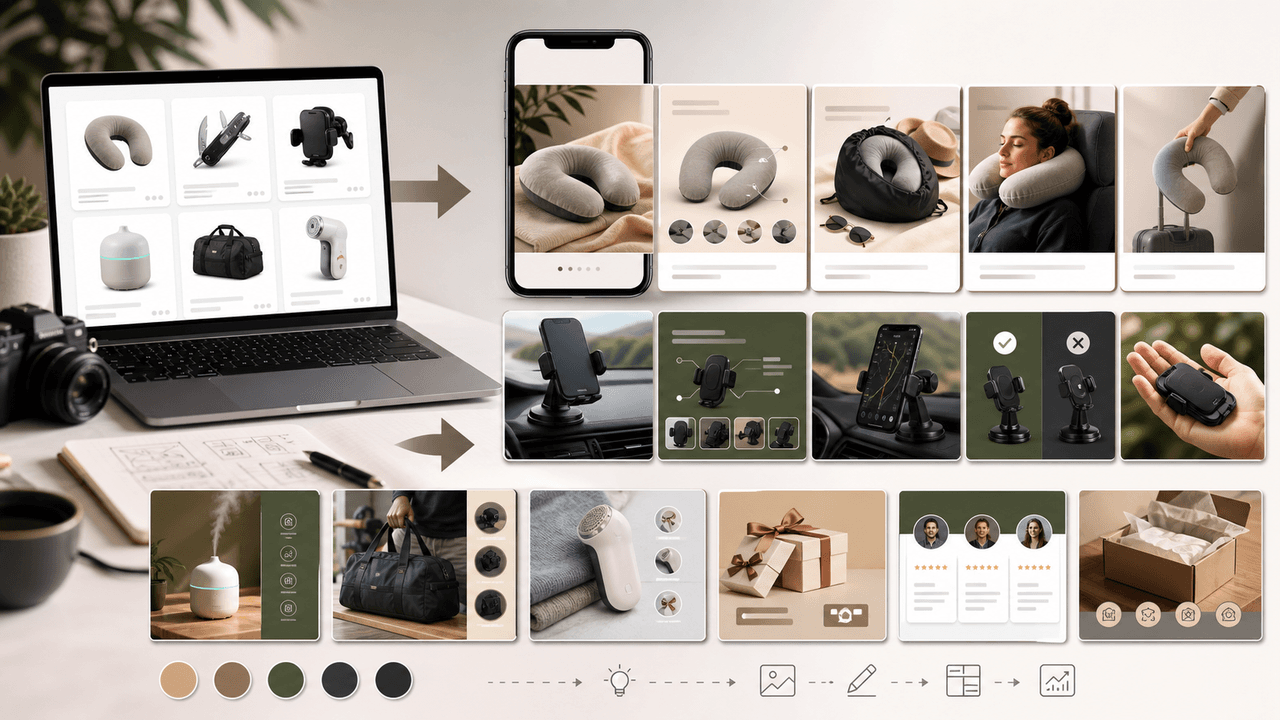
Instagram Carousels for Dropshipping: Content Strategy Without Product Photos
Dropshippers face a unique content challenge: they need to sell products they have never physically touched. This guide shows how to create effective Instagram carousels using supplier images, UGC, and design-forward formats that convert without custom photography.
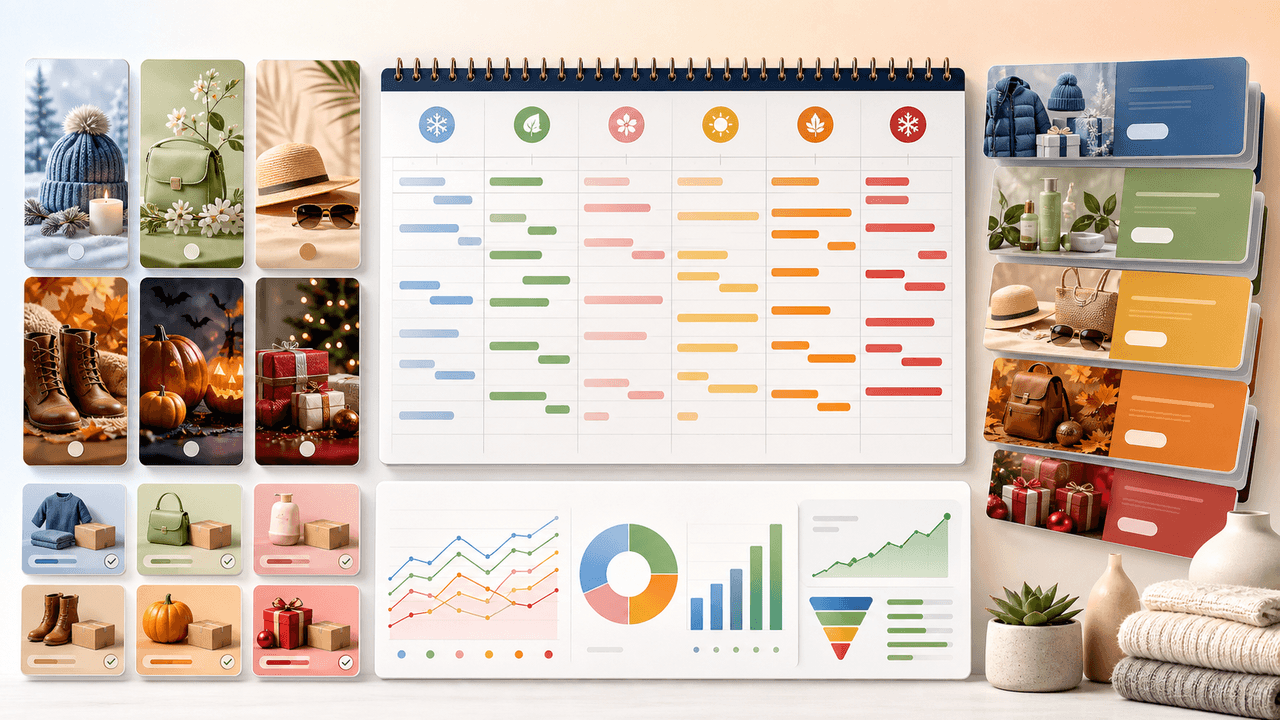
Seasonal Carousel Campaigns for E-Commerce: A Year-Round Playbook
E-commerce brands that plan seasonal carousel campaigns in advance outsell reactive competitors by a wide margin. This playbook covers every major selling season with specific carousel formats, timelines, and content strategies that drive revenue year-round.
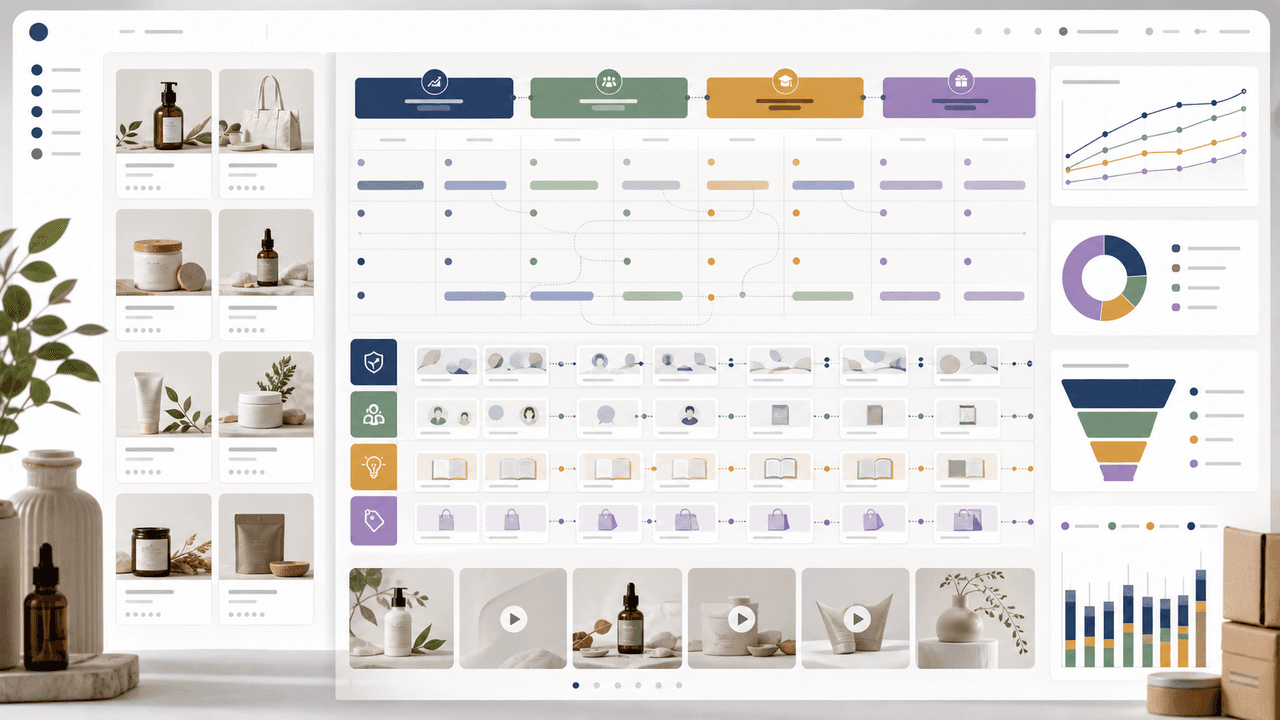
30-Day Social Content System for Shopify and DTC Brands
A 30-day Shopify social content system should turn products, objections, proof, education, and offers into a repeatable calendar. Plan four weekly arcs, batch creative by content job, repurpose each product angle across Instagram carousels and TikTok slideshows, then measure buyer actions instead of only engagement.

UGC Carousels for E-Commerce: Turn Customer Photos Into Your Best Sales Tool
User-generated content converts at 4-5 times the rate of brand-produced content, but most e-commerce brands either ignore UGC or use it poorly. Repurposing customer photos into structured carousel formats turns scattered social proof into your highest-performing sales asset.
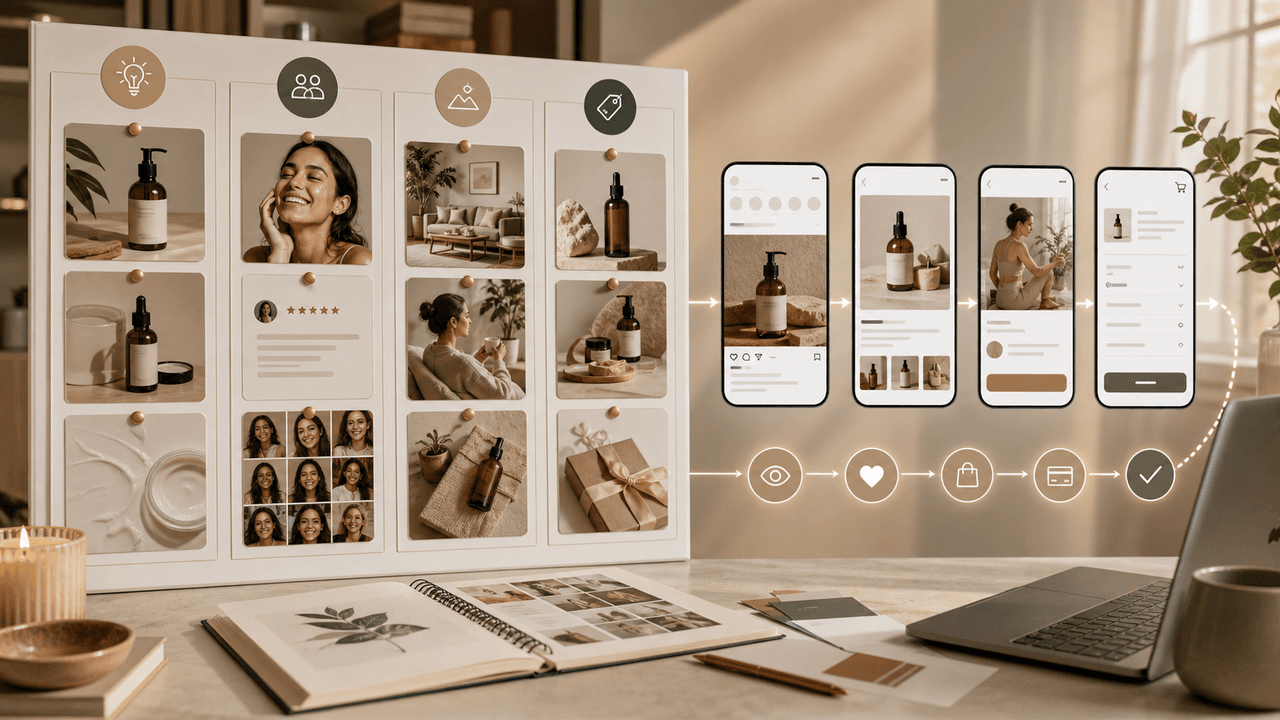
E-Commerce Instagram Content Pillars: The 5-Pillar Framework That Sells
Most e-commerce Instagram accounts either post too much product content and bore their audience, or too much lifestyle content and fail to sell. The five-pillar framework creates a balanced content mix that consistently educates, entertains, builds trust, and drives purchases.

Product Education Carousel Frameworks for Shopify Stores
Product education carousels work when they translate product-page facts into buyer decisions. Use a framework for each job: explain the problem, compare variants, teach use, prove quality, or build a bundle. The goal is not more slides; it is fewer unanswered buying questions.
Sources
- Threading Your Way Through the Labeling Requirements Under the Textile and Wool Acts — Federal Trade Commission
- The Consumer Reviews and Testimonials Rule: Questions and Answers — Federal Trade Commission
- FTC's Endorsement Guides: What People Are Asking — Federal Trade Commission
- About Carousel Ads — Meta Business Help Center
Written by
AttentionClaw
Editorial Team
Editorial context
Part of the Carousel Creation topic cluster. Last updated June 22, 2026.