Chapter 1
The direct answer: make the gift choice easier and safer
A toy store gift guide Instagram carousel should organize products by age range, interest, budget, play pattern, inventory status, and safe shopping reminders.
CPSC toy safety guidance explains that toys for children 12 and under must be third-party tested and certified as compliant with applicable children's product safety regulations. CPSC toy safety business guidance also addresses hazards such as points, edges, and projections for young children.
The carousel should not ignore age labels, imply unsafe products are appropriate for younger children, invent certifications, or use fake reviews.
Callout
Toy guide rule
Sell the gift idea, but keep age guidance, product facts, safety notes, inventory, and reviews accurate.
Chapter 2
Build carousels from gift-buyer questions
Gift buyers ask what to buy for a 3-year-old, what fits a budget, what works for travel, what is educational, what is in stock, and what avoids tiny parts for younger children.
Each carousel should answer one shopping intent. A toddler gift guide should not also become a full holiday sale flyer, return policy, and birthday registry plan.
Use shelf photos, product closeups, age-range cards, budget tags, staff picks, and verified review snippets.
Best gifts by age range.
Best toys under a budget.
Travel toys and quiet-play picks.
STEM, art, pretend play, and outdoor categories.
Age-label and small-parts reminders.
What is in stock this week.
How pickup and shipping work.
Where to shop the official collection.
Chapter 3
Use an eight-slide toy gift guide carousel
The best gift guide reduces choice overload and prevents mismatched purchases.
Review age, safety, inventory, pricing, review, and shipping claims before publishing.
- 1
Slide 1: shopper hook
Open with 'Need a gift for a 4-year-old who loves building?'
- 2
Slide 2: age fit
Name the intended age range and tell shoppers to check product labels.
- 3
Slide 3: play style
Group the gift by building, pretend play, sensory, art, STEM, or outdoor use.
- 4
Slide 4: product picks
Show three to five products with accurate names and prices if current.
- 5
Slide 5: safety note
Mention small parts, age labels, and supervision where appropriate.
- 6
Slide 6: proof
Use real customer reviews, staff picks, or store observations.
- 7
Slide 7: logistics
Explain pickup, shipping, gift wrap, returns, or hold policy if offered.
- 8
Slide 8: CTA
Invite shoppers to save the guide, shop the collection, or ask for a recommendation.
Chapter 4
How AttentionClaw packages toy store gift guides
AttentionClaw helps toy stores turn product lists, staff picks, safety notes, reviews, and inventory timing into Instagram carousel drafts.
Templates can cover toddler gifts, birthday gifts, stocking stuffers, STEM toys, travel toys, holiday drops, staff picks, and last-minute pickup guides.
Callout
Toy store workflow
Choose one gift-buyer intent, add product facts and safety notes, select shelf visuals, generate carousel, review, publish with shopping CTA.
Chapter 5
Measure gift-guide shopping behavior
Track collection clicks, saves, recommendation DMs, in-store pickup requests, and product sell-through by carousel.
A useful gift guide makes shoppers ask better questions and checkout faster.
Collection clicks.
Gift-guide saves.
Recommendation DMs.
Pickup requests.
Carousel-assisted sell-through.
Chapter 6
Structure gift guides around age bands, not product categories
The most common mistake in toy store gift guide carousels is organizing by product type — board games, outdoor toys, plush, STEM kits — instead of by the child's age. Gift buyers almost always start from the child's age, not from a product category. A carousel organized around age bands (toddler, early elementary, middle childhood, tween) answers the buyer's actual question before they have to search for it.
Within each age band, two or three specific products with a short reason-to-buy note outperform long lists. 'Best for the kid who loves building: this 200-piece magnetic tile set works for ages 4–8 and stores flat in the box' gives a gift buyer enough to make a decision. Specificity reduces the friction that causes someone to save a post but never act on it.
- 1
Step 1 — Define your age bands
Pick three to four bands that match your actual inventory. Common choices: 0–2, 3–5, 6–9, 10+. If your store skews toward a particular age group, go deeper there.
- 2
Step 2 — Select two to three picks per band
Each pick should have a short 'best for' note that describes the child type, not just the product. Avoid picks that require significant assembly unless you flag it.
- 3
Step 3 — Add a budget bracket note
Noting a rough price range (under $25, $25–$50, splurge pick) helps buyers self-select without requiring a full price list on the slide.
- 4
Step 4 — Include availability status
A note like 'in stock now' or 'limited quantities' adds urgency without misleading anyone. Update or archive the post when inventory changes.
Chapter 7
Build credibility with safety and age-appropriateness signals
Gift buyers — especially grandparents, aunts, and uncles buying for young children — want reassurance that a product is age-safe, not just age-listed. A carousel that names relevant safety considerations (choking hazard notes for under-3 picks, battery type for electronics, washable materials for toddler sets) signals that your staff has done the homework they haven't.
This does not mean reproducing full regulatory language in a slide. A short callout such as 'Not for under 3 — small parts' or 'No batteries required' is enough to help a buyer make a confident choice. Toy stores that weave in these notes consistently see higher save rates on gift guide posts because the posts become reference material rather than advertisements.
Staff picks add a different layer of credibility. A brief note — 'Our floor manager's top pick for 6-year-olds this year' — works because it implies someone has actually handled the product and formed an opinion. This is something a big-box product listing cannot replicate, and it gives independent toy stores a genuine competitive angle.
Chapter 8
Time gift guide carousels to buying-decision windows
Gift guide posts compete with search at the moment buyers are actively deciding. That moment is usually two to four weeks before the giving occasion — early enough to order or pick up, late enough that the decision feels timely. Posting a gift guide in the days immediately before a holiday reaches buyers who may already be in panic mode and less likely to deliberate.
A practical content calendar for a toy store might include: a 'birthday gift ideas by age' series running year-round (one age band per month), a holiday guide launching five to six weeks before major gift-giving seasons, and a 'teacher gift under $20' or 'classroom party favor' post timed to school calendar moments. Running gift guides outside of holiday season builds the habit of shopping locally year-round, which is more durable than a single high-traffic burst.
Archiving or updating older guide posts when products sell out or change maintains accuracy and keeps older content from directing buyers toward unavailable inventory.
Callout
Keep inventory claims current
If a post says 'in stock now' and the product sells out, update the post caption or archive the slide. Inaccurate availability information creates frustrated buyers and wasted staff time on inquiries you cannot fulfill.
Next step
Turn toy gift guides into shopping carousels
Use AttentionClaw to package staff picks, safety notes, product facts, and shopping CTAs into review-ready carousel drafts.
Common Questions
FAQ
More Reading
Keep reading
8-chapter read
Boutique Product Drop Instagram Carousels
Boutique product drop carousels should show new arrivals, fit and material details, care information, inventory timing, review proof, and shopping CTAs without misleading scarcity or labeling claims.
8-chapter read
Carousel Slide Order That Converts: Hook, Proof, Offer, CTA
A converting carousel usually follows a clear order: hook, context, problem, solution or product, proof, objection handling, offer, and CTA. The exact slide count can change, but the reader should never wonder why the next slide exists.

Build one product launch carousel people can verify
An Instagram product launch carousel should explain what changed, who it is for, what evidence supports the promise, what the offer includes, and where to act. This guide provides the brief, asset gate, full sequence, and measurement plan.

Four Product Carousel Formats Built Around Evidence
The best ecommerce carousel template depends on the buyer question and the evidence available. These four formats organize approved product details, media, comparison facts, bundle contents, and use cases into reviewable slide sequences without promising that a template will generate sales.
Seasonal Carousel Campaigns for E-Commerce: A Year-Round Playbook
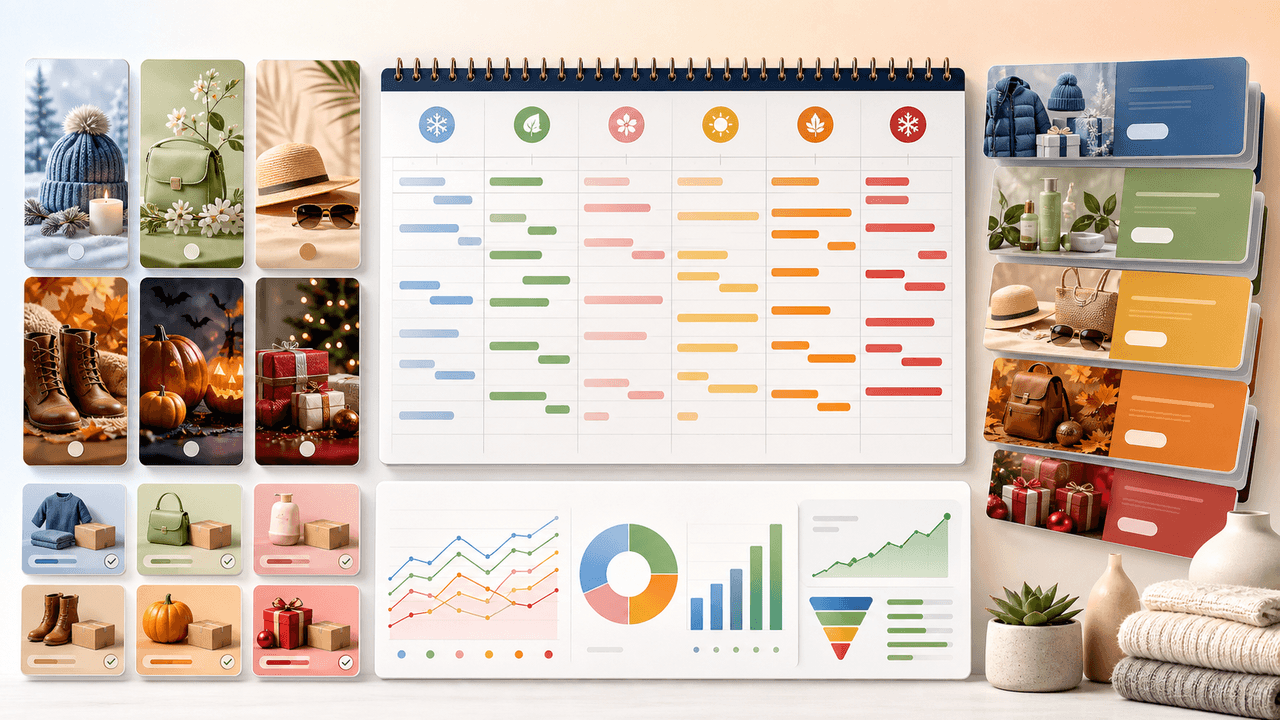
E-commerce brands that plan seasonal carousel campaigns in advance outsell reactive competitors by a wide margin. This playbook covers every major selling season with specific carousel formats, timelines, and content strategies that drive revenue year-round.

Product Comparison Carousels: Help Shoppers Choose (And Choose You)
Comparison carousels are some of the highest-converting content in e-commerce because they meet shoppers at the exact moment they are deciding between options. Done right, they make your product the obvious choice without feeling like a biased sales pitch.

E-Commerce Instagram Content Pillars: The 5-Pillar Framework That Sells
Most e-commerce Instagram accounts either post too much product content and bore their audience, or too much lifestyle content and fail to sell. The five-pillar framework creates a balanced content mix that consistently educates, entertains, builds trust, and drives purchases.

Product Education Carousel Frameworks for Shopify Stores
Product education carousels work when they translate product-page facts into buyer decisions. Use a framework for each job: explain the problem, compare variants, teach use, prove quality, or build a bundle. The goal is not more slides; it is fewer unanswered buying questions.
Sources
- Toy Safety — U.S. Consumer Product Safety Commission
- Toy Safety Business Guidance — U.S. Consumer Product Safety Commission
- The Consumer Reviews and Testimonials Rule: Questions and Answers — Federal Trade Commission
- About Carousel Ads — Meta Business Help Center
Written by
AttentionClaw
Editorial Team
Editorial context
Part of the Carousel Creation topic cluster. Last updated June 22, 2026.