
Chapter 1
The short answer: match the template to the buyer question
Use a fit checklist when buyers need to know whether the product suits their situation, a comparison when they must choose between verified options, a bundle inventory when the contents are confusing, and a use-case sequence when setup or application needs explanation.
A template organizes evidence; it does not make a carousel sell. Product demand, price, offer, destination quality, distribution, and many other factors affect outcomes. Measure the live asset against a preselected event and keep claims tied to current product records.
Shopify's product-detail and product-media guidance provide useful first-party references for the information and media a merchant can maintain. The commerce system remains the source of truth for current price, variants, availability, and product details.
Callout
Template selection rule
Pick the format that answers the strongest unresolved buyer question with evidence you already have permission to publish.
Chapter 2
Build the product source pack first
Create a compact source pack for one product or approved collection. Include the current product record, variant differences, media rights, usage instructions, offer terms, and a list of claims the team cannot support.
Use exact customer wording only when permission, context, and any required disclosure have been reviewed. The FTC explains that material connections and atypical results may require clear disclosure; a visual template does not remove those responsibilities.
Current product name, description, price, variants, and availability source.
Approved product images or video with ownership and usage scope.
Verified materials, dimensions, compatibility, care, or setup details.
Offer terms with start, end, geography, inventory, and owner.
Permissioned testimonials plus the exact disclosure the reviewer approved.
Forbidden claims, unsupported comparisons, and outcomes the product record does not prove.
Destination that displays the same current product and offer.
Chapter 3
Template 1: the product-fit checklist
Use this format when the buyer needs to decide whether the product fits a space, routine, device, preference, or constraint. It should help the wrong buyer opt out as clearly as it helps the right buyer continue.
- 1
Slide 1: name the fit decision
Use a concrete question such as “Will this organizer fit your shelf?”
- 2
Slides 2–4: show verified criteria
Use current measurements, compatibility, materials, or care requirements from the product record.
- 3
Slide 5: state a real limit
Name a size, use, or compatibility case the product is not designed for.
- 4
Final slide: inspect the current product
Route to the product page for current variants, availability, and terms.
Chapter 4
Template 2: the verified option comparison
Use a comparison when a merchant sells two or more variants or models and buyers need a decision rule. Compare only fields maintained in the current product records.
Avoid “best,” “premium,” or competitor claims unless the comparison method and evidence support them. A useful last slide can say which verified use case each option was designed for without declaring a universal winner.
Slide 1: the choice the buyer is making.
Slide 2: the dimensions or capacity difference.
Slide 3: materials, compatibility, or included-component difference.
Slide 4: price or term difference checked at review time.
Slide 5: which use case each option fits based on those facts.
Final slide: current variant selector or comparison page.
Chapter 5
Template 3: the bundle inventory
Use this format when the buyer cannot easily see what is included, what is optional, or how individual items work together. Show every included item and make exclusions visible.
Do not calculate a savings claim unless the reference prices and bundle terms are current and the calculation is reviewed. “Everything you need” is also a claim; replace it with the exact contents.
Slide 1: the bundle name and intended use.
Slides 2–4: one included item per slide with a verified role.
Slide 5: what is not included or what requires a compatible item.
Slide 6: current variants, terms, and availability source.
Final slide: the current bundle page.
Chapter 6
Template 4: the use-case sequence
Use this format when the product becomes clearer in a real sequence: preparing, setting up, using, cleaning, or storing it. Each slide should represent an accurate step rather than an idealized outcome.
Illustrative lifestyle media can establish context, but do not let a generated or staged image imply a product feature, included accessory, or result that is not in the source pack.
- 1
Slide 1: situation
Name the task or environment the approved use case addresses.
- 2
Slides 2–4: sequence
Show the verified setup and use steps in the correct order.
- 3
Slide 5: care or constraint
Include a material maintenance, safety, compatibility, or storage note from the approved source.
- 4
Final slide: product detail
Point to the current record for variants, availability, and full instructions.
Chapter 7
Worked artifact: choose and review the format
Use this one-line decision sheet for every proposed carousel. The examples define the production brief; they do not predict results.
Buyer question: Will the lamp fit a narrow bedside shelf?
Selected template: product-fit checklist.
Required evidence: current base dimensions, cable position, compatible bulb, approved scale photo, and product-page URL.
Slides: decision → width → depth → cable clearance → incompatible shelf case → current product page.
Prohibited claims: improves sleep, fits every nightstand, lowest price, or limited stock without current evidence.
Primary review event: qualified visits to the matching product page in the merchant's analytics source.
Post-publication question: did buyers still ask a fit question that the carousel was supposed to answer?
Callout
A useful result can be a better question
If the post surfaces a repeated buyer concern, update the product record and next creative brief before producing more variants.
Chapter 8
Where AttentionClaw fits
AttentionClaw can draft branded carousel or slideshow options from approved product context and visuals. The source pack and selected template give the draft a clear structure and make missing evidence easier to catch.
AttentionClaw does not verify product records, inventory, prices, testimonials, disclosures, or sales outcomes. The merchant reviews every claim and image, the commerce system remains the source of truth for the product, and the current platform publisher remains the source of truth for final controls.
Callout
Draft, verify, publish
Use AttentionClaw to draft the visual sequence. Use product owners and source systems to approve the facts, offer, destination, and live result.
Next step
Draft a product carousel from approved evidence
Add current product details and approved visuals, choose the buyer question, and review every generated claim and image before publishing.
Common Questions
FAQ
More Reading
Keep reading
8-chapter read
Carousel Slide Order That Converts: Hook, Proof, Offer, CTA
A converting carousel usually follows a clear order: hook, context, problem, solution or product, proof, objection handling, offer, and CTA. The exact slide count can change, but the reader should never wonder why the next slide exists.
7-chapter read
Ecommerce Carousel Ad Creative Testing Framework
Ecommerce carousel ad testing should isolate one variable at a time: hook, proof order, product angle, offer, or CTA. Start with three hook variants using the same middle slides, then test proof and offer only after a clear signal appears.
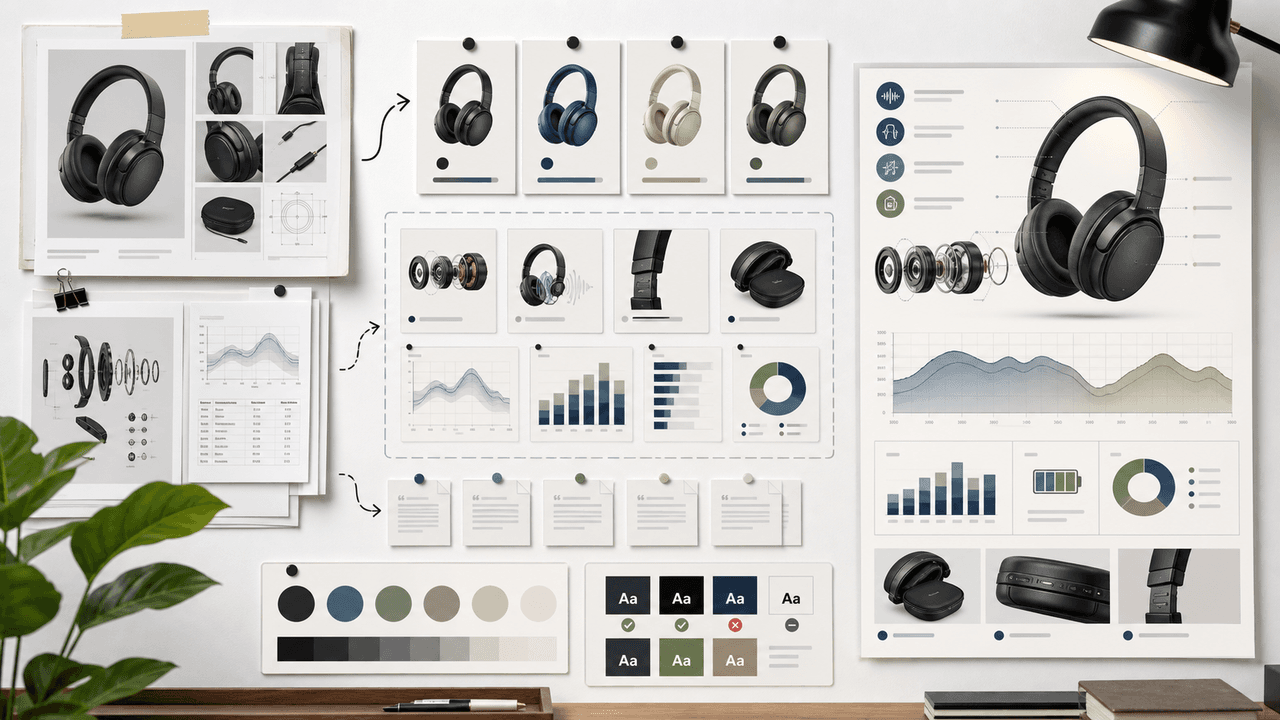
AI-Generated Product Infographic Checklist
AI-generated product infographics should start with product truth and source-backed claims. Use a checklist for SKU accuracy, variant logic, evidence, chart integrity, readability, citations, and destination-page match before publishing.

Build one product launch carousel people can verify
An Instagram product launch carousel should explain what changed, who it is for, what evidence supports the promise, what the offer includes, and where to act. This guide provides the brief, asset gate, full sequence, and measurement plan.
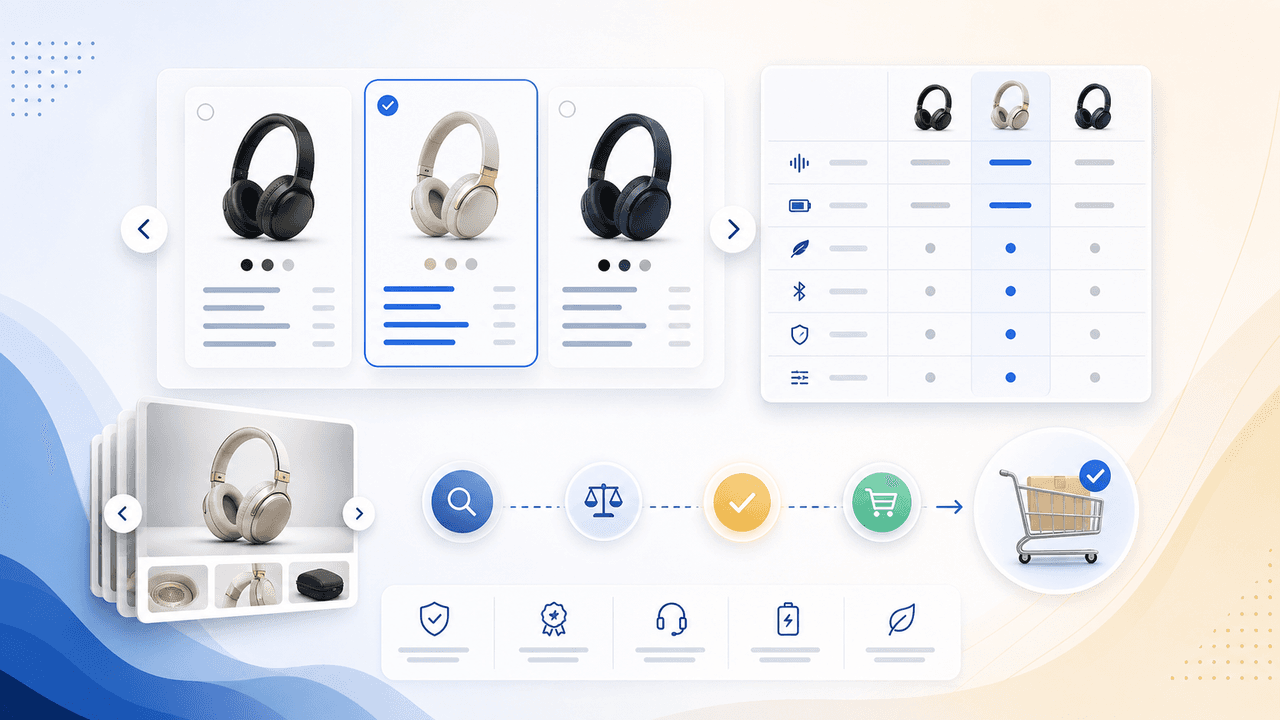
Product Comparison Carousels: Help Shoppers Choose (And Choose You)
Comparison carousels are some of the highest-converting content in e-commerce because they meet shoppers at the exact moment they are deciding between options. Done right, they make your product the obvious choice without feeling like a biased sales pitch.
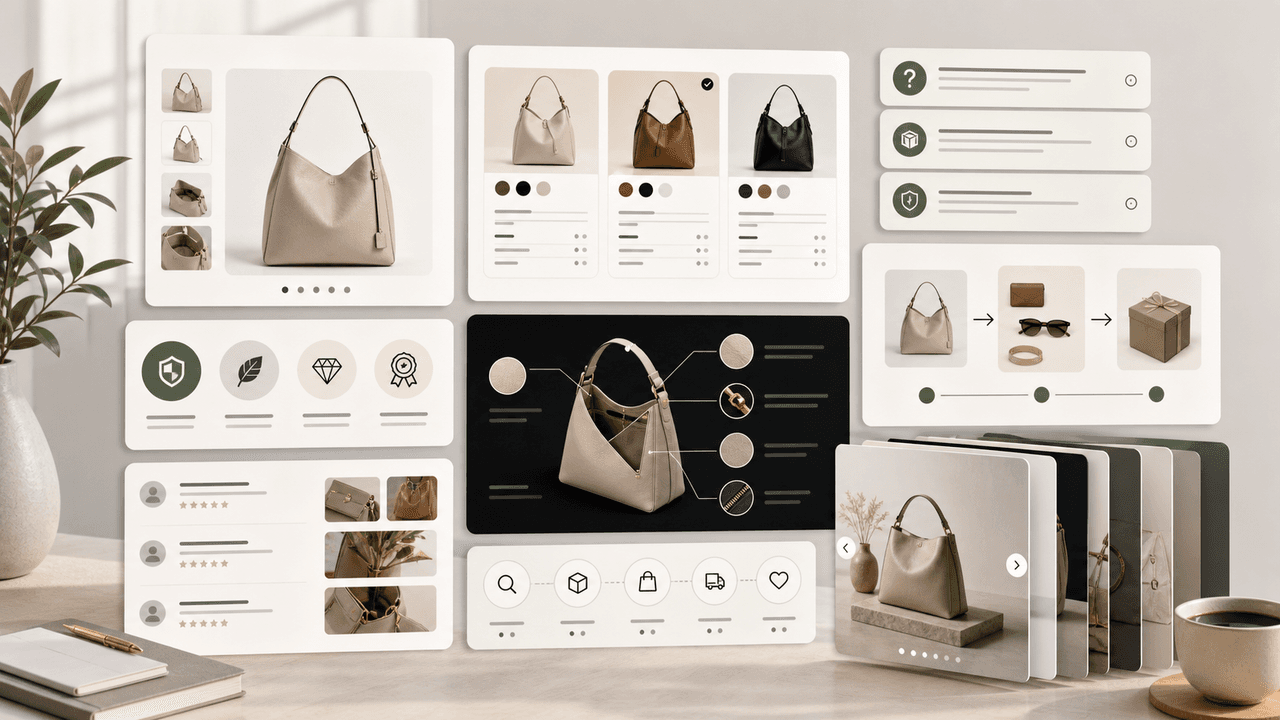
Product Education Carousel Frameworks for Shopify Stores
Product education carousels work when they translate product-page facts into buyer decisions. Use a framework for each job: explain the problem, compare variants, teach use, prove quality, or build a bundle. The goal is not more slides; it is fewer unanswered buying questions.
Sources
- Product details — Shopify Help Center
- Product media — Shopify Help Center
- FTC's Endorsement Guides: What People Are Asking — Federal Trade Commission
- Share a Post — Instagram Help Center
Written by
AttentionClaw
Editorial Team
Editorial context
Part of the Carousel Creation topic cluster. Last updated August 13, 2026.