
Chapter 1
Why customer content outperforms brand content by 4-5x
The data on user-generated content is not ambiguous. Studies and brand case studies frequently report that UGC generates significantly higher conversion rates than brand-produced content. Shoppers trust real customer photos more than studio photography because they know the brand is showing them the best possible version of the product, while a customer is showing them the real version.
This trust gap is widening, not shrinking. As AI-generated and heavily edited content becomes more prevalent, consumers are getting better at identifying marketing content and more skeptical of it. A slightly imperfect customer photo taken on a kitchen counter with natural light reads as authentic in a way that a perfectly lit studio shot never will.
For carousel content specifically, UGC has an additional advantage: volume. A brand might be able to produce 2-3 polished carousels per week. But with a steady stream of customer content, you can produce UGC carousels daily without any photoshoot costs, design time, or creative burnout. The customers are creating the raw material. You just need a system to collect, curate, and format it.
UGC often generates significantly higher conversion rates than brand-produced content
Consumer trust in polished brand imagery is declining as AI content increases
Customer photos provide authentic product representation that studio shots cannot replicate
UGC eliminates photography costs and creative burnout from your content production
Carousel format amplifies UGC by compiling multiple proof points into one swipeable experience
Each UGC carousel reinforces to other customers that sharing content is valued and expected
Chapter 2
Building a UGC collection system that generates content on autopilot
The difference between brands with abundant UGC and those without is not audience size. It is whether they have a system for requesting, incentivizing, and collecting customer content.
- 1
Post-purchase email sequence
Send an automated email 7-10 days after delivery asking customers to share a photo. Include specific guidance: natural light, product in use, honest impressions welcome. Make the submission process as simple as replying to the email with a photo or using a branded hashtag.
- 2
Packaging insert with photo prompt
Include a card in every package with a clear ask: 'Love your purchase? Share a photo and tag us for a chance to be featured on our feed.' Include your Instagram handle and branded hashtag. Physical prompts at the unboxing moment capture customers at peak excitement.
- 3
Incentive program
Offer a tangible reward for photo submissions: 10% off next purchase, loyalty points, or entry into a monthly giveaway. The incentive does not need to be large. It just needs to exist as a nudge for customers who were on the fence about posting.
- 4
Social monitoring and direct outreach
Set up monitoring for your brand mentions, product tags, and branded hashtag. When customers post about your product organically, engage with their content immediately and ask permission to feature it. These organic posts are the highest-quality UGC because they were not prompted.
- 5
Micro-influencer seeding
Send product to 10-20 micro-influencers monthly with a simple ask: post an honest review. This creates a consistent pipeline of high-quality UGC from creators who know how to photograph products well. Costs per piece of content are a fraction of hiring photographers.
Callout
The UGC flywheel
When you consistently feature customer photos on your feed, more customers are motivated to create and share content. This creates a self-reinforcing flywheel: more UGC leads to more featured posts, which leads to more customers wanting to be featured, which leads to more UGC.
Chapter 3
Curating UGC: what to feature and what to skip
Not all user-generated content belongs in a carousel. Some customer photos are too dark, too blurry, or show the product in an unflattering context. Having selection criteria ensures your UGC carousels maintain quality while still feeling authentic. The goal is curated authenticity, not random reposting.
Evaluate each piece of UGC on three dimensions. Image quality: is it well-lit enough to look good on a phone screen? Product visibility: can a viewer clearly see and identify the product? Brand alignment: does the setting and context match the lifestyle your brand represents? Content that hits all three gets featured immediately. Content that hits two can be edited to work. Content that hits one or zero gets a grateful reply but not a carousel spot.
Organize your approved UGC into a content library tagged by product, content type (unboxing, in-use, styled, review), and visual quality. This library becomes the raw material you draw from when producing UGC carousels. A well-organized library means you can assemble a carousel in minutes rather than searching through your DMs and tagged posts.
Evaluate on three dimensions: image quality, product visibility, and brand alignment
Curate for authenticity, not perfection: slightly imperfect lighting reads as real
Reject content that is too dark, blurry, or shows the product in a negative context
Tag and organize approved UGC by product, content type, and quality level
Always get explicit permission before featuring customer content in your carousels
Keep a backlog of at least 20-30 approved pieces so you never run out of carousel material
Chapter 4
Six UGC carousel formats that drive sales, not just engagement
Raw UGC posted without structure is social proof, but it is not optimized for conversion. The real power of UGC carousels comes from combining customer content with strategic formatting that guides the viewer toward a purchase. Here are six formats that consistently drive revenue.
- 1
The wall of love carousel
Compile 8-10 of your best customer photos into a single carousel, each slide featuring one photo with a short testimonial quote overlaid. This format is pure social proof at scale. The cumulative effect of swiping through ten happy customers is far more persuasive than any single review.
- 2
The real-life product review carousel
Feature one customer's detailed experience across multiple slides: their photo, their written review, specific details about their use case, and a before-after if applicable. This format provides depth instead of breadth and works especially well for higher-priced products where buyers need more convincing.
- 3
The how-customers-style-it carousel
Curate customer photos that show different ways to use or style your product. For fashion: different body types and styling approaches. For home decor: different room styles and color schemes. For tools: different projects and applications. Each slide shows a new way to use the product, expanding the buyer's imagination.
- 4
The customer FAQ carousel
Pair customer photos with answers to common purchase objections. 'Is it true to size? Here is what Sarah (size 8) thinks.' 'Does it actually work on dark skin? Here is Maria's result at 4 weeks.' Each slide uses a real customer to address a real concern.
- 5
The unboxing compilation carousel
Collect unboxing photos and first-impression reactions from multiple customers. The unboxing moment captures genuine excitement that is difficult to manufacture with brand content. This format is especially powerful for brands with strong packaging.
- 6
The transformation gallery carousel
For products with visible results, compile before-and-after pairs from multiple customers into a single carousel. Two slides per customer: before and after. Five customers means ten slides of compelling visual proof.
Chapter 5
Adding brand polish to UGC without losing authenticity
The tension in UGC carousels is between brand consistency and authenticity. Too much polish and the content loses the real-customer feel that makes it powerful. Too little polish and the content looks unprofessional and damages brand perception. The sweet spot is a light brand overlay that frames the UGC without transforming it.
Create a UGC carousel template with your brand elements in fixed positions: your logo in the corner, your brand colors in a thin border or caption bar, and your brand font for any text overlays. The customer photo remains untouched in the center of the slide. This framing signals that the content is from a real customer while maintaining visual cohesion with the rest of your feed.
For text overlays on UGC slides, keep them minimal. A customer name, a star rating, and a one-line quote is enough. Do not add paragraphs of marketing copy on top of customer photos. The photo and the customer's own words are the content. Your brand design is just the frame.
- 1
Design a UGC-specific carousel template
Create a template with a thin branded border, your logo in a consistent corner, and a caption bar at the bottom for customer name and quote. The customer photo fills the center of the slide untouched. This template works for any UGC regardless of the original photo's dimensions or style.
- 2
Apply minimal, consistent text overlays
Use your brand font for customer names, star ratings, and brief quote excerpts. Keep text to one or two lines per slide. The goal is to add context, not to cover the customer's photo with marketing copy.
- 3
Maintain the original photo quality
Do not apply heavy filters, color grading, or retouching to UGC photos. Light adjustments to brightness or cropping for fit are acceptable, but the photo should still look like a customer took it. Over-editing defeats the purpose of using UGC.
- 4
Create a branded hook slide
The first slide of a UGC carousel can be fully branded with your design system: a bold hook like 'What 1,000+ customers are saying' or 'Real results from real people.' This branded hook establishes context before the UGC slides begin.
Chapter 6
Getting permission right: legal and ethical UGC usage
Using customer content without explicit permission is a legal risk and an ethical failure that can permanently damage your brand's relationship with its community. The good news is that getting permission is straightforward when you build it into your collection process.
For content shared via your branded hashtag, include a clear statement in your bio and on your hashtag landing page that content shared with the hashtag may be featured on your account. This provides implicit consent for social media reposting, but you should still send a DM confirming permission and crediting the creator.
For any UGC you plan to use in ads, on your website, or in any commercial context beyond organic social posting, get written permission. A simple DM exchange where you ask 'May we feature your photo on our feed and website?' and the customer responds 'Yes' creates a record of consent. For larger operations, use a formal UGC rights management platform that handles permissions at scale.
Always get explicit permission before featuring customer content on your feed
For organic social posting, a DM exchange confirming permission is sufficient
For ads, website, and commercial use, get written permission and keep records
Include a consent statement for your branded hashtag in your bio and terms
Always credit the original creator by tagging them and naming them on the carousel slide
Respect opt-out requests immediately and remove content if a customer changes their mind
Chapter 7
The weekly UGC carousel production workflow
Here is a repeatable weekly process for turning incoming customer content into polished UGC carousels.
- 1
Monday: Collect and organize
Review all tagged posts, branded hashtag content, DMs with customer photos, and review submissions from the past week. Download approved content, get permissions where needed, and add everything to your UGC library with tags for product, content type, and quality.
- 2
Tuesday: Curate and plan
Select content for the week's UGC carousels. Plan which format each carousel will use: wall of love, customer review deep dive, styling gallery, or FAQ format. Group the selected UGC by carousel and write brief text overlays for each slide.
- 3
Wednesday: Assemble and design
Using your UGC carousel template, assemble the carousels. Drop in customer photos, add text overlays, and create the branded hook slide. With a consistent template and tools like AttentionClaw, this assembly step takes under 30 minutes per carousel.
- 4
Thursday-Friday: Publish and engage
Publish UGC carousels and notify the featured customers via DM or tag. Engage actively with comments in the first two hours to boost algorithmic distribution. Share the carousel to Stories and tag featured customers for additional reach.
Callout
Consistency is the multiplier
Brands that publish UGC carousels on a consistent weekly schedule often see their UGC submission rates increase meaningfully within a few months. When customers see that you regularly feature real people, they are far more motivated to create and share content.
Chapter 8
Scaling UGC carousels from one a week to daily
Once your UGC collection system is generating a steady stream of content, the opportunity to scale becomes significant. More UGC carousels means more social proof, more reach, and more conversion opportunities. The constraint shifts from content availability to production efficiency.
The key to scaling is templatizing and batching. When your UGC carousel template is dialed in, assembling a carousel becomes a 15-minute task: select photos, add text overlays, export. At this speed, producing five UGC carousels in a single batch session takes about 75 minutes.
Diversify your UGC carousel formats as you scale. Instead of publishing five wall-of-love carousels per week, alternate between different formats: two wall-of-love compilations, one customer deep dive, one styling gallery, and one FAQ format. This variety keeps the content feeling fresh while maintaining the trust-building power of customer content.
Scale production by templatizing UGC carousels so each takes only 15 minutes to assemble
Batch-produce five UGC carousels in a single 75-minute session
Diversify formats so the feed does not feel repetitive despite high UGC posting frequency
Use AI tools to automate the design assembly step and focus your time on curation
Segment UGC by product line for targeted carousels that convert on specific products
Repurpose UGC carousels as ads since the authentic format performs well in paid campaigns
Chapter 9
Using UGC carousels as your highest-converting ad creative
The same UGC carousels that perform organically also make exceptional paid advertising creative. In fact, UGC ad creative consistently outperforms polished brand creative on cost-per-acquisition metrics. The authenticity that makes UGC powerful in organic feed works even harder in paid placement where users are inherently skeptical of ads.
The transition from organic to paid is straightforward. Take your best-performing organic UGC carousels and run them as carousel ads with minimal modification. Add a stronger CTA on the final slide and ensure the link destination is optimized for conversion. The social proof data from organic performance, including likes, comments, and saves, carries over and adds credibility to the ad.
Test UGC carousel ads against your brand-produced ad creative in a split test. In most e-commerce categories, UGC creative will win on cost per click and cost per acquisition. When it does, allocate more budget to UGC ads and use your brand creative for retargeting and top-of-funnel awareness where polish matters more.
UGC carousel ads consistently outperform brand creative on cost-per-acquisition metrics
Promote top-performing organic UGC carousels as ads with minimal modification
Add a stronger CTA and optimized link destination for paid placement
Organic engagement data like likes and comments carries over, adding ad credibility
Split-test UGC ads against brand creative and allocate budget based on performance
Use UGC ads for mid-funnel consideration and brand ads for top-of-funnel awareness
Chapter 10
Measuring the revenue impact of your UGC carousel program
To justify ongoing investment in UGC collection and carousel production, you need to measure its impact on revenue. The challenge is that UGC content influences purchase decisions at multiple touchpoints, making direct attribution difficult but not impossible.
Track three tiers of UGC metrics. First, collection metrics: how many UGC submissions you receive per month, the approval rate, and cost per submission if incentives are involved. Second, content performance metrics: engagement rate, save rate, and link click rate on UGC carousels compared to brand-produced carousels. Third, revenue metrics: attributed sales from UGC carousel links, conversion rate on pages where UGC is featured, and overall brand account conversion rate before and after implementing a UGC program.
Most brands that implement systematic UGC carousel programs see measurable revenue impact within 60-90 days. The compound effect of consistent social proof, increased content volume, and audience trust accumulates into a meaningful lift in both organic and paid conversion rates.
Track collection volume: UGC submissions per month, approval rate, and cost per submission
Compare engagement rates between UGC carousels and brand-produced carousels
Monitor link click rates and attributed sales from UGC carousel CTAs
Measure conversion rate on product pages before and after adding UGC elements
Calculate the total cost of UGC collection versus the revenue it generates
Expect measurable revenue impact within 60-90 days of systematic UGC carousel publishing
Next step
Turn customer photos into polished carousel content in minutes
AttentionClaw generates brand-consistent Instagram carousels and TikTok slideshows from your content and brand style. Repurpose UGC into professional, publish-ready carousels at scale.
Common Questions
FAQ
More Reading
Keep reading
8-chapter read
Boutique Product Drop Instagram Carousels
Boutique product drop carousels should show new arrivals, fit and material details, care information, inventory timing, review proof, and shopping CTAs without misleading scarcity or labeling claims.
8-chapter read
Carousel Slide Order That Converts: Hook, Proof, Offer, CTA
A converting carousel usually follows a clear order: hook, context, problem, solution or product, proof, objection handling, offer, and CTA. The exact slide count can change, but the reader should never wonder why the next slide exists.
7-chapter read
How to Turn a Product Detail Page Into Social Content
A product detail page can become a full social campaign when you extract buyer questions, benefits, proof, variants, objections, reviews, and offers. The goal is not to copy the page into posts; it is to turn each product-page section into one useful social asset.

App Testimonial Carousels: Scripts and Frameworks That Convert Skeptics
App store reviews and user testimonials are your most underused marketing asset. This guide shows you how to transform raw user feedback into carousel scripts that overcome skepticism, build trust, and convert viewers into downloaders.

Four Product Carousel Formats Built Around Evidence
The best ecommerce carousel template depends on the buyer question and the evidence available. These four formats organize approved product details, media, comparison facts, bundle contents, and use cases into reviewable slide sequences without promising that a template will generate sales.
Instagram Carousels for Dropshipping: Content Strategy Without Product Photos
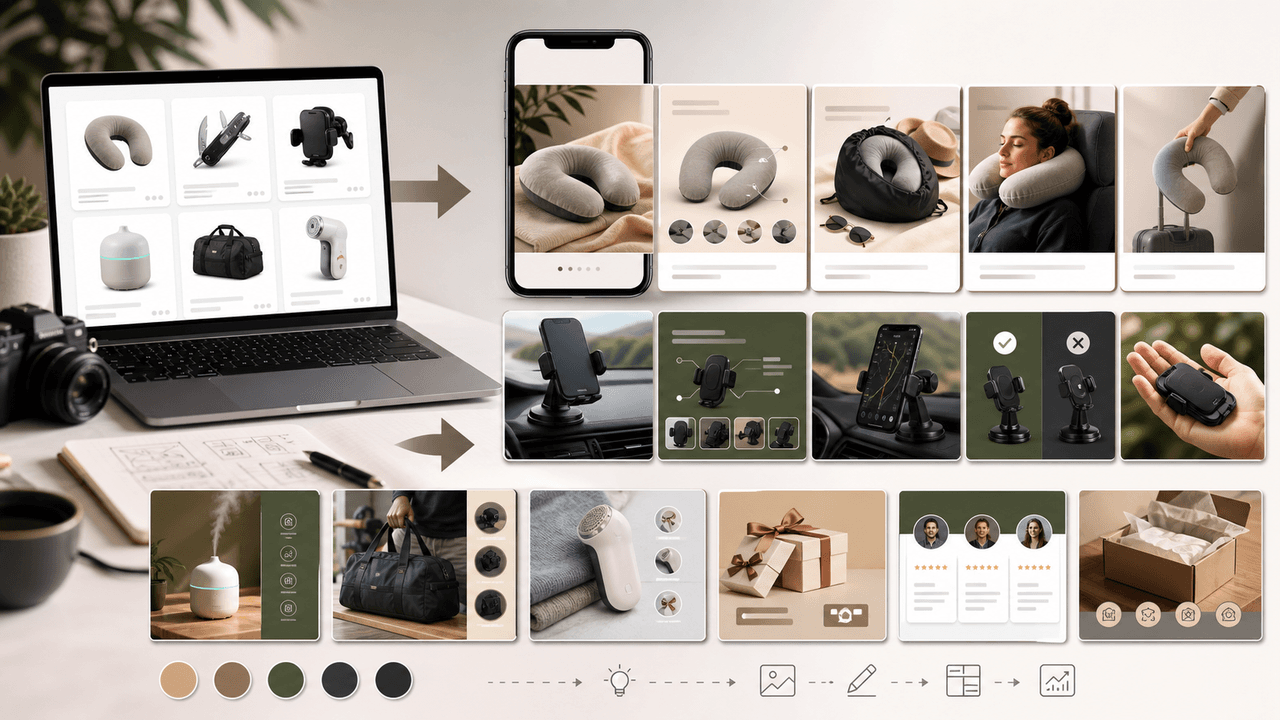
Dropshippers face a unique content challenge: they need to sell products they have never physically touched. This guide shows how to create effective Instagram carousels using supplier images, UGC, and design-forward formats that convert without custom photography.
E-Commerce Instagram Content Pillars: The 5-Pillar Framework That Sells
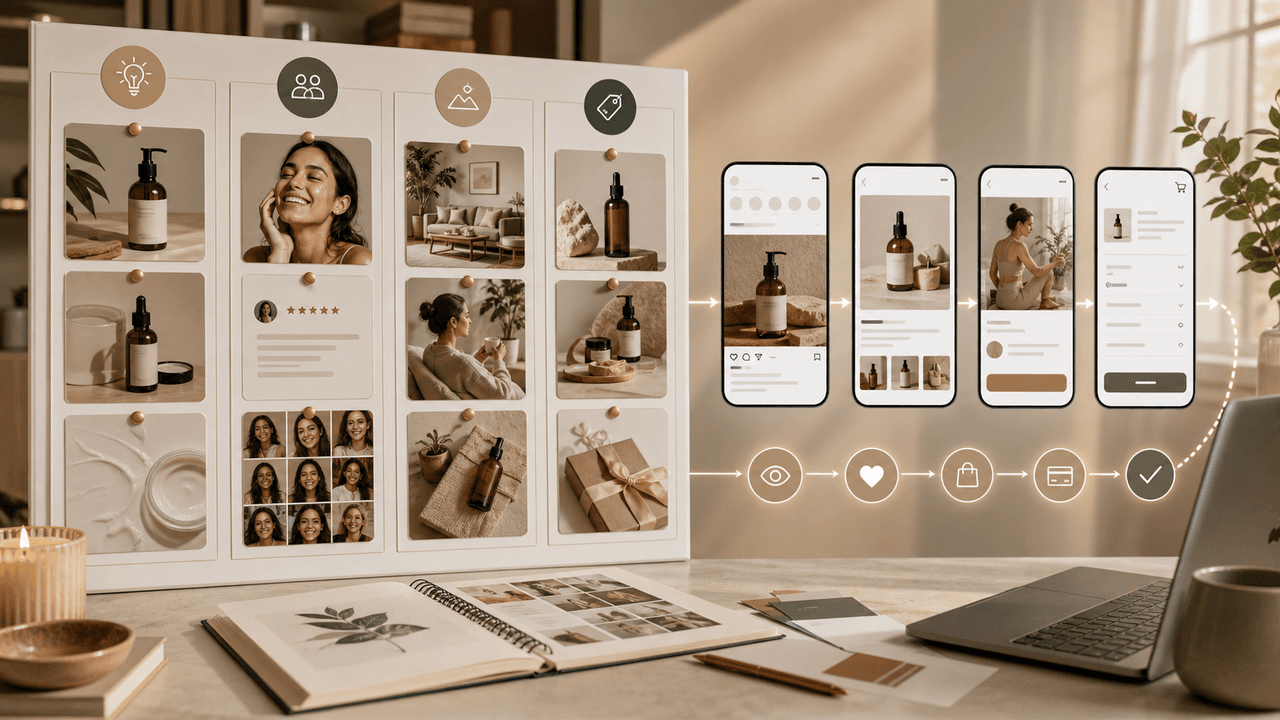
Most e-commerce Instagram accounts either post too much product content and bore their audience, or too much lifestyle content and fail to sell. The five-pillar framework creates a balanced content mix that consistently educates, entertains, builds trust, and drives purchases.

Product Education Carousel Frameworks for Shopify Stores
Product education carousels work when they translate product-page facts into buyer decisions. Use a framework for each job: explain the problem, compare variants, teach use, prove quality, or build a bundle. The goal is not more slides; it is fewer unanswered buying questions.
8-chapter read
Build a TikTok Product Launch Slideshow from the Offer Out
An ecommerce launch slideshow should answer one buying question with verified product evidence, preserve the exact offer across the post and destination, and adapt separately for organic photo posts, Shop links, or paid Carousel Ads.

SaaS Social Proof Carousels: Turn Metrics and Testimonials Into Sign-Ups
Testimonials buried on your website convert nobody. The same testimonials reformatted as carousels and distributed on social media can become your highest-converting content type. This playbook shows you how.
Written by
AttentionClaw
Editorial Team
Editorial context
Part of the Repurposing topic cluster. Last updated August 2, 2026.