Local businesses
Turn customer questions, your expertise, and your team into useful posts.
Read the guideLoading...
Reach new customers. Build stronger customer relationships. Encourage another purchase. Or find your next employee. Create and review a month of posts in one batch. AttentionClaw publishes them automatically to your connected accounts, without making social media your second job.
Ideas for your business
Why solar? What makes dough rise? What is a coffee bean? Expertise, fun facts, checklists, and humor instead of the same ad on repeat.
Explore every style and content format
How it works
Your business. Your final say.
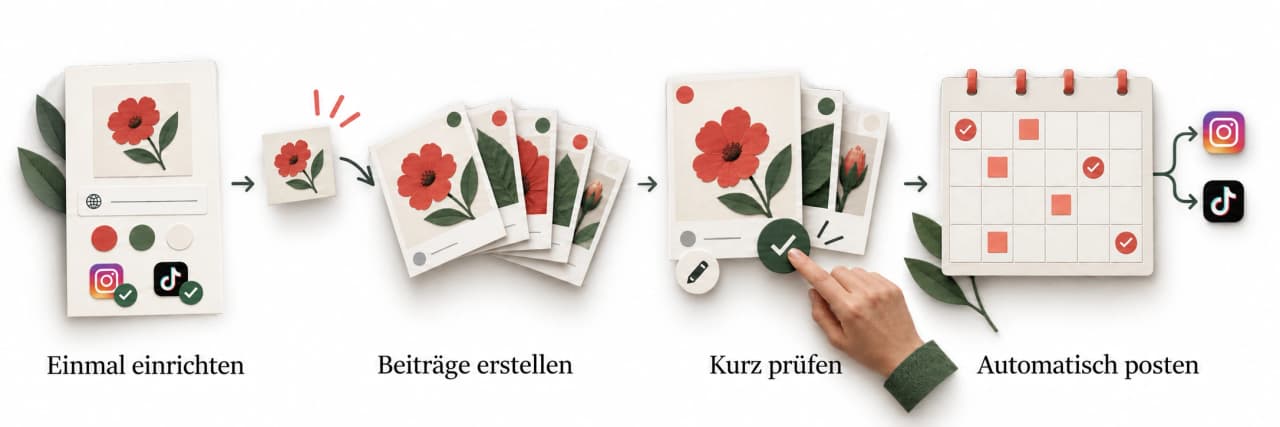
Your business, your style, your connected accounts.
A whole batch of tips, stories, and offers.
Why AttentionClaw
Show new customers on Instagram and TikTok what makes your business special and why you are worth a visit.
Stay connected through helpful tips and personal glimpses behind the scenes. Give existing customers reasons to keep choosing you.
Pricing
Choose how much content you want to create and how many accounts you want to connect. Every plan leaves you in control of what gets published.
Build a regular posting habit
Keep your content calendar moving
More content, more connected accounts
Priced with you for your volume
Payment processed by Stripe · Credits arrive every month · Cancel from account settings
Need help with your content or setup? Talk to us
Ideas for your business
A useful answer. A seasonal offer. A face people recognize. Start with what your business already knows.
Turn customer questions, your expertise, and your team into useful posts.
Read the guideFAQ
A few answers before you get started.
If you run a local business and rarely find time to post, this is for you. We help gyms, cafés, salons, shops, and service providers keep an active presence on Instagram and TikTok.
Add your website or business details, connect your social accounts, and choose your style, topics, and posting rhythm. You set the direction once and can change it any time. We can help with the setup.
A short description of your business is enough to start. Contact us for setup help or to discuss a website.
Evergreen tips and listicles, food stories, illustrated explainers, playful infographics, memes, offers, or a look behind the scenes. Mix different formats instead of repeating the same kind of post.
Plan one session each month to generate a batch, review it, make changes, and schedule your posts. Automatic publishing removes the daily upload routine, not your final review. How long preparation takes depends on the volume and edits. Comments and messages still need your personal attention.
Yes. Use your own photos or AI images, your colors, and your style. You, your team, or a mascot can be a recurring face. Every post is yours to review.
Instagram and TikTok. Connect eligible accounts, then publish immediately or schedule approved posts for automatic publishing. Availability depends on your account permissions and the post format. If you choose TikTok draft delivery, you finish publishing in TikTok instead of using direct publishing.
Choose Spark or Spike below and pay monthly, or yearly with two months free; your credits arrive every month either way. Prices are shown in USD with the included usage, and your monthly content volume must fit your plan. For larger volumes, book a call about Summit and we price it with you. You pay for the software rather than a content-production retainer. Custom setup or website work is agreed separately.
Get your next month of content ready in one batch. Create, review, schedule. Publishing runs automatically.


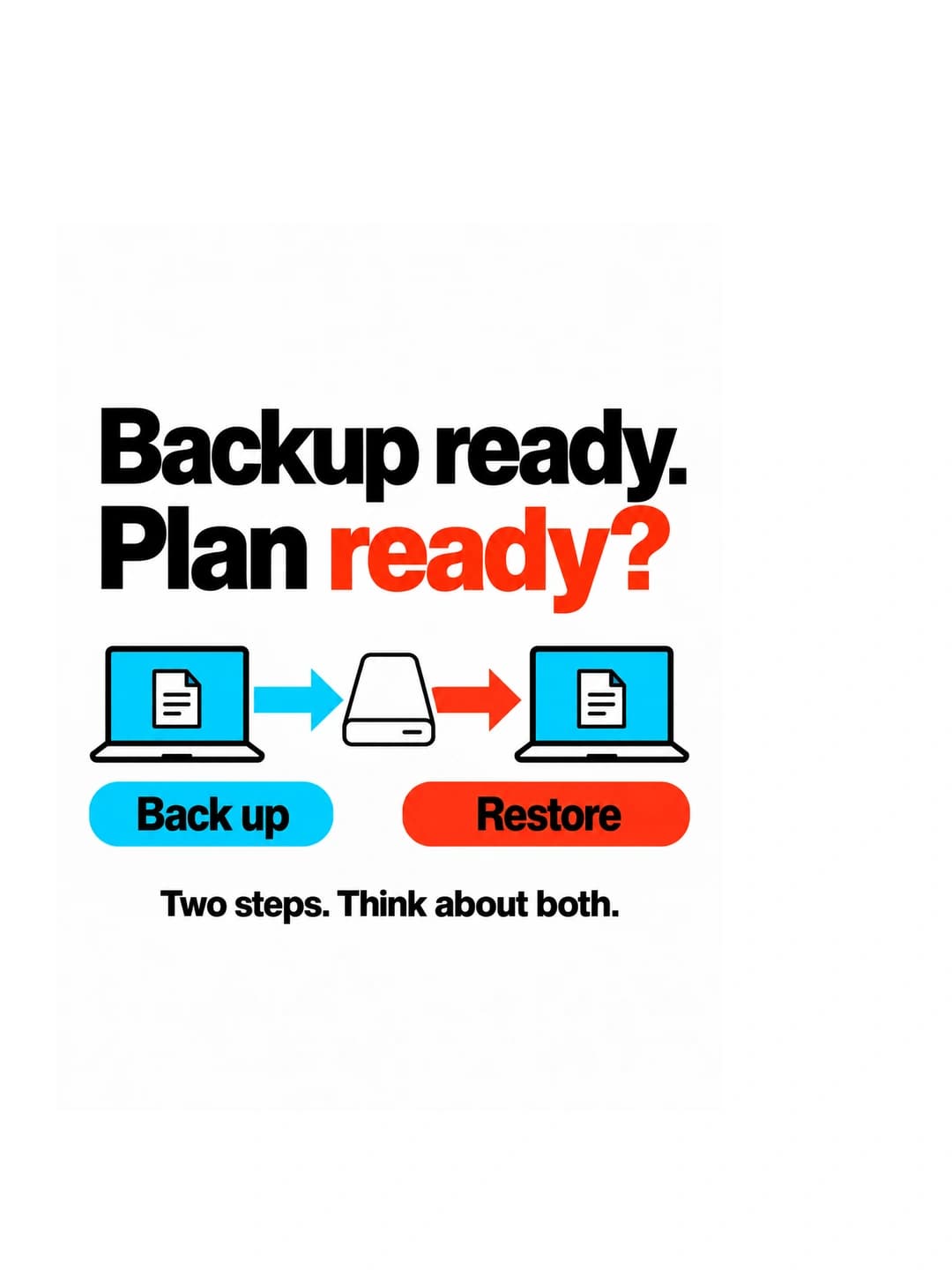
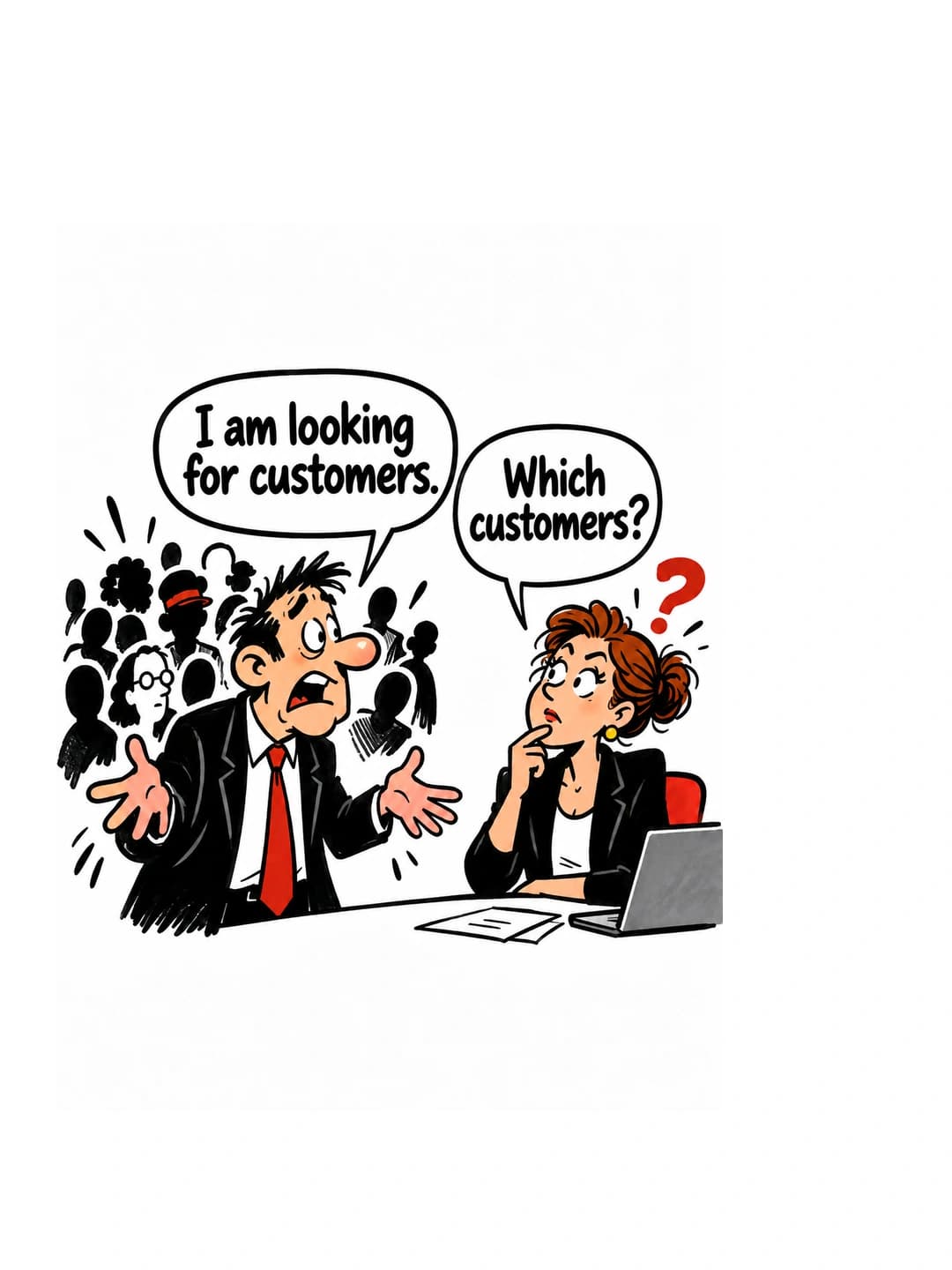
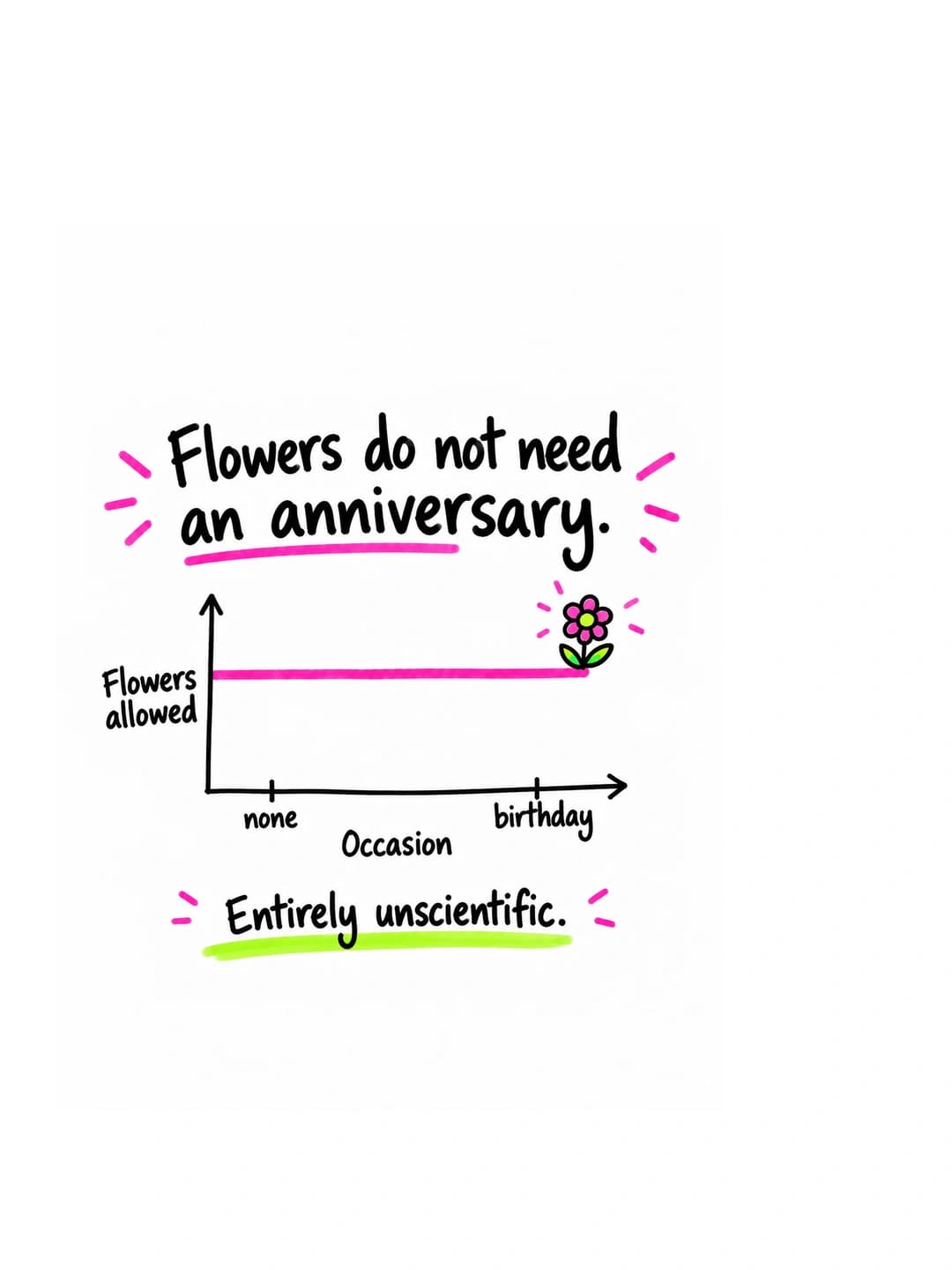
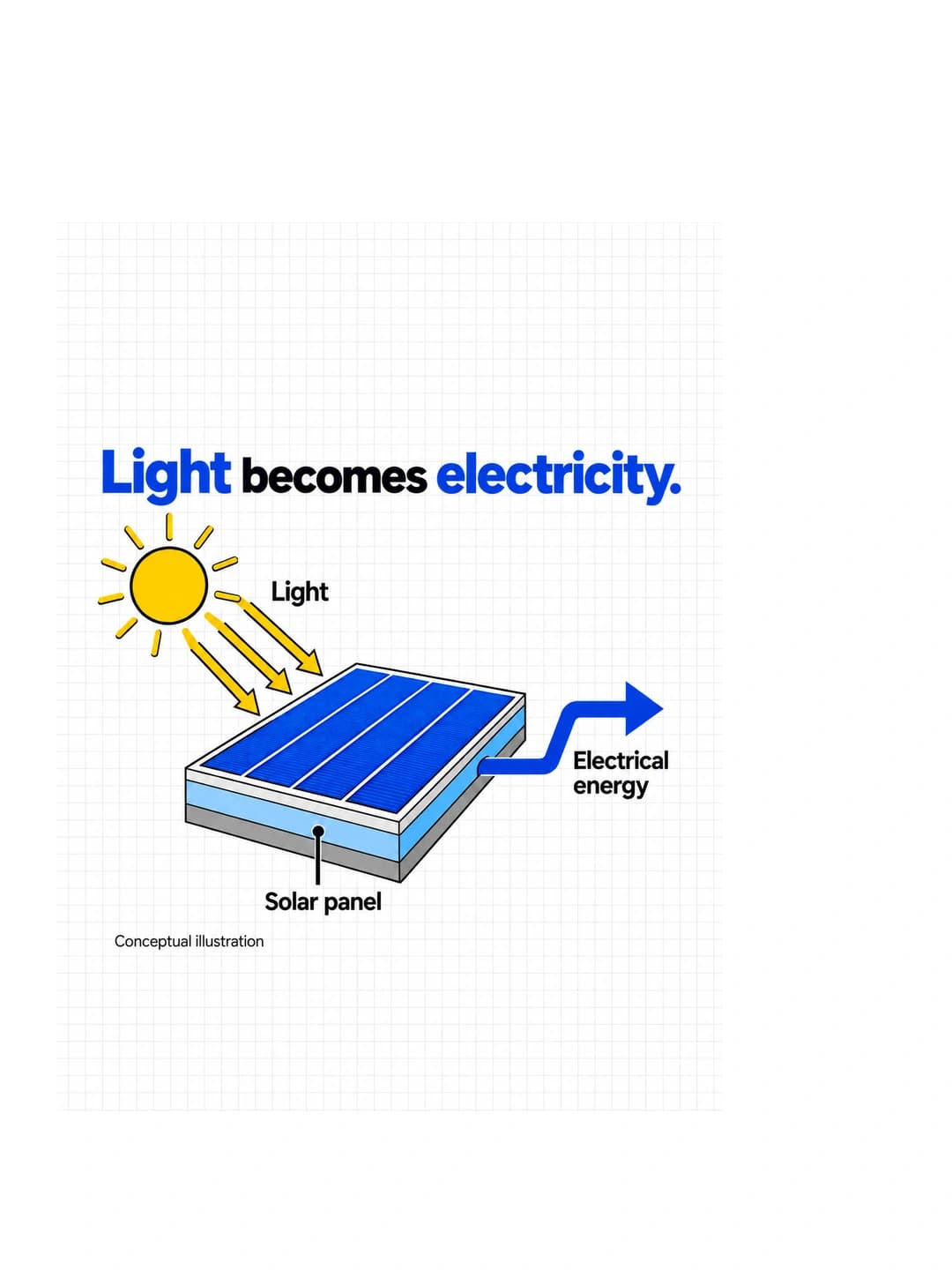

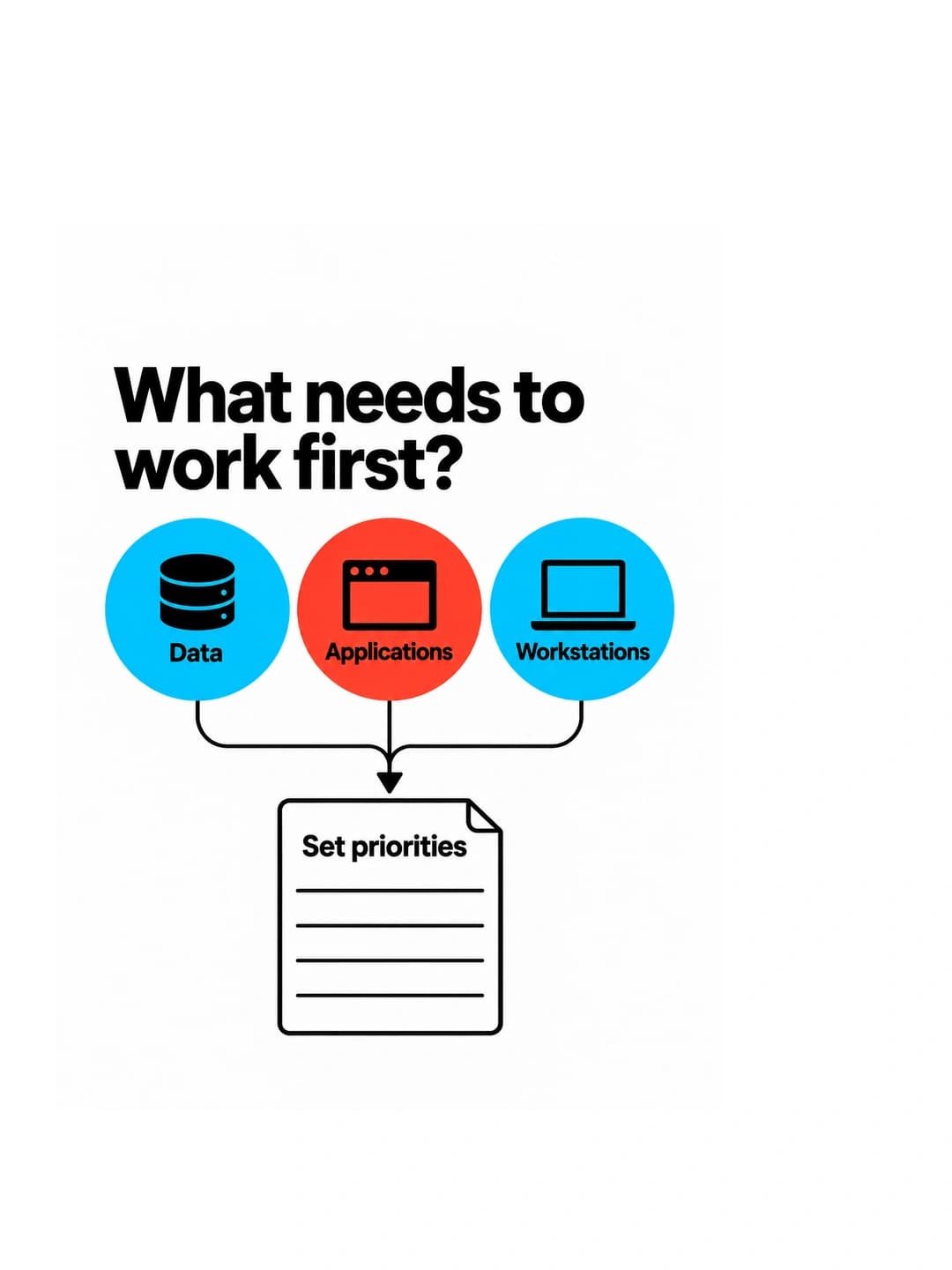

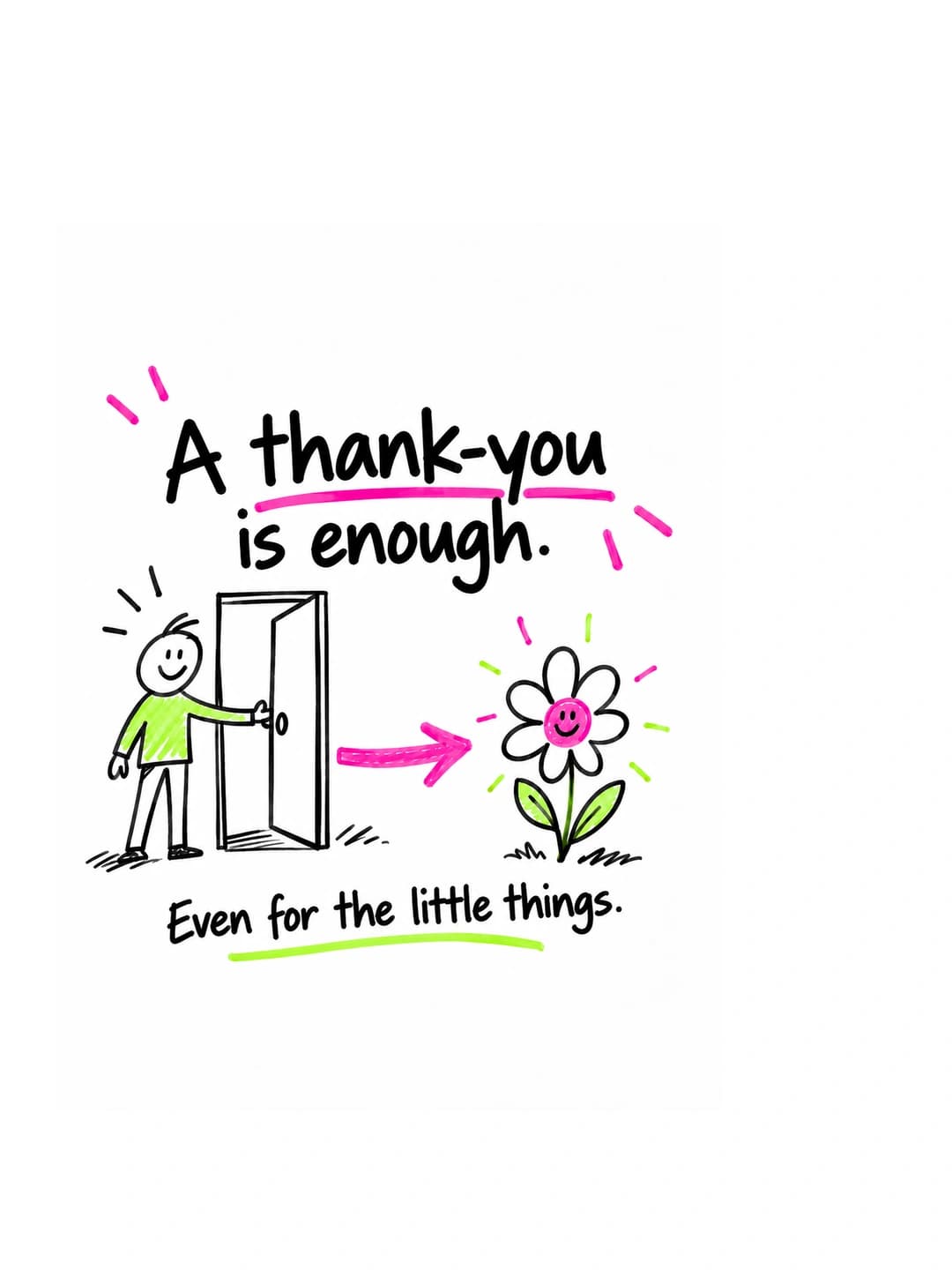
Keep what you love. Tweak the rest.
No daily work.
New offers, worthwhile upgrades, their next visit: show customers what else they can enjoy with you.
Share your team, everyday work, and open roles. Help potential applicants see why your business could be their next workplace.
Do it all yourself

Find ideas, design images, write captions, and upload. Then do it all again for the next post.
Hire an agency

On-site photo and video shoots, briefs, and revision rounds. Plus an ongoing production budget.
AttentionClaw
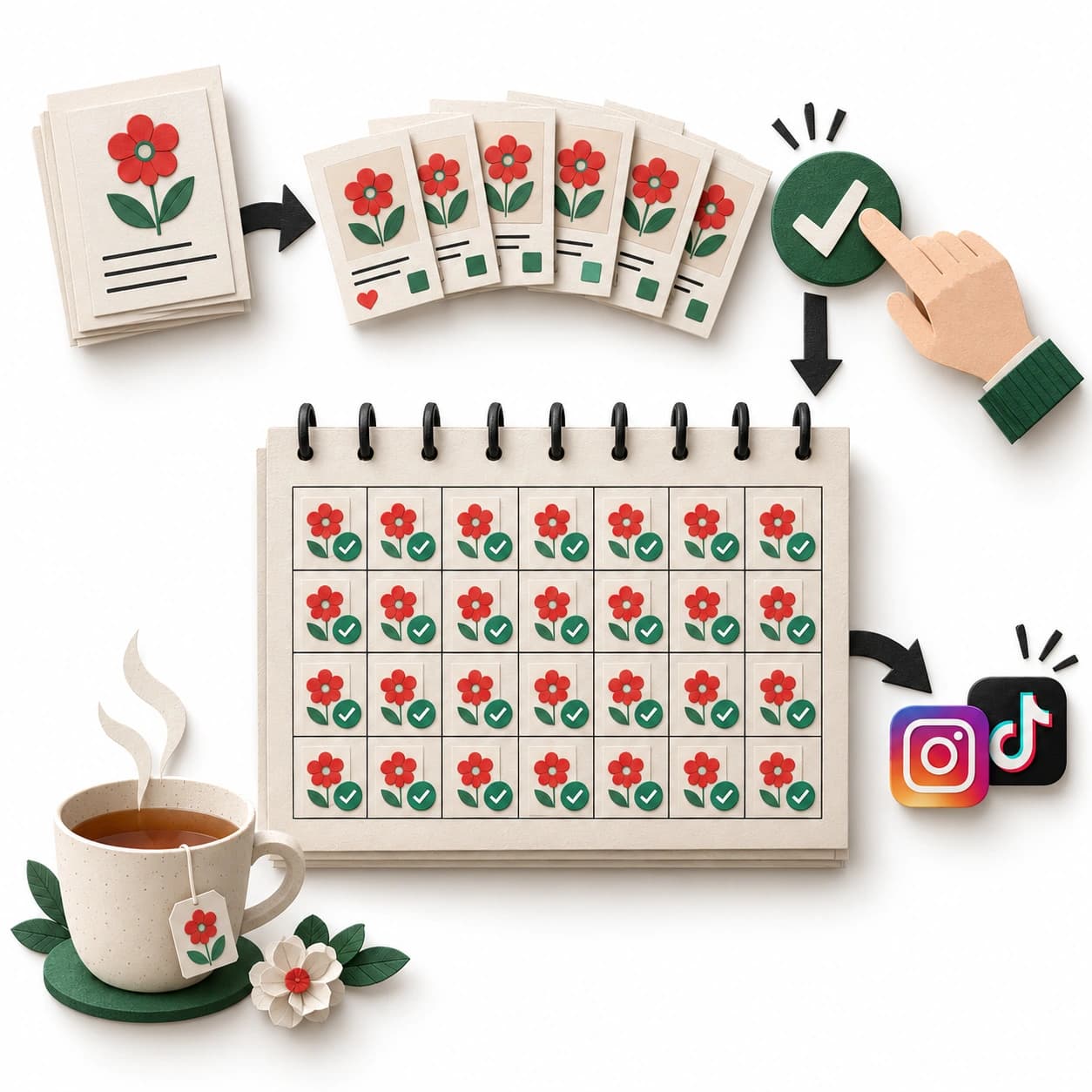
AI creates your posts for the whole month. Give them a quick review, approve, and let them publish automatically.
Doing it yourself costs your evenings. An agency costs an ongoing budget. With AttentionClaw, you plan once a month.
| Benefit | Do it yourself | Agency | Attention |
|---|---|---|---|
| A whole month of posts in one go | No | Yes | Yes |
You keep the final say. Approvals, comments, and messages remain yours.
Share training tips, introduce your classes, and invite people to try your gym.
Show what is on the menu, tell your story, and give people a reason to visit.
Read the guidePersonal setup help
Tell us what you do, where you are, and what you offer. We can help shape your content, set up your look, or discuss a website for your business.
| No |
| Yes |
| Yes |
| No design skills needed | No | Yes | Yes |
|---|
| New posts at the push of a button | No | No | Yes |
|---|
| No meetings or revision rounds | Yes | No | Yes |
|---|
| No ongoing production budget | Yes | No | Yes |
|---|
| Publishes to Instagram and TikTok automatically | No | Yes | Yes |
|---|
| You approve every post | Yes | Yes | Yes |
|---|