Chapter 1
The short answer: create background lanes, not random scenes
To keep AI product backgrounds consistent, define a small set of approved scene lanes before generating campaign assets. A scene lane specifies environment, surface, lighting, props, camera distance, color temperature, and mood. The product identity remains fixed while backgrounds vary only inside those lanes.
For example, a skincare brand might use bathroom routine, ingredient education, travel pouch, and clean studio proof. A home brand might use shelf detail, room before-after, small-apartment scale, and seasonal gift table. Those lanes create variety without making each post look like a different brand.
Background consistency matters because shoppers use context to judge product quality, size, and fit. If one post shows a luxury marble bathroom, the next a neon street scene, and the next a dark studio, the campaign may feel generated rather than intentional.
Define 3 to 5 background lanes per brand or campaign.
Keep product identity and color accurate across every lane.
Use props to explain use case, not to decorate randomly.
Review backgrounds for mobile readability and product visibility.
Avoid backgrounds that imply unsupported use, scale, certification, or lifestyle claims.
Chapter 2
Build scene lanes for each content job
Scene lanes should connect to content jobs. A proof post needs a clean background that helps the viewer inspect the product. A routine post needs a real-use environment. A bundle post needs a surface where all items can be understood together.
The lane is more specific than a vibe. 'Warm minimal kitchen' is a start, but the production rule should define counter material, light direction, prop density, camera distance, and what never appears.
- 1
Studio proof lane
Neutral background, accurate color, close detail, minimal props, high product visibility.
- 2
Routine lane
Realistic room or use context, approved companion objects, natural light, product in action.
- 3
Comparison lane
Clear side-by-side space, consistent scale, limited visual noise, readable labels added later.
- 4
Offer lane
Product or bundle centered, CTA space, seasonal or launch props only when relevant.
Chapter 3
Prompt rules that protect background consistency
Background prompts should include fixed rules and variable slots. Fixed rules create recognition. Variable slots give enough freshness for a campaign. The mistake is changing everything in every prompt.
Use the same lighting family, camera language, color temperature, and surface logic across a lane. Then vary product angle, crop, prop placement, and message job.
Define environment: bathroom counter, kitchen table, desk, shelf, gym bag, studio sweep, gift table.
Define surface: matte stone, warm wood, white tile, linen, concrete, paper backdrop.
Define light: morning window light, softbox studio, warm evening, bright editorial.
Define prop rules: allowed props, maximum prop count, forbidden props.
Define crop: closeup, medium product scene, full bundle, vertical slideshow frame.
Define negative constraints: no extra products, no invented labels, no unrealistic luxury setting, no off-brand colors.
Chapter 4
Review backgrounds as part of product accuracy
A background can mislead even if the product is accurate. It can make the product look larger, more premium, more durable, safer, or more specialized than it is. Review the context, not just the object.
Shopify product media guidance is useful here because product visuals should help buyers understand function, size, and quality. If the background confuses scale, hides function, or changes perceived quality unfairly, it should be rejected.
The background supports the buyer question.
The product remains the visual priority.
Scale cues are realistic.
Lighting does not alter product color.
Props do not imply unapproved bundles, ingredients, uses, or certifications.
The background matches the campaign's approved scene lane.
Callout
Where AttentionClaw fits
AttentionClaw helps brands reuse product scene lanes across carousels, TikTok slideshows, and launch campaigns while keeping visuals coherent.
Chapter 5
Keep a source of truth for every background lane
A background lane should have reference assets just like a product does. Save two to five approved examples for each lane: one close crop, one wider scene, one vertical crop, one example with text-safe space, and one rejected example that shows what the lane is not. This helps future generation stay inside the same visual world.
The reference set should include both visual and strategic notes. A bathroom routine lane is not simply a bathroom. It may be a morning-light counter scene with low prop density, soft neutral surfaces, no visible medicine claims, and enough empty space for a two-line educational hook. Those notes matter because they explain the business purpose of the lane.
When a campaign performs well, promote the strongest backgrounds into the lane reference set. When a background creates confusion or looks off-brand, save it as a negative example. Over time the background system becomes easier to use because the team has concrete pass and fail examples.
- 1
Approved visual reference
Save the image that best represents the lane's environment, light, crop, prop density, and product placement.
- 2
Text-safe reference
Save an example that leaves room for a headline, source note, label, or CTA without hiding the product.
- 3
Format reference
Save square, vertical, and wide examples when the lane will be used across Instagram, TikTok, ads, and landing pages.
- 4
Rejected reference
Save a near miss that explains what breaks the lane, such as too many props, wrong surface, unrealistic luxury context, or product scale distortion.
Chapter 6
Adapt backgrounds for platform crops without changing the world
A consistent background system still needs different crops. Instagram carousels, TikTok slideshows, story frames, ads, and product-page support graphics all place pressure on the image differently. The background lane should define how the same scene behaves in each crop.
For vertical slideshows, the product usually needs to sit higher and larger so it reads quickly on a phone. For square carousels, the scene can include more horizontal context and a stable text zone. For paid creative, the first frame should make the product and offer understandable without relying on a long caption.
Do not let crop adaptation create a new background style. If the square version is warm, natural, and minimal, the vertical version should not become high-contrast neon simply because the prompt changed. Keep the lane identity stable and change composition only as much as the format requires.
Square carousel: balanced product, context, and text-safe space.
Vertical slideshow: product remains central and readable in the first second.
Story frame: important details avoid platform UI zones.
Ad crop: product, offer, and proof appear early and clearly.
Landing-page support: more room for labels, diagrams, and source context.
Chapter 7
Common background failures and how to fix them
Most background failures are not dramatic. They are small changes that compound across a campaign: props become unrelated, surfaces change from matte to glossy, lighting becomes colder, product shadows stop matching, or the scene starts implying a higher-end lifestyle than the product page supports.
Fix these failures at the lane level. If props keep drifting, define allowed prop categories and a maximum prop count. If color temperature drifts, add a lighting reference and reject images that alter product color. If backgrounds hide the product, define minimum product size and text-safe areas.
A background lane is successful when it reduces creative decisions. The generator should know what world the product belongs in, and the reviewer should know exactly why an output passes or fails.
Prop drift: reduce allowed props and require each prop to explain use case.
Luxury drift: ban surfaces or locations that imply a product tier the brand cannot support.
Color drift: use neutral references and reject lighting that changes product color.
Scale drift: include hands, shelves, counters, or packaging references that keep size believable.
Readability drift: require a stable empty area for headlines and captions.
Chapter 8
Use background lanes across a full campaign
Background consistency becomes most valuable over a month of content. A single image can look good by accident, but a 30-day campaign needs repeatable scene logic. Assign background lanes to content jobs: studio proof for details, routine lane for education, comparison lane for decision posts, and offer lane for launch or bundle content.
This gives the feed visual rhythm. The audience learns the brand's product world, while each post still has a different job. It also makes review faster because the team can judge a generated image against the lane instead of debating taste from scratch.
Week 1: problem and routine scenes.
Week 2: education and detail-proof scenes.
Week 3: comparison and trust scenes.
Week 4: offer, bundle, and seasonal scenes.
Keep the same product lock across every lane.
Next step
Keep AI product scenes consistent across campaigns
AttentionClaw helps brands define reusable product scene lanes for carousels, TikTok slideshows, and launch content.
Common Questions
FAQ
More Reading
Keep reading
7-chapter read
How to Debug AI Style Drift in Social Images
AI style drift happens when generated social images slowly stop matching the approved brand, product, character, or scene system. Debug it by isolating the drift type, comparing against baselines, tightening prompt blocks, adding references, and changing the review gate.
8-chapter read
AI Model Shot Consistency for Fashion Product Content
Fashion brands using AI-assisted model shots need strict controls for garment truth, fit, variant, model continuity, styling, disclosure, and product-page match before assets become social content.
8-chapter read
AI Product Image Variant Control for Ecommerce Campaigns
AI product variant control means locking which details can change and which cannot: color, size, label, material, scent, flavor, bundle contents, and product-page destination. Without variant rules, AI-generated social content can accidentally sell a product that does not exist.
8-chapter read
Consistent AI Typography for Social Images
Consistent AI typography comes from separating generated layout exploration from final text production. Define type roles, hierarchy, contrast, density, safe zones, and QA rules before approving social images.
7-chapter read
How to Keep a Product the Same in AI Lifestyle Images
To keep a product the same in AI lifestyle images, start from real product references, lock every visible detail, define allowed scene variation, composite final text when needed, and review each image against the product page before publishing.
How to Build a Brand Style System for AI-Generated Social Content
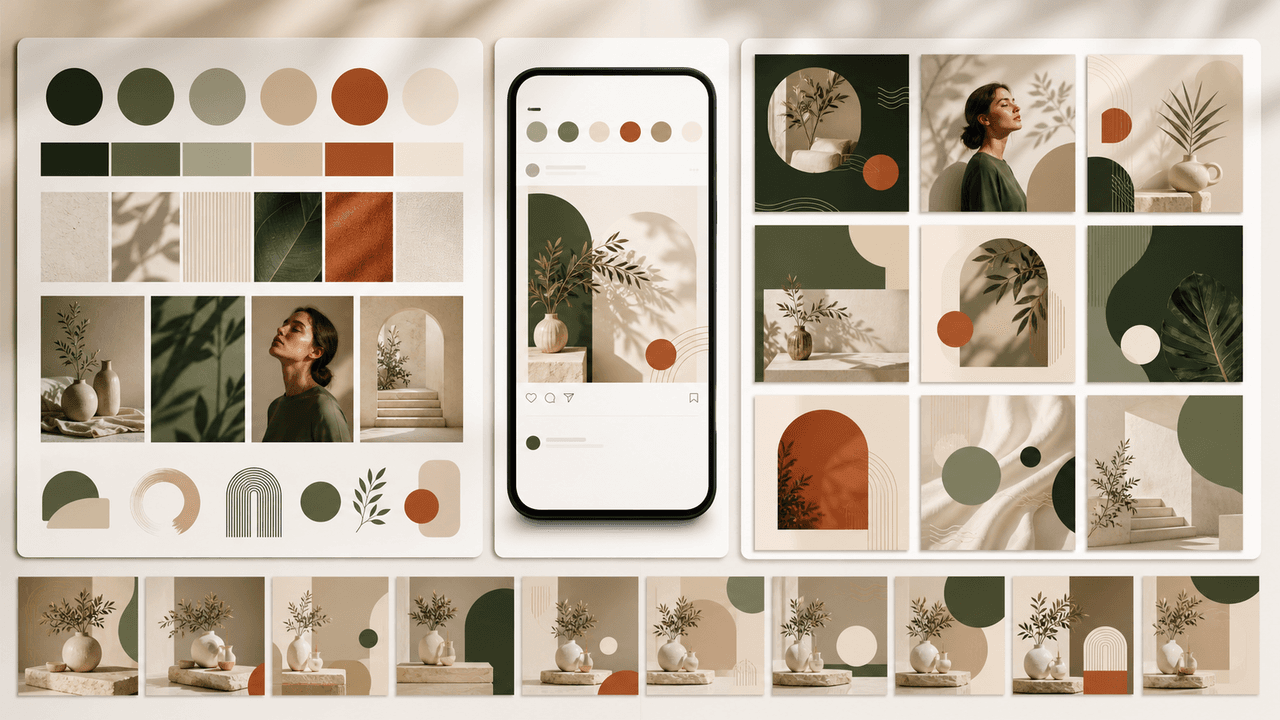
A brand style system for AI-generated social content turns taste into operating rules. It defines visual identity, voice, prompt blocks, reusable scenes, text rules, source rules, and QA gates so every carousel, slideshow, infographic, and product post feels like the same brand.
8-chapter read
AI Visual Consistency for Multi-Product Brands
Multi-product brands need more than a prompt for consistent AI visuals. They need catalog rules, variant locks, scene families, bundle logic, campaign stages, and a review workflow that protects product truth across every SKU.
8-chapter read
How to Build Reusable AI Scenes for Social Posts
Reusable AI scenes turn random generations into a repeatable visual system. Define the scene's job, camera, lighting, prop rules, product placement, variation lanes, and QA checklist so each post feels fresh without breaking brand recognition.
AI Image Consistency Checklist for Instagram Carousels
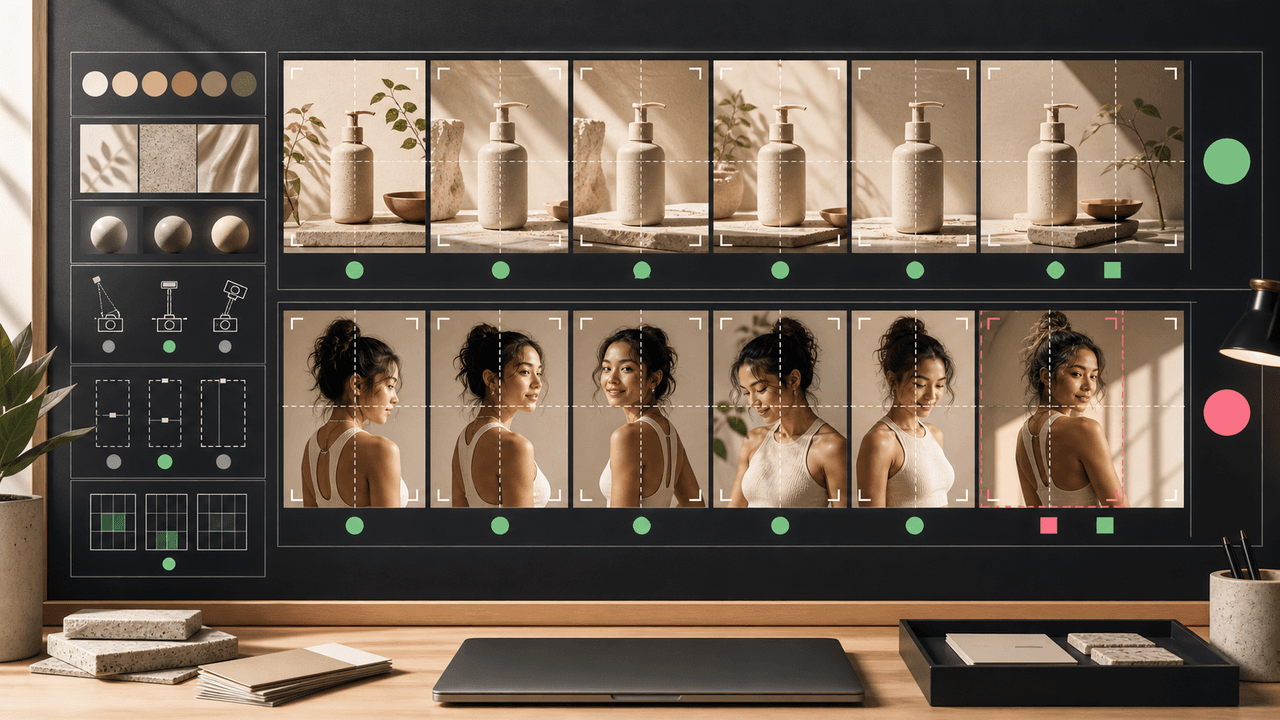
AI image consistency for Instagram carousels requires checks before, during, and after generation: identity lock, style lane, product accuracy, character continuity, camera rules, crop safety, text safety, disclosure, and final mobile review.
How to Keep Product Photos Consistent Across AI-Generated Social Posts
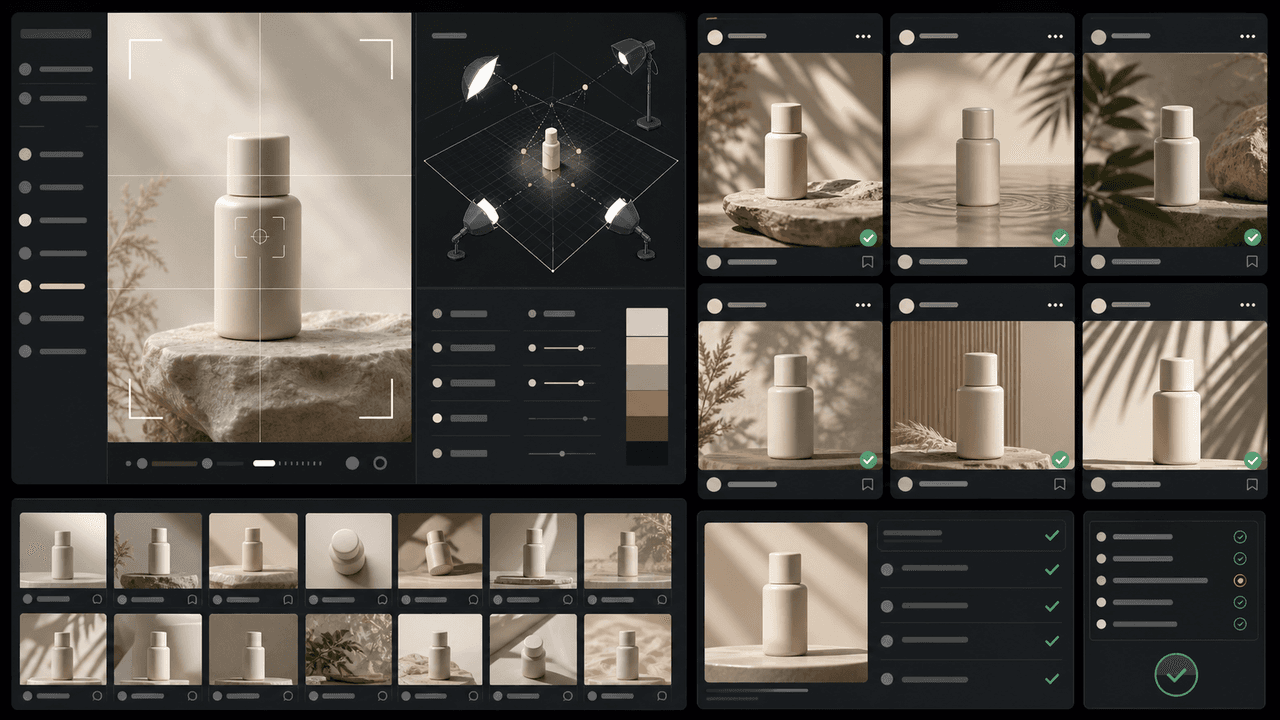
Consistent AI product images come from a system, not a lucky prompt. Lock the product reference, camera rules, lighting, background family, brand palette, allowed variations, and review checklist before generating campaign assets. Then vary context and message without changing the product identity.
Sources
- Product media — Shopify Help Center
- Labeling AI-Generated Images on Facebook, Instagram and Threads — Meta
- C2PA Technical Specification — Coalition for Content Provenance and Authenticity
- AI features and your website — Google Search Central
Written by
AttentionClaw
Editorial Team
Editorial context
Part of the Content Planning topic cluster. Last updated June 22, 2026.