Chapter 1
The short answer: lock identity first, then vary context
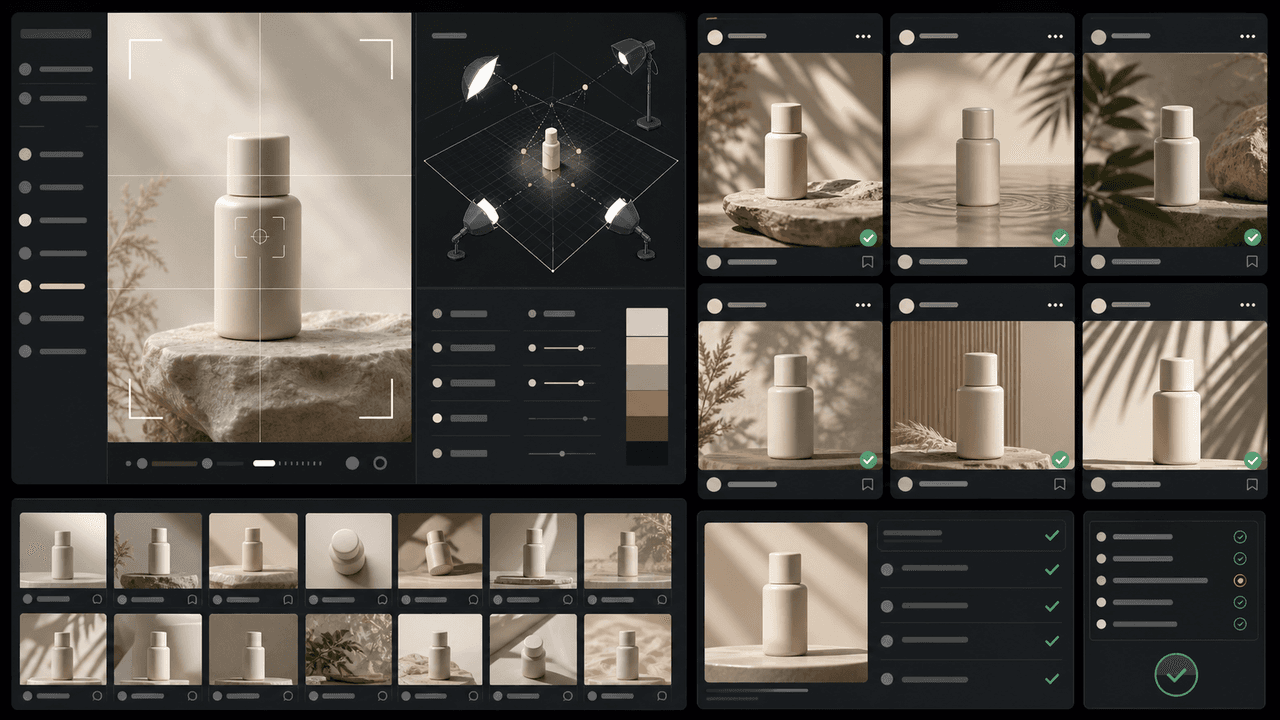
To keep product photos consistent across AI-generated social posts, create a product identity kit before generating anything. That kit should include approved reference images, exact product descriptors, forbidden changes, camera and lighting rules, background families, brand colors, typography rules, and a quality-control checklist. Use the kit in every carousel, TikTok slideshow, campaign image, and product explainer.
The biggest mistake is trying to solve consistency with one longer prompt. A prompt helps, but consistency comes from repeated constraints and review. If the product label moves, cap color changes, material looks cheaper, or proportions drift between posts, the campaign starts to feel untrustworthy even when individual images look polished.
The right mental model is merchandising, not random image generation. Shopify product media exists to help customers understand function, size, and quality. Your AI-generated social product images should support the same goal while adapting the product to different contexts, hooks, and content formats.
Product identity must remain fixed: shape, packaging, color, logo placement, material, dimensions, and key details.
Creative context can vary: room, season, hand model, surface, prop set, use case, and offer frame.
Every generated image should pass a product accuracy review before becoming a campaign asset.
Do not use AI visuals for claims, results, or demonstrations that the real product cannot support.
For a 30-day campaign, define allowed variation lanes before generation so the feed feels coherent instead of repetitive.
Chapter 2
Build a product identity kit before writing prompts
A product identity kit is the source of truth for AI-generated product visuals. It prevents the generator, designer, or marketer from reinventing the product every time they need a new image. The kit should be concrete enough that someone unfamiliar with the product can spot a drift error.
Start with references that show the product from multiple angles: front, side, back, top, in-hand, scale, packaging, and any important label or texture detail. If the product has variants, separate the variant rules. A lavender bottle and a mint bottle might share shape and label layout but differ in color, scent name, and prop world.
Then write a plain-English product lock. Example: 'Amber glass 30 ml serum bottle, matte cream label, black pump, logo centered at top, product name in two-line serif type, no color changes, no extra icons, no altered cap shape, no invented ingredients.' This becomes the repeatable language every prompt and review uses.
- 1
Collect approved product references
Use real product photos from the brand, not only generated images. Include neutral product shots and real-use shots so the AI system and reviewer understand both identity and context.
- 2
Write the product lock
Document the details that cannot change: shape, material, color, label, logo, closure, size, variant name, and any legally sensitive packaging text.
- 3
Define forbidden changes
List what the AI must not invent: extra flavors, new packaging claims, different ingredients, fake certifications, unrealistic results, altered safety labels, or impossible product behavior.
- 4
Create review examples
Save examples of acceptable and unacceptable generations. This helps the team reject subtle product drift instead of approving every pretty image.
Chapter 3
Separate product consistency from campaign style
Product consistency and brand style are related but not the same. Product consistency protects what the item is. Campaign style controls how the content feels: bright kitchen, minimalist bathroom, editorial fashion, high-contrast sale graphic, soft pastel routine, or premium studio setup.
This separation makes scale possible. You can run a spring launch, a holiday gift guide, a product education carousel, and a TikTok slideshow without changing the product identity. The contexts change, but the bottle, bag, candle, snack box, supplement tub, or accessory remains recognizably the same.
Define a small set of campaign style lanes. A DTC skincare brand might use 'bathroom routine,' 'ingredient education,' 'clean studio proof,' and 'travel pouch.' A home brand might use 'before-after room,' 'detail closeup,' 'small apartment scale,' and 'giftable bundle.' Each lane gets its own prompt pattern.
Identity lock: what the product must always look like.
Style lane: what the scene, lighting, props, and emotional context can look like.
Content format: Instagram carousel, TikTok slideshow, story, ad, email image, or product explainer.
Message angle: problem, routine, comparison, bundle, proof, urgency, or testimonial.
CTA destination: product page, bundle, collection, launch page, or homepage.
Chapter 4
Use prompt blocks instead of one-off prompts
One-off prompts are hard to debug because every generation starts from scratch. Prompt blocks are reusable pieces of instruction: product lock, camera rule, lighting rule, background lane, prop boundary, text-overlay rule, and negative constraints. You can mix these blocks while keeping product identity stable.
For example, the product lock stays identical across every generation. The background lane changes from 'clean bathroom counter with morning light' to 'small travel pouch on hotel sink.' The message angle changes from 'routine order' to 'leak-proof travel.' This gives the campaign variety without letting the product mutate.
A good AI product prompt is specific about what must be accurate and flexible about what can be creative. The prompt should not ask for photorealistic packaging text that the model may distort unless the workflow supports compositing the real label afterward. For product text, it is often safer to generate the scene and add final text or label treatment in a controlled design step.
- 1
Block 1: Product lock
The exact product descriptors and forbidden changes. This block should change only when the product or variant changes.
- 2
Block 2: Scene lane
Where the product appears and what props are allowed. Keep props relevant so they support the buyer story instead of distracting from the product.
- 3
Block 3: Camera and lighting
Define angle, lens feel, crop, depth of field, shadow softness, and lighting temperature. These rules create visual coherence across a month of assets.
- 4
Block 4: Campaign message
Name the social post's job: routine education, bundle value, quality proof, before-after, product launch, or objection handling.
- 5
Block 5: Negative constraints
Prevent common drift: no altered logo, no invented certifications, no extra product variants, no unreadable label changes, no distorted anatomy, no unrealistic results.
Chapter 5
Adapt consistency rules by social format
Instagram carousels, TikTok slideshows, ads, and story posts need different crops and visual rhythm. Consistency does not mean exporting one square image everywhere. It means the product remains accurate while the composition fits the format.
Meta's carousel ad specifications and TikTok's carousel documentation both point to a basic reality: formats have constraints. A beautiful product image can still fail if the label is cropped, the CTA is hidden, or the product is too small on a phone. Build format rules into the generation process instead of fixing everything after export.
For product education carousels, use a mix of context and closeup frames. For TikTok slideshows, favor vertical scenes with clear central product placement and less dense text. For paid ads, keep the product, offer, and core proof visible in the early frames.
Instagram carousel: use consistent slide grammar and enough closeups for proof.
TikTok slideshow: use vertical composition, clear central product, and fast buyer context.
Story creative: leave safe space for platform UI and keep CTAs visually simple.
Paid creative: avoid tiny text and make the product recognizable in the first second or first frame.
Product page reuse: do not use generated lifestyle scenes as the only truth source for exact product details.
Chapter 6
A 30-day campaign system for consistent AI product images
A 30-day product campaign should not be 30 unrelated prompts. It should be a planned set of content jobs using the same identity kit. That gives you enough variety for the feed while making the brand feel intentional.
Split the month into four creative weeks. Week 1 explains the product problem and promise. Week 2 teaches use cases and routine. Week 3 proves quality, reviews, and objections. Week 4 sells bundles, seasonal angles, urgency, and recap content. The product identity stays fixed; the message and scene lane change by week.
This structure also makes generation easier to review. Instead of approving 30 images in random order, review each week against its job. Are problem-week images clear? Are routine-week images sequential? Are proof-week images accurate? Are offer-week images aligned with the actual promotion?
- 1
Week 1: Problem and promise
Generate images that show the product in the buyer's real problem context. Use before-after, messy-to-organized, old-routine-to-new-routine, or pain-point scenes.
- 2
Week 2: Use and education
Create routine steps, how-to frames, variant explanations, size comparisons, ingredient or material callouts, and product-in-hand visuals.
- 3
Week 3: Proof and trust
Generate detail closeups, review-led visuals, quality comparisons, packaging proof, durability scenes, and social proof layouts.
- 4
Week 4: Offer and conversion
Create bundle visuals, launch urgency, gift guides, seasonal sets, collection images, and final CTA slides that match the actual offer.
Callout
Review rhythm
Approve the product identity once, then review weekly batches for message fit. This is faster and safer than judging every image as an isolated design.
Chapter 7
The product consistency review checklist
AI-generated product content needs a review step because visual drift can look subtle to a designer and obvious to a customer. A cap shape changes. A package gets taller. A logo becomes centered on one slide and left-aligned on another. A generated hand covers the key product detail. None of these errors are acceptable in a campaign meant to sell a real product.
Use a checklist before scheduling. The reviewer should compare each generated asset against the product identity kit, not against memory. This is especially important when multiple people are generating assets or when the campaign includes several variants.
Google's guidance around AI features and helpful content reinforces the bigger point: content needs to be useful, clear, and trustworthy for users. For ecommerce AI visuals, trust starts with not misrepresenting what the buyer will receive.
Product shape matches the approved reference.
Logo, label, color, variant name, and packaging details are accurate.
No invented claims, certifications, ingredients, effects, sizes, or accessories appear.
The product is large enough and clear enough for mobile viewing.
Scene, props, and use case match the real customer situation.
Lighting and color treatment do not distort the product color.
Text overlays do not hide product proof.
Final CTA and offer match the live product page.
Chapter 8
Mistakes that make AI product campaigns look untrustworthy
The first mistake is approving images because they look premium while ignoring product accuracy. A luxury-looking scene does not help if the product is the wrong color or the label has invented claims. For ecommerce, accuracy is part of polish.
The second mistake is letting every platform have its own product world. If Instagram shows a warm neutral bathroom, TikTok shows neon futurism, ads show harsh studio lighting, and the product page shows white-background catalog images, the brand feels fragmented. Use different crops and contexts, but keep a coherent visual universe.
The third mistake is skipping documentation. If the only consistency rule is in one person's head, the system will break when the team scales, a contractor joins, or a new product launches. Document the product lock and style lanes so every future campaign starts stronger.
Do not let AI invent product variants just to make an image prettier.
Do not use generated packaging text as final legal or product information without review.
Do not mix photo-real, 3D, illustration, and collage styles in one product campaign unless the brand system intentionally supports it.
Do not change product scale between slides unless the context clearly explains the crop.
Do not publish AI-generated usage scenes that imply unsafe or unsupported use.
Callout
Where AttentionClaw fits for product campaigns
AttentionClaw helps teams turn a product identity kit into consistent Instagram carousels, TikTok slideshows, and scheduled campaign variations without rebuilding the visual system each time.
Next step
Create consistent AI product content for every post
AttentionClaw helps brands keep products, style, and campaign assets consistent across Instagram carousels, TikTok slideshows, and 30-day social content systems.
Common Questions
FAQ
More Reading
Keep reading
7-chapter read
How to Debug AI Style Drift in Social Images
AI style drift happens when generated social images slowly stop matching the approved brand, product, character, or scene system. Debug it by isolating the drift type, comparing against baselines, tightening prompt blocks, adding references, and changing the review gate.
8-chapter read
AI Product Image Variant Control for Ecommerce Campaigns
AI product variant control means locking which details can change and which cannot: color, size, label, material, scent, flavor, bundle contents, and product-page destination. Without variant rules, AI-generated social content can accidentally sell a product that does not exist.
8-chapter read
AI Background Consistency for Product Scenes
AI product backgrounds stay consistent when you define scene lanes, surfaces, lighting, camera distance, prop rules, color temperature, and negative constraints before generation. The product identity should stay fixed while context changes only inside approved lanes.
AI-Generated Product Infographic Checklist
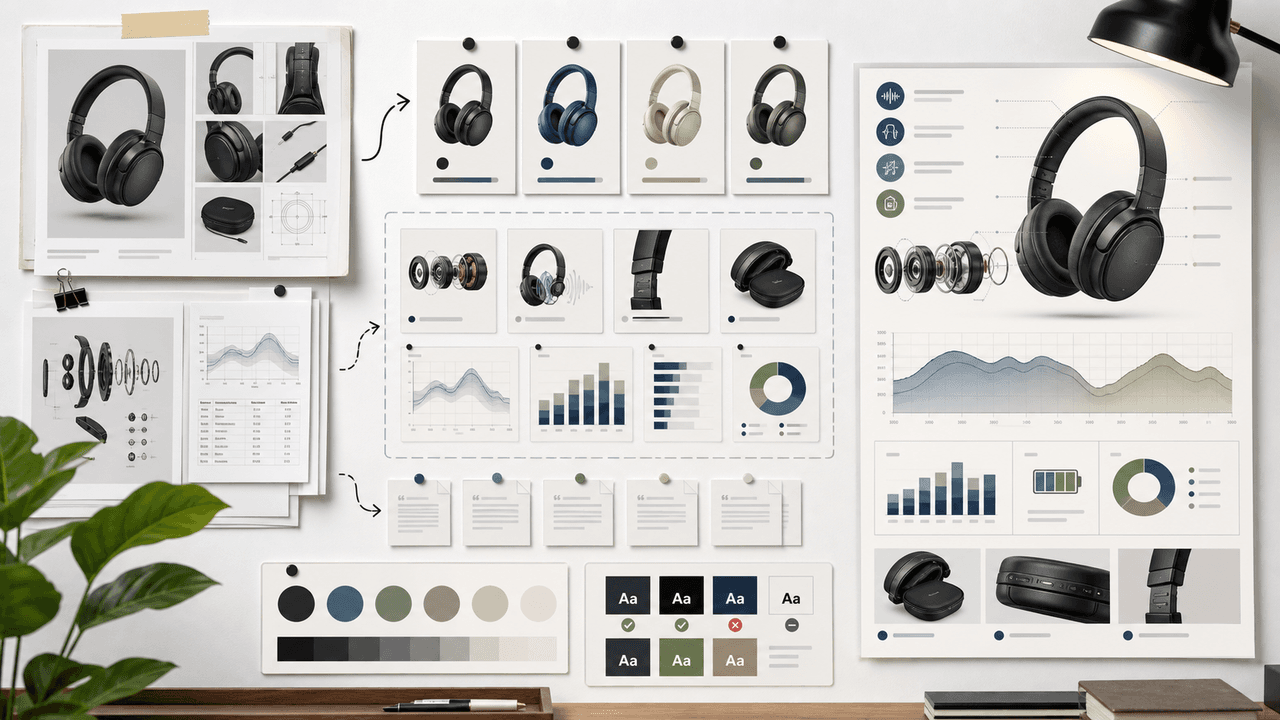
AI-generated product infographics should start with product truth and source-backed claims. Use a checklist for SKU accuracy, variant logic, evidence, chart integrity, readability, citations, and destination-page match before publishing.
8-chapter read
Brand Style Prompt Templates for Consistent Social Media Images
Brand style prompts work best as reusable blocks: identity lock, style lane, camera and lighting, composition, allowed variation, negative constraints, and review criteria. The template should protect the brand while leaving enough room for useful campaign variation.
7-chapter read
How to Keep a Product the Same in AI Lifestyle Images
To keep a product the same in AI lifestyle images, start from real product references, lock every visible detail, define allowed scene variation, composite final text when needed, and review each image against the product page before publishing.
8-chapter read
AI Visual Consistency for Multi-Product Brands
Multi-product brands need more than a prompt for consistent AI visuals. They need catalog rules, variant locks, scene families, bundle logic, campaign stages, and a review workflow that protects product truth across every SKU.
8-chapter read
How to Build Reusable AI Scenes for Social Posts
Reusable AI scenes turn random generations into a repeatable visual system. Define the scene's job, camera, lighting, prop rules, product placement, variation lanes, and QA checklist so each post feels fresh without breaking brand recognition.
8-chapter read
Brand Safety Checklist for AI Social Images: 6 Gates
AI-generated social images should not go live because they look polished. They need a brand-safety review that checks product fidelity, claim accuracy, platform policy, accessibility, disclosure, and landing-page match before publication.
AI Image Consistency Checklist for Instagram Carousels
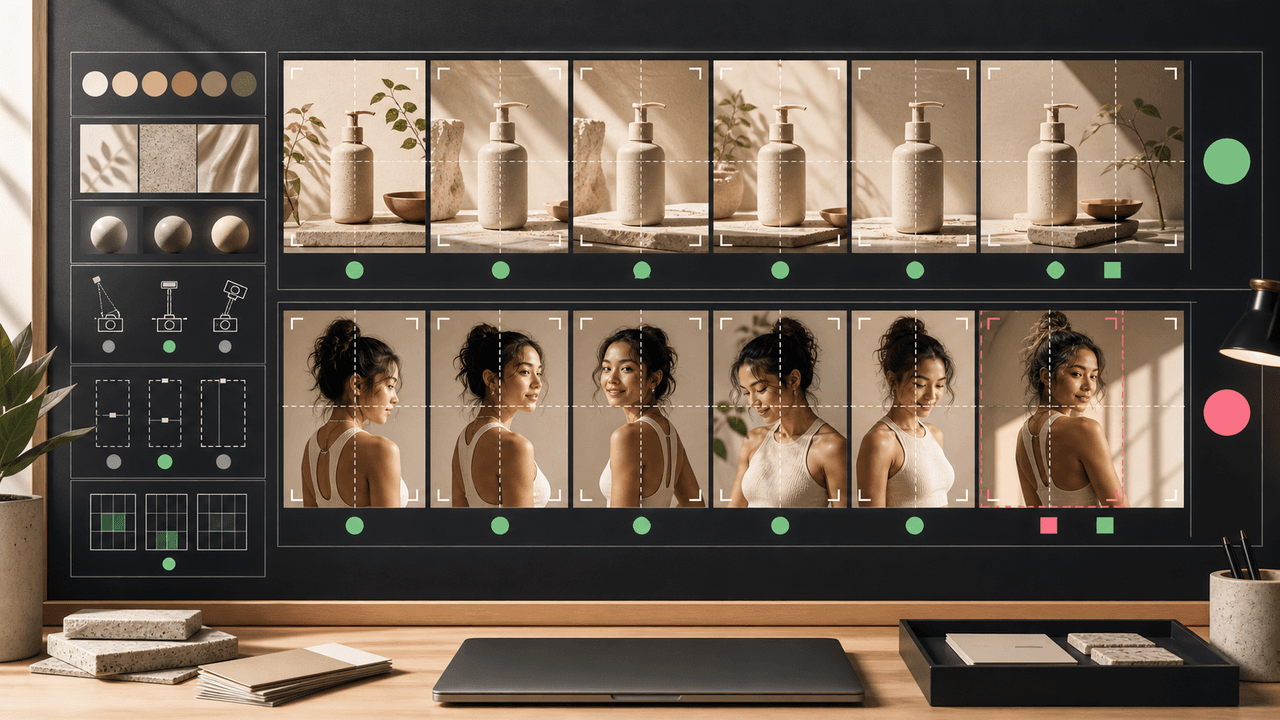
AI image consistency for Instagram carousels requires checks before, during, and after generation: identity lock, style lane, product accuracy, character continuity, camera rules, crop safety, text safety, disclosure, and final mobile review.
Sources
- Product media — Shopify Help Center
- Design Specifications for Carousel Ads — Meta Business Help Center
- About Carousel Ads in TikTok Ads Manager — TikTok Ads Manager
- AI features and your website — Google Search Central
Written by
AttentionClaw
Editorial Team
Editorial context
Part of the Content Planning topic cluster. Last updated June 22, 2026.