Chapter 1
The short answer: review consistency at three levels
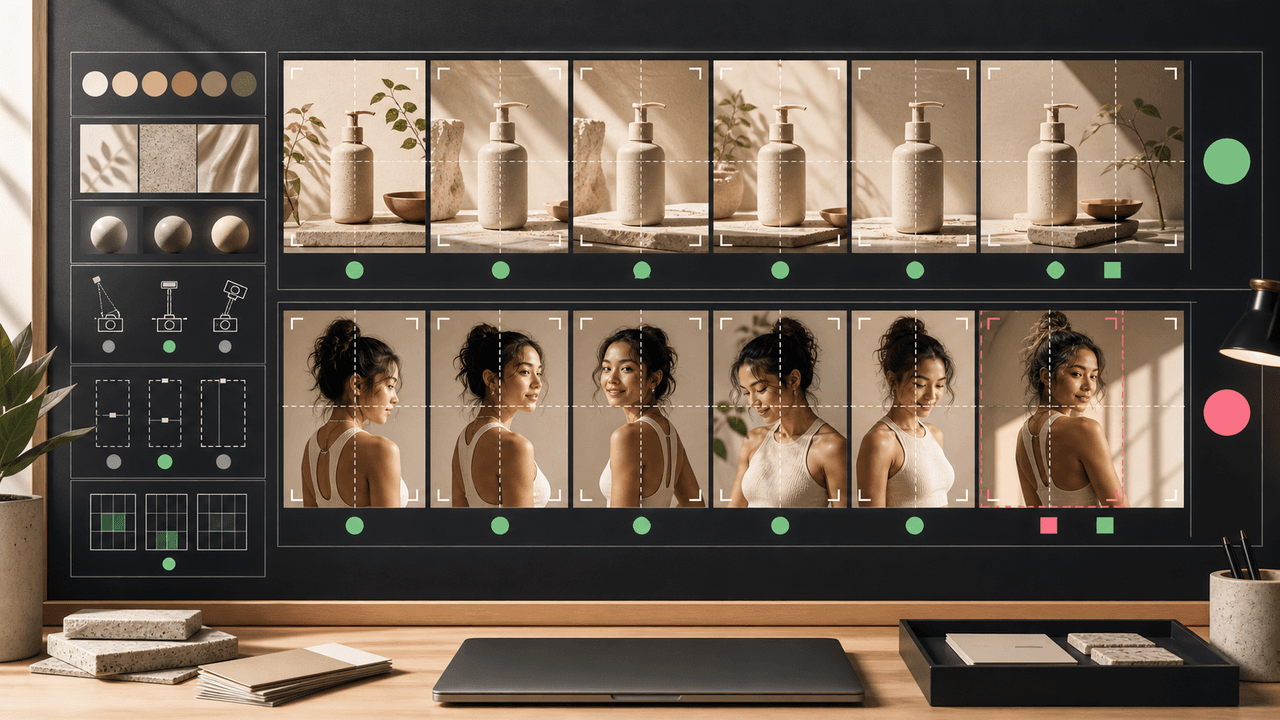
To keep AI-generated Instagram carousel images consistent, check three levels: identity, style, and format. Identity means the product, character, or brand asset stays accurate. Style means lighting, color, scene, camera, and mood feel like one campaign. Format means the carousel works on Instagram: readable, properly cropped, visually paced, and clear on a phone.
Most inconsistency is not a single dramatic error. It is the slow accumulation of small changes: a product label shifts, a character's face changes, the background style jumps, the crop hides proof, or each slide uses a different design language. A checklist catches those issues before the post becomes public.
For ecommerce and creator accounts, consistency is also trust. If the product looks different on every slide or a synthetic character changes identity mid-carousel, viewers question the account, not just the asset.
Identity check: product, character, logo, package, or core brand element remains accurate.
Style check: color, lighting, camera, props, and environment belong to the same campaign world.
Format check: slide order, crop, readability, safe space, and CTA work on mobile.
Disclosure check: AI-generated or commercial content is labeled where needed.
Destination check: product or offer shown in the carousel matches the landing page.
Chapter 2
Before generation: lock the source of truth
The checklist starts before the first image is generated. If the team has no approved product reference, no character sheet, and no brand style lane, the model has too much room to improvise. Improvisation is useful for concepts; it is dangerous for publishable product or brand content.
Create a carousel brief with the identity lock, style lane, content job, and slide list. The identity lock says what must not change. The style lane says what can vary. The content job says why the carousel exists: education, product demo, comparison, proof, offer, or brand story.
If the content includes realistic AI imagery, synthetic people, or commercial product recommendations, include disclosure expectations in the brief. Platform rules and labels change, but the audience should not be confused about what they are seeing.
- 1
Confirm approved references
Use real product images, character sheets, brand colors, typography, and prior approved assets. Do not depend on memory.
- 2
Write the identity lock
List details that cannot change: face, body, packaging, logo, color, material, label, dimensions, product variant, or brand mark.
- 3
Choose one style lane
Pick the visual world for this carousel: studio proof, bathroom routine, kitchen counter, desk setup, city lifestyle, or product education.
- 4
Map each slide's job
Every slide should have a role: hook, context, proof, step, comparison, review, objection, offer, or CTA.
Chapter 3
During generation: keep variation controlled
Variation is necessary; chaos is not. A carousel needs enough visual movement to keep swipes interesting, but not so much that every slide feels like a different brand. Control variation by changing one major dimension at a time: scene, crop, pose, prop set, or message angle.
For product carousels, keep the product identity fixed and vary context. For character carousels, keep identity and wardrobe rules fixed and vary expression, pose, or environment within the approved world. For educational carousels, keep the background system stable and vary diagram, object, or proof type.
Avoid asking AI to generate final tiny text, labels, or legal claims inside images unless your workflow supports controlled compositing afterward. It is usually safer to generate the visual and add text in the design layer.
Keep the same product lock across all slides.
Use the same camera and lighting family unless the slide job requires a change.
Generate multiple candidates per slide, then select for consistency, not just beauty.
Reject images that invent product details, extra limbs, false labels, or impossible use.
Save rejected examples so future prompts can explicitly avoid the same drift.
Chapter 4
After generation: run the carousel review checklist
The final review should happen in carousel order, not as separate images. A slide can look good alone and still feel wrong between slides. Review the series at phone size and ask whether the viewer can understand the promise, trust the visuals, and take the next step.
Meta's carousel ad specifications are useful even for organic review because they remind teams that carousel images live inside constrained placements. Small text, hidden product details, and inconsistent aspect ratios create friction quickly.
The review should be strict. AI image generation makes it easy to create more options, so do not publish a compromised slide just because it took time to produce. If one slide breaks product accuracy or character continuity, regenerate it.
All slides use the same aspect ratio and feel intentionally sequenced.
The product or character is recognizable from slide to slide.
Colors and lighting do not create accidental variant changes.
Text overlays are readable on a phone.
No product claim, certification, price, or result is invented.
The CTA and landing page match the carousel promise.
AI and commercial disclosure requirements have been considered.
Chapter 5
Product-specific consistency checklist
Product images need stricter review than generic lifestyle visuals because the buyer uses them to form expectations. A beautiful generated image that changes the product is not a creative win; it is a merchandising problem.
Use the product checklist for every ecommerce carousel, product demo slideshow, bundle post, and launch creative. Compare against approved references, not against the generated batch itself. A batch can be internally consistent and still wrong.
Shopify product media guidance is a useful standard: product visuals help customers understand function, size, and quality. That same standard should apply to AI-generated social product images.
- 1
Shape and scale
Does the product have the correct proportions and size relative to hands, shelves, bags, rooms, or other objects?
- 2
Packaging and label
Are logo placement, label hierarchy, cap, material, variant name, and packaging color accurate?
- 3
Use case
Is the product used in a realistic and supported way?
- 4
Claims
Does the image imply performance, ingredients, certifications, safety, or results that the product page does not support?
- 5
Offer alignment
Does the final slide point to a real product, bundle, collection, or promotion?
Chapter 6
Character and AI influencer consistency checklist
When a carousel includes an AI character, the face and body are not the only continuity risks. Voice, pose range, wardrobe, age, environment, and caption style all affect whether the account feels like one persona.
Use a character bible as the source of truth. If the carousel introduces a new outfit, setting, or brand partnership, update the bible only after review. Do not let one-off generation output become the new standard by accident.
This is especially important for brand-owned AI personas that recommend products. The persona should not appear to have real lived experiences, medical outcomes, or paid endorsements without proper disclosure and review.
Face, hair, skin tone, age range, and body type match the character bible.
Wardrobe and accessories fit the approved style lane.
Scene and pose match the persona's niche and content pillar.
Caption voice matches the persona's vocabulary and boundaries.
Disclosure and brand relationship language are consistent.
Next step
Create consistent AI carousel images from one style system
AttentionClaw helps teams keep products, characters, colors, and campaign visuals consistent across every Instagram carousel and TikTok slideshow.
Common Questions
FAQ
More Reading
Keep reading
7-chapter read
How to Debug AI Style Drift in Social Images
AI style drift happens when generated social images slowly stop matching the approved brand, product, character, or scene system. Debug it by isolating the drift type, comparing against baselines, tightening prompt blocks, adding references, and changing the review gate.

Visual QA Checklist for AI-Generated Carousels
AI-generated carousels need a QA pass that checks continuity, readability, factual claims, product or character accuracy, source support, accessibility, and CTA match before publishing.

How to Build a Brand Style System for AI-Generated Social Content
A brand style system for AI-generated social content turns taste into operating rules. It defines visual identity, voice, prompt blocks, reusable scenes, text rules, source rules, and QA gates so every carousel, slideshow, infographic, and product post feels like the same brand.
8-chapter read
AI Visual Consistency for Multi-Product Brands
Multi-product brands need more than a prompt for consistent AI visuals. They need catalog rules, variant locks, scene families, bundle logic, campaign stages, and a review workflow that protects product truth across every SKU.
8-chapter read
How to Build Reusable AI Scenes for Social Posts
Reusable AI scenes turn random generations into a repeatable visual system. Define the scene's job, camera, lighting, prop rules, product placement, variation lanes, and QA checklist so each post feels fresh without breaking brand recognition.
9-chapter read
Source Citation Checklist for AI-Assisted Social Content
AI-assisted social content needs a source checklist whenever it makes factual, product, performance, legal, health, financial, environmental, platform, or customer-proof claims. The checklist should define claim risk, acceptable sources, citation notes, reviewer status, and rewrite rules before content is scheduled.
8-chapter read
AI Prompt Library Template for Social Media Teams
A useful AI prompt library is not a folder of clever prompts. It is a production system with repeatable prompt families, required inputs, source rules, brand constraints, output specs, approval status, and QA notes so social teams can create faster without losing accuracy or brand control.
8-chapter read
Brand Safety Checklist for AI Social Images: 6 Gates
AI-generated social images should not go live because they look polished. They need a brand-safety review that checks product fidelity, claim accuracy, platform policy, accessibility, disclosure, and landing-page match before publication.
How to Keep Product Photos Consistent Across AI-Generated Social Posts
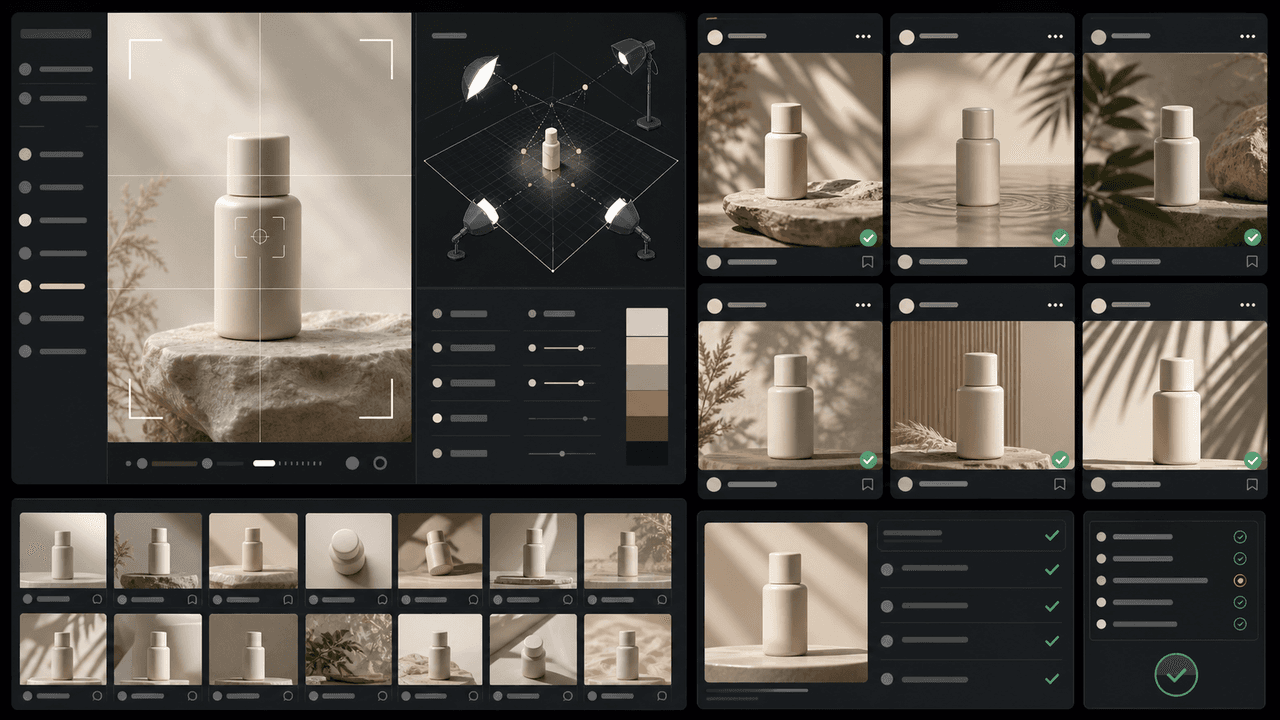
Consistent AI product images come from a system, not a lucky prompt. Lock the product reference, camera rules, lighting, background family, brand palette, allowed variations, and review checklist before generating campaign assets. Then vary context and message without changing the product identity.

Carousel Design Principles: The Visual Rules That Get More Swipes
Great carousel design is not about being a graphic designer. It is about following a set of visual rules that make your content readable, recognizable, and swipeable. This guide breaks down each rule with concrete specifications you can apply immediately.
Sources
- Product media — Shopify Help Center
- Design Specifications for Carousel Ads — Meta Business Help Center
- Labeling AI-Generated Images on Facebook, Instagram and Threads — Meta
- C2PA Technical Specification — Coalition for Content Provenance and Authenticity
Written by
AttentionClaw
Editorial Team
Editorial context
Part of the Carousel Creation topic cluster. Last updated June 22, 2026.