Chapter 1
The short answer: make the scene a system, not a prompt
To build reusable AI scenes for social posts, define one visual environment with a clear campaign job, fixed camera rules, lighting, background family, prop boundaries, product or character placement, and approved variation lanes. Then use that scene across carousels, TikTok slideshows, product explainers, and launch graphics while changing the message and composition.
The goal is not to reuse the exact same image. It is to reuse the same visual grammar. A skincare brand might own a soft morning bathroom scene. A SaaS app might own a desk setup with realistic screen mockups. A creator brand might own a studio corner with consistent lighting and recurring props.
Reusable scenes solve the biggest problem in AI social creative: each generation looks like it came from a different brand. A scene system gives AI room to vary without letting it invent a new world every time.
Choose one scene job: education, proof, launch, product routine, app workflow, or persona storytelling.
Lock camera, lighting, palette, materials, prop families, and crop rules.
Define what can vary: season, product angle, screen content, hand position, object arrangement, or CTA area.
Create accepted and rejected examples.
Review each generation for scene continuity and factual accuracy.
Chapter 2
Start with the job the scene has to perform
A reusable scene should exist because it helps a content job happen repeatedly. If the job is product education, the scene needs space for closeups and labels. If the job is app onboarding, it needs room for screen mockups and step markers. If the job is influencer persona continuity, it needs recurring settings that feel believable for the character.
Do not start by asking for a beautiful room. Start by naming the campaign work: teach a feature, show a product routine, compare variants, explain a bundle, visualize a statistic, or introduce a launch. The scene should make that job easier to understand.
This keeps the system from becoming decorative. A reusable kitchen counter scene is useful for meal-prep products because it shows scale, routine, and ingredients. The same scene is weak for a cybersecurity SaaS infographic because it does not clarify the product story.
- 1
Name the recurring content job
Examples: weekly product education, monthly launch countdown, feature walkthrough, persona advice series, customer objection handling, or infographic explainers.
- 2
List the assets the scene must support
Decide whether the scene needs space for product labels, app screens, captions, diagrams, hands, packaging, multiple variants, or CTA overlays.
- 3
Define the buyer question
Every scene should help answer a real buyer question such as 'How big is it?', 'How do I use it?', 'What changes?', 'Why trust this?', or 'What should I do next?'
Chapter 3
Create a visual lock for the scene
The visual lock is the part of the scene that should remain stable across generations. It includes camera angle, lighting, palette, materials, depth, background family, surface type, prop categories, and negative constraints. This is what makes different posts feel like they belong to the same series.
A strong visual lock is specific without being brittle. 'Warm natural light on a pale stone bathroom counter, soft shadows, cream and sage palette, product centered with two allowed props: towel and leaf' is easier to reproduce than 'nice skincare photo.'
The lock should also define what is not allowed. No extra products, no fake labels, no floating objects, no unreadable microtext, no different room style, no dramatic color shift, no hands covering the product label.
Camera: closeup, overhead, three-quarter, straight-on, or phone-screen view.
Lighting: morning daylight, soft studio, high-key white, warm evening, or high contrast.
Palette: brand colors plus neutral support colors.
Materials: wood, stone, glass, fabric, metal, paper, screen, or packaging.
Props: allowed categories, maximum count, and forbidden distractions.
Composition: product position, text-safe area, and crop format.
Chapter 4
Define variation lanes so the series does not become repetitive
A reusable scene fails when it becomes a template stamp. The answer is controlled variation. Keep the scene identity stable while rotating one or two variables at a time: season, prop, product angle, CTA space, background detail, customer scenario, or slide role.
For a product brand, variation lanes might include routine step, ingredient closeup, variant comparison, bundle layout, travel use, and gift setup. For an app, lanes might include desk setup, phone-in-hand, dashboard closeup, problem sticky note, and outcome summary. For an AI persona, lanes might include studio advice, product review, Q&A, and behind-the-scenes explanation.
Variation lanes should be named before generation. That gives the team a content calendar rather than a folder of random images.
- 1
Keep one stable anchor
Anchor the scene with the same camera, palette, or environment. Change the message, prop, or crop around that anchor.
- 2
Change one variable at a time
If the product, background, lighting, crop, and prop set all change at once, viewers perceive a new brand world.
- 3
Assign lanes to campaign stages
Use education lanes early, proof lanes in the middle, and offer lanes near launch or conversion moments.
- 4
Archive winning variants
When a scene performs well, save the prompt blocks, final asset, and review notes so future batches can reuse the structure.
Chapter 5
Design scenes for the formats they will enter
Reusable scenes should be built with platform formats in mind. A square Instagram carousel, vertical TikTok slideshow, LinkedIn carousel ad, and product-page graphic do not need the same composition. The scene can stay recognizable while the crop and layout change.
TikTok's carousel ad documentation describes ordered image sequences that users can swipe through, while Meta and LinkedIn carousel specs define card counts, ratios, file types, and headline limits. These constraints matter because a reusable scene must leave enough space for text, CTA, and product visibility in each channel.
Create a format matrix before producing the batch. Decide which scene variants are square, vertical, and wide. Decide where text can live. Decide which elements must never be cropped. This prevents a strong scene from becoming unusable during export.
Instagram carousel: stable grid, product proof, readable slide text.
TikTok slideshow: vertical crop, faster visual read, strong first frame.
LinkedIn carousel: professional information density and clear headline area.
Story/Reel cover: safe zones for platform UI.
Blog or landing-page graphic: more room for labels, diagrams, and citations.
Chapter 6
Reusable scenes for product and ecommerce teams
Product scenes should help buyers understand the real item. Shopify's product media documentation is a useful reminder that visual media exists to communicate function, size, and quality. AI scenes can extend that media into social contexts, but they should not replace the product truth.
A strong ecommerce scene system usually has three levels: product hero, product in use, and product in a campaign. The hero scene makes the product recognizable. The use scene shows context and scale. The campaign scene adds offer, bundle, season, or launch framing.
The review rule is simple: if the AI scene makes the product look more capable, more premium, larger, smaller, safer, or more effective than the real product, revise it. Scene systems should increase clarity, not create a different product.
- 1
Hero scene
Use clean product placement, controlled light, and minimal props. This scene is for launch posts, product education, and variant identification.
- 2
Use scene
Show the product in a realistic environment with scale and context. Keep usage plausible and avoid claims the product cannot support.
- 3
Campaign scene
Add seasonal props, bundles, gifts, offer frames, or collection context while keeping the product details accurate.
Chapter 7
Reusable scenes for app and SaaS posts
For apps and SaaS, the reusable scene usually wraps a real interface screenshot or feature diagram. The AI-generated part can create the desk, device, background, hand position, or atmosphere, but the interface itself should be accurate.
Do not let AI invent app screens. A generated dashboard with fake numbers and nonexistent buttons can create a product-trust problem quickly. Use real screenshots, approved mockups, or composited UI layers for anything that represents the product.
The best reusable app scenes show a problem-to-workflow path. For example: messy notes on the desk, phone screen showing the first step, laptop screen showing the organized output, and final slide with the action. The scene creates continuity while the screenshot carries the truth.
Use real screenshots for product truth.
Use AI for environment, mood, device context, and supporting objects.
Keep interface text large enough for mobile.
Do not show metrics, integrations, or features that are not real.
Store approved screen states for future campaigns.
Chapter 8
Quality-check the scene system before publishing
The review question is not whether one image works. It is whether the set works. Lay 12 generated assets next to each other and inspect them as a campaign. If every asset has a different lighting style, camera logic, background world, or product scale, the scene system is not stable yet.
Run three checks: continuity, usefulness, and format fit. Continuity asks whether the images belong together. Usefulness asks whether each image helps the content job. Format fit asks whether the final export is readable and properly cropped for the platform.
This campaign-level QA is where a reusable scene becomes a reusable asset. The team can then use AttentionClaw to produce future carousels and slideshows from the same approved visual grammar instead of starting from a blank prompt.
Continuity: same visual universe across the batch.
Usefulness: each scene supports a buyer question or content job.
Accuracy: product, app, persona, and claims remain true.
Readability: text-safe areas and mobile crops work.
Repeatability: prompt blocks and rejected examples are documented.
Callout
Build your reusable scene system
AttentionClaw helps teams convert approved scene rules into repeatable Instagram carousels, TikTok slideshows, and product education sequences without rebuilding the visual system for every post.
Next step
Create repeatable social visuals from one approved scene system
AttentionClaw helps teams turn product, app, and brand scene rules into consistent carousel and slideshow campaigns.
Common Questions
FAQ
More Reading
Keep reading
7-chapter read
How to Debug AI Style Drift in Social Images
AI style drift happens when generated social images slowly stop matching the approved brand, product, character, or scene system. Debug it by isolating the drift type, comparing against baselines, tightening prompt blocks, adding references, and changing the review gate.
8-chapter read
Consistent AI Typography for Social Images
Consistent AI typography comes from separating generated layout exploration from final text production. Define type roles, hierarchy, contrast, density, safe zones, and QA rules before approving social images.
8-chapter read
AI Background Consistency for Product Scenes
AI product backgrounds stay consistent when you define scene lanes, surfaces, lighting, camera distance, prop rules, color temperature, and negative constraints before generation. The product identity should stay fixed while context changes only inside approved lanes.

How to Build a Brand Style System for AI-Generated Social Content
A brand style system for AI-generated social content turns taste into operating rules. It defines visual identity, voice, prompt blocks, reusable scenes, text rules, source rules, and QA gates so every carousel, slideshow, infographic, and product post feels like the same brand.
8-chapter read
AI Visual Consistency for Multi-Product Brands
Multi-product brands need more than a prompt for consistent AI visuals. They need catalog rules, variant locks, scene families, bundle logic, campaign stages, and a review workflow that protects product truth across every SKU.
8-chapter read
AI Prompt Library Template for Social Media Teams
A useful AI prompt library is not a folder of clever prompts. It is a production system with repeatable prompt families, required inputs, source rules, brand constraints, output specs, approval status, and QA notes so social teams can create faster without losing accuracy or brand control.
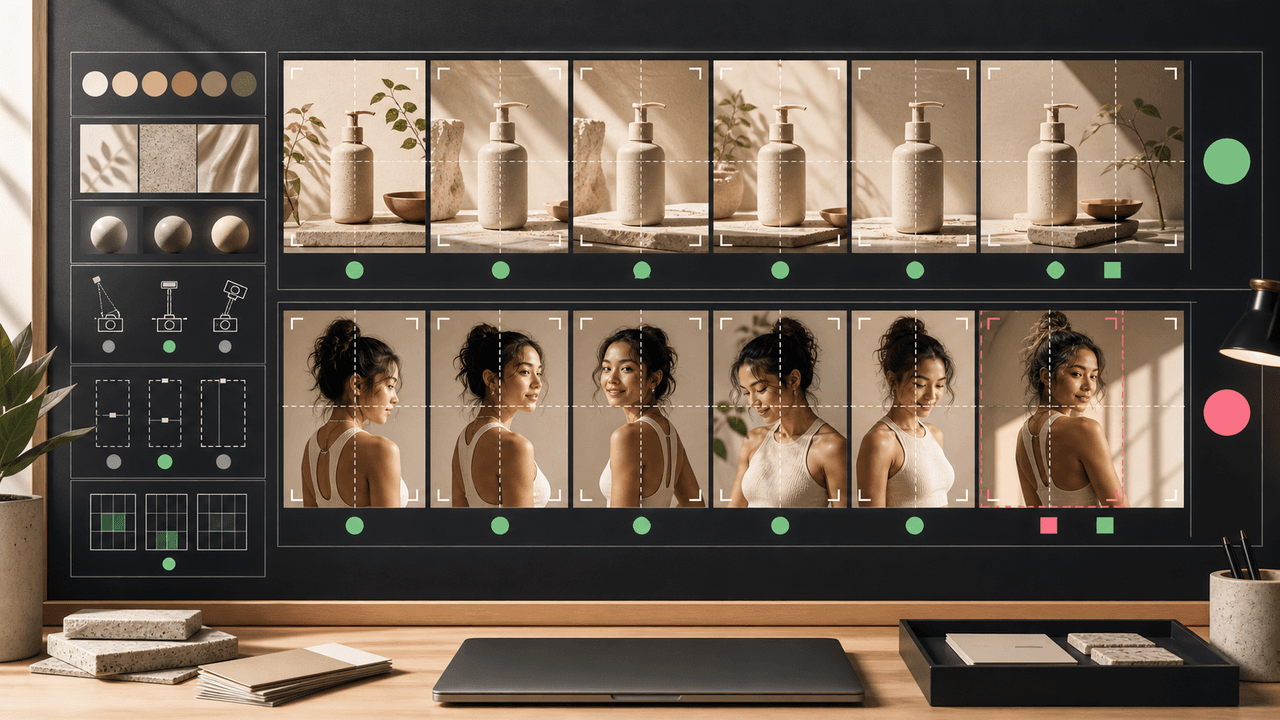
AI Image Consistency Checklist for Instagram Carousels
AI image consistency for Instagram carousels requires checks before, during, and after generation: identity lock, style lane, product accuracy, character continuity, camera rules, crop safety, text safety, disclosure, and final mobile review.
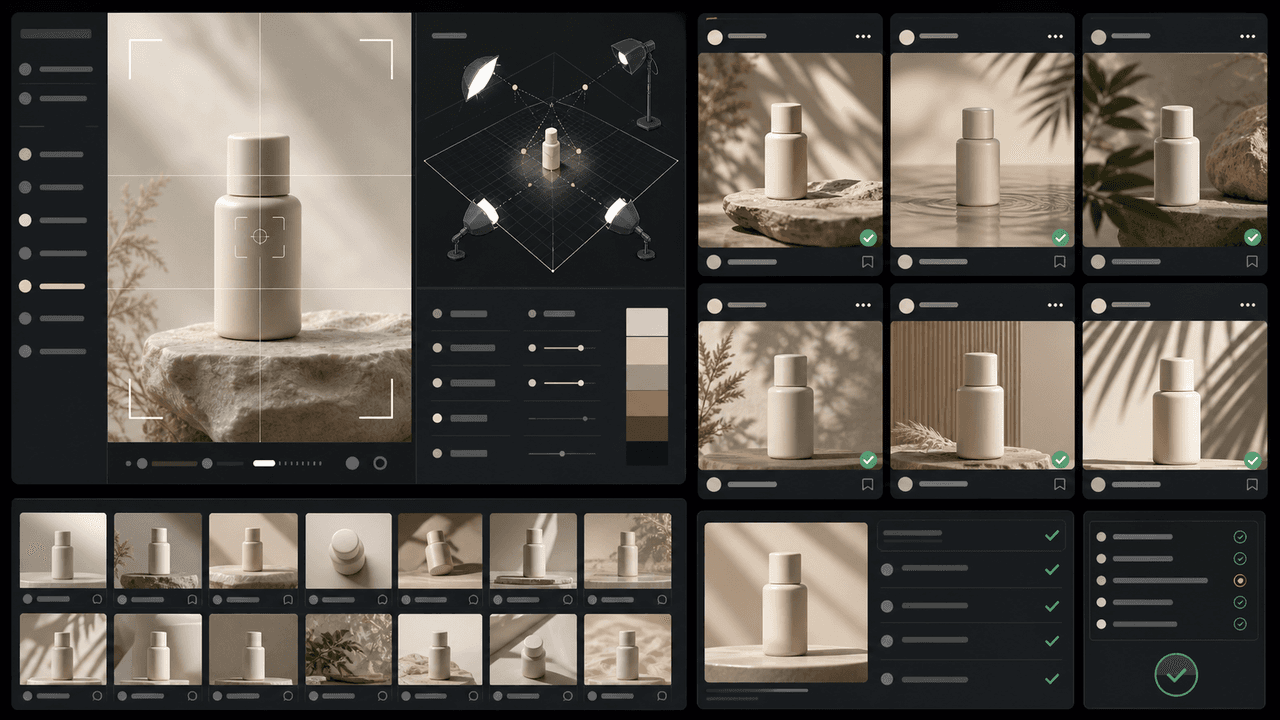
How to Keep Product Photos Consistent Across AI-Generated Social Posts
Consistent AI product images come from a system, not a lucky prompt. Lock the product reference, camera rules, lighting, background family, brand palette, allowed variations, and review checklist before generating campaign assets. Then vary context and message without changing the product identity.
Sources
- About Carousel Ads in TikTok Ads Manager — TikTok Ads Manager
- Awareness Carousel Ad Specs on Facebook Feed — Meta Ads Guide
- Carousel Ads Specifications — LinkedIn Help
- Product media — Shopify Help Center
Written by
AttentionClaw
Editorial Team
Editorial context
Part of the Content Planning topic cluster. Last updated June 22, 2026.