Chapter 1
The short answer: lock product truth and vary only the scene
To keep a product the same in AI lifestyle images, use real product photography as the source of truth, write a product lock for visible details, define forbidden changes, generate scene variations around that lock, and review every image against the exact product page or SKU before publishing.
A lifestyle image is supposed to add context, not create a new product. The scene can change from bathroom counter to gym bag to gift box, but the packaging, logo, color, cap, label, variant, scale, and product function should remain stable.
This matters because shoppers use visual consistency to decide whether a brand is trustworthy. Shopify product media exists to help customers understand function, size, and quality. AI lifestyle images should reinforce that understanding, not undermine it with a more attractive but inaccurate version of the product.
Use real product media as the truth source.
Lock product shape, color, material, label, logo, and variant.
Define scene variation separately from product variation.
Do not ask AI to invent final packaging text or certifications.
Review each image against the product page, not memory.
Chapter 2
Build a product reference pack first
The reference pack is the foundation. It should include clean product shots, angle shots, packaging detail, scale references, variant images, and approved lifestyle photos if they exist. The more the reviewer can inspect, the easier it is to catch drift.
For products with labels, packaging, compliance marks, or ingredient claims, include closeups. AI systems often distort small text. If label accuracy matters, use generation for the environment and add final label or text treatment in a controlled design layer.
For products with multiple sizes or colorways, create separate reference packs. Do not let one prompt cover every variant unless the variation is extremely simple.
- 1
Neutral product shots
Front, side, back, top, and detail views. These are used to check shape, color, label, and material.
- 2
Scale references
In-hand, on shelf, beside common objects, or with dimensions. These prevent the product from becoming too large or too small in generated scenes.
- 3
Variant references
One pack per color, scent, size, flavor, plan, or bundle. Include visible variant names and forbidden substitutions.
- 4
Approved lifestyle examples
Use existing brand photography to define lighting, environment, prop density, and realism expectations.
Chapter 3
Write a product lock that reviewers can inspect
A product lock is a short but precise description of what cannot change. It should be specific enough that a reviewer can reject an image without debating taste. The lock belongs in the prompt, the review checklist, and the campaign notes.
Example: 'Matte amber 30 ml glass serum bottle, black pump, cream rectangular label, centered dark green logo, product name in two lines, no extra icons, no changed cap, no invented ingredient text, no fake certification badges.'
The point is not to make the prompt longer. The point is to make the product identity explicit and repeatable. The same product lock should appear across Instagram carousels, TikTok slideshows, product education graphics, and launch ads.
Product category and exact form factor.
Material, finish, and color.
Logo and label placement.
Variant name, size, and packaging count.
Must-show details and must-not-show details.
Forbidden claims, badges, certifications, and accessories.
Chapter 4
Use scene lanes for controlled lifestyle variation
Once the product lock is stable, the scene can vary. Scene lanes are repeatable contexts that fit the product's buyer questions. They prevent random lifestyle imagery while still making the campaign feel fresh.
A skincare product might use morning routine, travel bag, ingredient education, shelf comparison, and gift bundle lanes. A kitchen product might use prep counter, finished meal, storage drawer, family table, and cleanup lane. A SaaS product might use phone-in-hand, desk workflow, dashboard proof, and team handoff lanes.
Each lane should have a content job. The travel bag lane explains portability. The ingredient education lane explains proof. The shelf comparison lane explains choice. The bundle lane explains value.
- 1
Routine lane
Shows the product in its normal use sequence. Best for education and habit-building content.
- 2
Scale lane
Shows size, quantity, fit, or storage. Best for objections and product-page support.
- 3
Proof lane
Shows material, texture, detail, process, or review context. Best for trust and comparison.
- 4
Offer lane
Shows bundles, gifts, seasonal sets, or launch packaging. Best for conversion.
Chapter 5
Do not rely on generated text for final packaging or claims
AI-generated text inside images is often distorted or invented. That is a problem for product labels, certifications, ingredient lists, safety marks, app screens, and claim-heavy graphics. A lifestyle scene can look excellent while the label quietly becomes wrong.
The safer workflow is to generate the scene with the product shape and blank or controlled label area, then composite final packaging text, labels, or overlays in a design tool. If compositing is not possible, reject outputs with unreadable or altered product text.
This is especially important for regulated or trust-sensitive categories such as supplements, skincare, finance, children's products, safety equipment, and health-adjacent products. A small invented phrase can turn a lifestyle image into a false claim.
Composite final label text when precision matters.
Reject fake badges, awards, certifications, or ingredient claims.
Do not let AI generate product safety information.
Use clean overlays for social copy instead of tiny in-scene text.
Review every visible word before export.
Chapter 6
Adapt the same product truth to each format
Instagram carousel, TikTok slideshow, story, paid ad, and product-page support graphic all need different crops. Product consistency does not mean exporting one lifestyle image everywhere. It means keeping the product accurate while changing composition for the platform.
Meta carousel specs and TikTok carousel ad documentation show why format planning matters: swipeable image sequences need clear first frames, readable cards, and product visibility. A product that looks accurate in a wide scene may become unreadable after a vertical crop.
Before generating a batch, decide which lanes need square, vertical, and wide versions. Define text-safe space and product-safe space so captions, platform UI, or CTA overlays do not hide the product.
Square carousel: product and text need balanced hierarchy.
Vertical slideshow: product should be central and readable quickly.
Story: leave platform UI safe zones.
Paid creative: product, offer, and proof should appear early.
Blog or landing page: use more explanatory detail and source context.
Chapter 7
Review against the SKU before publishing
The final QA pass should compare the generated lifestyle image to the exact SKU, variant, bundle, or collection page. Do not review against a generic idea of the brand. If the promoted product is the lavender 250 ml bottle, the image should not show a white 500 ml bottle because it looked better.
Use a side-by-side review: product page on one side, generated asset on the other. Check shape, color, material, label, size, variant, use case, props, claims, and destination URL. If the image links to a bundle, verify the bundle is real and includes the products shown.
AttentionClaw can help once the product locks and scene lanes are defined. The team can create consistent social batches faster while still keeping product truth in the review workflow.
- 1
Product identity
Shape, color, label, logo, material, size, and variant match the reference.
- 2
Scene truth
Use case, props, scale, and setting are realistic for the product.
- 3
Claim truth
The image does not imply unsupported results, safety, performance, or certifications.
- 4
Destination match
The linked page shows the same product, variant, offer, or bundle.
Callout
Use AttentionClaw for consistent product lifestyle content
Use AttentionClaw to turn product locks and lifestyle scene lanes into consistent Instagram carousels, TikTok slideshows, and launch assets.
Next step
Generate lifestyle campaigns without changing the product
AttentionClaw helps ecommerce teams turn product references into consistent carousels, slideshows, and launch visuals.
Common Questions
FAQ
More Reading
Keep reading
7-chapter read
How to Debug AI Style Drift in Social Images
AI style drift happens when generated social images slowly stop matching the approved brand, product, character, or scene system. Debug it by isolating the drift type, comparing against baselines, tightening prompt blocks, adding references, and changing the review gate.
8-chapter read
AI Model Shot Consistency for Fashion Product Content
Fashion brands using AI-assisted model shots need strict controls for garment truth, fit, variant, model continuity, styling, disclosure, and product-page match before assets become social content.
8-chapter read
AI Product Image Variant Control for Ecommerce Campaigns
AI product variant control means locking which details can change and which cannot: color, size, label, material, scent, flavor, bundle contents, and product-page destination. Without variant rules, AI-generated social content can accidentally sell a product that does not exist.
8-chapter read
AI Background Consistency for Product Scenes
AI product backgrounds stay consistent when you define scene lanes, surfaces, lighting, camera distance, prop rules, color temperature, and negative constraints before generation. The product identity should stay fixed while context changes only inside approved lanes.
TikTok Slideshow Ideas for Shopify Products
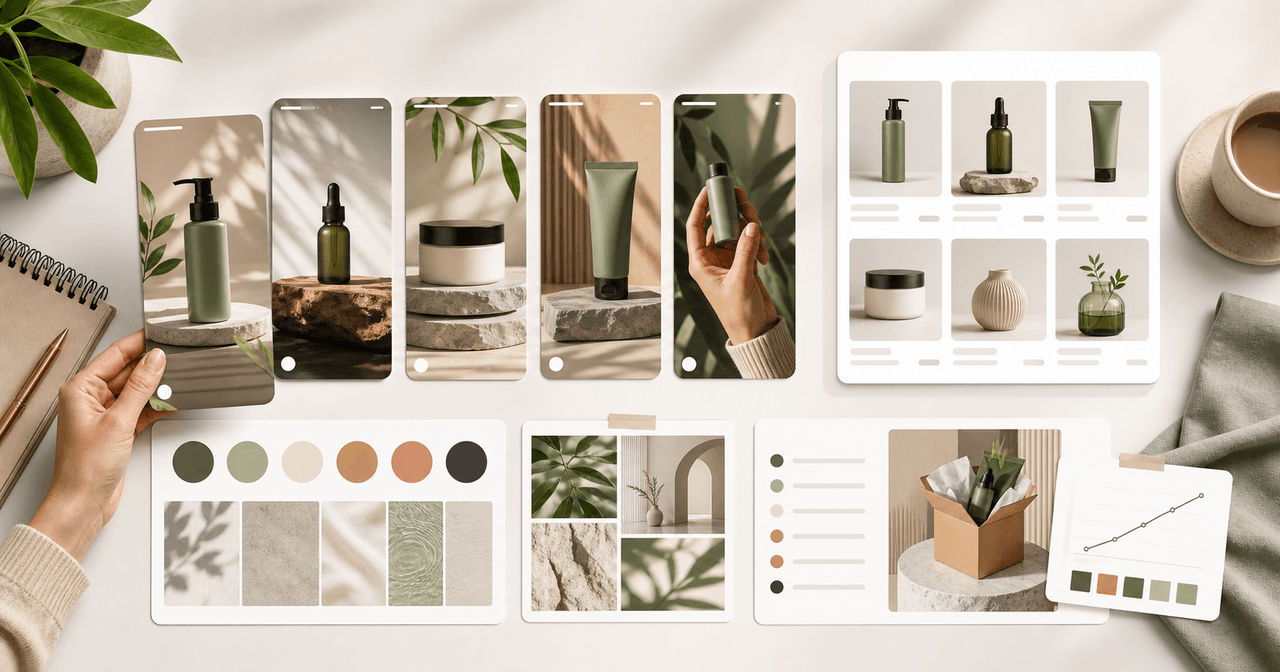
Shopify product slideshows work best when each post answers one buying question: what the product solves, which variant to choose, how it is used, why the bundle exists, what proof supports it, or what offer is available now.
8-chapter read
Brand Style Prompt Templates for Consistent Social Media Images
Brand style prompts work best as reusable blocks: identity lock, style lane, camera and lighting, composition, allowed variation, negative constraints, and review criteria. The template should protect the brand while leaving enough room for useful campaign variation.
8-chapter read
AI Visual Consistency for Multi-Product Brands
Multi-product brands need more than a prompt for consistent AI visuals. They need catalog rules, variant locks, scene families, bundle logic, campaign stages, and a review workflow that protects product truth across every SKU.
How to Keep Product Photos Consistent Across AI-Generated Social Posts
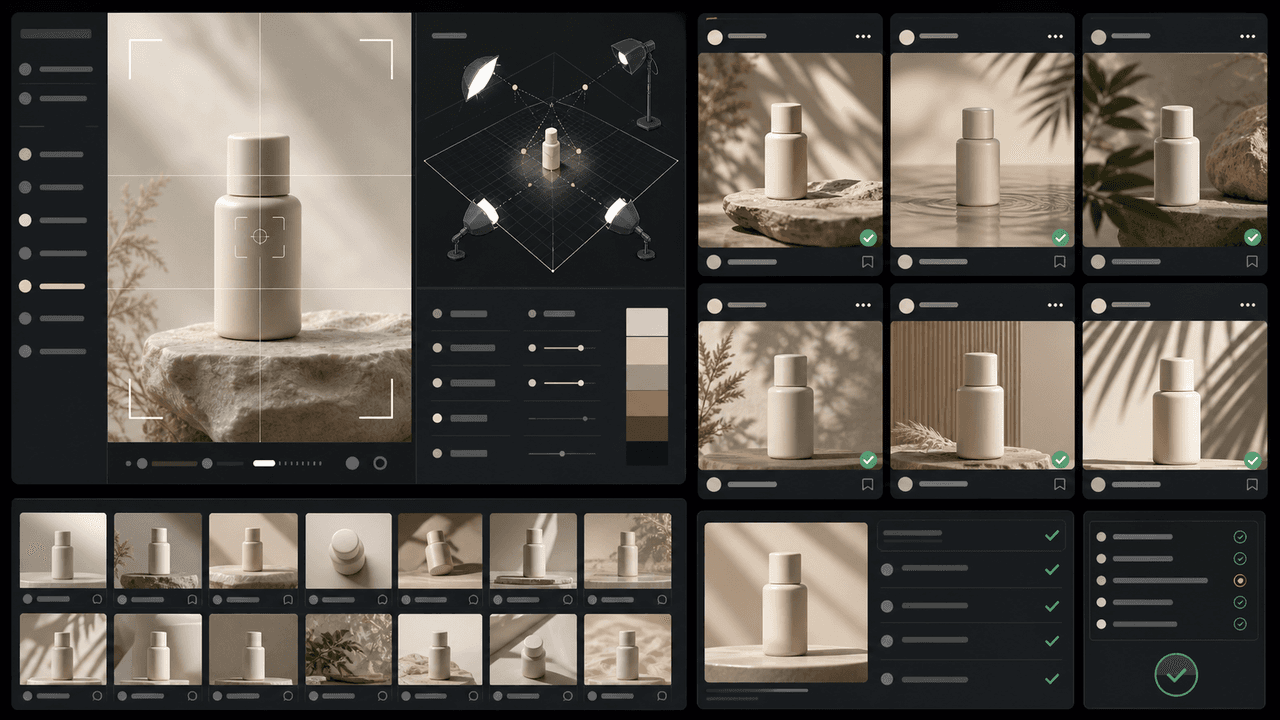
Consistent AI product images come from a system, not a lucky prompt. Lock the product reference, camera rules, lighting, background family, brand palette, allowed variations, and review checklist before generating campaign assets. Then vary context and message without changing the product identity.
Sources
- Product media — Shopify Help Center
- Adding images to product variants — Shopify Help Center
- Awareness Carousel Ad Specs on Facebook Feed — Meta Ads Guide
- About Carousel Ads in TikTok Ads Manager — TikTok Ads Manager
Written by
AttentionClaw
Editorial Team
Editorial context
Part of the Content Planning topic cluster. Last updated June 22, 2026.