Chapter 1
The short answer: isolate the drift before changing prompts
To debug AI style drift in social images, first identify the drift type: brand, product, character, typography, scene, source, or format. Compare the generated batch against approved baselines, mark the exact failure, then repair the relevant prompt block, reference asset, negative constraint, or review gate.
Most teams respond to drift by adding more adjectives to the prompt. That rarely solves the root cause. If product labels keep changing, the product lock is weak. If the character face keeps changing, the reference sheet is weak. If carousel slides become unreadable, the typography system and final-text workflow are weak.
The debugging goal is to turn a vague complaint like 'this feels off' into an actionable production fix.
Name the drift type before editing the prompt.
Compare against a baseline, not memory.
Fix the system rule that allowed the drift.
Add rejected examples as negative references.
Re-test with a small batch before scaling.
Chapter 2
Use a drift taxonomy
A drift taxonomy makes debugging faster because reviewers can speak precisely. Brand drift means the asset no longer looks or sounds like the brand. Product drift means the real item changed. Character drift means the persona changed. Typography drift means the text system broke. Scene drift means the visual environment changed. Source drift means the claim changed.
Each drift type has a different repair. Product drift needs stronger product references or compositing. Character drift needs a better character sheet. Typography drift may need final text layers. Source drift needs a claim sheet. Scene drift needs tighter scene lanes.
Do not collapse all drift into 'bad output.' That hides the production fix.
Brand drift: palette, density, tone, image style, or CTA treatment changed.
Product drift: shape, color, label, material, variant, or scale changed.
Character drift: face, age, body, wardrobe, expression, or voice changed.
Typography drift: fonts, sizes, contrast, hierarchy, or labels changed.
Scene drift: background, props, camera, lighting, or realism changed.
Source drift: numbers, claims, citations, or proof became unsupported.
Chapter 3
Compare against baselines before judging taste
Style drift cannot be debugged from taste alone. Place the generated batch beside approved baselines: brand examples, product references, character sheets, typography examples, scene families, and infographic examples. Then mark exactly where the new asset differs.
Baselines should be labeled by what they prove. One image proves product color. Another proves label placement. Another proves character face. Another proves diagram density. This keeps review from becoming a vague design debate.
If no baseline exists for the drift type, that is the first fix. The team cannot consistently reject a failure it has not defined.
- 1
Open the approved reference
Use the product page, brand system, character sheet, scene board, or source sheet.
- 2
Mark the difference
Name the exact change: color warmer, label moved, face older, text smaller, scene too glossy, number unsupported.
- 3
Decide severity
Separate fatal drift from acceptable variation. A product label change is usually fatal; a slightly different prop may be acceptable.
- 4
Choose the repair path
Update references, prompt blocks, negative constraints, final design layers, or review gates.
Chapter 4
Repair prompt blocks, not whole prompts
When a batch drifts, update the smallest prompt block responsible for the failure. If typography is drifting, do not rewrite the scene block. If product color is drifting, do not rewrite the CTA. Modular prompt repair keeps the system stable.
A good prompt system has blocks for brand lock, product lock, character lock, scene lane, format rule, claim boundary, and negative constraints. Each block can be tightened when a specific drift appears.
For repeated failures, add a rejected example. Negative examples often teach reviewers and generators faster than abstract language.
Product drift repair: stronger product lock and variant-specific references.
Character drift repair: reference sheet with expression, pose, and wardrobe examples.
Typography drift repair: final text layer and stricter type roles.
Scene drift repair: fewer scene lanes and clearer prop boundaries.
Claim drift repair: source gate and forbidden wording list.
Chapter 5
Debug claim and policy drift separately
Some drift is factual rather than visual. A generated infographic may add a number. A product shot may invent a certification. A character caption may imply a real endorsement. A carousel may make a platform claim that the source does not support.
Google's AI-generated content guidance places responsibility on the final content quality, not the tool used. For social campaigns, that means a drifted claim is still a publication problem. Platform and disclosure rules also matter when images include realistic AI-generated people or commercial recommendations.
Claim drift should route to a claim sheet, not a design tweak. Policy drift should route to disclosure and review rules.
- 1
Identify the new claim
Write what the image, chart, caption, or character implies.
- 2
Find support
Attach product documentation, official platform documentation, owned data, or credible research.
- 3
Remove unsupported proof
Delete invented charts, badges, certifications, endorsements, or results.
- 4
Add disclosure where needed
Use platform AI labels, account-level clarity, or commercial disclosure when the content context requires it.
Chapter 6
Re-test with a small batch
Do not repair a prompt system and immediately generate a month of assets. Test with a small batch of three to five images that cover the drift type. If product drift was the issue, test multiple variants. If character drift was the issue, test multiple expressions and scenes.
Review the small batch against the same baseline. If the drift is fixed, promote the updated block into the production system. If it is not fixed, the issue may require a stronger reference asset, compositing step, or narrower scene lane.
This keeps debugging cheap. It also creates a documented path from problem to repair.
Test only the repaired block.
Use the same baseline comparison.
Record pass, fail, and partial-fail examples.
Promote the repaired block only after review.
Update the review checklist if the old gate missed the issue.
Chapter 7
Prevent drift with production discipline
The best drift fix is prevention. Keep baselines current, use modular prompt blocks, generate in batches by content role, review grids before scheduling, and save rejected examples. Update rules when products, packaging, app screens, brand style, or platform formats change.
AttentionClaw supports this operating model because the system can generate from approved brand and campaign rules instead of restarting from random prompts. The more clearly the team defines those rules, the less time it spends debugging drift.
Drift will still happen. The difference between a mature system and an ad hoc system is that mature teams can diagnose it quickly and improve the next batch.
Baseline boards for brand, product, character, scene, and typography.
Prompt blocks that can be repaired independently.
Small-batch tests after every repair.
Reason codes for rejected assets.
Monthly audit of recurring drift patterns.
Callout
Keep campaigns consistent with a production system
Use AttentionClaw to generate consistent social campaigns from approved systems, then use drift debugging to keep the system improving over time.
Next step
Fix AI creative drift before it reaches your feed
AttentionClaw helps teams generate social campaigns from approved brand, product, and character rules so drift is easier to catch and repair.
Common Questions
FAQ
More Reading
Keep reading
7-chapter read
Visual Regression Review for AI Social Campaigns
Visual regression review catches AI campaign drift before publication by comparing new assets against approved baselines for brand style, product truth, character identity, typography, claims, and platform format.
8-chapter read
Manual Mood Boards vs AI Style Systems for Social Creative
Manual mood boards are good for direction and taste alignment. AI style systems are better for repeatable production when they include identity locks, style lanes, prompt rules, review checklists, and approved examples. Most teams need both: mood board for taste, AI system for scale.
Visual QA Checklist for AI-Generated Carousels
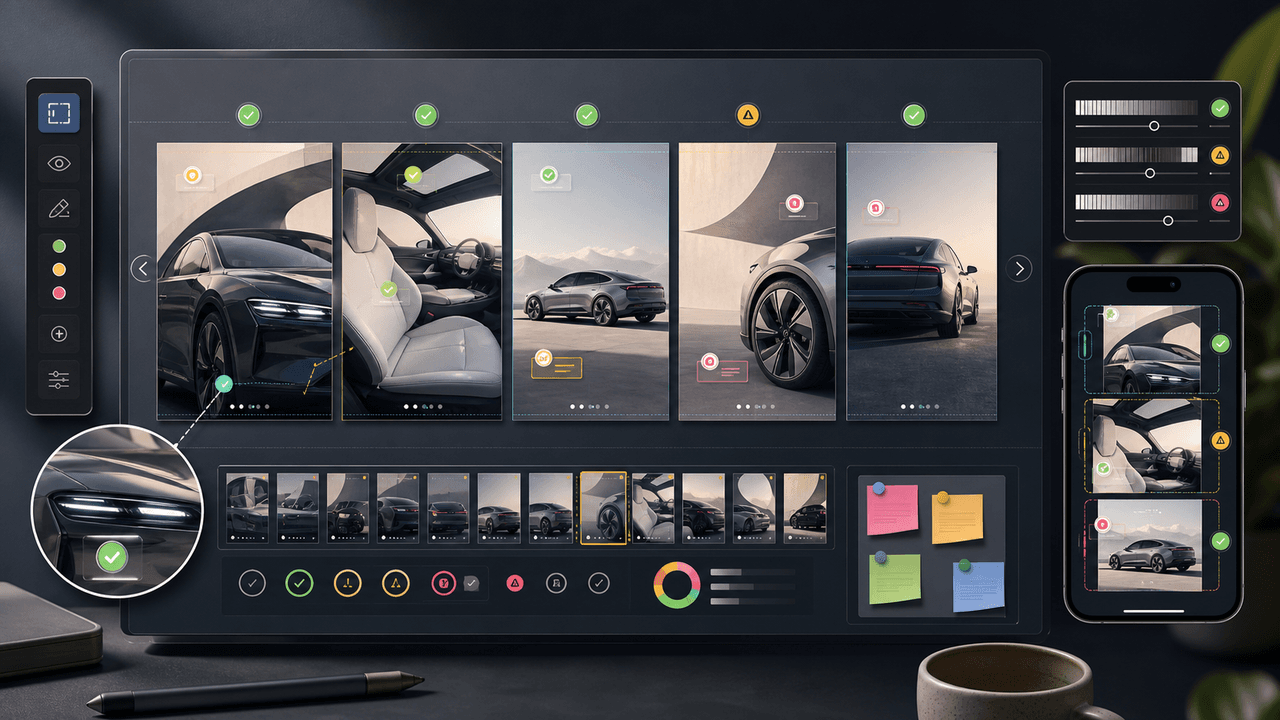
AI-generated carousels need a QA pass that checks continuity, readability, factual claims, product or character accuracy, source support, accessibility, and CTA match before publishing.
8-chapter read
Brand Style Prompt Templates for Consistent Social Media Images
Brand style prompts work best as reusable blocks: identity lock, style lane, camera and lighting, composition, allowed variation, negative constraints, and review criteria. The template should protect the brand while leaving enough room for useful campaign variation.
7-chapter read
How to Keep a Product the Same in AI Lifestyle Images
To keep a product the same in AI lifestyle images, start from real product references, lock every visible detail, define allowed scene variation, composite final text when needed, and review each image against the product page before publishing.

How to Build a Brand Style System for AI-Generated Social Content
A brand style system for AI-generated social content turns taste into operating rules. It defines visual identity, voice, prompt blocks, reusable scenes, text rules, source rules, and QA gates so every carousel, slideshow, infographic, and product post feels like the same brand.
8-chapter read
AI Visual Consistency for Multi-Product Brands
Multi-product brands need more than a prompt for consistent AI visuals. They need catalog rules, variant locks, scene families, bundle logic, campaign stages, and a review workflow that protects product truth across every SKU.
8-chapter read
How to Build Reusable AI Scenes for Social Posts
Reusable AI scenes turn random generations into a repeatable visual system. Define the scene's job, camera, lighting, prop rules, product placement, variation lanes, and QA checklist so each post feels fresh without breaking brand recognition.
8-chapter read
Brand Safety Checklist for AI Social Images: 6 Gates
AI-generated social images should not go live because they look polished. They need a brand-safety review that checks product fidelity, claim accuracy, platform policy, accessibility, disclosure, and landing-page match before publication.
AI Image Consistency Checklist for Instagram Carousels
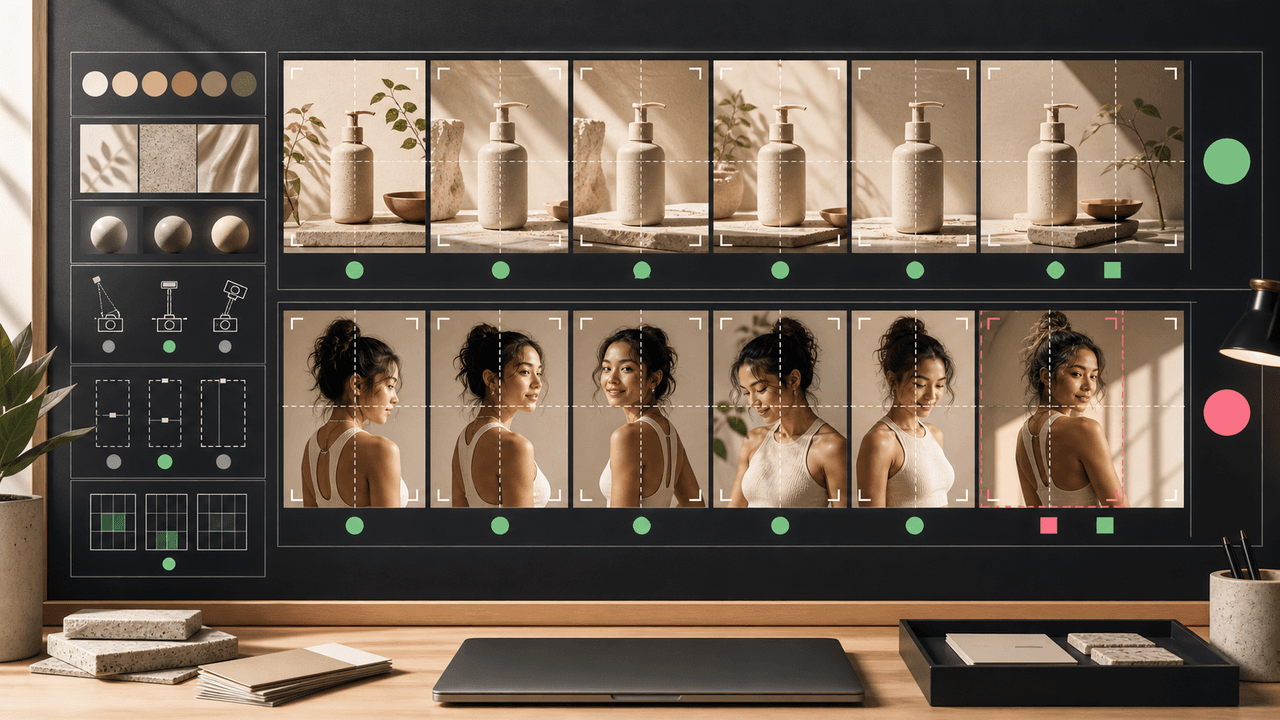
AI image consistency for Instagram carousels requires checks before, during, and after generation: identity lock, style lane, product accuracy, character continuity, camera rules, crop safety, text safety, disclosure, and final mobile review.
Sources
- Google Search's guidance about AI-generated content — Google Search Central
- Creating helpful, reliable, people-first content — Google Search Central
- Product media — Shopify Help Center
- AI-generated content on TikTok — TikTok Help Center
Written by
AttentionClaw
Editorial Team
Editorial context
Part of the Content Planning topic cluster. Last updated June 22, 2026.