Chapter 1
The short answer: lock the garment before styling the model
To keep AI model shots consistent for fashion product content, start with real garment references, lock fabric, cut, color, fit, length, pattern, closures, and variant details, define model and styling rules, generate only allowed scene variations, and review every asset against the exact product page before publishing.
Fashion images carry product claims even when they have no text. A dress length, sleeve shape, fabric drape, color, transparency, or fit can change the shopper's expectation. If AI alters those details, the social post misrepresents the product.
The workflow should protect both garment truth and visual system. A brand can vary model pose, background, season, and styling while keeping the product accurate and the campaign coherent.
Real garment media is the source of truth.
Garment lock comes before model styling.
Variant color and size must match the promoted SKU.
Fit and drape should not imply a different product.
Generated assets need disclosure and review when realistic people are involved.
Chapter 2
Build a garment lock for each product
A garment lock is the fashion version of a product identity kit. It defines silhouette, fabric, texture, color, pattern, length, closure, stitching, neckline, sleeve shape, waist, hem, lining, transparency, and brand details. It should be specific enough to catch AI drift.
For example: 'mid-weight ribbed knit cardigan, cropped waist, three pearl buttons, rounded neckline, long sleeves, soft ivory, no cable knit pattern, no extra pockets, no changed button count.'
Do this per product and per variant. A black version may hide texture differently than an ivory version. A petite cut may change length. A bundle shot may include products that need separate locks.
- 1
Collect garment references
Flat lay, front, back, side, detail, on-model, and color variant images.
- 2
Write visible details
Fabric, cut, length, pattern, closures, neckline, sleeves, waist, hem, and logo details.
- 3
Write forbidden changes
No altered length, new pockets, changed neckline, different fabric, extra buttons, new pattern, or invented colorway.
- 4
Attach product destination
Link the exact product or variant page that the social post should match.
Chapter 3
Define model and pose rules carefully
Model rules should support garment understanding. The goal is not to generate endless attractive people. It is to show how the garment looks in realistic, brand-appropriate contexts. Define body range, pose range, crop, expression, styling, and disclosure rules.
Avoid poses that hide the product's important details. If the garment has sleeve detail, do not approve every image with arms crossed. If fit around the waist matters, do not hide it under a bag. If fabric drape matters, use poses that show movement without changing the cut.
For realistic AI-generated people, disclosure and rights review matter. Do not generate lookalikes of real customers, influencers, models, or public figures without explicit permission and legal review.
Pose should reveal product features.
Crop should show scale and fit.
Styling should not hide key product details.
Model appearance should not imitate a real person.
Disclosure should be considered for realistic AI-generated people.
Chapter 4
Protect color and variant accuracy
Color drift is especially damaging in fashion. A generated image can make a product look warmer, cooler, lighter, more saturated, more sheer, or more premium than the real item. That creates return risk and buyer disappointment.
Use variant-specific references and review against product media. Shopify variant image guidance is relevant because ecommerce systems often associate images with specific variants. Social content should preserve that same distinction.
If lighting is stylized, include a neutral product reference in the carousel or destination page. Do not let a warm editorial filter become the only representation of the color.
- 1
Use variant-specific references
Generate and review one colorway or variant at a time.
- 2
Control lighting
Avoid lighting that materially changes perceived color, transparency, or texture.
- 3
Check against product page
Compare the generated asset to the exact variant destination.
- 4
Reject invented variants
Do not approve generated colors, prints, or trims the store does not sell.
Chapter 5
Choose the right model-shot use by campaign stage
Not every fashion social post needs a full model shot. Use model imagery when it answers a buyer question: fit, styling, occasion, scale, movement, layering, or bundle compatibility.
Discovery posts can use stronger editorial context. Product education posts need clearer detail. Comparison posts need consistent pose and crop. Bundle posts need honest styling logic. Offer posts need a direct match to the product or collection page.
The more the image influences purchase expectation, the stricter the review should be.
Discovery: editorial context and brand world.
Fit education: clear full-body or relevant crop.
Styling: outfit combinations that are actually sold or clearly inspirational.
Comparison: consistent pose, lighting, and scale.
Offer: exact product, variant, and destination match.
Chapter 6
Review fit and body representation separately from style
Fit is one of the highest-risk parts of AI-assisted fashion imagery. The model can make a garment appear longer, shorter, tighter, looser, more structured, more sheer, or more forgiving than it is. That is not just a styling difference. It changes buyer expectation.
Review fit against real product media and size guidance. If the product page shows a relaxed cropped cardigan, the AI model shot should not make it look like a long tailored jacket. If the dress is semi-sheer in real photography, the generated scene should not hide that property with unrealistic lighting. If a pant has a wide-leg cut, do not approve a generated image that narrows the silhouette.
Representation also needs care. A brand can show products on different body types, but those images should be generated and reviewed intentionally. Do not let the model randomly change body proportions from slide to slide in a way that makes fit comparison impossible.
Compare garment length against real references.
Check whether fabric drape, stretch, and transparency still match the product.
Use consistent pose and crop when comparing fit across variants.
Do not use generated body changes to make the product look more flattering than it is.
Keep body representation intentional, respectful, and tied to the product's actual size and fit information.
Chapter 7
Set styling boundaries before generating outfits
AI model shots can accidentally turn a product post into a styling fantasy that the brand cannot support. The image may pair a garment with accessories the store does not sell, luxury props outside the brand world, or layering that hides the product. Styling boundaries keep the image useful.
Define companion item rules. Which products can be shown together? Which accessories are generic styling props? Which items must be clearly excluded from the offer? If a carousel promotes a jacket but the generated outfit includes a bag, boots, and jewelry, the caption or layout should make clear what is being sold.
For collection launches, styling boundaries also protect bundle logic. Showing three products together implies they belong together. If the combination is editorial inspiration rather than an official bundle, do not use purchase language that suggests the full look is available as one set.
- 1
Define official pairings
List products that can appear together because they are part of a collection, bundle, lookbook, or real merchandising story.
- 2
Define generic props
Separate generic styling props from products the store sells so the asset does not imply extra included items.
- 3
Define hidden-detail rules
Reject styling that covers the neckline, sleeve, closure, hem, pocket, or fabric detail the post is supposed to show.
- 4
Define offer language
Use exact product or collection CTAs when the full outfit is not sold as one bundle.
Chapter 8
Run garment, model, and destination QA
Fashion AI assets need three reviews. Garment review checks product truth. Model review checks pose, styling, rights, and disclosure. Destination review checks that the linked product page matches what the social asset shows.
Review in batches because consistency issues appear across the set. One image may look acceptable, but a grid of 12 images may reveal color drift, changing garment length, inconsistent model scale, or styling that belongs to a different brand.
AttentionClaw can help fashion teams turn approved product and style rules into repeatable social campaigns while keeping final approval focused on product truth.
- 1
Garment review
Compare cut, fabric, color, pattern, closure, length, and variant against reference media.
- 2
Model review
Check pose, crop, styling, body realism, disclosure, and whether the model hides product details.
- 3
Campaign review
Check that the full batch feels like one brand and one collection.
- 4
Destination review
Check that the CTA links to the exact product, variant, collection, or styling guide shown.
Callout
Where AttentionClaw fits in fashion campaigns
Use AttentionClaw to turn garment locks and styling rules into consistent fashion carousels, slideshows, and launch campaigns.
Next step
Create fashion social campaigns without changing the product
AttentionClaw helps ecommerce teams turn product references and style rules into consistent carousels and slideshows.
Common Questions
FAQ
More Reading
Keep reading
8-chapter read
AI Product Image Variant Control for Ecommerce Campaigns
AI product variant control means locking which details can change and which cannot: color, size, label, material, scent, flavor, bundle contents, and product-page destination. Without variant rules, AI-generated social content can accidentally sell a product that does not exist.
8-chapter read
AI Background Consistency for Product Scenes
AI product backgrounds stay consistent when you define scene lanes, surfaces, lighting, camera distance, prop rules, color temperature, and negative constraints before generation. The product identity should stay fixed while context changes only inside approved lanes.
7-chapter read
How to Keep a Product the Same in AI Lifestyle Images
To keep a product the same in AI lifestyle images, start from real product references, lock every visible detail, define allowed scene variation, composite final text when needed, and review each image against the product page before publishing.
8-chapter read
AI Visual Consistency for Multi-Product Brands
Multi-product brands need more than a prompt for consistent AI visuals. They need catalog rules, variant locks, scene families, bundle logic, campaign stages, and a review workflow that protects product truth across every SKU.
8-chapter read
Brand Safety Checklist for AI Social Images: 6 Gates
AI-generated social images should not go live because they look polished. They need a brand-safety review that checks product fidelity, claim accuracy, platform policy, accessibility, disclosure, and landing-page match before publication.
AI Image Consistency Checklist for Instagram Carousels
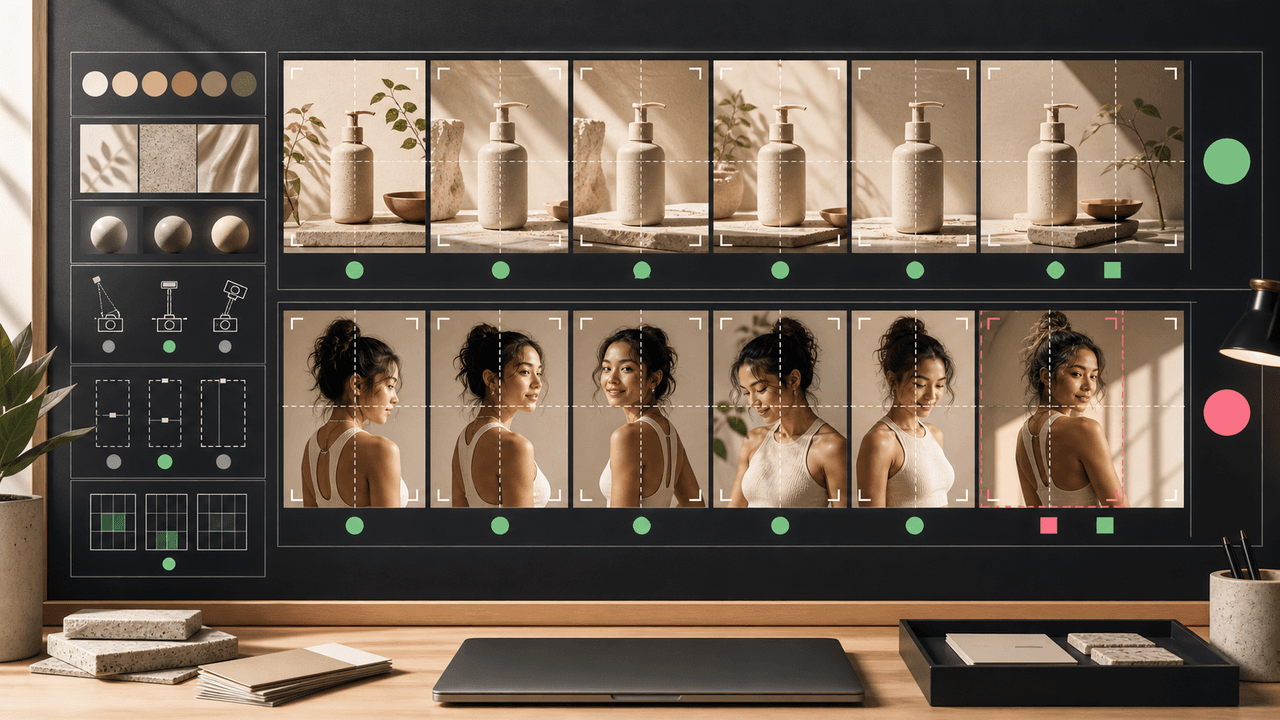
AI image consistency for Instagram carousels requires checks before, during, and after generation: identity lock, style lane, product accuracy, character continuity, camera rules, crop safety, text safety, disclosure, and final mobile review.

Four Product Carousel Formats Built Around Evidence
The best ecommerce carousel template depends on the buyer question and the evidence available. These four formats organize approved product details, media, comparison facts, bundle contents, and use cases into reviewable slide sequences without promising that a template will generate sales.
A Beauty Brand Carousel Strategy Built Around Evidence
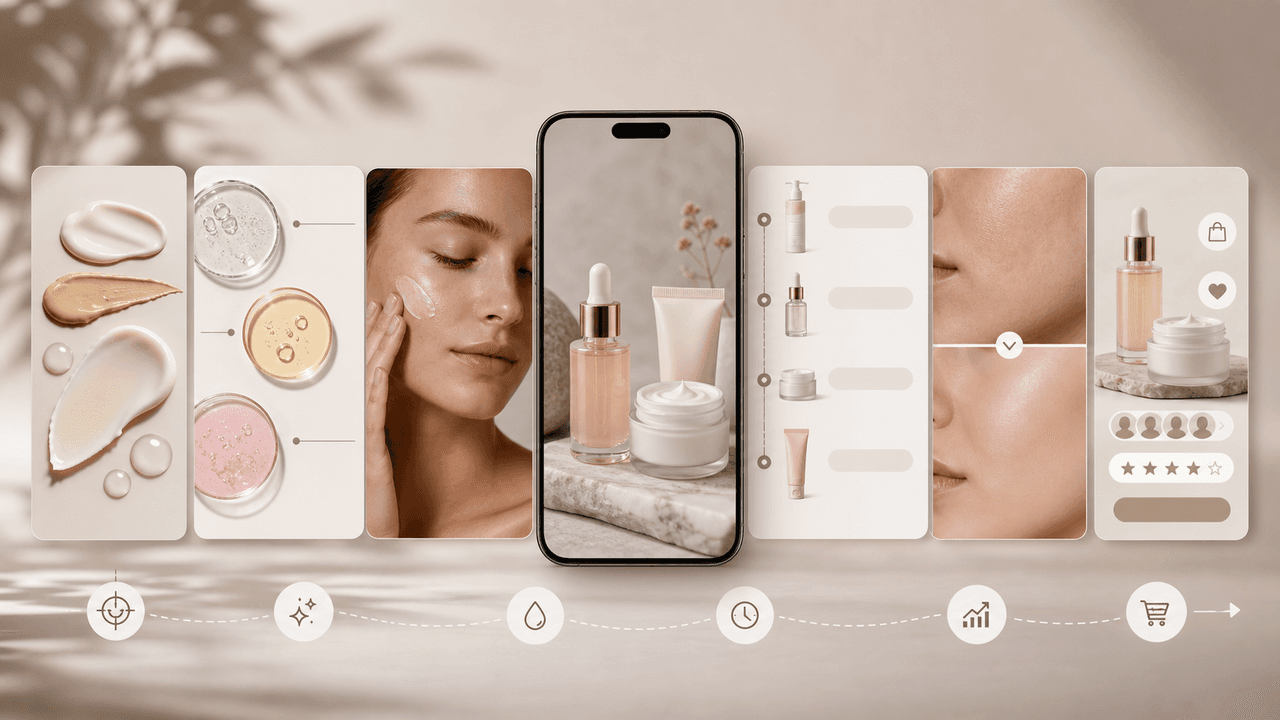
A responsible beauty carousel starts with the exact claim and its support, not a dramatic visual promise. Use current product facts, review express and implied messages, disclose material connections, and preserve the limits of the evidence on the slide where readers need them.

Carousel Design Principles: The Visual Rules That Get More Swipes
Great carousel design is not about being a graphic designer. It is about following a set of visual rules that make your content readable, recognizable, and swipeable. This guide breaks down each rule with concrete specifications you can apply immediately.
Sources
- Product media — Shopify Help Center
- Adding images to product variants — Shopify Help Center
- Labeling AI-Generated Images on Facebook, Instagram and Threads — Meta
- AI-generated content on TikTok — TikTok Help Center
Written by
AttentionClaw
Editorial Team
Editorial context
Part of the Content Planning topic cluster. Last updated June 22, 2026.