Chapter 1
The short answer: treat every variant like a separate source of truth
To control AI product image variants, document each real variant as its own source of truth before generating social content. Include color, size, material, label, name, SKU logic, bundle contents, product image references, and the exact destination page. Then reject any generated image that mixes variant details.
Variant drift is common because AI systems optimize for plausible visuals, not ecommerce catalog accuracy. A generated image may combine the lavender label with the mint bottle, invent a new flavor, change packaging size, or show a bundle that is not actually sold.
For Shopify stores, variant accuracy matters because buyers expect the image, name, and product page to match. Social content should not create demand for an option the store cannot fulfill.
Create a variant sheet before generation.
Use real product references for every variant.
Do not let AI invent colors, scents, flavors, sizes, labels, or bundles.
Review generated images against the exact variant destination.
Keep variant chooser content factual and easy to compare.
Chapter 2
Build the variant control sheet
A variant control sheet is a practical guardrail for social content. It tells the generator and reviewer what is real. Without it, a content team may approve an attractive image that cannot be purchased.
The sheet should live next to the product content plan. When a new variant launches, update the sheet before generating carousels, TikTok slideshows, ads, or email images.
- 1
Variant name
Use the exact store-facing name, not an internal nickname.
- 2
Visual identifiers
Document color, label, cap, material, size, shape, ingredient/flavor/scent cues, and packaging details.
- 3
Approved images
Include references for front, side, in-use, scale, and bundle context.
- 4
Forbidden mixes
List combinations that must never appear, such as one variant's label on another variant's bottle.
- 5
Destination
Link the exact product page, variant selector, collection, or bundle page.
Chapter 3
How variant control changes social formats
Different formats create different variant risks. A variant chooser carousel needs multiple variants in one sequence, so labels and comparison criteria must be clear. A TikTok slideshow may focus on one variant, so the risk is accidentally showing the wrong color or size in a later frame.
Paid creative adds another risk: the offer, product tag, and landing page must match the variant shown. If the ad creative shows a limited color and the landing page defaults to a different option, the buyer journey breaks.
Variant chooser carousel: show each option with consistent scale and criteria.
Product demo slideshow: keep one variant stable across all frames.
Bundle content: show only the items actually included.
Launch post: state whether the variant is new, limited, restocked, or permanent.
Retargeting creative: match the variant to the product page or cart behavior when possible.
Chapter 4
The variant review checklist
Review every image against the variant sheet before publishing. Do not approve based on visual quality alone. A beautiful image with the wrong cap, label, flavor, size, or bundle is a conversion and trust problem.
Shopify variant documentation is a useful reminder that variants are customer-facing options. Social content should respect that structure instead of blurring variants together.
Variant name matches the product page.
Color, material, label, cap, size, scent, flavor, or style match the approved reference.
No invented variant appears.
Bundle contents match the offer.
Landing page or product tag opens the correct destination.
Comparison criteria are factual and not exaggerated.
Image lighting does not make one color look like another variant.
Callout
Keep every variant accurate in social content
AttentionClaw helps ecommerce teams generate product and variant social content from structured product rules, so campaigns stay aligned with real SKUs.
Chapter 5
Use a prompt architecture that separates product family from variant
Variant control is easier when prompts separate the product family from the variant-specific details. The product family block describes the shared shape, material, packaging system, brand style, and category. The variant block describes the details that change: color, scent, flavor, size, label text, cap, trim, bundle quantity, or plan tier.
This prevents two common failures. First, the generator may change the whole product when only the color should change. Second, it may keep the general product shape but mix variant details from several options. A modular prompt makes it clear what is stable and what is allowed to vary.
For a carousel that compares variants, keep camera angle, lighting, surface, and scale identical so shoppers compare the variants fairly. For a product demo that features one variant, keep that variant stable across every slide and avoid showing other options unless the slide explains why.
- 1
Product family block
Shared shape, material, packaging architecture, brand mark, category, camera style, and background lane.
- 2
Variant block
Specific color, name, size, scent, flavor, trim, label, package count, or plan tier for the promoted option.
- 3
Forbidden mix block
Explicit combinations that must not appear, such as one flavor's label on another color or an invented bundle quantity.
- 4
Destination block
The exact product, collection, variant selector, or bundle URL the social post should point to.
Chapter 6
Make variant comparisons fair and useful
Variant chooser content should help buyers choose, not push one option by making the others look worse. Show variants at the same scale, under similar lighting, with comparable crop and label treatment. If one product is shown in a premium scene and another is shown flat on a plain background, the comparison is biased.
The comparison criteria should be factual. For skincare, that might be skin type, scent, texture, routine step, and size. For apparel, it might be color, fit, fabric weight, care, and occasion. For software plans, it might be feature access, seat count, workflow fit, and support level.
Do not add unsupported language like 'best,' 'most popular,' or 'highest converting' unless the brand can support it with data and context. Variant content is often near the purchase decision, so accuracy matters.
Use the same camera and lighting for comparable variants.
State who each variant is for using real product differences.
Avoid invented popularity, performance, or preference claims.
Add source or product-page notes for technical differences.
Use one CTA that sends shoppers to the exact chooser, collection, or product page.
Chapter 7
Connect variant content to inventory and availability
Variant accuracy is not only visual. A social post can be technically accurate and still frustrate buyers if it promotes an unavailable color, retired size, sold-out bundle, or limited edition after the deadline. Variant social content should include an availability check before publishing.
For launch and restock campaigns, add a status field to the variant sheet: new, permanent, limited, restocked, low-stock, preorder, waitlist, or retired. This field should shape both the copy and the CTA. A limited variant needs clearer timing. A preorder needs expectation setting. A retired variant should not appear in fresh paid creative.
When availability changes, update or pause the content. AI-generated campaigns can be produced in bulk, but ecommerce inventory is dynamic. The review workflow should catch mismatches before scheduled posts go live.
Check whether the promoted variant is available at publish time.
Pause scheduled posts for sold-out or retired variants.
Use waitlist CTAs when a variant is unavailable but demand is useful.
Match limited-edition language to actual deadlines and stock rules.
Keep paid creative aligned with current product availability.
Chapter 8
Plan variant content as a decision path
Variant content should help shoppers choose, not merely show every option. Start with the buying decision: shade match, size, scent, flavor, material, kit level, or use case. Then build the carousel or slideshow around the criteria that matter for that decision.
For a 30-day ecommerce campaign, rotate variant education through several formats. Use a chooser carousel for comparison, a TikTok slideshow for one hero variant in use, a review post for customer language, and an FAQ post for common confusion. This makes variant content useful instead of repetitive.
Use consistent lighting so colors remain comparable.
Show variants at the same scale in chooser content.
Avoid mixing variants within one product demo unless the slide explains the change.
Use clear destination links so buyers land on the right option.
Update content when variants sell out, change names, or become unavailable.
Next step
Keep every product variant accurate in social content
AttentionClaw helps ecommerce teams generate variant-aware carousels, TikTok slideshows, and product campaigns without drifting away from real SKUs.
Common Questions
FAQ
More Reading
Keep reading
7-chapter read
How to Debug AI Style Drift in Social Images
AI style drift happens when generated social images slowly stop matching the approved brand, product, character, or scene system. Debug it by isolating the drift type, comparing against baselines, tightening prompt blocks, adding references, and changing the review gate.
8-chapter read
AI Background Consistency for Product Scenes
AI product backgrounds stay consistent when you define scene lanes, surfaces, lighting, camera distance, prop rules, color temperature, and negative constraints before generation. The product identity should stay fixed while context changes only inside approved lanes.
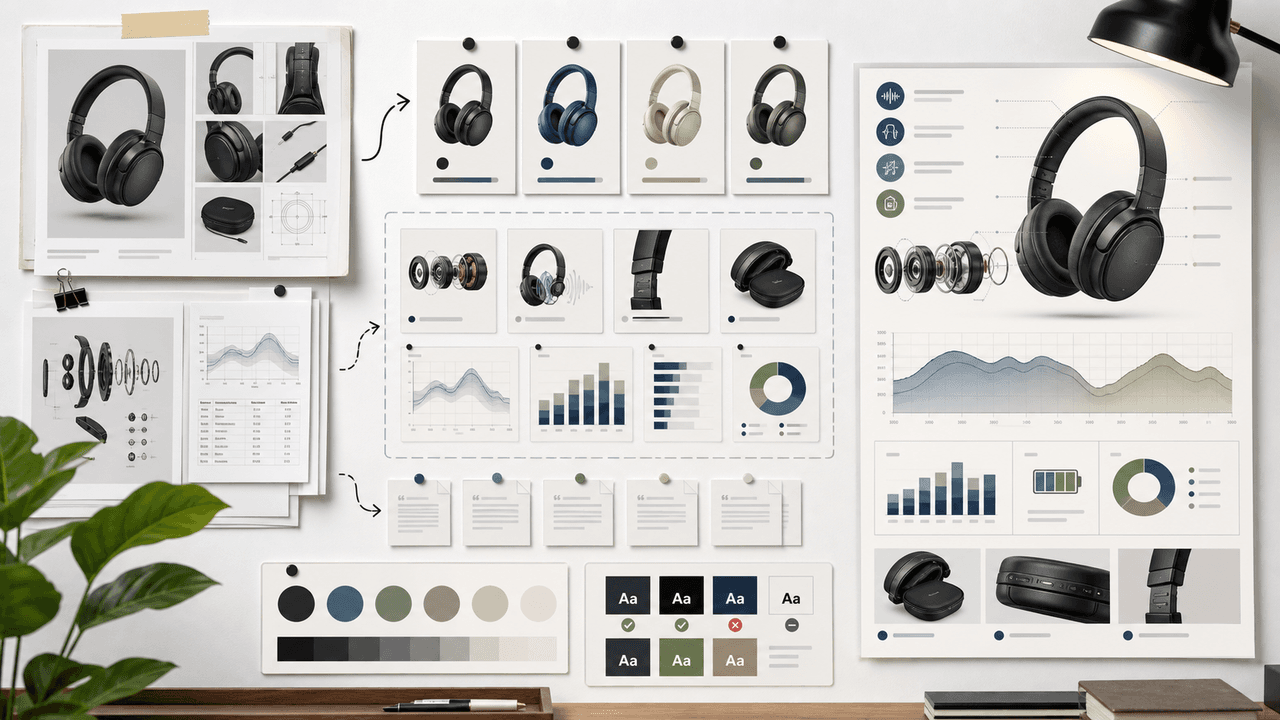
AI-Generated Product Infographic Checklist
AI-generated product infographics should start with product truth and source-backed claims. Use a checklist for SKU accuracy, variant logic, evidence, chart integrity, readability, citations, and destination-page match before publishing.
7-chapter read
How to Keep a Product the Same in AI Lifestyle Images
To keep a product the same in AI lifestyle images, start from real product references, lock every visible detail, define allowed scene variation, composite final text when needed, and review each image against the product page before publishing.
8-chapter read
AI Visual Consistency for Multi-Product Brands
Multi-product brands need more than a prompt for consistent AI visuals. They need catalog rules, variant locks, scene families, bundle logic, campaign stages, and a review workflow that protects product truth across every SKU.
8-chapter read
Brand Safety Checklist for AI Social Images: 6 Gates
AI-generated social images should not go live because they look polished. They need a brand-safety review that checks product fidelity, claim accuracy, platform policy, accessibility, disclosure, and landing-page match before publication.
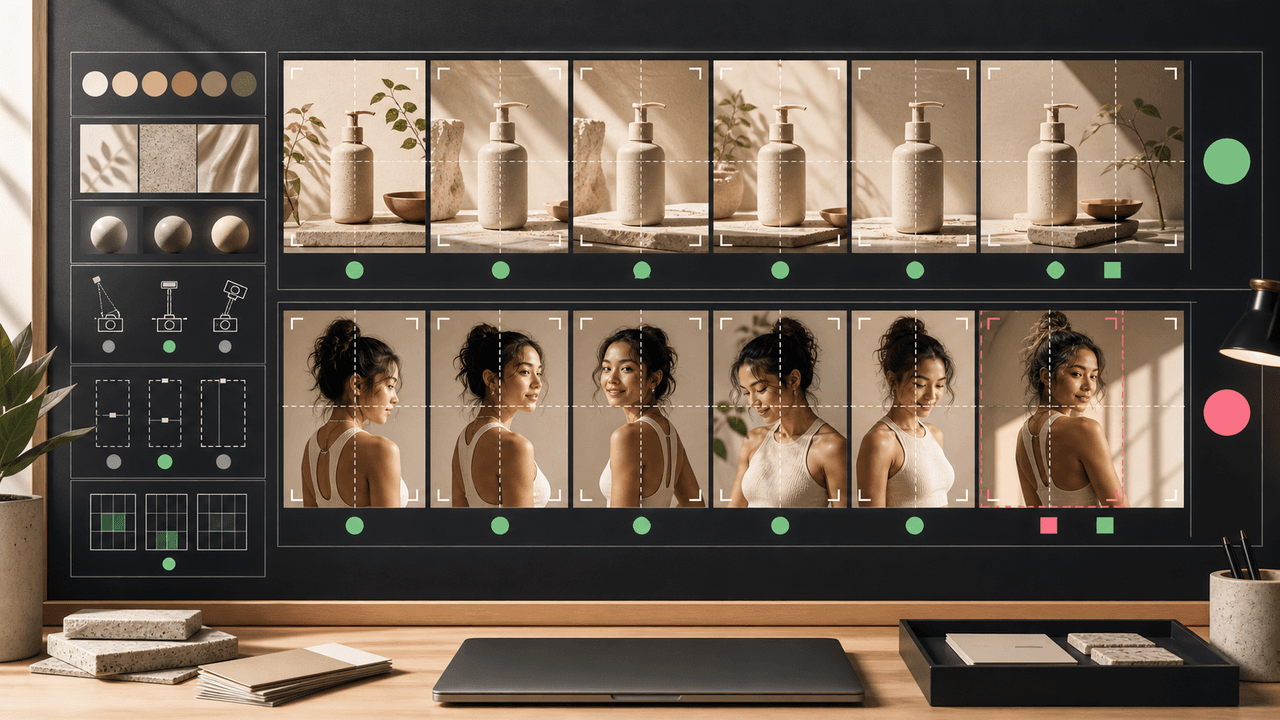
AI Image Consistency Checklist for Instagram Carousels
AI image consistency for Instagram carousels requires checks before, during, and after generation: identity lock, style lane, product accuracy, character continuity, camera rules, crop safety, text safety, disclosure, and final mobile review.

Four Product Carousel Formats Built Around Evidence
The best ecommerce carousel template depends on the buyer question and the evidence available. These four formats organize approved product details, media, comparison facts, bundle contents, and use cases into reviewable slide sequences without promising that a template will generate sales.
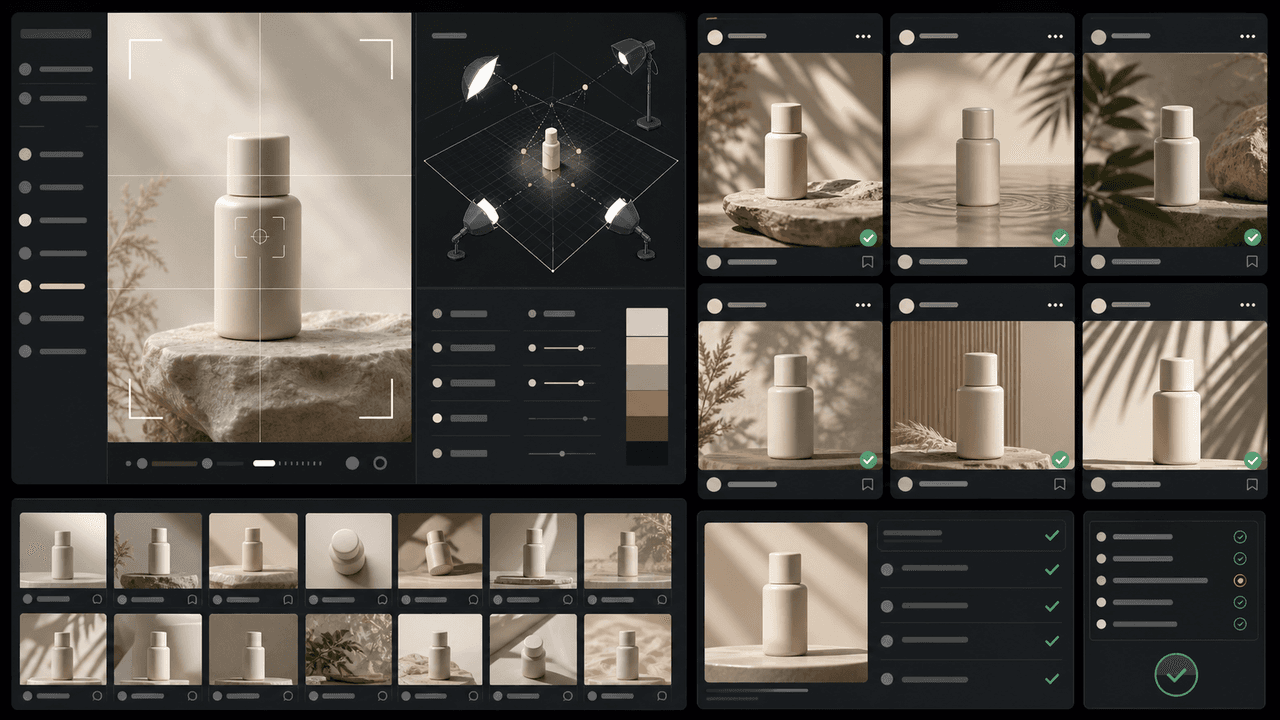
How to Keep Product Photos Consistent Across AI-Generated Social Posts
Consistent AI product images come from a system, not a lucky prompt. Lock the product reference, camera rules, lighting, background family, brand palette, allowed variations, and review checklist before generating campaign assets. Then vary context and message without changing the product identity.

Product Education Carousel Frameworks for Shopify Stores
Product education carousels work when they translate product-page facts into buyer decisions. Use a framework for each job: explain the problem, compare variants, teach use, prove quality, or build a bundle. The goal is not more slides; it is fewer unanswered buying questions.
Sources
- Adding variants — Shopify Help Center
- Product media — Shopify Help Center
- Labeling AI-Generated Images on Facebook, Instagram and Threads — Meta
- Creating helpful, reliable, people-first content — Google Search Central
Written by
AttentionClaw
Editorial Team
Editorial context
Part of the Content Planning topic cluster. Last updated June 22, 2026.