Chapter 1
The short answer: make the slideshow match the offer
A TikTok product launch slideshow is an ordered set of images that introduces one product or bundle, proves the relevant details, addresses the main buying uncertainty, and points to the exact launch destination. The post should still be complete enough to understand without assuming that every viewer can access a Shop tag or paid CTA.
This page owns ecommerce offer-to-slide architecture. It does not own general app strategy, current organic limits, Shop eligibility, or Ads Manager setup. Use the Shop slideshow method for Shoppable Photos and the TikTok slideshow ads guide for Standard or VSA Carousel Ads.
There is no universal six-, eight-, or nine-image launch formula. Use the fewest frames needed to make the product, evidence, offer, and next action clear.
Chapter 2
Complete the ecommerce offer-to-slide brief
The source of truth is the approved product record and live offer, not a blank creative template. Shopify's current product guidance emphasizes specific product details such as size, material, weight, suggested uses, and evidence for benefits. Use the equivalent approved fields in your commerce system.
Freeze the brief for the first creative cohort. If price, bundle, inventory, or launch timing changes, update the destination and affected slides together before publication.
- 1
Product and variant
Record the exact product name, SKU, variant, color, included items, approved media, and destination.
- 2
Buyer and buying question
Choose one audience context and one uncertainty the images can resolve, such as fit, included items, dimensions, compatibility, or the difference between variants.
- 3
Supportable promise
State what the product is or does within the available evidence. Remove unqualified best, instant, guaranteed, or outcome language.
- 4
Evidence set
List the approved product photos, diagrams, demonstrations, specifications, testing records, and authorized quotes for this launch.
- 5
Offer terms
Record price, discount basis, bundle contents, availability, start and end time, market, exclusions, stock conditions, and required disclosures.
- 6
Destination and measurement
Choose the exact product, collection, preorder, Shop, or campaign page and define one primary action plus tracking limitations.
Chapter 3
Give each launch image one buying job
The sequence should reduce uncertainty rather than repeat the same product photo with new adjectives. Start with the buying situation, then use product media to answer the most important questions in the order a shopper needs them.
Shopify notes that product media can help people understand a product's function and size. Apply that principle honestly: show scale, details, variants, and included items without using perspective, cropping, or retouching that changes the apparent product.
- 1
Opening — product and situation
Make the product category and buyer context clear. Avoid curiosity that hides what is launching.
- 2
Context — how or where it is used
Show a realistic use state under conditions the product supports. Do not imply a result the image cannot prove.
- 3
Detail — the differentiating fact
Use a close-up, diagram, or comparison tied to an approved material, dimension, mechanism, or included item.
- 4
Proof — verify the claim
Show the current interface state, test method, product specification, or authorized evidence behind the promise.
- 5
Objection — answer one uncertainty
Clarify fit, compatibility, care, returns, availability, or bundle contents using current approved language.
- 6
Offer and action — match the destination
State the exact launch offer and next step that exist on the linked or profile destination, including material limits.
Chapter 4
Worked example: the fictional Desk Arc launch
Desk Arc is a fictional adjustable desk lamp used only to demonstrate the workflow. The mock product record says it has three fixed angle positions, includes a USB-C cable and desk clamp, comes in two named colors, and launches with a lamp-plus-clamp bundle through a stated date. No brightness, productivity, durability, or sales outcome is claimed.
The buyer question is: what positions and items are included? The exact destination repeats the product name, the three fixed positions, both color variants, the cable and clamp, bundle terms, and deadline. If any of those fields changes, the affected creative must be re-reviewed.
- 1
Image 1 — “One lamp. Three fixed angles.”
Show all three approved positions in one consistent desk setting. The opening names the differentiator without claiming an outcome.
- 2
Image 2 — show the working context
Place the lamp beside familiar desk objects and include approved dimensions so the apparent scale is not left to perspective.
- 3
Image 3 — label the positions
Use a diagram of the three fixed positions. Do not rewrite them as unlimited adjustment.
- 4
Image 4 — show what is included
Display the lamp, USB-C cable, and desk clamp as separate labeled items that match the launch SKU.
- 5
Image 5 — show the color variants
Use consistent lighting and the exact catalog names. Do not imply that every photographed finish is currently available.
- 6
Image 6 — state the launch bundle
Name the bundle and end date exactly as the destination does, then invite the viewer to inspect the launch page or available product control.
Callout
Why the example avoids a dramatic outcome hook
The available evidence proves positions, contents, variants, and offer terms. It does not prove better work, comfort, or productivity, so the slides stay within the product record.
Chapter 5
Run the launch destination message-match check
Open the destination from the same device and market a viewer will use. A strong creative cannot repair a page that shows a different variant, price, bundle, availability state, or product promise.
For a Standard Carousel Ad, TikTok currently applies one URL across all images. For a VSA Carousel, product images can use catalog-powered product links. For a selected-seller Shoppable Photo, verify the actual tagged product. For an ordinary organic post without a product control, make the profile or other available route explicit rather than inventing a tap path.
Product name, SKU, variant, and hero image match.
Price, discount basis, bundle contents, deadline, market, and stock language match.
The landing page substantiates the main product claim and displays required limitations.
The CTA opens the expected mobile page, app route, or product detail.
Analytics and consent behavior work without exposing private data.
Expired or unavailable offers have an explicit update or stop-publishing owner.
Chapter 6
Adapt the same launch brief to the actual TikTok workflow
Keep the core product truth consistent while adapting controls and specifications. A shared brief does not mean one exported file or CTA works everywhere.
Check the TikTok limits and specs guide for organic, API, and paid boundaries before production. Preview the final asset in the exact mobile composer, Shop flow, or Ads Manager placement that will publish it.
- 1
Organic photo post
Make the story understandable without assuming a paid button or Shop tag. Verify image order, crop, alt text where available, caption, sound, disclosure, and the real next path.
- 2
TikTok Shop Shoppable Photo
Use only when the selected seller has the beta workflow. Tag the exact active product or related products and check the live shopping destination.
- 3
Standard Carousel Ad
Prepare the paid format's current file and music requirements, one caption, one CTA, and one destination across the story.
- 4
VSA Carousel
Verify catalog mapping, product-specific links, product availability, and the current 2-to-20 product-image behavior in the ad preview.
Chapter 7
Test one launch question at a time
For the first comparison, keep the product, offer, evidence, middle images, CTA, destination, audience, and review window stable. Change only the opening buying angle—for example, included-items clarity versus position comparison—when both are supported by the same product record.
Then test proof order, offer framing, or destination in separate stages. A price, bundle, SKU, audience, or landing-page change creates a different commercial test and should not be reported as a hook result.
Predeclare the primary outcome and stop condition. Organic signals, Shop product data, and paid events use different systems and denominators, so do not merge them into a single conversion rate.
Hypothesis and single creative variable
Product, offer, audience, workflow, and destination
Approved evidence and creative version
Primary event, denominator, review window, and attribution rule
Inventory, price, campaign, and page changes during the test
Decision: keep, revise, retest, or stop
Chapter 8
Final product launch slideshow preflight
If a required product fact, offer term, destination, platform control, or measurement event cannot be verified, stop the launch asset. Replace the unsupported claim or repair the path before publishing; do not fill the gap with generic urgency or social proof.
Every product and offer claim maps to a current approved source.
The opening names the product or buying situation without an unsupported outcome.
Each image adds evidence, context, or a decision-relevant detail.
Scale, color, variant, bundle, and included-item visuals are not misleading.
The destination repeats the product, variant, offer, limitations, and next action.
The files, music, product tags, identity, caption, disclosures, and CTA match the selected TikTok workflow.
Tracking, consent, stock, price, expiration, and update owners are recorded.
The team has reviewed the delivered preview rather than only the design export.
Next step
Draft branded launch slides from your product brief
Give AttentionClaw your product details and visuals. It drafts branded copy and images for your team to review and edit before publishing.
Common Questions
FAQ
More Reading
Keep reading
8-chapter read
TikTok Slideshow Ads: Choose the Format Before the Creative
TikTok Ads Manager currently supports Standard Carousel and catalog-powered VSA Carousel formats. This guide separates them from organic photo posts, scopes Spark identity correctly, and provides a setup and testing worksheet without promising performance.
9-chapter read
TikTok Slideshow Limits 2026: Photo Count and Workflow-Specific Specs
TikTok's current Help Center describes up to 35 photos in a mobile photo post. Its Content Posting API separately documents up to 35 photo URLs plus API-only image restrictions. Verify the composer available to your account before export.
6-chapter read
The TikTok Shop Slideshow Method for Shoppable Photos
For selected sellers with Shoppable Photos access, the method is to verify the current account workflow, choose one buying question, prove the answer with accurate product media, tag the exact product, and measure the post in Seller Center.
7-chapter read
TikTok Slideshow Landing Page Match for Paid Social Campaigns
TikTok slideshow landing-page match means the page after the tap continues the same hook, product, proof, offer, and CTA from the slideshow. If the slideshow sells one buying reason, the page should not restart with a generic brand pitch.
8-chapter read
Carousel Slide Order That Converts: Hook, Proof, Offer, CTA
A converting carousel usually follows a clear order: hook, context, problem, solution or product, proof, objection handling, offer, and CTA. The exact slide count can change, but the reader should never wonder why the next slide exists.
7-chapter read
Ecommerce Carousel Ad Creative Testing Framework
Ecommerce carousel ad testing should isolate one variable at a time: hook, proof order, product angle, offer, or CTA. Start with three hook variants using the same middle slides, then test proof and offer only after a clear signal appears.
8-chapter read
TikTok Slideshow Creative Testing for Ecommerce
Ecommerce TikTok slideshow testing should change one major creative variable at a time: hook, product angle, image order, proof, offer, or destination. The test should explain why people clicked or bought, not just which slideshow got more views.

Build one product launch carousel people can verify
An Instagram product launch carousel should explain what changed, who it is for, what evidence supports the promise, what the offer includes, and where to act. This guide provides the brief, asset gate, full sequence, and measurement plan.

Four Product Carousel Formats Built Around Evidence
The best ecommerce carousel template depends on the buyer question and the evidence available. These four formats organize approved product details, media, comparison facts, bundle contents, and use cases into reviewable slide sequences without promising that a template will generate sales.
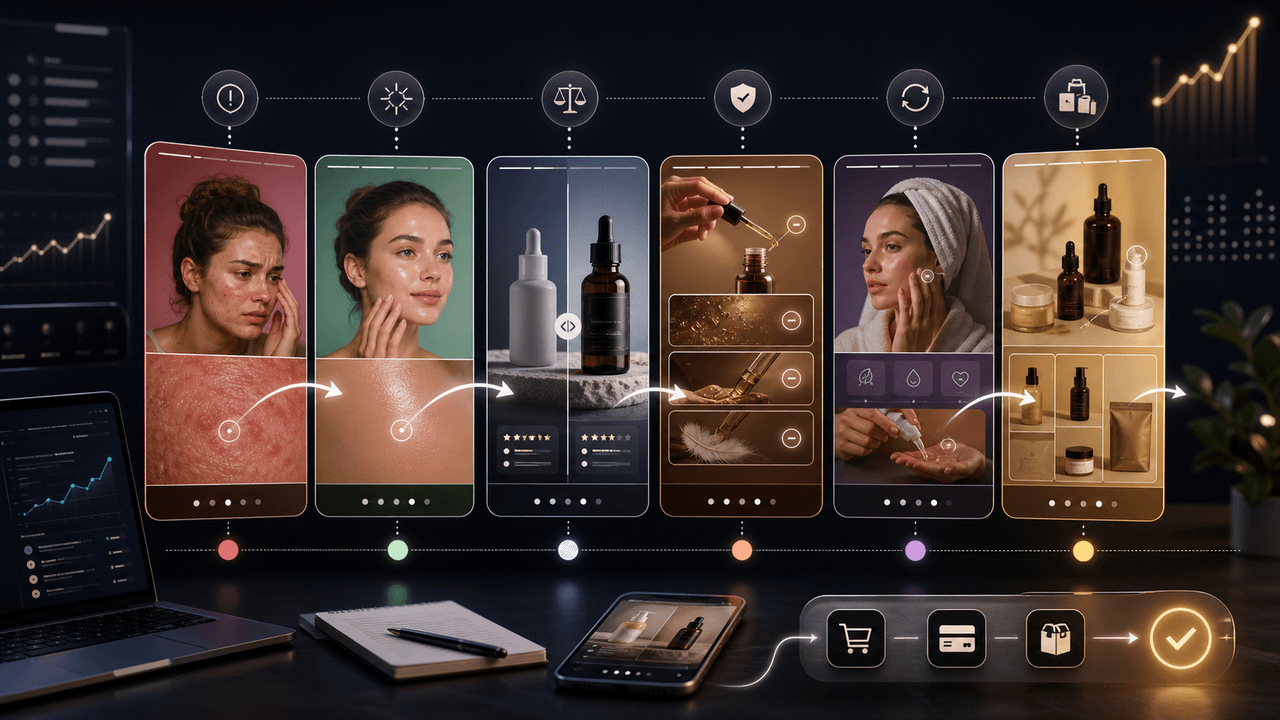
TikTok Slideshow Product Demo Hooks: 6 Templates
The best TikTok slideshow product-demo hooks qualify the buyer and create a reason to swipe. Use problem, outcome, comparison, objection, routine, and bundle hooks, then keep the middle slides focused on visual proof instead of repeating the first-slide claim.
Sources
- Making a post — TikTok Help Center
- About Carousel Ads — TikTok Ads Manager
- Specifications for Carousel Ads — TikTok For Business
- Shoppable Photos — TikTok Shop Academy
- Product media — Shopify Help Center
- Product descriptions — Shopify Help Center
Written by
AttentionClaw
Editorial Team
Editorial context
Part of the Carousel Creation topic cluster. Last updated August 13, 2026.