Chapter 1
The short answer: test one buying question per slideshow batch
TikTok slideshow creative testing for ecommerce should isolate one buying question at a time: which hook earns attention, which product angle attracts buyers, which proof creates trust, which image order makes the product clear, which offer motivates action, or which destination converts the click.
TikTok carousel ads use ordered images that people can manually swipe through, and TikTok's carousel specifications define practical image and format requirements. Those constraints make testing disciplined slide sequences important. A slideshow should not be a random set of pretty images; it should be a measurable argument.
The first testing batch should usually compare hooks while keeping the product, proof, offer, image order, and landing page stable. Once the winning hook family is clear, move to product angle, proof, offer, and destination tests.
Test hook families first: problem, outcome, comparison, proof, identity, or urgency.
Test product angle second: use case, routine, bundle, ingredient, material, result, or gifting.
Test proof third: review, closeup, before-after, comparison, demonstration, or guarantee.
Test offer and destination after the product story is understandable.
Measure add-to-cart, checkout start, purchase, revenue per visitor, and average order value, not only views.
Callout
Testing rule
A TikTok slideshow test should produce a sentence the team can reuse: `Problem hooks beat outcome hooks for this bundle because they produced higher add-to-cart rate.`
Chapter 2
Use a five-step ecommerce slideshow testing ladder
A testing ladder keeps the team from jumping straight to tiny design tweaks before the offer is clear. Start with the largest strategic variable and move toward smaller execution variables. For ecommerce, that usually means hook, product angle, proof, offer, then destination or retargeting.
Each step should run with a clear naming convention. Include product, angle, hook, proof, offer, and destination in the asset name or UTM content value. Google Analytics campaign URL guidance supports using URL parameters to identify campaign traffic, and that discipline is essential when many slideshow variants are live.
The ladder does not require huge budgets to be useful. Even organic tests can reveal which hooks generate saves, product questions, and profile visits before the team promotes a winner.
- 1
Step 1: Hook family
Problem, outcome, comparison, proof, identity, or urgency using the same middle slides.
- 2
Step 2: Product angle
Routine, use case, ingredient, material, bundle, gift, before-after, or comparison.
- 3
Step 3: Proof type
Customer review, product detail, demonstration, before-after, scale, return policy, or guarantee.
- 4
Step 4: Offer frame
Bundle value, discount, free gift, limited drop, preorder, seasonal collection, or shop-now urgency.
- 5
Step 5: Destination
Product page, bundle page, TikTok Shop product, collection page, or matched campaign landing page.
Chapter 3
Design hook tests that attract buyers, not just viewers
TikTok rewards attention, but ecommerce teams need buyer attention. A hook that gets views from people who never buy is not the same as a hook that gets fewer views and more add-to-cart events.
Write hook variants around the buyer's situation. For a travel bottle, test `Your toiletry bag is leaking because of this` against `A full skincare routine in one airport pouch.` For a desk organizer, test `Your cables are making your desk harder to clean` against `The five-minute desk reset before your first call.`
Keep the rest of the slideshow stable in the first hook test. If the problem hook uses a closeup sequence and the outcome hook uses a lifestyle sequence, the team cannot isolate the hook.
Problem hooks qualify people who already feel the pain.
Outcome hooks qualify people who want a clear result.
Comparison hooks qualify people evaluating alternatives.
Proof hooks qualify skeptical buyers.
Identity hooks qualify a specific niche such as runners, commuters, parents, students, renters, or founders.
Chapter 4
Test product angles before small design changes
A product angle is the reason the product matters in a specific context. The same product can be sold as a travel solution, gift, routine upgrade, time saver, premium material, bundle, or before-after transformation. These are not minor copy variations. They are different buying stories.
Product angle tests are more useful than early font or color tests because they reveal market demand. If `travel routine` beats `ingredient education`, that learning can shape future ads, product page sections, email campaigns, and retargeting creative.
Use product facts as source material. Shopify product media guidance emphasizes helping customers understand product function and quality. Your slideshow angle should make a real product detail easier to evaluate, not invent a new benefit.
- 1
Use-case angle
Show the product in a specific moment: travel, morning routine, work setup, meal prep, gym bag, gift wrapping, or apartment reset.
- 2
Detail angle
Show material, ingredient, size, closure, texture, compatibility, capacity, or construction.
- 3
Bundle angle
Show why several products belong together and what the buyer gets by choosing the set.
- 4
Transformation angle
Show before, process, after, and proof boundaries without exaggerating results.
Chapter 5
Separate proof tests from offer tests
Proof and offer often get mixed together. A review-led slideshow with a discount may beat a detail-led slideshow with no discount, but the team cannot tell whether proof or offer caused the result. Keep them separate.
Proof tests ask, `What makes the product believable?` Offer tests ask, `What package or reason to act makes the purchase easier?` Both matter, but they should usually be tested in different rounds.
For retargeting, proof and offer can be more direct because the audience already showed interest. Product viewers may need reviews or details. Cart abandoners may need shipping, return, bundle, or deadline clarity.
Proof test: review quote versus product closeup versus comparison.
Offer test: bundle versus discount versus free gift.
Risk test: guarantee versus return policy versus setup explanation.
Urgency test: launch deadline versus seasonal timing versus limited variant.
Retargeting test: proof lane versus objection lane versus offer lane.
Chapter 6
Include landing-page handoff in every test
A slideshow can win the click and still lose the purchase if the destination does not continue the promise. If the slideshow sells a bundle, send people to the bundle. If it sells a product detail, show that detail on the product page. If it sells a seasonal gift guide, do not land on a generic homepage.
Google's ad guidance around relevant, navigable landing pages is a useful reminder for paid social teams: destinations affect campaign value. TikTok and Meta reports can show ad engagement, but the landing page decides whether the product story completes.
Add destination variant to the test name. `slideshow_problem_bundle_pdp_v1` and `slideshow_problem_bundle_landing_v1` are readable months later. `test3` is not.
- 1
Match product
The destination should show the same product, variant, bundle, or collection.
- 2
Match proof
The page should expand the proof used in the slideshow.
- 3
Match offer
The discount, bundle, free gift, or deadline should be visible and consistent.
- 4
Match CTA
The slideshow CTA and page CTA should ask for the same next action.
Chapter 7
Write the learning before making the next slideshow batch
A creative test is not finished when the dashboard has a winner. It is finished when the team writes the learning and decides what to make next. The readout should be short: question, variants, result, decision, and next batch.
For ecommerce, include both efficiency and revenue signals. A variant with better click-through rate but worse add-to-cart rate may be attracting curiosity instead of buyers. A variant with fewer clicks and higher average order value may deserve more budget.
AttentionClaw can speed up the next batch when the learning is specific. `Make more proof-led variations for the travel kit bundle` is actionable. `Make more like winner ad` is not.
Question: what did this test try to learn?
Variant: what changed and what stayed constant?
Result: which metric matched the campaign goal?
Decision: scale, iterate, retarget, pause, or rebuild.
Next batch: exact hooks, proof, offer, or destination variants to generate.
Chapter 8
TikTok ecommerce slideshow testing mistakes
The first mistake is copying trends without product clarity. Trend context can help a slideshow feel native, but it cannot replace a clear product story. If people remember the sound but not the product, the ad did not do its job.
The second mistake is testing too many variables. Small ecommerce teams often create five completely different slideshows, pick the winner, and still do not know what worked. A structured ladder produces more reusable learning.
The third mistake is ignoring retargeting. A slideshow that attracts product viewers can feed follow-up creative around reviews, shipping, sizing, bundles, or objections. Prospecting winners should become retargeting inputs.
Do not judge by views alone.
Do not change hook, product angle, proof, offer, and page all at once.
Do not use product claims that the page cannot support.
Do not let TikTok-native style make the product hard to inspect.
Do not scale a winner before checking purchase quality.
Callout
How AttentionClaw supports controlled slideshow testing
AttentionClaw helps ecommerce teams create controlled TikTok slideshow variants around hooks, product angles, proof, offers, and destinations so each test produces reusable learning.
Next step
Generate cleaner ecommerce slideshow tests
AttentionClaw helps ecommerce teams create controlled TikTok slideshow variants around hook, product angle, proof, offer, and destination so every test teaches the next batch.
Common Questions
FAQ
More Reading
Keep reading
9-chapter read
TikTok Slideshow Limits 2026: Photo Count and Workflow-Specific Specs
TikTok's current Help Center describes up to 35 photos in a mobile photo post. Its Content Posting API separately documents up to 35 photo URLs plus API-only image restrictions. Verify the composer available to your account before export.
7-chapter read
TikTok Slideshow vs Video: Choose by Evidence, Then Test
Neither TikTok format wins universally. Use a slideshow when the evidence works as still frames and reader-controlled order; use video when motion, timing, voice, or a live demonstration is essential. Then compare matched executions against one declared outcome.
6-chapter read
The TikTok Shop Slideshow Method for Shoppable Photos
For selected sellers with Shoppable Photos access, the method is to verify the current account workflow, choose one buying question, prove the answer with accurate product media, tag the exact product, and measure the post in Seller Center.
8-chapter read
Carousel Slide Order That Converts: Hook, Proof, Offer, CTA
A converting carousel usually follows a clear order: hook, context, problem, solution or product, proof, objection handling, offer, and CTA. The exact slide count can change, but the reader should never wonder why the next slide exists.
7-chapter read
Ecommerce Carousel Ad Creative Testing Framework
Ecommerce carousel ad testing should isolate one variable at a time: hook, proof order, product angle, offer, or CTA. Start with three hook variants using the same middle slides, then test proof and offer only after a clear signal appears.
8-chapter read
Creative Testing Framework for Carousel Ads
Carousel ad creative testing should isolate one variable at a time: first card, proof, offer, slide order, CTA, or landing page. Changing everything at once can find a winner, but it will not teach why it won.
7-chapter read
Carousel Ads Offer Testing Framework for Paid Social
Offer testing in carousel ads should compare one buying reason at a time: bundle value, trial access, launch urgency, discount, free gift, demo, or lead magnet. Keep the audience, proof, and landing page controlled enough that the result creates a real decision.
8-chapter read
Creative Testing Cadence for Small Paid Social Teams
Small paid social teams need a creative testing cadence that is narrow enough to execute and structured enough to learn. A useful week separates research, brief, generation, review, launch, measurement, and the next creative decision.
10-chapter read
TikTok Slideshow Quality Checklist Before You Publish
A TikTok slideshow quality checklist should review the hook, slide sequence, mobile readability, product or screenshot accuracy, claim support, disclosure needs, CTA match, destination link, and campaign tracking before publishing. The checklist protects quality when teams are producing fast.
6-chapter read
TikTok Slideshows vs Instagram Carousels: When to Use Each
Use TikTok slideshows when the idea is visual, fast, native, and driven by product context. Use Instagram carousels when the idea needs education, comparison, saved reference value, or a clearer sequence. The strongest content systems adapt one product angle into both formats instead of copying the same asset across platforms.
30-Day Social Content System for Shopify and DTC Brands
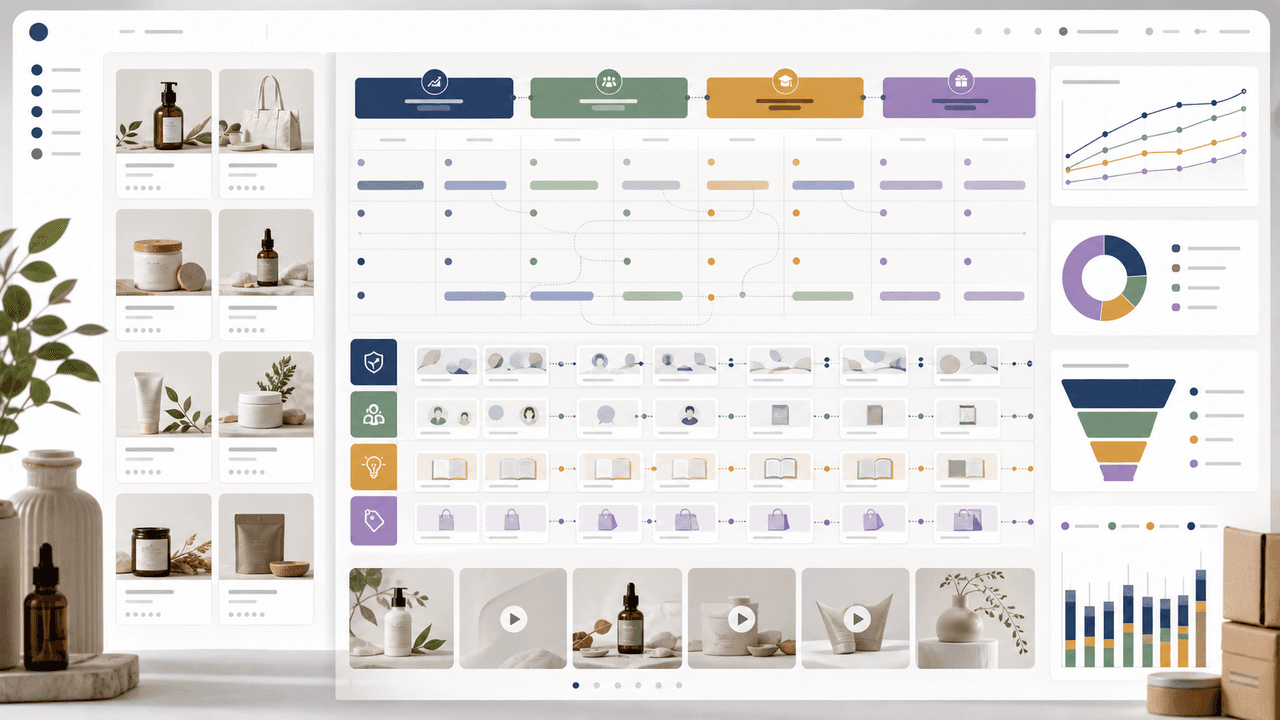
A 30-day Shopify social content system should turn products, objections, proof, education, and offers into a repeatable calendar. Plan four weekly arcs, batch creative by content job, repurpose each product angle across Instagram carousels and TikTok slideshows, then measure buyer actions instead of only engagement.
8-chapter read
Build a TikTok Product Launch Slideshow from the Offer Out
An ecommerce launch slideshow should answer one buying question with verified product evidence, preserve the exact offer across the post and destination, and adapt separately for organic photo posts, Shop links, or paid Carousel Ads.
Carousel A/B Testing: How to Systematically Improve Every Post
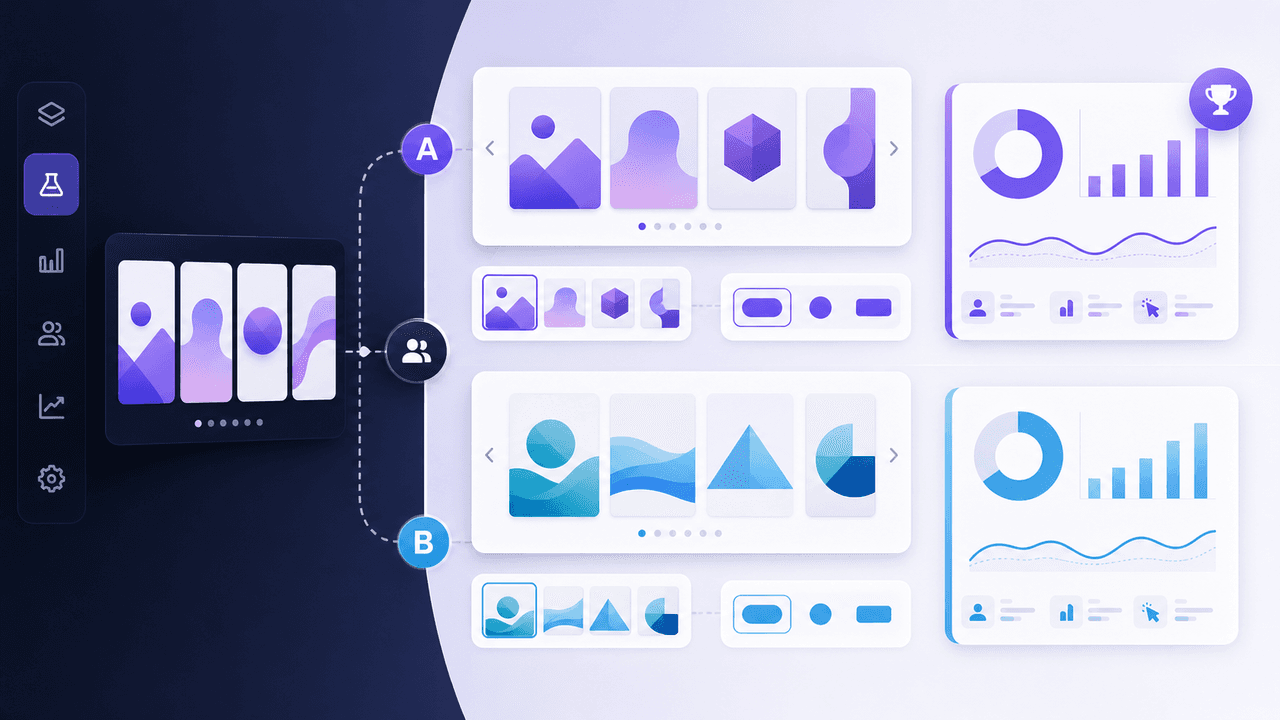
Most creators improve their carousels through intuition and guesswork. A systematic A/B testing framework removes the guessing and tells you exactly what works for your specific audience — one variable at a time.
Sources
- About Carousel Ads in TikTok Ads Manager — TikTok Ads Manager
- Specifications for Carousel Ads — TikTok for Business
- URL builders: Collect campaign data with custom URLs — Google Analytics Help
- Search ads and the importance of landing page navigation — Google Ads & Commerce Blog
Written by
AttentionClaw
Editorial Team
Editorial context
Part of the Content Planning topic cluster. Last updated June 22, 2026.