Chapter 1
The short answer: extract buyer questions, not paragraphs
To turn a product detail page into social content, identify every buying question the page answers, then create one post per question. A benefit becomes a problem-solution carousel. A product image becomes a TikTok slideshow. A variant selector becomes a chooser post. A review becomes proof content. An FAQ becomes an objection-handling carousel.
Do not copy product-page paragraphs into social slides. Product pages are built for people who already clicked. Social posts need to earn attention first, then answer a narrower question. The PDP is the source of truth; the social post is the guided entry point.
This workflow is especially useful for Shopify and DTC brands because it keeps social claims aligned with the actual product page. When the post and page say the same thing in different formats, the buyer journey feels coherent.
Start with the product page as the source of truth.
Extract buyer questions from each section.
Turn each question into a dedicated post.
Adapt the format to the question: carousel, TikTok slideshow, story, ad, or email block.
Send traffic back to the exact product, variant, bundle, or collection.
Chapter 2
What to extract from the product detail page
A well-built product page contains more content than most teams realize. The title, hero images, gallery, description, benefit bullets, variant names, reviews, technical details, bundles, shipping, returns, and FAQs can each become social assets.
The extraction pass should separate facts from angles. The fact might be 'machine washable.' The angle might be 'the sofa cover you can clean after a toddler snack disaster.' Social content needs the angle because it starts before the customer is shopping.
- 1
Product promise
What is the main outcome the product creates?
- 2
Visual proof
Which images show size, function, texture, use, before-after, or bundle value?
- 3
Variant decisions
What choices does the buyer need to make?
- 4
Trust elements
Which reviews, guarantees, materials, ingredients, certifications, or process details support belief?
- 5
Objections
What questions appear in FAQs, comments, returns, or support?
Chapter 3
The PDP-to-social post map
Use a post map to avoid repeating the same product angle. Each product-page section should become a different social job. This creates a campaign instead of a pile of duplicated product posts.
A single strong PDP can often produce 10 to 15 useful assets when the team maps it properly.
Hero image becomes a launch or product reveal slideshow.
Benefit bullets become problem-solution carousels.
Product gallery becomes use-case or detail-proof slideshows.
Variant selector becomes a variant chooser carousel.
Reviews become social proof posts.
FAQ section becomes objection-handling carousels.
Bundle module becomes bundle-builder content.
Shipping and returns become risk-reversal slides.
Care instructions become post-purchase education.
Related products become collection or routine content.
Chapter 4
A two-hour PDP repurposing workflow
The fastest workflow is extraction first, production second. Do not open a design tool until the post map is done. The product page gives you facts, but the content plan decides which facts deserve their own asset.
Once the map is complete, batch production by format. Create carousels for explanation, TikTok slideshows for visual proof, and stories for reminders or questions.
- 1
Minutes 0-20: Product-page audit
Copy benefits, images, variants, reviews, FAQs, offers, and objections into a working doc.
- 2
Minutes 20-45: Buyer-question map
Rewrite each section as a buyer question and choose the questions worth social content.
- 3
Minutes 45-75: Format assignment
Choose carousel, TikTok slideshow, story, ad, or email block for each question.
- 4
Minutes 75-105: Draft hooks
Write first-slide or first-frame hooks for the highest-priority assets.
- 5
Minutes 105-120: Production brief
Prepare asset references, CTA destination, and brand style rules for generation or design.
Callout
Where AttentionClaw fits for product-page content
AttentionClaw helps turn product detail pages into structured carousel and TikTok slideshow campaigns without drifting away from the source product truth.
Chapter 5
Quality control before PDP content goes live
The final review should compare every social post against the live product page. If the post uses a claim, image, variant, bundle, guarantee, deadline, or price that the page does not support, the post should be revised before publishing. The goal is a smoother buying path, not a higher-friction mismatch.
This is especially important when AI-generated images are part of the workflow. AI can create useful product contexts, but the reviewer still has to confirm that packaging, scale, color, materials, and product use are accurate. The product page remains the source of truth.
The social hook matches a real product-page benefit.
The image does not invent product details or variants.
The CTA opens the correct product, collection, bundle, or offer.
The post answers one buyer question instead of cramming in the full page.
The product page continues the same promise after the click.
Chapter 6
A worked example: mapping a single product page into a month of posts
A skincare serum product page typically contains the product name and hero claim, ingredient highlights with benefit explanations, before-and-after photos, directions for use, a FAQ section, and a review gallery. Each of those sections is a different type of social content with a different audience and purpose.
The hero claim becomes a hook-forward carousel: one post that takes the primary benefit promise and supports it with the specific mechanism behind it. The ingredient section becomes an educational post — not an ingredient glossary, but a single-ingredient explainer that explains why that ingredient is in the formula and what it does. The before-and-after photos become social proof posts. The directions for use become a 'how to layer this into your routine' short-form video or carousel. The FAQ becomes individual Q&A posts. The reviews become testimonial quote graphics. That is six content types from one product page.
Running this extraction exercise before opening any design tool produces a content calendar in roughly thirty minutes. The goal is not to create all six asset types simultaneously, but to know what is available so that posting decisions are driven by audience timing and platform priorities rather than by what happens to be easy to produce.
- 1
Print or screenshot the full PDP
Having the full page visible as a reference during extraction prevents the common mistake of working only from memory or from the product brief, which typically undersells the depth of content the page already contains.
- 2
Label every section by buyer question
Next to each section, write the buyer question that section answers. 'What does this actually do?' for the hero claim. 'What is in it?' for ingredients. 'Does it work?' for reviews. These questions become the hook text for each post.
- 3
Assign each post a platform priority
Not every PDP section translates equally well to every platform. Ingredient education performs well in carousels. Short how-to content works in Reels or TikTok. Testimonials can anchor a Story series. Match the content type to where its audience format is strongest.
Chapter 7
Keeping PDP-derived content current as the product page changes
Product pages change more often than most social teams realize. Prices are updated, formulas are revised, claims are refined for regulatory reasons, reviews accumulate, and out-of-stock variants get removed. Social content derived from the product page can become inaccurate if the refresh cycle is not managed.
A light quarterly audit — comparing live social posts against the current product page — prevents the most common accuracy failures: a post featuring a variant that is no longer available, a claim that has been updated, or a price that has changed since a promotional post was published. For high-velocity product categories, set a reminder when the product page is updated so that dependent social content can be flagged.
The most durable PDP-derived content is educational rather than promotional. A post explaining how an ingredient works will remain accurate far longer than a post featuring a limited-time offer. Building the content calendar to favor educational posts over promotional ones extends the shelf life of PDP-derived content and reduces the maintenance burden.
Next step
Turn product pages into campaign assets
AttentionClaw helps ecommerce teams convert product details, proof, variants, and FAQs into Instagram carousels and TikTok slideshows.
Common Questions
FAQ
More Reading
Keep reading
Turn Your App Store Screenshots Into Instagram Carousels
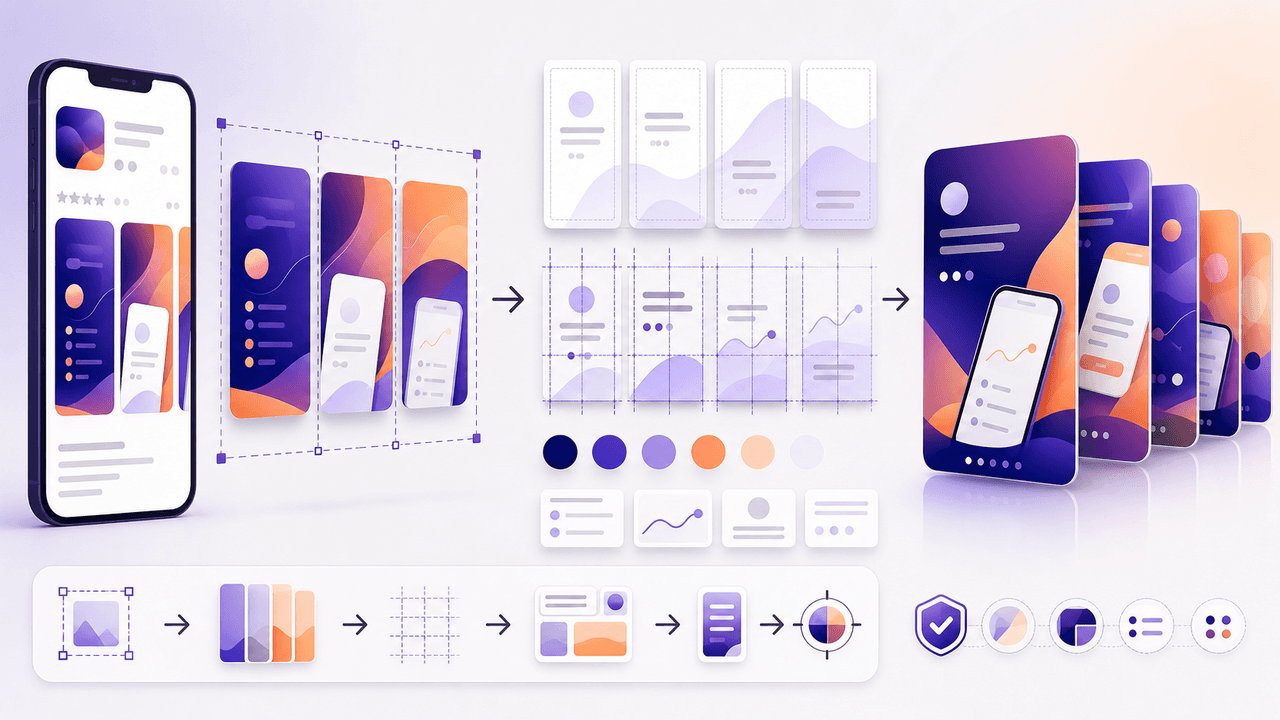
You already have polished app screenshots sitting in your App Store listing. Repurposing them into Instagram carousels takes a fraction of the time of creating from scratch, and the visual consistency between your store listing and social content reinforces brand trust.

How to Batch Instagram Carousels and Save 10+ Hours Every Week
Most creators spend 2-3 hours per carousel because they restart from scratch every time. A batch production system cuts that to 15 minutes per post.

Build one product launch carousel people can verify
An Instagram product launch carousel should explain what changed, who it is for, what evidence supports the promise, what the offer includes, and where to act. This guide provides the brief, asset gate, full sequence, and measurement plan.

Four Product Carousel Formats Built Around Evidence
The best ecommerce carousel template depends on the buyer question and the evidence available. These four formats organize approved product details, media, comparison facts, bundle contents, and use cases into reviewable slide sequences without promising that a template will generate sales.
Turn Product Benefits Into a Week of Social Posts
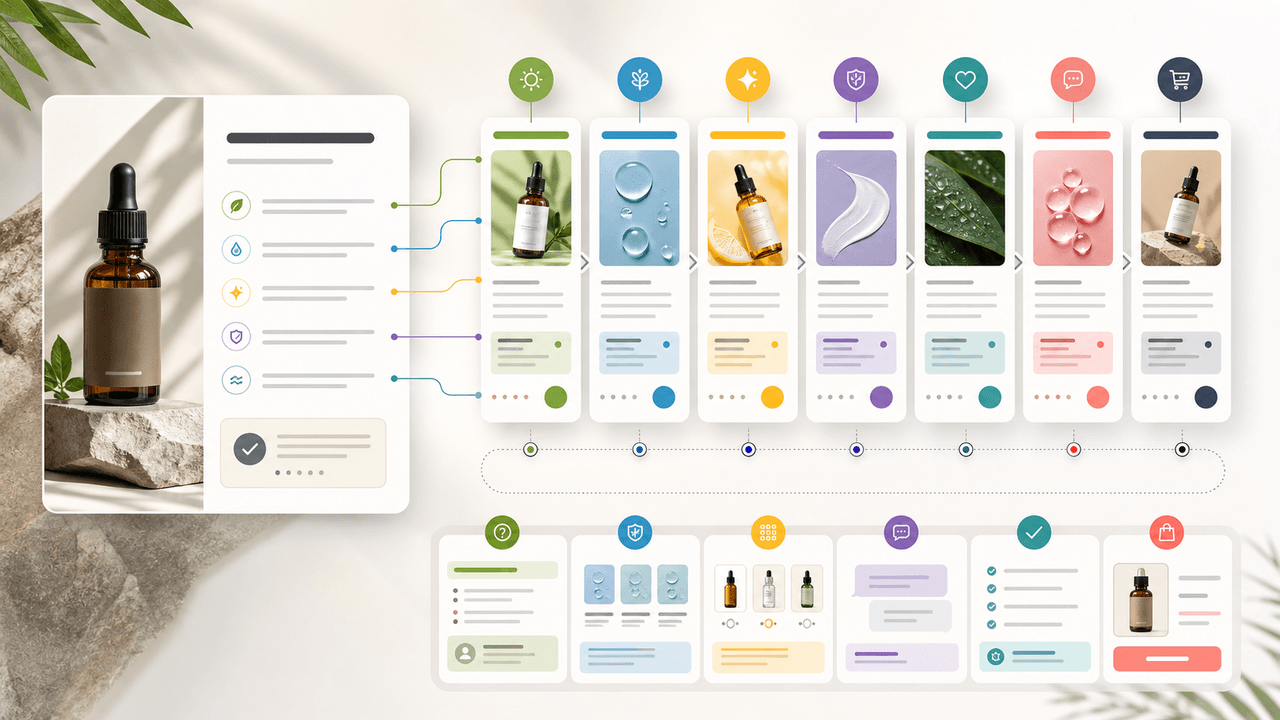
A product benefit list can become a full week of social posts when each post answers a different buyer question: what it does, who it is for, how it works, what proof supports it, what objection it answers, how to choose a variant, and what to do next.

Product Comparison Carousels: Help Shoppers Choose (And Choose You)
Comparison carousels are some of the highest-converting content in e-commerce because they meet shoppers at the exact moment they are deciding between options. Done right, they make your product the obvious choice without feeling like a biased sales pitch.

UGC Carousels for E-Commerce: Turn Customer Photos Into Your Best Sales Tool
User-generated content converts at 4-5 times the rate of brand-produced content, but most e-commerce brands either ignore UGC or use it poorly. Repurposing customer photos into structured carousel formats turns scattered social proof into your highest-performing sales asset.

E-Commerce Instagram Content Pillars: The 5-Pillar Framework That Sells
Most e-commerce Instagram accounts either post too much product content and bore their audience, or too much lifestyle content and fail to sell. The five-pillar framework creates a balanced content mix that consistently educates, entertains, builds trust, and drives purchases.

Product Education Carousel Frameworks for Shopify Stores
Product education carousels work when they translate product-page facts into buyer decisions. Use a framework for each job: explain the problem, compare variants, teach use, prove quality, or build a bundle. The goal is not more slides; it is fewer unanswered buying questions.

SaaS Content Repurposing: Turn Docs, Blogs, and Changelogs Into Carousels
SaaS companies sit on mountains of existing content — docs, blogs, changelogs, support articles — that could become dozens of carousels. The problem is not a lack of ideas. It is the lack of a system to extract and reformat that content efficiently.
Sources
- Product details — Shopify Help Center
- Product media — Shopify Help Center
- Design Specifications for Carousel Ads — Meta Business Help Center
- About Carousel Ads in TikTok Ads Manager — TikTok Ads Manager
Written by
AttentionClaw
Editorial Team
Editorial context
Part of the Content Planning topic cluster. Last updated June 22, 2026.