
Chapter 1
How to batch Instagram carousels in five steps
Batch Instagram carousels by separating the work into five focused stages: collect and select ideas, draft hooks, write slide copy, apply reusable layouts, then review and schedule the finished posts. Grouping similar decisions makes the workflow easier to repeat and helps a team maintain consistent standards across the batch.
Batching eliminates this by grouping similar decisions together. You write all your hooks in one block. You design all your layouts in one session. You draft all your copy in one focused sprint. The result is the same quality with a fraction of the effort.
Creators who switch to batch production consistently report going from 3-4 carousels per week to 10-15, while spending less total time on content. The math works because context-switching is the real time killer, not the creation itself.
Writing 5 hooks in a row takes 20 minutes — writing 5 hooks on 5 different days takes over an hour total
Design decisions made once (fonts, colors, spacing) apply to every carousel in the batch
You catch weak ideas early when you see them lined up next to stronger ones
Publishing becomes a scheduling task instead of a daily production scramble
Chapter 2
Step 1: Build a content bank before you touch any design tool
The biggest mistake in carousel production is opening Canva before you know what you want to say.
Start every batch session with 30 minutes of idea capture. Go through your saved posts, competitor content, customer questions, industry news, and your own expertise. Write down every potential carousel topic as a one-line idea. Do not filter yet.
Once you have 20-30 raw ideas, score them on two dimensions: how useful is this to my audience, and how naturally does it connect to what I sell? The best carousel topics score high on both. Discard anything that is only interesting to you or only promotional.
Organize your surviving ideas into theme weeks. If you sell a SaaS product, one week might be pain-point carousels, the next might be how-to tutorials, and the third might be comparison posts. This prevents your feed from feeling random while keeping each individual carousel focused.
- 1
Mine your existing content
Blog posts, podcast episodes, customer emails, and support tickets are full of carousel ideas. One blog post can easily become 3-5 carousels, each covering a different section or angle.
- 2
Study what performs in your niche
Save high-performing carousels from competitors and adjacent creators. Note what hooks they use, how many slides they include, and what their CTAs look like. You are not copying — you are learning the patterns that work.
- 3
Write one-line hooks for every idea
Before anything else, write the first-slide text for each carousel. If you cannot write a compelling opening line, the idea is probably too weak to produce.
Chapter 3
Step 2: Write all your hooks first, in one sitting
The hook is the single most important element of any carousel. It determines whether someone stops scrolling and starts swiping. Writing hooks requires a specific creative mindset — one that is hard to enter and exit repeatedly.
Set a timer for 25 minutes and write first-slide copy for your entire batch. Aim for 8-12 hooks. Use different opening angles to keep the batch varied: lead with a mistake for one, a surprising stat for another, a bold claim for a third.
Do not worry about the rest of the carousel yet. A strong hook can carry a mediocre middle, but a mediocre hook will kill even the best content. Get the openings right and everything else becomes easier.
Mistake hooks: 'You are doing X wrong and it is costing you Y'
Curiosity hooks: 'The reason your Z is not working has nothing to do with Z'
Result hooks: 'How I went from A to B in C weeks — exact process inside'
List hooks: 'N things every [audience] needs to know about [topic]'
Contrarian hooks: 'Unpopular opinion: [common practice] is actually hurting your [goal]'
Callout
Pro tip
Write 2-3 hook variations for each carousel idea. When you come back the next day, the strongest version will be obvious. Delete the rest without guilt.
Chapter 4
Step 3: Map the narrative structure for each carousel
Every effective carousel follows a narrative arc, even educational ones. The reader needs to feel like they are moving toward something valuable with each swipe. Without structure, carousels become random collections of tips that lose the reader by slide four.
The most reliable carousel structures are: Problem-Agitate-Solve (great for pain-point content), Step-by-Step (great for tutorials), Myth-Busting (great for contrarian takes), and Before-After (great for transformation stories).
For each carousel in your batch, write a simple outline: what does each slide accomplish? Slide 1 hooks. Slide 2 establishes the problem or context. Slides 3-8 deliver the value. The final slide drives the CTA. This takes 5 minutes per carousel and prevents the rambling that makes carousels forgettable.
- 1
Write the slide-by-slide skeleton
For a 10-slide carousel, outline what each slide says in one sentence. This is your content map. If any slide does not clearly advance the narrative, cut it or combine it with another.
- 2
Front-load the value
Put something genuinely useful by slide 3. Readers who feel rewarded early will keep swiping. Readers who feel teased will drop off.
- 3
Make the CTA feel earned
The final slide should connect directly to the value you just delivered. If you taught someone how to write better hooks, the CTA might be a hook template or a tool — not a generic follow request.
Chapter 5
Step 4: Build a reusable design system, not individual designs
This is where most creators waste the most time. They open a blank canvas for every carousel and re-make hundreds of design decisions they already made last week. Font? Color? Layout? Spacing? Logo placement? Background? Every one of these should be decided once and reused across every carousel.
A carousel design system includes 3-5 slide layouts that cover your common needs: a hook slide with large text, a content slide with heading and body, a list slide, a step slide, and a CTA slide. Each layout has fixed typography, colors, and spacing that match your brand.
When you batch-produce carousels, you pick the appropriate layout for each slide, drop in your copy, and move on. No design decisions. No color picking. No font pairing. This is how agencies produce dozens of carousels per week for multiple clients.
Define your brand fonts and stick to them — one for headings, one for body text
Pick 3-4 brand colors and assign them roles: primary, accent, background, text
Create slide templates for your 5 most common slide types
Use consistent spacing, margins, and text sizes across every carousel
Callout
The fastest path
AttentionClaw lets you define your brand style once and generates carousels that automatically match your visual identity. No templates to manage, no design tools to wrestle with — just your ideas turned into publish-ready slides in minutes.
Chapter 6
Step 5: The 90-minute batch production session
Here is the exact session structure that turns a full week of carousels into a single focused block.
- 1
Minutes 0-10: Select and sequence
Pick 5-7 carousel ideas from your content bank. Arrange them in publishing order so your feed has variety. Check that you are not running three list-style carousels in a row.
- 2
Minutes 10-30: Write all copy
Using your hooks and outlines, write the full slide copy for every carousel. Work through them assembly-line style — all slide 1s, then all slide 2s, and so on. This keeps you in writing mode instead of switching between writing and designing.
- 3
Minutes 30-60: Apply design
Using your templates or an AI tool, produce the visual slides. Since your design system is already set, this is mostly dropping copy into layouts and picking supporting imagery.
- 4
Minutes 60-75: Review and refine
Swipe through each carousel as a reader would. Check that the hook still hits, the middle delivers, and the CTA feels natural. Fix anything that feels off but resist the urge to redesign.
- 5
Minutes 75-90: Schedule and publish
Upload all carousels to your publishing tool. Set publish times for the week. Write captions if they are not already done. Done.
Chapter 7
5 mistakes that ruin carousel batch production
- 1
Making every carousel look identical
Batching the design system does not mean every carousel should look the same. Vary your hook slide layouts, alternate color accents, and mix up slide counts between 6 and 10. Consistency is not the same as uniformity.
- 2
Batching too far ahead
Producing 30 carousels in one session sounds efficient until a trend shifts or a current event makes your content feel tone-deaf. Batch one week at a time, two weeks at most.
- 3
Skipping the hook review
After writing hooks in a flow state, step away for at least an hour before finalizing. What felt clever in the moment sometimes reads as confusing the next morning.
- 4
Ignoring performance data
Every batch should be informed by what worked in the previous batch. Which hooks got the most saves? Which structures held attention through the last slide? Feed this data back into your next session.
- 5
Over-polishing individual slides
Perfectionism is the enemy of batch production. A carousel that is 85 percent done and published will always outperform one that is 100 percent perfect and still sitting in drafts.
Chapter 8
How batch production looks across different niches
The batch system works universally, but the content and templates look different depending on your audience.
- 1
E-commerce brands
Content bank: ingredient spotlights, before-after routines, product comparisons, seasonal tips, myth-busting. Design: clean product photography, soft brand colors, ingredient callout slides. Batch size: 8-10 per week mixing education with product content.
- 2
Coaches and consultants
Content bank: client transformations, framework breakdowns, mindset shifts, common mistakes, behind-the-scenes process. Design: bold text-heavy layouts, headshot-integrated hook slides. Batch size: 5-7 per week mixing value with social proof.
- 3
SaaS companies
Content bank: feature tutorials, pain-point carousels, industry benchmarks, tool comparisons, workflow tips. Design: product screenshots, clean UI-inspired typography, branded illustrations. Batch size: 6-8 per week alternating educational and product-focused posts.
Chapter 9
Scaling from 5 carousels a week to 15+
Once you have the basic batch system running, scaling is straightforward. The bottleneck is almost never the design — it is the ideation and copywriting.
Build a running content bank that grows throughout the week. Every time you see an interesting stat, a customer question, or a competitor carousel that sparks an idea, add it to the bank. By batch day, you are choosing from 30+ ideas instead of staring at a blank page.
Repurpose your best-performing carousels. A carousel that did well three months ago can be re-angled with a different hook, updated data, or a fresh visual style. Most of your current followers never saw the original.
Use AI tools to accelerate production. Tools like AttentionClaw generate complete, brand-consistent carousels from a topic and your brand style. You provide the idea, the tool handles layout, copy, and design. Review, tweak, publish. A 90-minute session becomes 30 minutes.
Maintain a running content bank that grows between sessions
Re-angle top performers every 2-3 months with fresh hooks
Use AI tools to handle design and layout automatically
Split production into two 45-minute sessions instead of one long block
Batch captions separately from carousel production for faster flow
Next step
Batch carousels in minutes, not hours
AttentionClaw generates brand-consistent Instagram carousels and TikTok slideshows from your ideas. Define your style once, produce at scale.
Common Questions
FAQ
More Reading
Keep reading
8-chapter read
Carousel Slide Order That Converts: Hook, Proof, Offer, CTA
A converting carousel usually follows a clear order: hook, context, problem, solution or product, proof, objection handling, offer, and CTA. The exact slide count can change, but the reader should never wonder why the next slide exists.

How to Turn One Good Idea Into 7 Different Instagram Carousels
You do not need 30 unique ideas to post every day. You need one strong idea and a system that turns it into 7 carousels with different angles, formats, and depths.
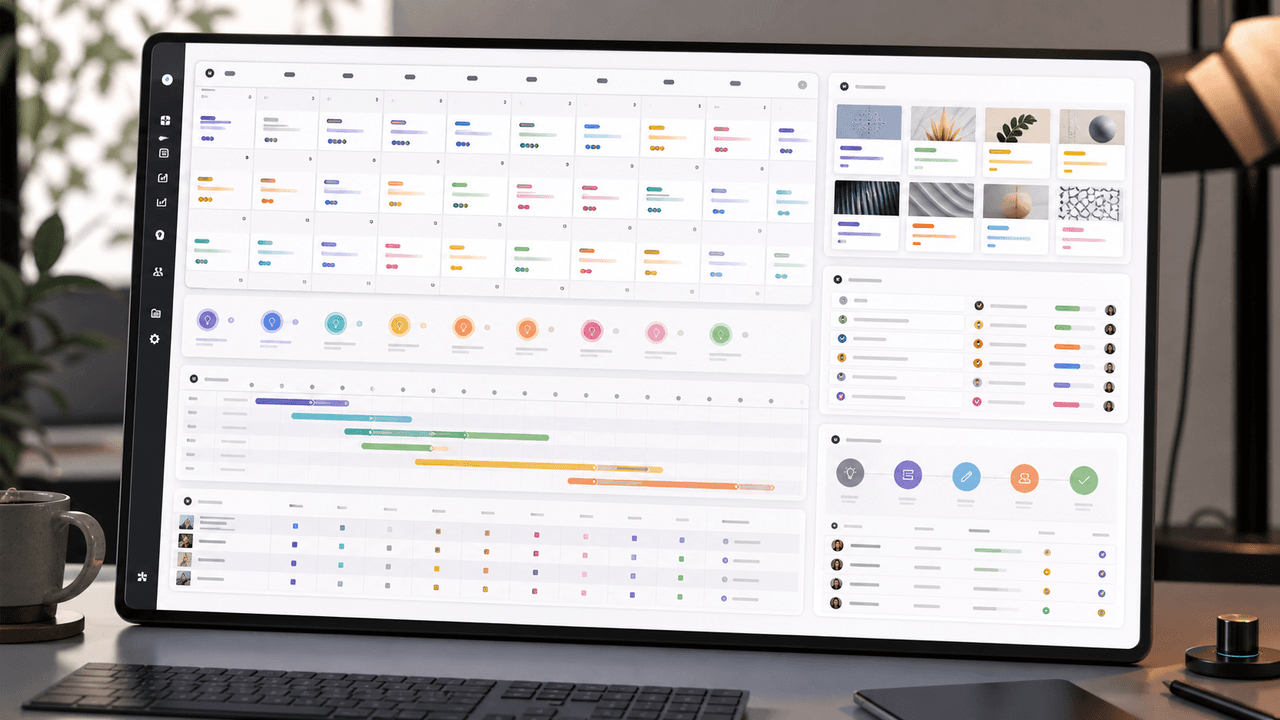
A 30-Day Calendar That Includes the Work Around Each Post
A useful monthly Instagram calendar records more than publication dates. It connects audience questions, approved sources, content pillars, owners, review gates, destinations, live URLs, listening notes, and correction decisions. The complete 30-day example below includes production and hold days so it can be adapted without implying that every account should post daily.
Build Instagram carousels around a measurable next step
A carousel cannot guarantee conversion. It can make one next step clear, give the reader enough evidence to evaluate it, and produce a testable signal. This guide shows how to design and measure that system.
8-chapter read
AI Prompt Library Template for Social Media Teams
A useful AI prompt library is not a folder of clever prompts. It is a production system with repeatable prompt families, required inputs, source rules, brand constraints, output specs, approval status, and QA notes so social teams can create faster without losing accuracy or brand control.
9-chapter read
Client Content Intake Checklist for Carousels and TikTok Slideshows
A strong client content intake checklist prevents generic AI posts, unsupported claims, visual drift, and approval delays. Agencies should collect the offer, audience, proof, assets, product facts, forbidden claims, platform priorities, destination links, approval owners, and measurement rules before production starts.
6-chapter read
TikTok Slideshows vs Instagram Carousels: When to Use Each
Use TikTok slideshows when the idea is visual, fast, native, and driven by product context. Use Instagram carousels when the idea needs education, comparison, saved reference value, or a clearer sequence. The strongest content systems adapt one product angle into both formats instead of copying the same asset across platforms.

How Agencies Can Produce a Month of Client Social Posts in One Day
Agencies can produce a month of client social posts in one day only when strategy, inputs, review rules, and publishing specs are prepared before the production sprint. The winning system is not a prompt dump; it is an operating day with intake, batch lanes, factual review, brand QA, approval packaging, and campaign tracking.

Local Business Instagram Carousels: Drive Foot Traffic Without Paid Ads
Local businesses do not need viral content. They need carousels that reach the right 5,000 people within a ten-mile radius. A local carousel strategy turns your expertise, your team, and your community presence into foot traffic without spending a dollar on ads.

Carousel Design Principles: The Visual Rules That Get More Swipes
Great carousel design is not about being a graphic designer. It is about following a set of visual rules that make your content readable, recognizable, and swipeable. This guide breaks down each rule with concrete specifications you can apply immediately.
Written by
AttentionClaw
Editorial Team
Editorial context
Part of the Carousel Creation topic cluster. Last updated July 11, 2026.