Chapter 1
The short answer: write prompts as modular brand rules
A good brand style prompt is not one long paragraph. It is a set of reusable blocks: identity lock, style lane, camera, lighting, composition, props, color rules, negative constraints, and review criteria. The identity lock stays stable. The style lane and content job change by campaign.
This modular structure helps teams produce more images without visual drift. A skincare brand can keep the same bottle, label, soft morning light, and clean bathroom world while changing the message from routine education to launch offer. A SaaS brand can keep the same interface-inspired visual system while changing topics and CTAs.
The prompt should never be the only quality-control layer. Generated images still need review for product accuracy, character continuity, disclosure, mobile crop, and claim safety.
Keep brand identity fixed across prompts.
Vary scenes and message angles intentionally.
Use negative constraints to prevent common drift.
Add text in a controlled design step when accuracy matters.
Review every image against approved references before publishing.
Chapter 2
The reusable brand style prompt template
Use this template as a working structure. Replace the bracketed details with your brand's actual rules. Do not leave vague phrases like 'premium' or 'modern' by themselves; describe what those words mean visually.
The template is designed for social media images, not final legal packaging, medical claims, or exact product labels. If an image needs exact text, add it later in the design layer.
- 1
Identity lock
Feature [product/character/brand asset] with exact details: [shape], [color], [material], [logo placement], [label hierarchy], [signature feature]. These details must not change.
- 2
Style lane
Use the [campaign world] style: [environment], [mood], [props], [surface], [season], [audience context].
- 3
Camera and lighting
Use [camera angle], [crop], [depth of field], [lighting temperature], [shadow softness], and [background treatment].
- 4
Composition
Leave space for [headline/CTA/product tag] and keep the main subject visible at mobile size.
- 5
Negative constraints
Do not change [product details], invent [claims/labels/certifications], add [unapproved props], distort [hands/faces/logo], or use [off-brand style].
- 6
Review criteria
The output is acceptable only if it matches approved references, supports the content job, and remains readable in the intended social format.
Chapter 3
Product campaign prompt examples
Product prompts need especially strict identity rules because buyers use visuals to form expectations. A prompt can create richer contexts, but it cannot invent packaging, ingredients, materials, dimensions, or product results.
For ecommerce, write one master product lock and several style lanes. The master lock protects what the buyer receives. The lanes create campaign variety for Instagram carousels, TikTok slideshows, stories, and ads.
Studio proof lane: clean background, detail closeups, accurate material, no extra props.
Routine lane: product in real use environment with approved companion objects.
Bundle lane: all items visible together, correct scale, clear CTA space.
Seasonal lane: holiday, summer, travel, back-to-school, or gift context without changing product identity.
Comparison lane: old way versus product-led way with honest visual contrast.
Chapter 4
AI influencer and character prompt examples
Character prompts need continuity across face, body, wardrobe, setting, and voice. The visual prompt should connect to the character bible, while the caption prompt should connect to voice rules and disclosure expectations.
Avoid prompting a synthetic persona into fake lived experiences. It is safer to frame the persona as a guide, brand character, or fictional host unless the account's disclosure and content model clearly support another approach.
Character lock: age range, face structure, hair, body type, skin tone, signature accessories, wardrobe family.
Scene lane: recurring spaces where the persona naturally appears.
Voice rule: sentence length, vocabulary, humor level, point of view, and taboo phrases.
Disclosure rule: AI-generated, synthetic, paid, gifted, affiliate, or brand-owned context.
Claim boundary: no invented personal outcomes, medical claims, financial claims, or fake testimonials.
Chapter 5
Infographic and education prompt examples
Educational social images need a different prompt pattern from lifestyle images. The goal is not to create a beautiful scene; it is to make an idea easier to understand. That means the prompt should define the explanation type, source boundary, layout hierarchy, text-safe area, and final-text workflow.
Do not ask image generation to create final factual microtext, chart values, or citations. Use the prompt to explore composition, icon style, diagram rhythm, and slide structure. Then add final labels, numbers, and source notes in a controlled design step.
This protects both brand consistency and accuracy. A source-backed infographic can use the same brand palette, type roles, and layout density as product content while still making claims traceable to a source sheet.
- 1
Explanation lock
Name the question the infographic answers and the approved claim sheet it must follow.
- 2
Layout type
Choose flowchart, comparison matrix, timeline, checklist, annotated screenshot, or decision tree based on the claim.
- 3
Brand graphic system
Use approved colors, icon style, line weight, spacing, and density so the graphic belongs to the brand.
- 4
Final text rule
Use generated text only as placeholder. Add final labels, numbers, source notes, and CTA copy in a controlled layer.
Chapter 6
Test prompts in small batches before scaling
A prompt template is not ready because it produced one good image. Test it with a small batch that includes the main variation types: product education, lifestyle scene, proof post, CTA slide, and vertical crop. Then review the set together for drift.
Look for recurring failures. If the product label changes in two of five outputs, the product lock is too weak. If all vertical crops lose the CTA space, the composition block needs repair. If the character face changes when the scene changes, the character lock needs stronger references.
Keep the best output as an approved reference and the worst near-miss as a negative example. This turns prompt testing into a durable style system instead of a one-time experiment.
Generate three to five assets from one prompt template.
Test at least two formats if the campaign will be cross-platform.
Review the batch against product, character, typography, and source rules.
Promote only prompt blocks that survive batch review.
Document failures so the next batch improves.
Chapter 7
Add source and disclosure rules to prompt templates
Brand style prompts should include source and disclosure boundaries when the output could be mistaken for real evidence, a real person, a real product result, or a factual chart. The visual style system is incomplete if it only describes colors and scenes.
For product claims, route the asset through a claim sheet. For realistic AI-generated people or synthetic influencers, check platform AI labels and account-level disclosure. For commercial recommendations, include paid, gifted, affiliate, or brand-owned disclosure rules where relevant.
These rules make the prompt template safer to reuse. A future teammate can generate campaign variations without accidentally producing a fake testimonial, unsupported chart, or undisclosed synthetic endorsement.
Source-backed claims must reference an approved claim sheet.
Generated people or personas need disclosure review.
Commercial recommendations need relationship disclosure review.
Product results need evidence and destination-page match.
Final images should not contain invented certifications, awards, or badges.
Chapter 8
Prompt workflow for a 30-day content system
Do not write thirty unrelated prompts. Build a prompt library with one identity lock, four style lanes, and several content jobs. Then generate in batches by lane so review is faster and consistency issues are easier to spot.
Use AttentionClaw to operationalize this structure: one brand style system, multiple campaign briefs, and platform-specific assets. The human work is deciding the strategy and approving outputs; the tool handles repetitive variation.
- 1
Create identity lock
Document product, character, or brand asset details that cannot drift.
- 2
Create 4 style lanes
Define recurring visual worlds for education, proof, lifestyle, and offer content.
- 3
Create content jobs
Map hooks, product demos, comparisons, bundle launches, FAQs, and CTAs to the right lane.
- 4
Generate by batch
Produce several images from one lane at a time, then review as a set.
- 5
Save approved outputs
Use approved images as future references and rejected images as negative examples.
Callout
Build a repeatable visual system for every campaign
AttentionClaw helps brands turn style prompts into consistent social images, carousels, and TikTok slideshows without rebuilding the visual system each week.
Next step
Turn brand style rules into consistent social images
AttentionClaw helps teams generate brand-consistent product images, AI persona posts, carousels, and TikTok slideshows from one reusable style system.
Common Questions
FAQ
More Reading
Keep reading
7-chapter read
How to Debug AI Style Drift in Social Images
AI style drift happens when generated social images slowly stop matching the approved brand, product, character, or scene system. Debug it by isolating the drift type, comparing against baselines, tightening prompt blocks, adding references, and changing the review gate.
8-chapter read
Consistent AI Typography for Social Images
Consistent AI typography comes from separating generated layout exploration from final text production. Define type roles, hierarchy, contrast, density, safe zones, and QA rules before approving social images.
8-chapter read
Character Reference Sheet for AI Social Campaigns
A character reference sheet keeps AI social campaigns visually consistent by documenting approved face, body, wardrobe, expressions, scenes, forbidden drift, disclosure rules, and review criteria before content generation begins.
8-chapter read
Manual Mood Boards vs AI Style Systems for Social Creative
Manual mood boards are good for direction and taste alignment. AI style systems are better for repeatable production when they include identity locks, style lanes, prompt rules, review checklists, and approved examples. Most teams need both: mood board for taste, AI system for scale.
7-chapter read
How to Keep a Product the Same in AI Lifestyle Images
To keep a product the same in AI lifestyle images, start from real product references, lock every visible detail, define allowed scene variation, composite final text when needed, and review each image against the product page before publishing.
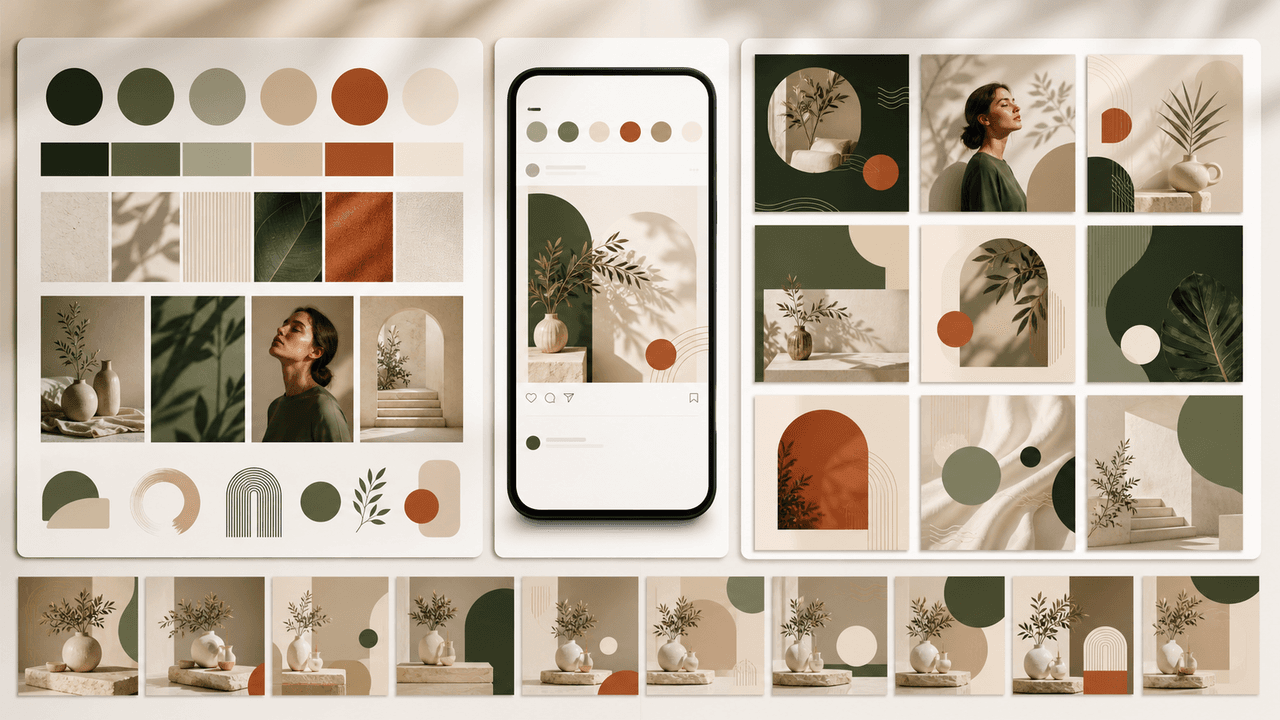
How to Build a Brand Style System for AI-Generated Social Content
A brand style system for AI-generated social content turns taste into operating rules. It defines visual identity, voice, prompt blocks, reusable scenes, text rules, source rules, and QA gates so every carousel, slideshow, infographic, and product post feels like the same brand.
8-chapter read
AI Prompt Library Template for Social Media Teams
A useful AI prompt library is not a folder of clever prompts. It is a production system with repeatable prompt families, required inputs, source rules, brand constraints, output specs, approval status, and QA notes so social teams can create faster without losing accuracy or brand control.
8-chapter read
Brand Safety Checklist for AI Social Images: 6 Gates
AI-generated social images should not go live because they look polished. They need a brand-safety review that checks product fidelity, claim accuracy, platform policy, accessibility, disclosure, and landing-page match before publication.
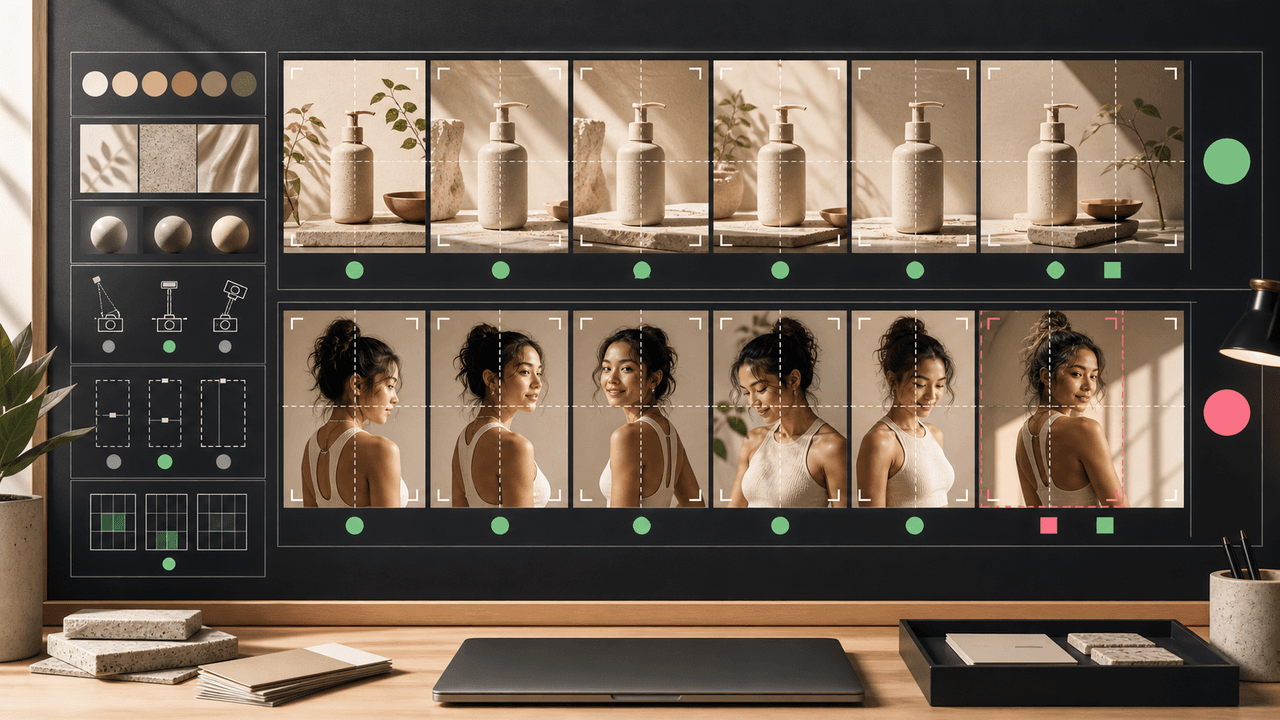
AI Image Consistency Checklist for Instagram Carousels
AI image consistency for Instagram carousels requires checks before, during, and after generation: identity lock, style lane, product accuracy, character continuity, camera rules, crop safety, text safety, disclosure, and final mobile review.
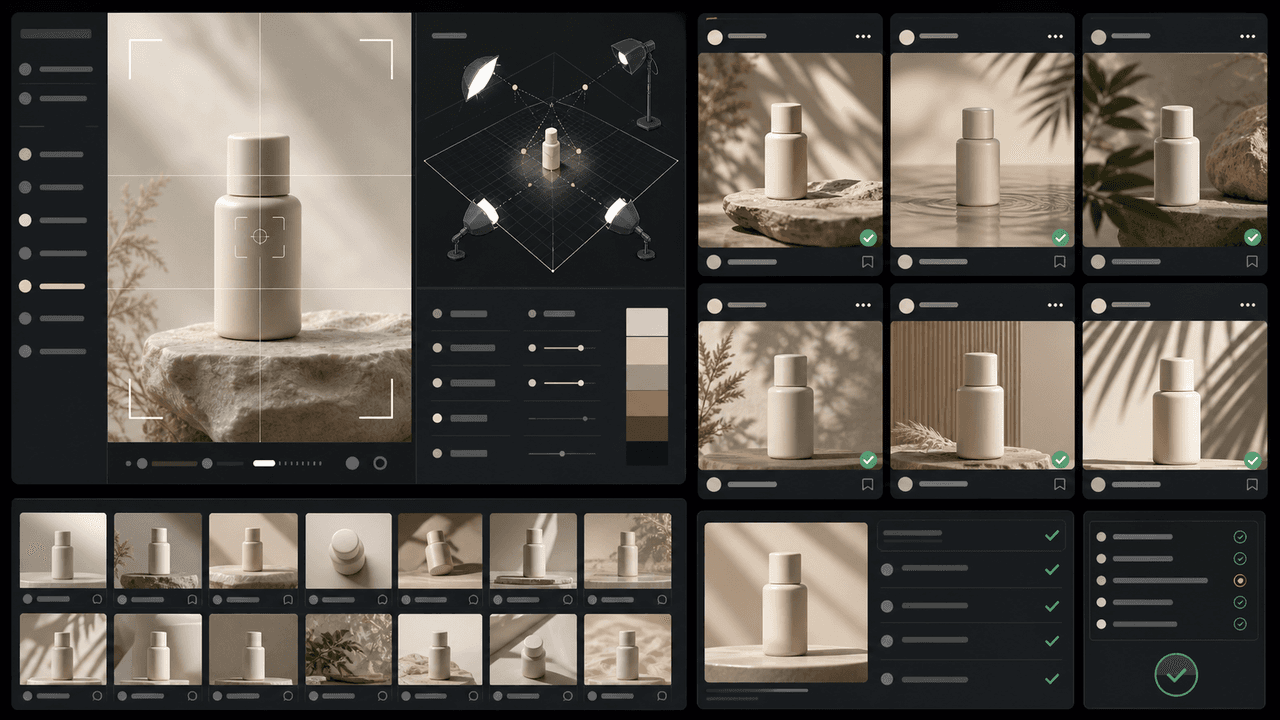
How to Keep Product Photos Consistent Across AI-Generated Social Posts
Consistent AI product images come from a system, not a lucky prompt. Lock the product reference, camera rules, lighting, background family, brand palette, allowed variations, and review checklist before generating campaign assets. Then vary context and message without changing the product identity.
Sources
- Product media — Shopify Help Center
- Labeling AI-Generated Images on Facebook, Instagram and Threads — Meta
- C2PA Technical Specification — Coalition for Content Provenance and Authenticity
- AI features and your website — Google Search Central
Written by
AttentionClaw
Editorial Team
Editorial context
Part of the Content Planning topic cluster. Last updated June 22, 2026.