
Chapter 1
The short answer: turn product-page questions into slideshow ideas
The best TikTok slideshow ideas for Shopify products come from product-page questions. Shoppers want to know what the product does, how big it is, which variant fits them, what the material or ingredient means, whether reviews are believable, how the bundle works, and what happens after they click.
TikTok Carousel Ads show how multiple images can tell a product story in sequence. Shopify product media has a similar job on the store side: help customers understand function, size, and quality. A strong slideshow connects those two jobs by turning product proof into a fast social sequence.
Use one buying question per slideshow. If a post tries to introduce the product, explain every feature, compare every variant, show reviews, promote a discount, and answer shipping questions, it becomes noise. The goal is a useful swipe path, not a mini product page.
Lead with the buyer's situation, not only the product name.
Show the product in use by slide 2 or 3.
Use detail closeups for proof, not decoration.
Match the final CTA to the exact Shopify product, collection, bundle, or offer.
Keep product identity accurate across every generated or edited image.
Chapter 2
30 Shopify product slideshow ideas
Use this list as a content bank. The strongest ideas will be the ones where your store has real images, reviews, dimensions, variants, or customer questions to support the claim.
Do not publish all of these as generic templates. Pick the ones that fit the product and rewrite them around your category, proof, and offer.
1. Product launch: problem, product reveal, detail proof, offer, CTA.
2. Variant chooser: which size, shade, flavor, scent, color, or kit fits which buyer.
3. Before-after: old routine, product in use, finished result.
4. Bundle builder: each item role and why buying together makes sense.
5. Review breakdown: customer quote plus the product detail that made it happen.
6. Size proof: product next to common objects or in a real room, bag, shelf, or hand.
7. Material proof: closeups that explain fabric, finish, ingredient, or construction.
8. Routine order: step-by-step product use.
9. Mistake fix: common misuse and the correct product-led process.
10. Gift guide: who the product is for and why.
11. Seasonal use case: summer, holiday, back-to-school, travel, or weather moment.
12. Comparison: old way versus product-led way.
13. FAQ slideshow: five buyer questions from comments or support.
14. Founder pick: why this product exists.
15. Restock alert: who should buy before it sells out.
16. Collection tour: three products for three buyer situations.
17. Packing list: how the product fits into a trip, bag, kit, or routine.
18. Care guide: how to use, wash, store, apply, or maintain the product.
19. Ingredient explainer: what an ingredient does and what it does not claim.
20. Price explanation: why the product costs what it does.
21. Sustainability detail: only if supported by real practices and evidence.
22. UGC remix: customer photo sequence with permission.
23. Packaging reveal: unboxing and what arrives.
24. Product myth: correct a false assumption in the category.
25. One product, three uses: show context variety without changing identity.
26. Starter kit: the simplest first purchase for a new customer.
27. Upgrade path: when to move from basic to premium tier.
28. Limited color or variant: why this variation exists.
29. Shipping deadline: relevant dates and realistic delivery promise.
30. Post-purchase tip: how to get the best result after buying.
Chapter 3
Match the idea to the right slideshow structure
Not every idea needs the same slide order. A variant chooser needs a comparison structure. A launch needs a reveal structure. A product education post needs a problem-to-proof structure.
Build three reusable slideshow structures for your store: demo, decision guide, and offer. Most Shopify products can fit one of those without becoming repetitive.
- 1
Demo structure
Hook, starting situation, product in use, detail proof, result, CTA. Best for visual products and routines.
- 2
Decision guide structure
Question, criteria, option 1, option 2, option 3, recommendation, CTA. Best for variants and collections.
- 3
Offer structure
Problem, bundle or product reveal, value proof, urgency, objection answer, CTA. Best for launches and promotions.
Chapter 4
A weekly Shopify slideshow workflow
A practical weekly workflow uses your product page as the source, not a blank prompt. Pull one product, one benefit, one proof asset, one objection, and one CTA. Then create three slideshow angles: demo, decision guide, and offer.
This gives you enough variety for TikTok without inventing unrelated content. It also keeps the product claim and landing page aligned because all assets come from the same source of truth.
Monday: choose one product and collect proof.
Tuesday: write three hooks and slide outlines.
Wednesday: generate or assemble the demo slideshow.
Thursday: generate or assemble the decision guide.
Friday: publish offer, FAQ, or review-based slideshow.
Weekend: review product taps, comments, and add-to-cart behavior.
Callout
How AttentionClaw fits a weekly Shopify slideshow workflow
AttentionClaw helps Shopify teams turn product pages into TikTok slideshow and Instagram carousel variations without rebuilding each post manually.
Chapter 5
Use Shopify source material responsibly
The best slideshow ideas come from real store assets: product media, product details, variant names, customer reviews, sizing information, care instructions, shipping terms, and support questions. Using those assets keeps the slideshow useful and lowers the risk of inventing claims the product page cannot support.
Shopify product details and media should act as the source of truth for what the product is, how it looks, what variants exist, and which information helps customers decide. If an AI-generated image changes the product shape, color, label, ingredient, or size relationship, do not use it as product proof.
For regulated or sensitive categories, be stricter. Beauty, wellness, supplements, finance, baby products, and safety-related items need careful claim review. A slideshow can educate, but it should not imply guaranteed results that the business cannot substantiate.
Pull product facts from the live product page or approved merchandising sheet.
Use customer reviews only when the business has permission and context.
Keep variants, colors, dimensions, ingredients, and labels accurate.
Match offer terms with the checkout or collection page.
Route uncertain claims to a human reviewer before publishing.
Chapter 7
How to measure which slideshow ideas deserve more production
Treat every slideshow as a small market test. A Shopify store should not only ask whether the post got views; it should ask which product question created buyer movement. A variant chooser may get fewer likes than a trend post but more product-page clicks. A care guide may not sell immediately but can reduce hesitation and improve post-purchase confidence.
Keep a simple idea log with the slideshow type, product, hook, CTA, and outcome. After two to four weeks, patterns will appear. You may learn that bundle slideshows create higher average order value, that size-proof posts reduce repeated questions, or that review-led slideshows create more qualified clicks.
Track product taps, link clicks, add-to-cart behavior, and conversion where possible.
Track comment quality: questions about size, variant, shipping, price, or use signal buying intent.
Track reusable angles that can become ads, emails, or product-page modules.
Retire ideas that create attention but no useful buyer action.
Repeat winners with new products instead of constantly inventing from scratch.
Next step
Turn Shopify product pages into slideshow campaigns
AttentionClaw helps ecommerce teams turn product details, proof, and offers into TikTok slideshows and Instagram carousels.
Common Questions
FAQ
More Reading
Keep reading
9-chapter read
Meal Prep Service Weekly Menu TikTok Slideshows: Turn Menus Into Orders
Meal prep weekly menu slideshows should show the menu, ordering deadline, storage or pickup details, dietary tags, and clear CTA while keeping food safety and allergen language careful.
5-chapter read
40 TikTok Slideshow Ideas for Local Service Businesses
Local service businesses should use TikTok slideshows to answer the practical questions customers ask before booking: what the service solves, what it costs, what the process looks like, what results are realistic, and why this local provider is trustworthy.

Four Product Carousel Formats Built Around Evidence
The best ecommerce carousel template depends on the buyer question and the evidence available. These four formats organize approved product details, media, comparison facts, bundle contents, and use cases into reviewable slide sequences without promising that a template will generate sales.
Instagram Carousels for Dropshipping: Content Strategy Without Product Photos
Dropshippers face a unique content challenge: they need to sell products they have never physically touched. This guide shows how to create effective Instagram carousels using supplier images, UGC, and design-forward formats that convert without custom photography.
Turn Product Benefits Into a Week of Social Posts
A product benefit list can become a full week of social posts when each post answers a different buyer question: what it does, who it is for, how it works, what proof supports it, what objection it answers, how to choose a variant, and what to do next.
TikTok Slideshow Product Demo Hooks: 6 Templates
The best TikTok slideshow product-demo hooks qualify the buyer and create a reason to swipe. Use problem, outcome, comparison, objection, routine, and bundle hooks, then keep the middle slides focused on visual proof instead of repeating the first-slide claim.
30-Day Social Content System for Shopify and DTC Brands
A 30-day Shopify social content system should turn products, objections, proof, education, and offers into a repeatable calendar. Plan four weekly arcs, batch creative by content job, repurpose each product angle across Instagram carousels and TikTok slideshows, then measure buyer actions instead of only engagement.

Product Comparison Carousels: Help Shoppers Choose (And Choose You)
Comparison carousels are some of the highest-converting content in e-commerce because they meet shoppers at the exact moment they are deciding between options. Done right, they make your product the obvious choice without feeling like a biased sales pitch.
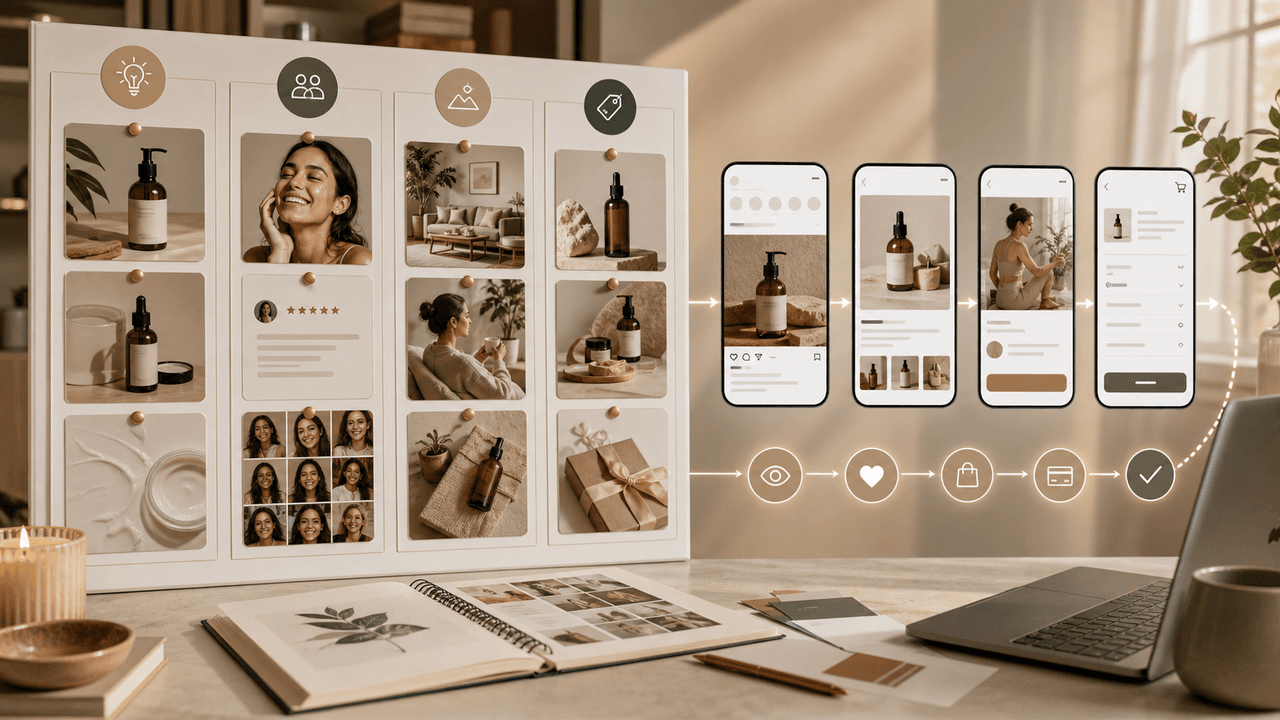
E-Commerce Instagram Content Pillars: The 5-Pillar Framework That Sells
Most e-commerce Instagram accounts either post too much product content and bore their audience, or too much lifestyle content and fail to sell. The five-pillar framework creates a balanced content mix that consistently educates, entertains, builds trust, and drives purchases.
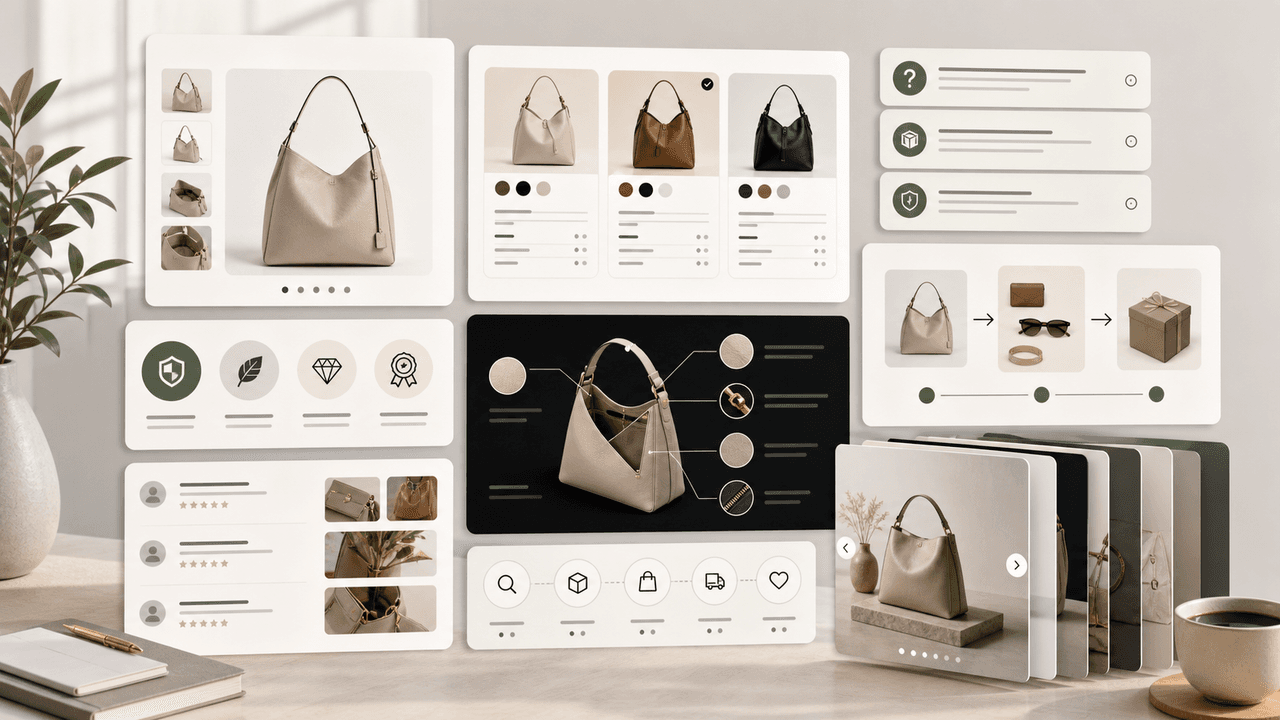
Product Education Carousel Frameworks for Shopify Stores
Product education carousels work when they translate product-page facts into buyer decisions. Use a framework for each job: explain the problem, compare variants, teach use, prove quality, or build a bundle. The goal is not more slides; it is fewer unanswered buying questions.
Sources
- About Carousel Ads in TikTok Ads Manager — TikTok Ads Manager
- Product media — Shopify Help Center
- Product details — Shopify Help Center
- Creating helpful, reliable, people-first content — Google Search Central
Written by
AttentionClaw
Editorial Team
Editorial context
Part of the Content Planning topic cluster. Last updated June 22, 2026.