Chapter 1
The short answer: do not launch social content before the product page is ready
A Shopify product launch social checklist should start with the product page, not the Instagram grid. Social creative can create attention, but the product page has to confirm the promise: correct media, variant details, price, shipping, returns, offer terms, inventory status, and product benefits.
Once the product page is ready, the social plan should cover teaser content, problem education, product demo carousels, TikTok slideshow scripts, comparison posts, proof posts, objection handling, launch-day CTA posts, and post-launch learning. Each asset should send viewers to a destination that matches the hook.
Shopify's launch and product media documentation is useful because it reminds teams that a store launch involves operational readiness, not only promotion. Meta carousel docs, TikTok Creative Center guidance, and Google campaign tagging guidance help connect that readiness to creative format and measurement.
Confirm product page accuracy before publishing teasers.
Prepare product media for social crops and store inspection.
Map launch content by buyer question.
Create carousel and slideshow assets from approved claims.
Match CTA and destination page for every post.
Track launch content by creative angle, not just platform.
Chapter 2
1. Product page readiness
Before the first launch post goes live, inspect the product page like a buyer. Social content will create questions: What is included? Which variant should I choose? How big is it? When does it ship? What is the return policy? Is the offer available in my region? Can I trust the product claim?
If the product page does not answer those questions, social traffic will leak. The launch checklist should require accurate product title, images, descriptions, variant names, price, availability, shipping notes, return policy, bundle rules, and product education blocks.
The social team should also know which product page claims are approved. Do not let a carousel or slideshow create stronger claims than the page itself.
- 1
Check product basics
Name, price, variants, inventory, shipping, returns, included items, bundle rules, and collection placement.
- 2
Check product promise
Benefits, use cases, proof points, claims, limitations, and who the product is best for.
- 3
Check launch offer
Discount, early access, preorder, bundle, waitlist, gift, deadline, or limited inventory wording.
- 4
Check destination match
Every social CTA should point to the product page, collection page, bundle page, guide, or waitlist page that matches the post.
Chapter 3
2. Product media readiness
Product launch social content needs media that works in two places: the Shopify product page and the social feed. Product page media helps shoppers inspect. Social media needs the same accuracy, but often in tighter crops, faster sequences, and more contextual scenes.
Shopify product media guidance covers images, video, and 3D models because buyers use media to evaluate products. A launch carousel or TikTok slideshow should not show a product version that differs from the product page. Keep the product reference stable across store and social assets.
If AI-generated lifestyle images are used, review them against the real product. Reject changed packaging, wrong colors, impossible scale, fake labels, invented accessories, or unsupported results.
Hero product image.
Variant images.
Scale or fit reference.
Use-case image.
Texture, material, ingredient, or detail image.
Bundle or included-items image.
Short demo clip or slideshow sequence.
Approved AI lifestyle images with product QA notes.
Chapter 4
3. Build launch content in phases
A good launch plan does not start with 'new product available now.' It warms up the buyer's understanding. The content should explain the problem, show the product use case, build trust, answer objections, and then ask for action.
Use phases so the campaign has a narrative. Pre-launch content builds need and recognition. Launch-week content makes the CTA clear. Post-launch content answers questions, shares proof, and improves the next campaign.
- 1
Pre-launch education
Teach the buyer problem, category mistake, routine gap, style decision, or product comparison before revealing the full offer.
- 2
Teaser and waitlist
Show partial product details, use cases, and early-access CTA without overhyping what is not ready.
- 3
Launch-week conversion
Use clear product demo carousels, TikTok slideshows, offer posts, FAQs, variant guides, and direct CTAs.
- 4
Post-launch proof
Share customer questions, reviews, UGC, replenishment notes, how-to guidance, and inventory or variant updates.
Chapter 5
4. Create the launch carousel library
Meta carousel guidance describes a format where multiple cards can carry images, headlines, links, and calls to action. Organic launch carousels can use the same strategic idea: each slide or card should have a role and a destination.
For Shopify launches, create a small library of reusable carousel types. This avoids last-minute posts that all say the same thing.
Problem-to-product carousel: pain, why it happens, product role, use case, proof, CTA.
Variant chooser carousel: variant A, variant B, who each fits, comparison table, product page CTA.
Routine or setup carousel: before-state, step 1, step 2, step 3, mistake to avoid, shop CTA.
Bundle carousel: item roles, when to choose the bundle, savings or convenience note, objection, CTA.
FAQ carousel: shipping, sizing, material, compatibility, returns, launch offer.
Proof carousel: approved review, product detail, process proof, customer use case, CTA.
Chapter 6
5. Create TikTok slideshow scripts
TikTok launch slideshows should feel native to the platform, but they still need product accuracy. Use the TikTok Creative Center to research format patterns and current creative language, then write scripts from approved product facts.
A launch slideshow works best when it has one job: demonstrate a use case, answer an objection, compare variants, explain the bundle, or announce the launch. Do not cram the entire product page into one slideshow.
- 1
Product demo slideshow
Hook, buyer problem, product in use, detail proof, objection answer, shop CTA.
- 2
Variant chooser slideshow
Hook, variant A, variant B, who should choose each, common mistake, product page CTA.
- 3
Launch-day slideshow
Hook, what launched, who it is for, why it matters, offer note, direct CTA.
- 4
Post-launch FAQ slideshow
Hook, question 1, question 2, question 3, best-fit summary, CTA.
Chapter 7
6. Review claims before export
Launch pressure makes teams overstate. Do not approve social claims that the product page, test data, customer proof, or legal review cannot support. This is especially important for beauty, wellness, supplements, finance, safety, sustainability, baby products, and performance gear.
Use a launch claim sheet. List approved claims, soft claims, prohibited claims, required disclaimers, and source URLs. Every carousel and slideshow should stay inside that sheet.
Approved: factual product details, documented features, exact offer terms.
Needs caution: saves time, improves results, better than alternatives, customer-loved, sustainable.
Needs review: health outcomes, financial results, legal outcomes, guaranteed performance, safety claims.
Prohibited unless proven: best, fastest, clinically proven, risk-free, permanent, guaranteed, no side effects.
Chapter 8
7. Track every launch angle
A product launch should teach the team which angles moved behavior. Use campaign naming and UTM parameters where links support them. Google Analytics campaign URL guidance gives a practical structure for source, medium, campaign, and content parameters.
The useful question is not only which platform performed. Ask which creative angle performed: product demo, variant chooser, bundle explanation, objection answer, proof post, FAQ, or launch announcement.
- 1
Name the launch campaign
Use one campaign name for the launch so reporting can group the work.
- 2
Name creative angles
Use `utm_content` or internal creative names for demo, variant, bundle, proof, FAQ, and offer posts.
- 3
Review by post job
Compare saves, comments, clicks, conversion rate, add-to-cart, purchase, and email signups by content job.
Chapter 9
The Shopify product launch social checklist
Use this final checklist before the launch schedule is approved. If a required item is missing, fix the store or brief before producing more social assets.
The social calendar should amplify a ready product experience, not compensate for a confusing one.
Product page is accurate and live or staged.
Product media matches the real product.
Variants, sizes, bundles, pricing, and inventory are checked.
Launch offer terms are clear.
Approved claim sheet exists.
Pre-launch education posts are planned.
Launch-week carousel scripts are written.
TikTok slideshow scripts are written.
CTA destinations match each post.
UTM and campaign naming rules are set.
Customer support or FAQ answers are ready.
Post-launch review date is scheduled.
Chapter 10
Use AttentionClaw to turn the launch checklist into assets
AttentionClaw fits once the Shopify product page, product facts, media, claims, and launch offer are ready. The tool can turn that structured brief into launch carousels, TikTok slideshow scripts, captions, and CTA variants.
The strongest workflow keeps the store and social assets tied together. If the product page changes, update the launch brief before generating more posts.
Callout
Launch content should confirm the product page, not contradict it
A high-performing hook is not useful if the landing page cannot support the promise.
Next step
Turn Shopify launch details into review-ready social assets
AttentionClaw helps ecommerce teams convert product pages, launch offers, product media, and approved claims into carousels, TikTok slideshows, captions, and campaign variations.
Common Questions
FAQ
More Reading
Keep reading
7-chapter read
Photography Mini Session Social Content Plan: Fill Seasonal Booking Slots
Mini session content should sell a limited booking window with clear dates, visual examples, package details, location context, preparation guidance, and a smooth booking path. The best plan launches the offer as a sequence, not a single availability post.
7-chapter read
How to Turn a Product Hunt Launch Into Social Posts
A Product Hunt launch can become a full social content system if you plan before launch day. Create pre-launch problem posts, launch-day announcement and demo assets, hourly reminders with real updates, objection-answer posts from comments, and post-launch onboarding content for people who discovered the product during the launch.
7-chapter read
Social Content Strategy for Waitlist Growth
Waitlist social content works when it gives people a reason to join before the product is fully available. Teach the problem, show proof of the workflow, preview the first user experience, explain what early members get, and keep the launch sequence specific. A waitlist is not a CTA by itself; it needs a promise.
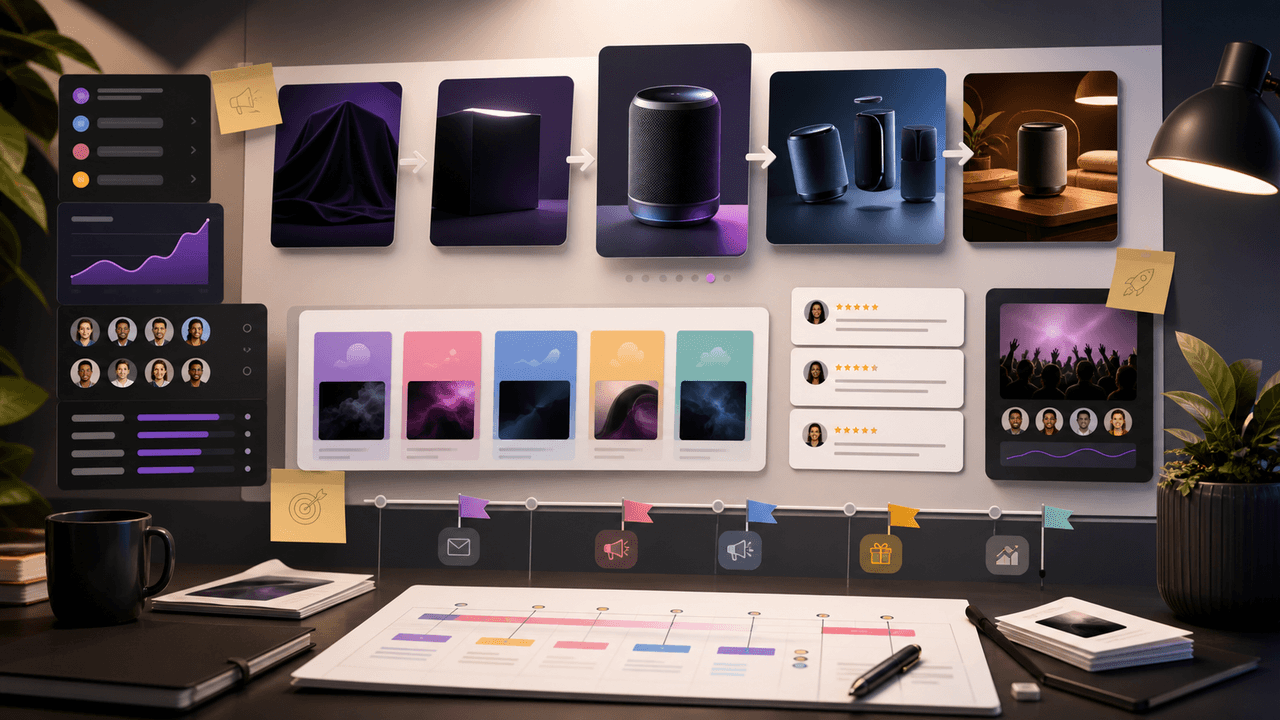
Build one product launch carousel people can verify
An Instagram product launch carousel should explain what changed, who it is for, what evidence supports the promise, what the offer includes, and where to act. This guide provides the brief, asset gate, full sequence, and measurement plan.

Four Product Carousel Formats Built Around Evidence
The best ecommerce carousel template depends on the buyer question and the evidence available. These four formats organize approved product details, media, comparison facts, bundle contents, and use cases into reviewable slide sequences without promising that a template will generate sales.
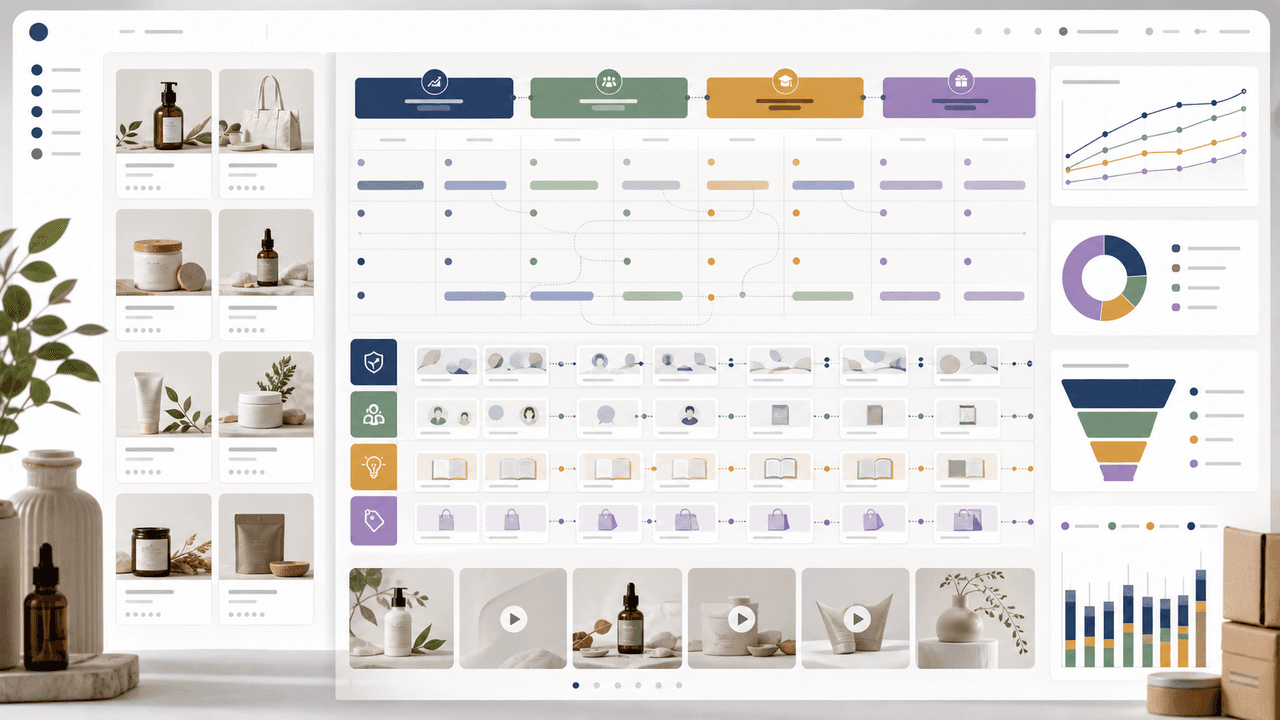
30-Day Social Content System for Shopify and DTC Brands
A 30-day Shopify social content system should turn products, objections, proof, education, and offers into a repeatable calendar. Plan four weekly arcs, batch creative by content job, repurpose each product angle across Instagram carousels and TikTok slideshows, then measure buyer actions instead of only engagement.
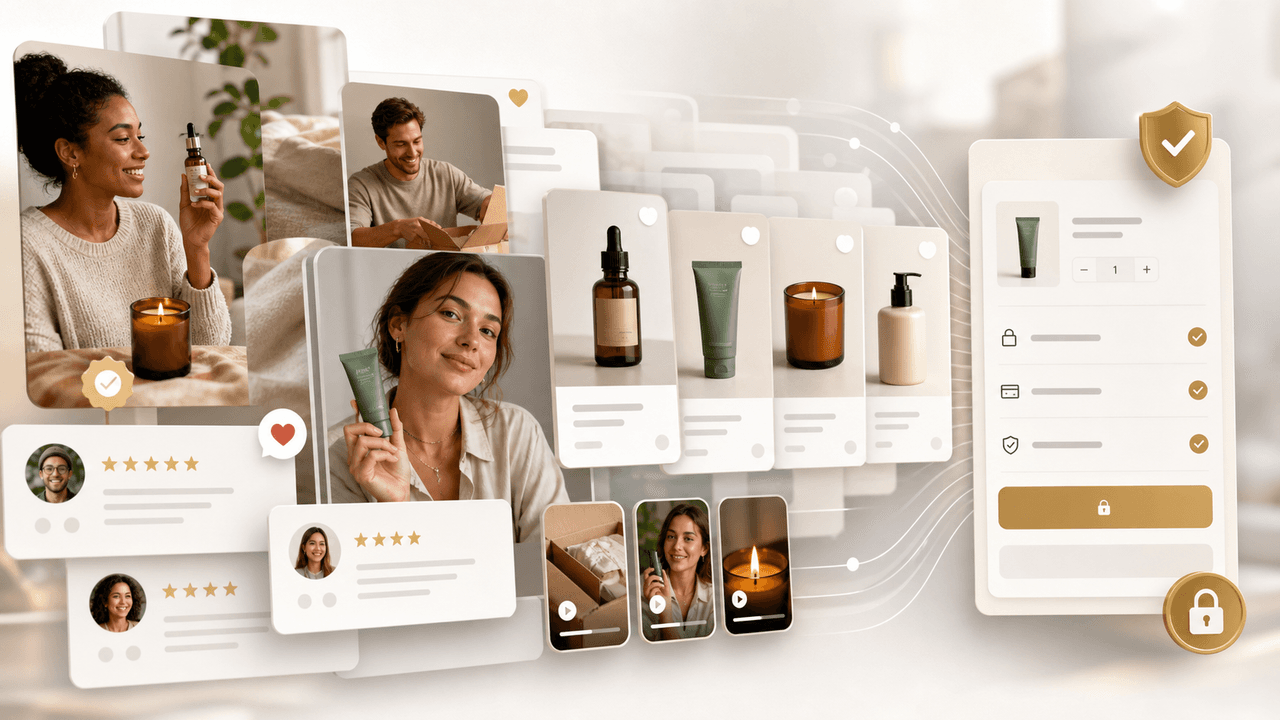
UGC Carousels for E-Commerce: Turn Customer Photos Into Your Best Sales Tool
User-generated content converts at 4-5 times the rate of brand-produced content, but most e-commerce brands either ignore UGC or use it poorly. Repurposing customer photos into structured carousel formats turns scattered social proof into your highest-performing sales asset.
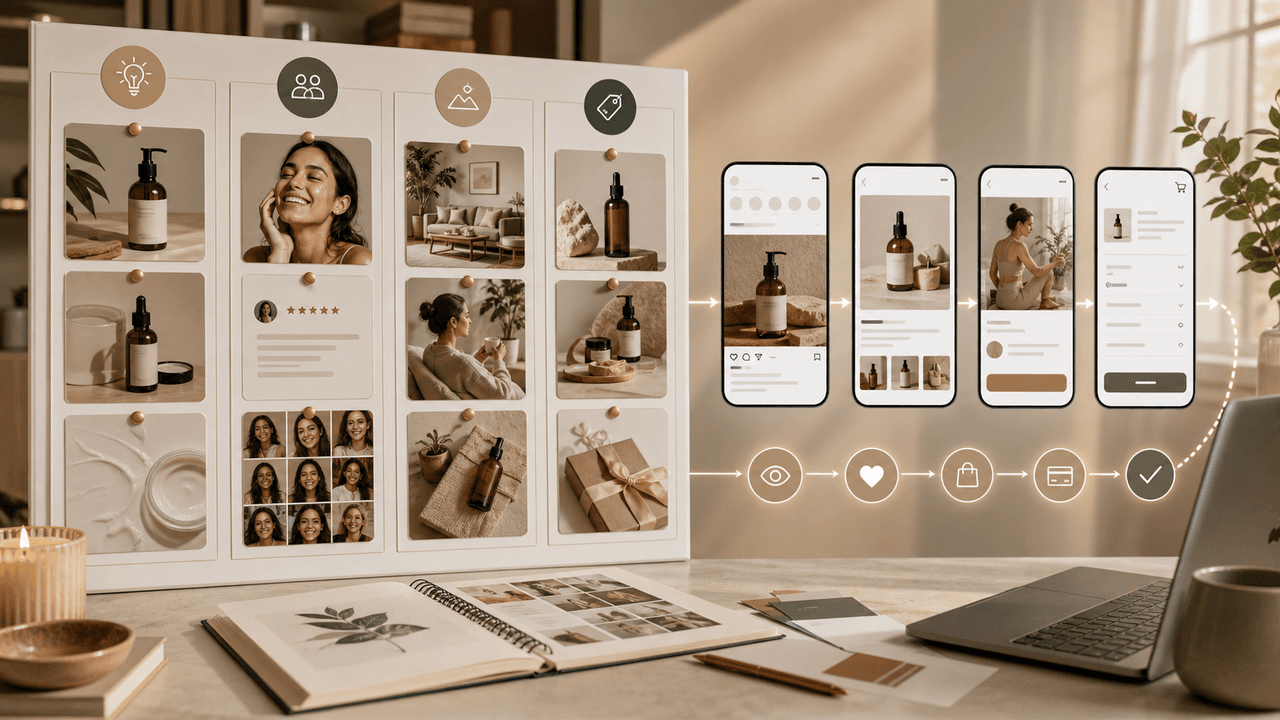
E-Commerce Instagram Content Pillars: The 5-Pillar Framework That Sells
Most e-commerce Instagram accounts either post too much product content and bore their audience, or too much lifestyle content and fail to sell. The five-pillar framework creates a balanced content mix that consistently educates, entertains, builds trust, and drives purchases.

Product Education Carousel Frameworks for Shopify Stores
Product education carousels work when they translate product-page facts into buyer decisions. Use a framework for each job: explain the problem, compare variants, teach use, prove quality, or build a bundle. The goal is not more slides; it is fewer unanswered buying questions.

Carousel Analytics: The Metrics That Actually Matter (And How to Track Them)
Most creators obsess over likes and follower count while ignoring the carousel-specific metrics that actually predict growth. This guide breaks down the numbers worth tracking and the benchmarks that separate average from exceptional.
Sources
- General checklist for starting a new Shopify store — Shopify Help Center
- Product media — Shopify Help Center
- About carousel ads — Meta Business Help Center
- About Creative Center — TikTok for Business Help Center
- Campaign URL Builder — Google Analytics Help
Written by
AttentionClaw
Editorial Team
Editorial context
Part of the Content Planning topic cluster. Last updated June 22, 2026.