Chapter 1
The direct answer: build a launch-day content stack
To turn a Product Hunt launch into social posts, build a content stack before launch day: problem education, launch announcement, product demo, founder story, social proof, objection answers, milestone updates, and post-launch onboarding. Each post should have a job and a timing window.
Product Hunt's launch guidance recommends preparing launch content and notes that launch timing follows a 24-hour cycle based on Pacific time. That operational detail matters because founders should not be writing every asset live during the launch. Pre-write the core posts, then use live comments and questions to create timely follow-up content.
For app, SaaS, and AI product launches, the strongest social posts are not generic vote requests. They explain what the product helps users do, why the launch matters today, and what new users should try first.
Callout
Launch-day rule
Pre-schedule the core assets. Save your live attention for replying, collecting objections, and turning real questions into follow-up posts.
Chapter 2
Seven days before launch: teach the market
The week before Product Hunt should not be silent. Use it to educate the audience so launch-day posts do not have to explain everything from scratch. Publish problem posts, demo teasers, behind-the-scenes decisions, and a clear note that the launch is coming.
Avoid asking for support before people understand the product. A cold 'we launch next week' post gives the audience no reason to care. A useful post about the painful workflow your product fixes creates relevance first, then the launch reminder becomes natural.
For AI apps, use this week to prove the output. For SaaS apps, show the workflow and buyer use case. For vibe-coded apps, lead with the problem and product outcome rather than the build method.
- 1
Day -7: Problem post
Name the painful workflow and why it matters.
- 2
Day -6: Before-after carousel
Show the old way and the product-assisted way.
- 3
Day -5: Founder context
Explain why you built this and who it is for.
- 4
Day -4: Product demo slideshow
Show the first useful workflow in 5 to 8 frames.
- 5
Day -3: FAQ post
Answer who it is for, what it does, pricing or access, and what to try first.
- 6
Day -2: Launch reminder
Tell people when the launch starts and what support means.
- 7
Day -1: First-use preview
Show what a new user should do after discovering the product.
Chapter 3
Launch day: use four core posts
Launch day needs fewer generic reminders and more useful updates. Start with one clear announcement, then follow with a demo, a proof or milestone post, and an objection-answer post. If you post hourly, vary the value. Do not repeat the same vote link with different words.
The announcement tells people the product is live. The demo shows why they should care. The proof post shows momentum or a credible user quote. The objection-answer post responds to the most common question from Product Hunt comments, social replies, or DMs.
Keep every post easy to act on. The CTA can be visit the launch page, try the app, comment with a question, or share with a specific user type. Do not bury the launch link below a long founder essay on launch day.
Announcement post: one-sentence promise, product link, who it is for.
Demo carousel: problem, workflow, output, CTA.
Milestone post: useful update, not empty bragging.
Objection-answer post: one concern answered with screenshots or specifics.
End-of-day recap: lessons, next steps, and onboarding path.
Chapter 4
Format playbook for Product Hunt social content
Different platforms should carry different parts of the launch story. LinkedIn can explain the founder and business problem. X or Threads can carry updates and conversations. TikTok slideshows can show the workflow quickly. Instagram carousels can teach the problem and first use case.
LinkedIn's carousel guidance recommends a connected visual story and a clear final CTA. That makes it useful for Product Hunt launches aimed at founders, marketers, or SaaS teams. A LinkedIn carousel can explain the problem in a way that a one-line launch post cannot.
TikTok and Instagram should be more visual. Show the product in action, output examples, and launch-day proof. Keep the launch link or destination consistent so interested users do not have to search.
LinkedIn carousel: market problem, product workflow, why now, Product Hunt CTA.
TikTok slideshow: old way, new way, product output, try it today.
Instagram carousel: save-worthy launch checklist or first-use tutorial.
Stories: countdowns, Q&A, live milestones, reply prompts.
Short video: founder walkthrough and launch-day thank-you.
Chapter 6
After launch: convert attention into onboarding
The day after Product Hunt is where many launches waste attention. New followers and visitors discovered the product, but they may not know what to do next. Shift from launch support to onboarding education: first-use tutorial, use-case breakdown, feature explainer, and recap of what changed from feedback.
Nielsen Norman Group's onboarding research warns that generic tutorials can be forgotten. Post-launch social onboarding should be contextual. Teach the first workflow that Product Hunt visitors are most likely to try, not the entire product.
The post-launch week is also a good time to repurpose launch assets into longer-lived content. A Product Hunt demo carousel can become a blog post, app-store screenshot test, onboarding email, and paid retargeting creative.
Day +1: first-use tutorial.
Day +2: launch questions answered.
Day +3: use-case carousel for the most engaged persona.
Day +4: update or changelog from launch feedback.
Day +5: proof recap and next CTA.
Chapter 7
How AttentionClaw helps prepare Product Hunt launch assets
AttentionClaw can help turn a Product Hunt launch brief into a complete content stack: pre-launch education carousels, launch-day demo slideshows, announcement graphics, objection-answer posts, and post-launch onboarding tutorials.
Start with a launch brief that includes the product promise, target user, Product Hunt timing, proof assets, screenshots, first-use workflow, and CTA. Generate the core content before launch day, then leave room for live follow-up posts based on questions.
This makes the launch less fragile. The team enters the day with assets ready, but still has enough flexibility to respond to what the community actually asks.
Callout
Launch asset workflow
Use AttentionClaw to create the scheduled assets before launch day, then turn real launch comments into same-day follow-up slides.
Next step
Prepare every social asset before launch day
AttentionClaw helps app founders turn a Product Hunt launch brief into carousels, TikTok slideshows, launch reminders, and post-launch onboarding content.
Common Questions
FAQ
More Reading
Keep reading
8-chapter read
App Store Review Request Social Content
App-store review request social content should ask at the right moment, explain why honest reviews help, and avoid pressure. Use social posts to educate users about when to leave feedback, what kind of review is useful, and how the team uses reviews to improve the app.
9-chapter read
Founder-Led AI App Marketing Without Becoming a Build Diary
Founder-led AI app marketing works when the founder uses their voice to clarify the user problem, show the product workflow, build trust, and teach first use. It fails when the account becomes only a build diary. Balance founder context with demos, proof, onboarding education, and user outcomes.
8-chapter read
Social Proof Posts for Apps With Few Reviews
Apps with few reviews can still create credible social proof by showing product proof, beta feedback, workflow evidence, founder responsiveness, changelog progress, and user questions answered. Do not fake testimonials or overstate traction. Make proof specific, modest, and connected to the user's decision.
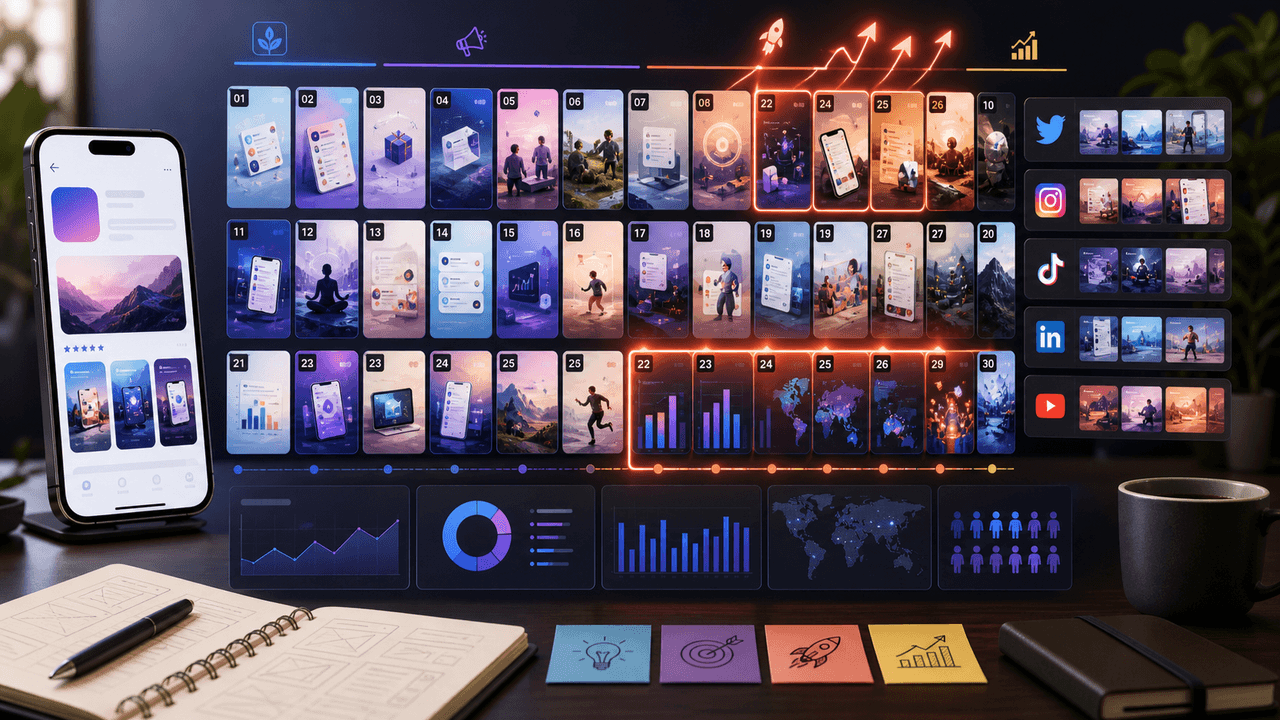
The 30-Day App Launch Carousel Campaign: Day-by-Day Plan
Most app launches fail on social media because teams post randomly instead of following a structured campaign arc. This 30-day plan maps every carousel you need — from pre-launch hype through launch week to sustained post-launch growth.
8-chapter read
Social Launch Checklist for Indie App Founders
An indie app social launch checklist should cover more than announcement posts. Prepare the user promise, proof screenshots, launch-day assets, TikTok slideshows, Instagram carousels, app-store message match, FAQ answers, tracking links, and post-launch onboarding content before the app goes live.
A Zero-Budget App Marketing Plan Built for Learning
Zero-budget app marketing is a constrained learning system, not a promise of free growth. Pick one audience problem, publish useful assets from evidence you already own, route each post to one trackable destination, and use four weeks of comparable data to decide what to repeat.
10-chapter read
Product Launch Social Checklist for Shopify Brands
A Shopify product launch social checklist should connect store readiness with social creative: product page accuracy, product media, launch offer, audience segments, teaser posts, proof posts, carousel scripts, TikTok slideshows, claim review, destination links, UTM tracking, and post-launch learning.
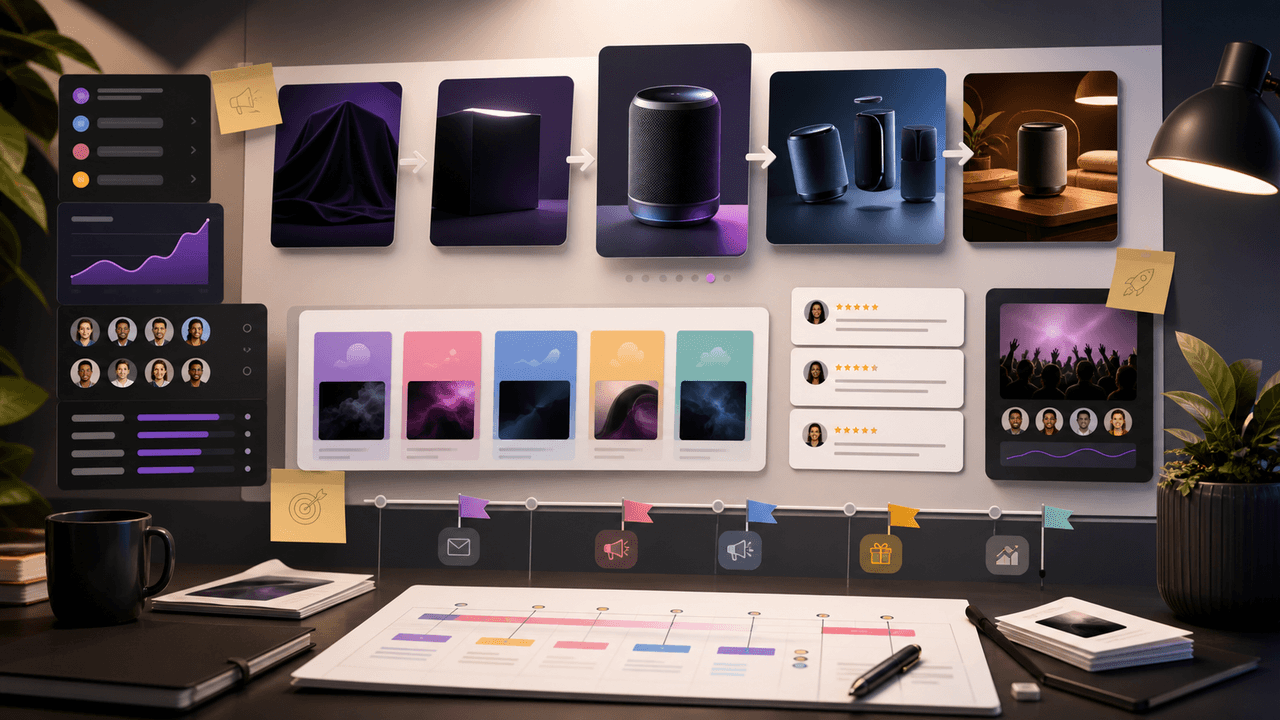
Build one product launch carousel people can verify
An Instagram product launch carousel should explain what changed, who it is for, what evidence supports the promise, what the offer includes, and where to act. This guide provides the brief, asset gate, full sequence, and measurement plan.

Run a small carousel experiment your startup can actually learn from
A lean startup carousel strategy built around audience decisions, available proof, a six-post experiment board, and measurements that stay inside their source systems.
Sources
- Prepare for your Product Hunt launch — Product Hunt
- A B2B Marketer's Guide to Every LinkedIn Ad Type — LinkedIn Marketing Solutions
- TikTok Image Ads: Visual Marketing Solutions to Engage Customers — TikTok For Business
- Onboarding Tutorials vs. Contextual Help — Nielsen Norman Group
- Creating helpful, reliable, people-first content — Google Search Central
Written by
AttentionClaw
Editorial Team
Editorial context
Part of the Content Planning topic cluster. Last updated June 22, 2026.
Chapter 5
Turn launch comments into same-day content
The best Product Hunt launch content after the announcement often comes from comments. Questions reveal confusion. Praise reveals positioning that landed. Objections reveal the next post. Instead of treating comments only as engagement, treat them as launch research.
Create a running note during the day with repeated questions. If people ask how pricing works, create a short answer post. If they ask who the product is for, create a persona carousel. If they ask about AI accuracy, create a trust explainer. Same-day content feels relevant because it is based on real conversation.
This also prevents the launch from becoming one-way broadcasting. The product looks more active and useful when the team responds publicly to actual questions.
Collect repeated questions
Group comments into pricing, use case, onboarding, trust, integration, and roadmap themes.
Choose one question per post
Do not make a giant FAQ thread when one focused carousel would answer better.
Show proof
Use screenshots, examples, short clips, or direct workflow steps to answer.
Link back to the launch
End with the Product Hunt page or product path, depending on the audience.