Chapter 1
The direct answer: sell the early outcome, not the queue
A strong social content strategy for waitlist growth sells the early outcome, not the fact that a waitlist exists. The content should answer: what problem is being solved, why this product is different, what early users will get, when they will hear from you, and what action they should take now.
For AI apps, SaaS products, and vibe-coded apps, waitlist content should combine problem education, product proof, behind-the-scenes progress, onboarding previews, and specific early-access benefits. The mix matters. Too much behind-the-scenes content attracts builders. Too much product hype attracts curiosity but not qualified users. Useful problem content attracts buyers.
The best waitlist CTA is concrete: 'Join for the launch calendar template and early access' is stronger than 'Join the waitlist.' Give the viewer a reason to trade an email address for something they understand.
Callout
Waitlist rule
A waitlist CTA should answer 'what happens after I join?' before the user has to ask.
Chapter 2
Use five waitlist content pillars
Waitlist growth needs a content mix that builds belief over time. One viral post can create a spike, but a sequence creates qualified demand. Use five pillars: pain education, product proof, founder credibility, early-user benefit, and launch progress.
Pain education makes the target user feel seen. Product proof shows the app is not just an idea. Founder credibility explains why the team understands the problem. Early-user benefit makes the waitlist worth joining. Launch progress reassures people that the product is moving.
For a 30-day pre-launch period, publish more pain and proof content in the first half, then more early-access and launch-progress content in the final two weeks.
Pain education: mistake lists, workflow breakdowns, cost of inaction, problem examples.
Product proof: screenshots, output examples, demo carousels, before-and-after slides.
Founder credibility: decisions, constraints, user interviews, lessons, and support promises.
Early-user benefit: templates, onboarding help, beta access, limited feedback slots, bonus resources.
Launch progress: timeline, store assets, review status, beta notes, changelog previews.
Chapter 3
A 21-day waitlist content calendar
A three-week waitlist campaign is long enough to educate the audience without exhausting a small team. Start with the problem, then show the solution, then make the early-access reason urgent. Use carousels for education, TikTok slideshows for fast hooks, and stories or short posts for progress updates.
Product Hunt's launch preparation guidance highlights that launch content should be planned before launch day. The same applies to waitlists. If you wait until launch week to explain the product, you are asking the audience to make the full decision too quickly.
- 1
Days 21-15: Problem and audience fit
Publish posts that define the problem, name who it affects, and show the old workflow.
- 2
Days 14-8: Product proof
Show screenshots, output examples, use-case demos, and first-user workflow previews.
- 3
Days 7-4: Early-user benefit
Explain what waitlist members get: early access, templates, priority onboarding, or a launch resource.
- 4
Days 3-1: Launch bridge
Publish FAQs, readiness proof, store-page previews, and clear reminders with a direct waitlist CTA.
Chapter 4
Best social formats for waitlist growth
The format should match the user's stage. Carousels are strong for problem education and product explanation. TikTok slideshows are strong for hooks and fast workflow previews. LinkedIn carousels can work when the waitlist targets SaaS teams or B2B founders. Short videos work when founder trust or motion demo is important.
TikTok image and carousel guidance points to the value of visual storytelling and content variety. Waitlist campaigns benefit from that because the product is not fully launched yet. You need several angles to make the promise feel real without repeating the same signup ask.
Use the same core idea across formats, but rewrite the hook. A LinkedIn carousel can open with business friction. A TikTok slideshow can open with the daily pain. An Instagram carousel can open with a save-worthy checklist.
Instagram carousel: problem checklist, workflow preview, early-user benefit, FAQ.
TikTok slideshow: before-after story, 'signs you need this,' demo teaser, launch countdown.
LinkedIn carousel: market problem, team workflow, ROI logic, founder credibility.
Story posts: polls, waitlist reminders, Q&A, launch-day countdown.
Short video: founder explanation, screen narration, beta-user reaction.
Chapter 5
Make the waitlist offer specific
A weak waitlist offers only the possibility of future access. A strong waitlist offers a specific early advantage. That does not have to be a discount. It can be a template, onboarding slot, migration help, launch checklist, private walkthrough, early feedback loop, or first access to a limited feature.
Be careful not to promise what the product cannot deliver. If the app is still early, position the benefit honestly: 'help shape the first launch templates' or 'get early onboarding notes' is better than overpromising a polished enterprise workflow.
The social content should repeat the benefit without becoming spam. Mention it in the final slide, caption, and landing page. The viewer should know why joining now is different from checking back later.
- 1
Choose one primary benefit
Do not stack five bonuses unless the product is already well understood. One specific benefit is easier to remember.
- 2
Tie it to the content
If the post teaches launch calendars, the waitlist benefit should be a launch calendar template or early access to that workflow.
- 3
Show what happens next
Tell people whether they receive an email, template, invite, demo, or onboarding slot.
Chapter 6
Connect waitlist content to a credible destination
The destination must continue the same promise. A social post about 'AI app launch content' should not send users to a generic homepage with no mention of launch content. Use a focused waitlist landing page when available, or a homepage section that clearly repeats the promise.
For mobile apps, pre-registration, custom store listings, and custom product pages may eventually support campaign-specific paths. Google Play notes that custom store listings can support pre-registration campaigns, and Apple custom product pages can support pre-order or campaign-specific messaging. Use those paths when the product is ready for store-level promotion.
Until the destination exists, keep the CTA conservative and route to the safest available page. The key is not to invent a broken landing route. The campaign should always lead somewhere stable.
Use a focused waitlist page if it exists.
Use the homepage only when it clearly explains the same product promise.
Use store custom pages when the app listing can support the specific campaign.
Use campaign parameters so the team can evaluate quality.
Do not route social traffic to a dead or placeholder landing page.
Chapter 7
How AttentionClaw helps build waitlist content
AttentionClaw helps founders build the content system around a waitlist: problem carousels, proof slideshows, founder-context posts, early-access benefit assets, and launch countdown content. The founder still decides the positioning. The tool helps turn that positioning into consistent social output.
Start with one waitlist brief. It should include the target user, problem, first workflow, proof assets, early-user benefit, and launch date. From there, create the 21-day sequence and adapt each asset for Instagram, TikTok, and any B2B channel.
A coherent waitlist campaign does more than collect emails. It builds the language, objections, and examples the launch will need later.
Callout
Build a full waitlist sequence from one positioning brief
Use AttentionClaw to build a full waitlist content sequence from one app positioning brief, then schedule it before launch week.
Next step
Build a waitlist content sequence before launch week
AttentionClaw helps app teams turn positioning, screenshots, proof, and early-access benefits into a full social content sequence.
Common Questions
FAQ
More Reading
Keep reading
11-chapter read
Course Waitlist Launch Instagram Carousels
Course waitlist launch carousels should explain who the course is for, what the waitlist gives people, what results are not guaranteed, and when enrollment opens.
9-chapter read
Founder-Led AI App Marketing Without Becoming a Build Diary
Founder-led AI app marketing works when the founder uses their voice to clarify the user problem, show the product workflow, build trust, and teach first use. It fails when the account becomes only a build diary. Balance founder context with demos, proof, onboarding education, and user outcomes.
7-chapter read
Explain an existing referral program without hiding the rules
Referral content should accurately explain an existing program: who is eligible, what each person receives, how the flow works, and when rewards are delivered. Build the copy from the current terms and interface, not from a generic referral template.
7-chapter read
Photography Mini Session Social Content Plan: Fill Seasonal Booking Slots
Mini session content should sell a limited booking window with clear dates, visual examples, package details, location context, preparation guidance, and a smooth booking path. The best plan launches the offer as a sequence, not a single availability post.
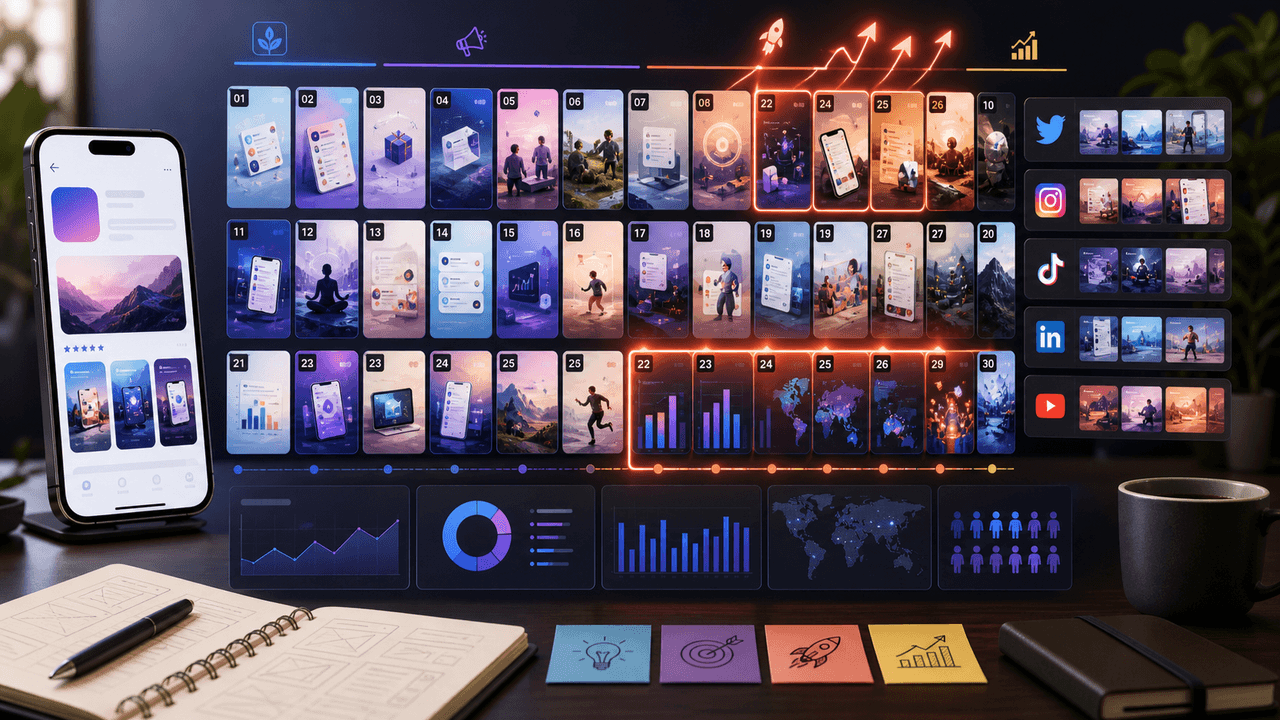
The 30-Day App Launch Carousel Campaign: Day-by-Day Plan
Most app launches fail on social media because teams post randomly instead of following a structured campaign arc. This 30-day plan maps every carousel you need — from pre-launch hype through launch week to sustained post-launch growth.
10-chapter read
How to Turn a Lead Magnet Into a Full Social Content System
A lead magnet becomes a social content system when you separate the promise, framework, preview value, objections, proof, and conversion CTA instead of only posting download reminders.
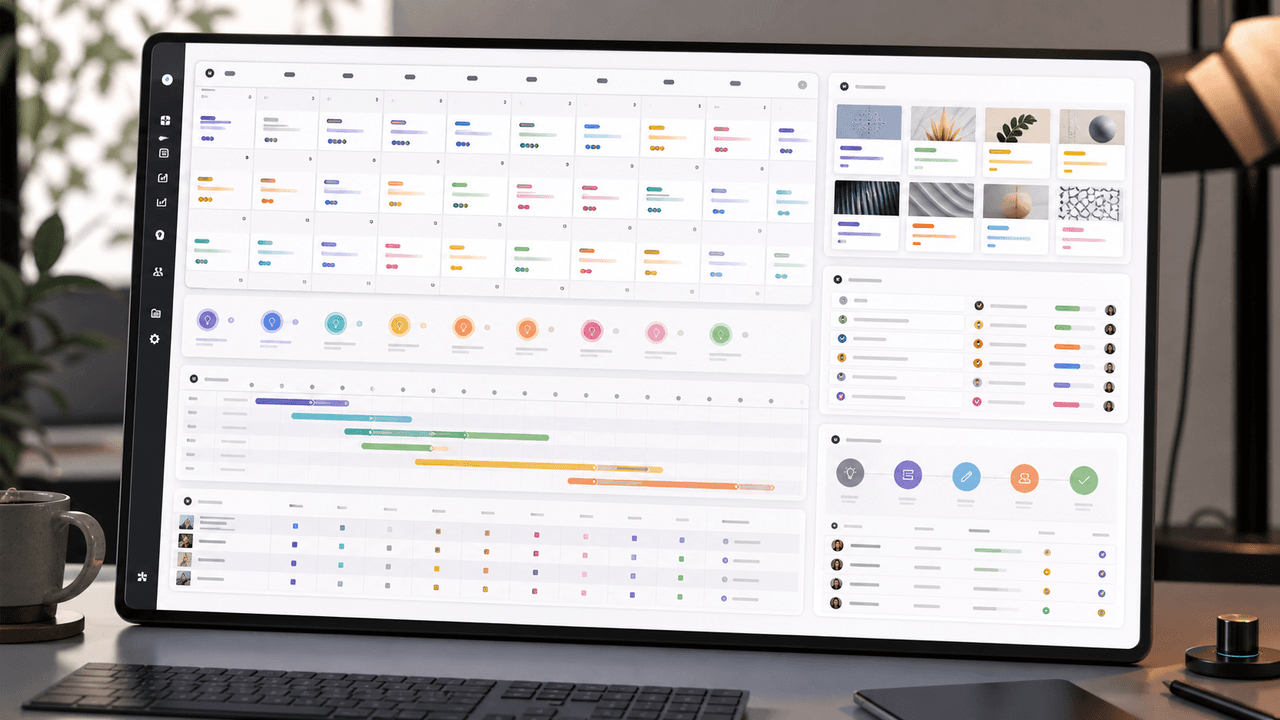
A 30-Day Calendar That Includes the Work Around Each Post
A useful monthly Instagram calendar records more than publication dates. It connects audience questions, approved sources, content pillars, owners, review gates, destinations, live URLs, listening notes, and correction decisions. The complete 30-day example below includes production and hold days so it can be adapted without implying that every account should post daily.
8-chapter read
AI App Launch Social Content Plan: From First Demo to First Users
An AI app launch needs social content that proves usefulness, not just novelty. Build the plan around the user problem, the AI-assisted workflow, the visible output, trust and safety expectations, app-store message alignment, and post-launch onboarding. Use carousels and TikTok slideshows to teach, demonstrate, and answer objections before asking for downloads.
9-chapter read
Mobile App Launch Countdown Content Calendar
A mobile app launch countdown calendar should build understanding before launch day: problem education, feature proof, onboarding previews, social proof, product page alignment, countdown assets, and post-launch activation. The goal is not daily hype; it is reducing friction before the download CTA appears.
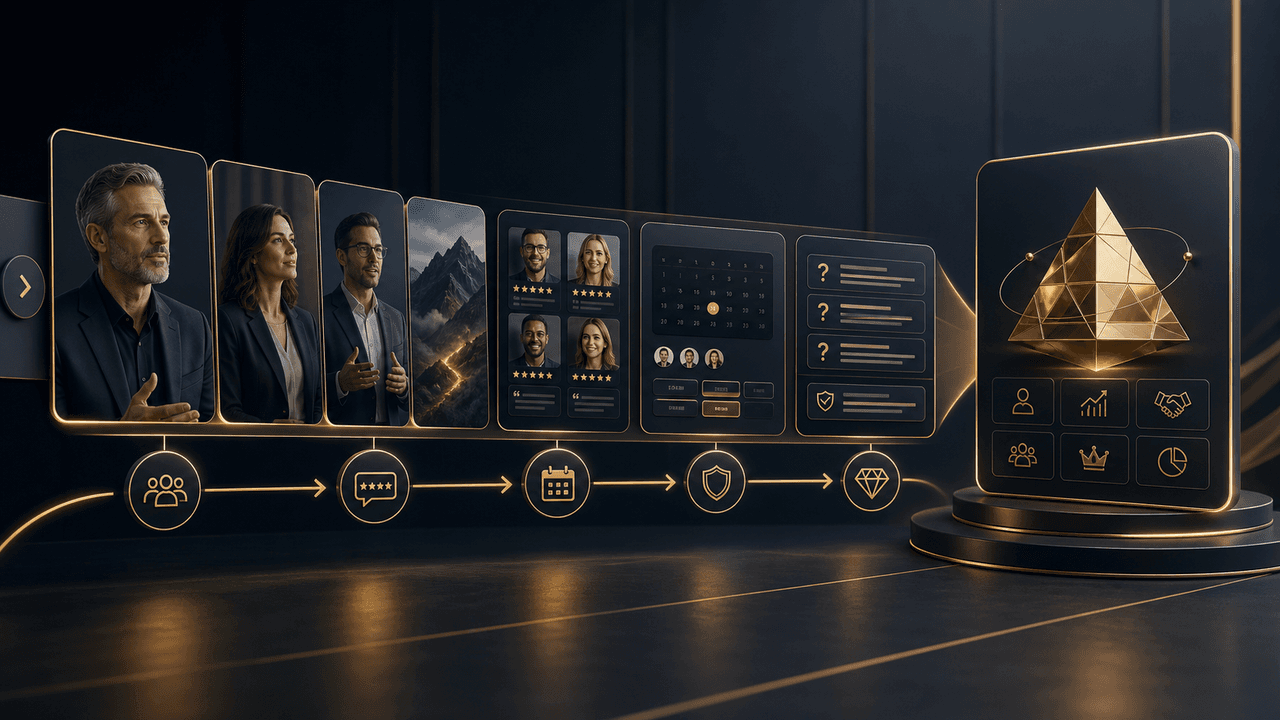
High-Ticket Offer Funnels Using Instagram Carousels: From Free Value to $5K Clients
High-ticket clients do not buy from a single post. They buy after experiencing a sequence of content that builds belief, addresses objections, and makes the investment feel inevitable. This guide shows you how to engineer that sequence using Instagram carousels.
Sources
- Prepare for your Product Hunt launch — Product Hunt
- TikTok Image Ads: Visual Marketing Solutions to Engage Customers — TikTok For Business
- Custom store listings — Google Play Console
- Custom Product Pages on the App Store — Apple Developer
- Creating helpful, reliable, people-first content — Google Search Central
Written by
AttentionClaw
Editorial Team
Editorial context
Part of the Content Planning topic cluster. Last updated June 22, 2026.