Chapter 2
Sort comments into five content lanes
Read comments with a production lens, not only a moderation lens.
- 1
Question lane
Capture comments that ask how, why, when, what tool, what order, or what example. These become tutorials, FAQ entries, or community posts.
- 2
Objection lane
Capture comments that doubt the advice, name a constraint, or ask whether it works for their situation. These become trust-building posts and caveat sections.
- 3
Correction lane
Capture comments that point out outdated information, missing nuance, or an error. These become update posts, pinned clarifications, and refreshed articles.
- 4
Story lane
Capture comments where viewers share what happened when they tried the advice. These become proof posts, case-style carousels, and newsletter openers.
- 5
Request lane
Capture requests for deeper examples, niche versions, tool comparisons, or beginner versions. These become future video and content calendar inputs.
Chapter 3
Map each comment lane to the right asset
The mistake is treating all useful comments as captions. Different comment types need different formats. A question may need a direct-answer community post. An objection may need a carousel with caveats. A correction may need an updated blog section. A story may need a proof asset. A request may need a future video.
YouTube posts can include polls, quizzes, text, images, and video according to YouTube Help. That makes them the fastest format for testing comment-derived ideas. Before committing to a full video, turn a repeated comment into a poll or short explanation and see whether the broader audience responds.
For ideas that deserve longer shelf life, move them into carousels, newsletters, or blog posts. Google Search Central's people-first content guidance is useful here: the asset should answer a real question clearly and helpfully, not simply quote a comment as filler.
Question: YouTube post, FAQ, carousel, or tutorial script.
Objection: myth-busting carousel, trust post, or sales-page FAQ.
Correction: update note, pinned comment, article refresh, or follow-up post.
Story: proof carousel, newsletter intro, testimonial-style post.
Request: future video, workshop topic, template, or lead magnet.
Chapter 4
Turn repeated comments into direct-answer carousels
A repeated comment is a proven topic. If five viewers ask the same question under one video, many more viewers likely had the same question silently. That is a strong carousel candidate.
Use this structure: the exact question, the short answer, why people get stuck, the three-step answer, one example, and the next step. Keep the wording close to the audience's language while removing usernames and personal details.
Meta's carousel format guidance is useful as a constraint because each card should hold one job. In a comment-derived carousel, do not combine the question, caveat, and example on one slide. Give each part room.
Callout
Privacy rule
Do not screenshot a comment with someone's name unless you have permission and a clear reason. Rewrite the question anonymously and preserve the language that matters.
Chapter 6
Separate moderation from content research
Do not let content research override moderation judgment. Spam, abuse, personal attacks, and unsafe advice should not be repurposed simply because it is dramatic. Use platform moderation settings to keep the comment section healthy, then research the useful patterns that remain.
This matters for expert and educator brands because the audience reads your replies and your choices. If you amplify bad-faith comments, you train the community to argue for attention. If you answer useful friction, you train the community to ask better questions.
A practical workflow is weekly: moderate first, tag useful comments second, then choose two to five comments for the production queue.
Chapter 7
Track which comments become durable assets
A comment-derived asset should be judged by the job it was meant to do. A community post should create replies or poll signal. A carousel should create saves. A newsletter should create clicks or replies. A follow-up video should improve retention or answer demand.
When sending people from these assets to a website, newsletter, template, or product page, use campaign parameters. Google Analytics explains that campaign URLs help identify which campaigns referred traffic. Use one campaign name for the source video and labels for comment_question, comment_objection, comment_story, and comment_request.
Review the loop monthly. Which videos produce the best comment-derived ideas? Which comment types create the most useful assets? That tells you what topics deserve more depth.
Chapter 8
Where AttentionClaw fits
AttentionClaw fits after comments have been sorted. The creator decides which questions are worth answering and which comments should be ignored. AttentionClaw can then turn the selected questions, objections, and stories into branded carousels and social drafts.
This is especially useful for creators with active comment sections because the workflow converts audience language into consistent visual content without starting from scratch.
Callout
Turn audience questions and objections into polished social content
Use AttentionClaw to turn repeated YouTube questions and objections into polished social assets that answer what your audience already asked.
Chapter 9
Build a repeatable comment review workflow
Ad hoc comment mining does not scale. A creator who reviews comments when they happen to remember will miss patterns and produce inconsistent output. A simple weekly or monthly workflow — scheduled, documented, and repeatable — turns comment mining from an occasional task into a reliable content source.
A workable workflow for a creator publishing two to four videos per month: once per month, spend forty-five minutes reviewing all comments from the past thirty days across all videos. Sort by the five lanes (question, objection, correction, story, request). Log each useful comment in a running document with the source video and lane. At the end of the review, identify the three to five comments that point to the strongest content opportunity and tag them for the next production cycle.
- 1
Open a running comment log
A simple spreadsheet with columns for: comment text, source video, date, lane (question/objection/correction/story/request), and status (idea / in production / published). This makes patterns visible over time.
- 2
Schedule a monthly review block
Block forty-five to sixty minutes on the calendar, not just on the to-do list. Treat it as a content planning meeting. Revieweach video published in the past thirty days.
- 3
Identify volume patterns
If the same question or objection appears across multiple videos, it is a durable topic. Log how many times a theme appears — three or more mentions across different videos signals a strong standalone post.
- 4
Tag three to five comments for next production cycle
Do not turn every good comment into an immediate content idea. Pick the three to five strongest and add them to your production queue. Avoid building a backlog that creates its own pressure.
Chapter 10
Use correction comments to demonstrate credibility rather than defend against it
Correction comments — when a viewer points out an error, an edge case you missed, or a nuance you oversimplified — are uncomfortable to receive but highly valuable as content. The creator who acknowledges corrections clearly and builds on them communicates something important to their audience: they care more about accuracy than they care about being right.
When a correction comment reveals a genuine gap in a video, the follow-up options are straightforward: add a pinned comment on the original video that acknowledges the nuance, create a short follow-up post that addresses the edge case directly, or reference it in the next video where the topic comes up. What to avoid is either ignoring the comment entirely or responding defensively — both signal to the audience that accuracy is not the priority.
Next step
Turn audience comments into a repeatable content queue
AttentionClaw helps creators convert real viewer questions and objections into branded carousels, slideshows, and social drafts.
Common Questions
FAQ
More Reading
Keep reading
10-chapter read
How to Turn a YouTube Playlist Into a Content Calendar
A YouTube playlist can become a content calendar when each video is mapped to a viewer question, lesson, clip, quote, community post, and next-watch CTA.
11-chapter read
How to Turn an AMA Session Into FAQ Content
An AMA session becomes durable FAQ content when you cluster repeated questions, write direct answers, add caveats and sources, and repurpose each cluster into social assets.

How to Turn One Good Idea Into 7 Different Instagram Carousels
You do not need 30 unique ideas to post every day. You need one strong idea and a system that turns it into 7 carousels with different angles, formats, and depths.
10-chapter read
How to Turn Podcast Show Notes Into Social Posts
Podcast show notes are a structured source for social content when you separate the episode promise, guest authority, timestamps, resources, questions, and CTA.
10-chapter read
How to Turn Audience Survey Results Into a Content Calendar
Audience survey results become a content calendar when you sort answers by pain, desired outcome, objection, language, and next-step intent, then map each group to a useful content format.
10-chapter read
How to Turn One Blog Post Into a Full Social Content System
A strong blog post can become a full social content system when you extract the direct answer, framework, examples, sources, objections, and CTA separately instead of summarizing the whole article.
A YouTube Community Post Content System for Creators
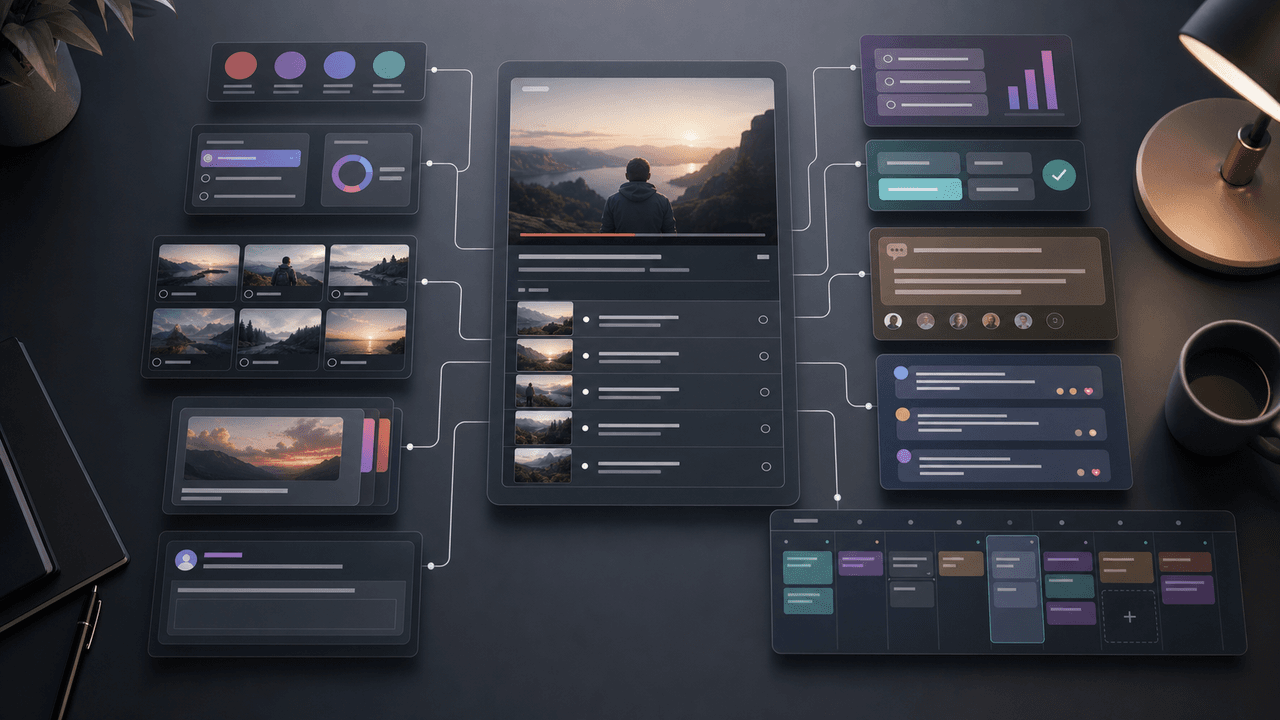
YouTube posts work best when they are part of a source-content system. Use chapters, comments, audience questions, and video proof moments to create polls, quizzes, image posts, carousel ideas, and newsletter prompts between uploads.

How to Turn One Newsletter Into a Week of Social Content
A strong newsletter is not one finished asset. It is the source file for a week of social posts, carousels, short scripts, community posts, and follow-up emails when you extract the argument, proof, examples, and reader questions separately.

From YouTube Transcript to a Reviewable Carousel Brief
Repurposing a YouTube video into an Instagram carousel is an editorial adaptation, not a transcript export. Work from video material you are authorized to reuse, preserve the source meaning, score candidate excerpts for fit, assign each slide a job, and complete a platform and rights review before publishing.
Sources
- Learn About Comment Settings — YouTube Help
- Learn About Posts — YouTube Help
- Creating Helpful, Reliable, People-First Content — Google Search Central
- Design Specifications for Carousel Ads — Meta Business Help Center
- URL Builders: Collect Campaign Data With Custom URLs — Google Analytics Help
Written by
AttentionClaw
Editorial Team
Editorial context
Part of the Repurposing topic cluster. Last updated June 22, 2026.
Chapter 1
Comments show the gap between the video and the audience
A video is what the creator intended to teach. The comment section shows what the audience understood, missed, questioned, doubted, or wanted next. That makes comments one of the highest-quality content research sources a YouTube creator has.
YouTube Help explains that creators can turn comments on, pause them, turn them off, and choose moderation settings. That control matters because comments are both community surface and research asset. The goal is not to mine every comment blindly. The goal is to capture useful audience language while keeping the space manageable.
A strong comment-to-content workflow turns scattered feedback into a structured queue. Instead of guessing next week's topics, you use the audience's own questions and objections to decide what deserves a carousel, newsletter, community post, or follow-up video.
Questions reveal missing explanations.
Objections reveal trust gaps.
Corrections reveal update needs.
Stories reveal proof and case examples.
Requests reveal future content demand.