Chapter 1
How creators should use YouTube Community posts
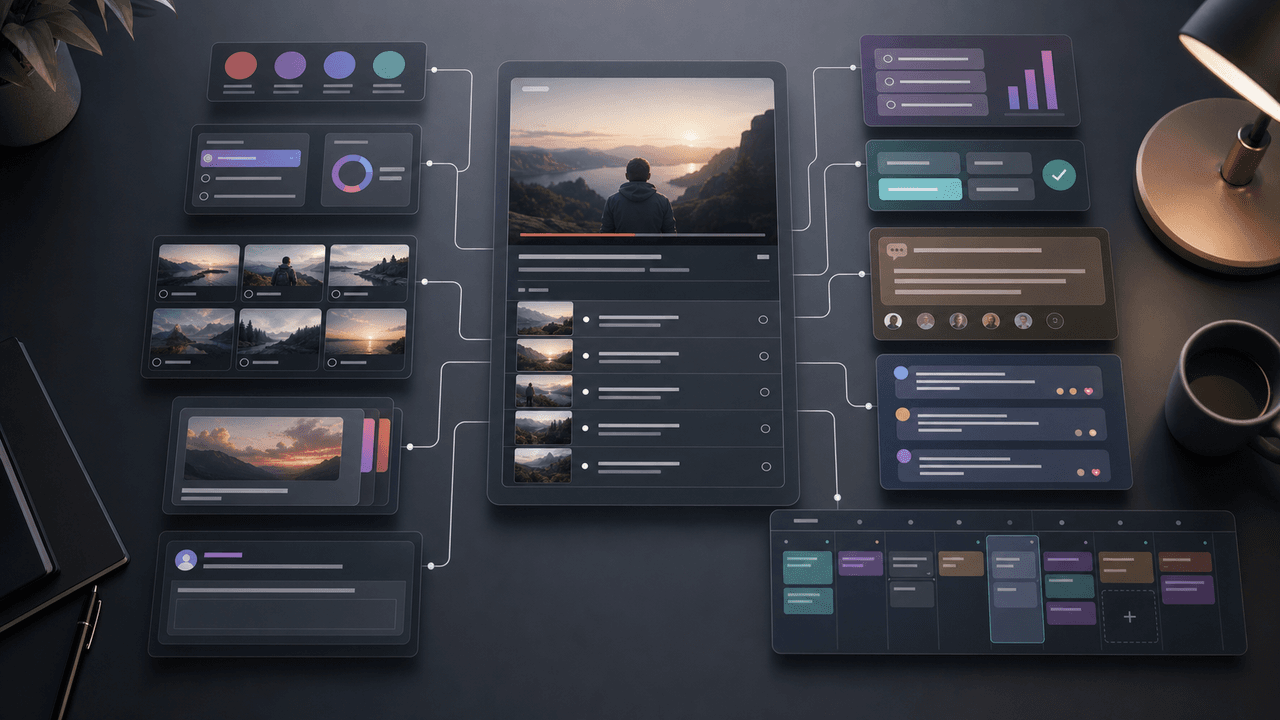
Use YouTube Community posts to extend a video's useful life and start the next audience conversation: share a poll before publishing, highlight a key takeaway afterward, ask a follow-up question, or test an idea for the next upload. Each post should give subscribers a reason to respond even if they have not watched the related video yet.
That range makes posts valuable for content repurposing. A long-form video creates teaching points, questions, claims, screenshots, and decisions. Each of those can become a lightweight audience touchpoint before the next upload.
The best system is simple: use posts to test interest, clarify confusion, drive viewers back to useful videos, and collect language for the next asset. Treat the Posts tab as an audience research and repurposing layer, not only a notification channel.
Polls test audience priorities.
Quizzes reinforce teaching points.
Image posts turn video proof into visual assets.
Text posts sharpen opinions and updates.
Video posts reconnect viewers with relevant content.
Chapter 2
Map each video into postable source moments
The fastest way to generate YouTube post ideas is to mine the video structure itself.
- 1
Chapters
YouTube Help describes chapters as sections that add context and previews to parts of a video. If your video has chapters, each chapter title is a candidate for a poll, quiz, or mini-summary post.
- 2
Comments
Pull repeated questions, disagreements, and timestamps from the comment section. These are not distractions from the content plan; they are evidence of what the audience wants clarified.
- 3
Proof moments
Find the screenshot, chart, result, setup, before/after, or visual demonstration that can stand alone as an image post or carousel seed.
- 4
Open loops
Mark ideas you mentioned but did not fully explain. These become posts that ask whether the audience wants a deeper breakdown.
- 5
Next-video decisions
Use polls to test which angle, tutorial, or teardown should become the next upload. The post becomes both engagement and editorial research.
Chapter 3
A weekly YouTube post system between uploads
For creators who publish one long-form video per week, three to four posts are usually enough. More is not automatically better. The goal is to create meaningful touchpoints without training the audience to ignore filler.
A practical weekly cadence is: one poll before the next video, one teaching post from the latest video's strongest chapter, one image or quiz post from a proof moment, and one comment-response post that answers a real viewer question. This gives you research, education, proof, and community in a small system.
For creators who publish less often, stretch the system. A documentary, tutorial, or expert interview that takes weeks to produce can still generate posts from research notes, behind-the-scenes decisions, chapter previews, and audience polls.
Before upload: poll the angle or pain point.
Launch day: post the strongest reason to watch.
Two days later: quiz or teach one chapter insight.
Four days later: answer a comment or objection.
End of week: ask what should be expanded next.
Chapter 4
Turn chapters into teaching posts
Chapters are one of the cleanest bridges from video to post because they already divide the video into meaning. If a chapter is titled 'The mistake most creators make with hooks,' you have a ready-made post angle.
Do not copy the chapter transcript. Convert the chapter into one useful claim, one example, or one quiz. A chapter about pricing mistakes can become a quiz asking which option is the real mistake. A chapter about camera settings can become an image post with the exact settings. A chapter about content strategy can become a poll about which bottleneck the audience has.
This avoids the overlap with full YouTube-to-carousel repurposing. The community post is not trying to replace the long-form video or become a full carousel. It is a lightweight continuation that keeps the idea active.
Callout
Chapter filter
If a chapter cannot become a post without several paragraphs of setup, it is probably not a good community post. Save it for a carousel, newsletter, or follow-up video.
Chapter 5
Use polls and quizzes for research, not gimmicks
Polls and quizzes can create cheap engagement, but their real value is decision data. Use them to learn which problem, format, or example the audience wants next. The answer should change what you make.
A good poll has options that map to production decisions. For a course creator, the options might be 'lesson planning,' 'student retention,' 'pricing,' and 'launch content.' For a YouTube educator, the options might be 'setup walkthrough,' 'mistake teardown,' 'beginner version,' and 'advanced version.'
A good quiz reinforces a lesson from a recent video. It should make the viewer think, not merely guess trivia. If the audience gets the answer wrong, that is not a failure. It is a signal that the concept deserves another explanation.
- 1
Poll before producing
Use a poll to choose the next tutorial, example, or teardown angle.
- 2
Quiz after publishing
Use a quiz to reinforce one lesson and reveal confusion.
- 3
Follow up with the result
Tell the audience what you learned from the poll and how it affected the next piece of content.
Chapter 6
Convert YouTube posts into carousels and newsletters
The content can move in both directions. A YouTube post can be a test before you create a larger asset. If a poll reveals a strong pain point, turn the winning option into a carousel. If a comment-response post gets detailed replies, turn it into a newsletter. If a quiz exposes confusion, make a short follow-up video.
This turns community engagement into a content engine. The post is no longer a one-off. It is the research layer for broader repurposing across Instagram, LinkedIn, email, and future videos.
When you turn post responses into assets, keep the reader's context. Do not say 'people asked about this' vaguely. Name the exact problem pattern: 'A lot of creators know they should use chapters, but they do not know which chapter moments deserve separate posts.'
Poll winner becomes a carousel or short video.
Quiz confusion becomes an explainer.
Comment thread becomes a newsletter issue.
Image post proof becomes a case-study slide.
Repeated question becomes an FAQ section.
Chapter 7
Quality rules for text and image posts
Because YouTube posts can be lightweight, creators sometimes lower the quality bar. That weakens the channel. A post should still have a clear audience job: decide, learn, answer, watch, or reply.
For image posts, keep text readable. WCAG contrast guidance provides a useful baseline for text and background contrast. In practice, also keep the text large, avoid cramming multiple ideas into one graphic, and preview the post on mobile before publishing.
For text posts, write the first sentence like a hook, not an announcement. 'New video is live' is weaker than 'I spent 12 hours fixing one lesson page because the first version confused beginners.' The second version gives viewers a reason to care.
Chapter 8
Measure posts by the job they were supposed to do
Do not measure every YouTube post by the same metric. A poll should produce useful preference data. A quiz should reveal understanding. An image proof post should drive engagement or clicks to the related video. A CTA post should drive a tracked action.
When links point to a website, newsletter, course page, or resource, use campaign parameters so you can separate YouTube post traffic from other sources. Google Analytics documentation explains that UTM parameters help identify campaigns that refer traffic.
Review posts monthly. Which video chapters keep generating questions? Which polls predict video performance? Which posts create newsletter replies or carousel ideas? The system improves when posts feed the next production cycle.
Chapter 9
Where AttentionClaw fits
AttentionClaw fits when a creator wants to turn video moments and audience responses into visual assets beyond YouTube. A poll winner can become a carousel. A chapter summary can become a slideshow. A comment-response post can become a newsletter visual or LinkedIn document outline.
The creator still owns the editorial judgment: which comments matter, which chapter deserves expansion, and what the next viewer action should be. AttentionClaw helps produce the visual drafts consistently once that direction is clear.
Callout
Turn YouTube chapters and comments into branded visual assets
Use AttentionClaw to convert YouTube chapters, comments, and audience questions into branded carousels and social assets that keep working between uploads.
Next step
Turn video moments into a repeatable social system
AttentionClaw helps creators convert YouTube chapters, comments, and teaching moments into branded visual assets for every channel.
Common Questions
FAQ
More Reading
Keep reading
10-chapter read
How to Turn a YouTube Playlist Into a Content Calendar
A YouTube playlist can become a content calendar when each video is mapped to a viewer question, lesson, clip, quote, community post, and next-watch CTA.

How to Turn One Good Idea Into 7 Different Instagram Carousels
You do not need 30 unique ideas to post every day. You need one strong idea and a system that turns it into 7 carousels with different angles, formats, and depths.
10-chapter read
How to Turn Audience Survey Results Into a Content Calendar
Audience survey results become a content calendar when you sort answers by pain, desired outcome, objection, language, and next-step intent, then map each group to a useful content format.
10-chapter read
How to Turn One Blog Post Into a Full Social Content System
A strong blog post can become a full social content system when you extract the direct answer, framework, examples, sources, objections, and CTA separately instead of summarizing the whole article.
10-chapter read
How to Turn a Newsletter Archive Into a Content Hub
A newsletter archive becomes a content hub when you cluster old issues by search intent, update the strongest pieces, add sources, build internal links, and convert each cluster into social assets.
10-chapter read
How to Turn YouTube Comments Into Content Ideas
YouTube comments become a content engine when you sort them by question, objection, correction, story, and request. Each group maps to a different post type and shows what the audience actually wants next.
How to Turn One Newsletter Into a Week of Social Content
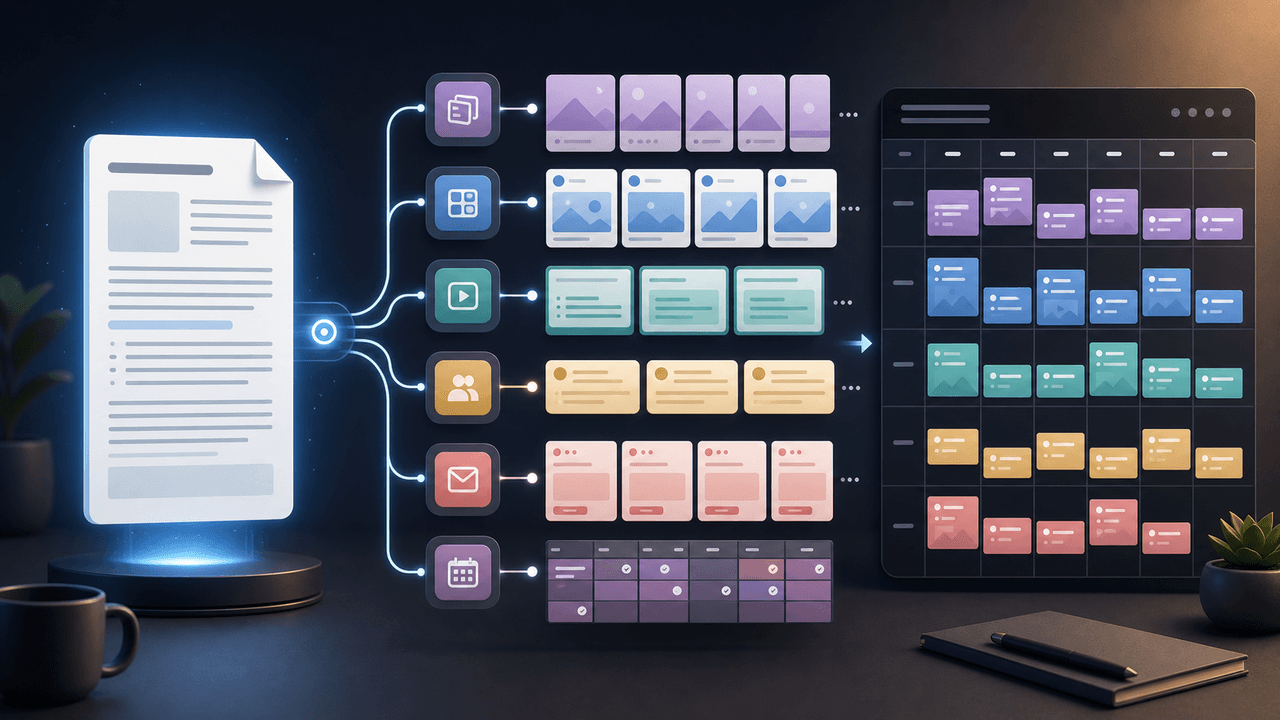
A strong newsletter is not one finished asset. It is the source file for a week of social posts, carousels, short scripts, community posts, and follow-up emails when you extract the argument, proof, examples, and reader questions separately.

From YouTube Transcript to a Reviewable Carousel Brief
Repurposing a YouTube video into an Instagram carousel is an editorial adaptation, not a transcript export. Work from video material you are authorized to reuse, preserve the source meaning, score candidate excerpts for fit, assign each slide a job, and complete a platform and rights review before publishing.
Sources
- Learn About Posts — YouTube Help
- Video Chapters — YouTube Help
- Creating Helpful, Reliable, People-First Content — Google Search Central
- Understanding Success Criterion 1.4.3: Contrast (Minimum) — W3C Web Accessibility Initiative
- URL Builders: Collect Campaign Data With Custom URLs — Google Analytics Help
Written by
AttentionClaw
Editorial Team
Editorial context
Part of the Repurposing topic cluster. Last updated July 11, 2026.