Chapter 1
A survey is not a list of quotes
Audience surveys are often underused. Creators read the answers, pull a few quotes, and move on. The better use is to turn the answers into a content operating system. The survey tells you what people want, what words they use, what they doubt, and what they are willing to try next.
Google Forms documentation describes forms as a way to create surveys and collect responses. Collection is only the first step. The content value appears when responses are tagged and turned into a calendar.
For creators, coaches, educators, newsletter operators, and expert businesses, survey responses are especially useful because they come from the audience you already have. They reveal the next content cluster in the audience's own language.
Pain answers become problem explainers.
Outcome answers become aspiration content.
Objections become trust-building posts.
Exact wording becomes hooks and SEO language.
High-intent requests become CTA assets.
Chapter 2
Tag survey answers into five content fields
The calendar comes from tagging, not from reading responses casually.
- 1
Pain
What is the respondent struggling with now? These answers become explainers, mistakes posts, and beginner guides.
- 2
Outcome
What do they want to achieve? These answers become transformation posts, case-study angles, and content pillars.
- 3
Objection
What prevents action? These answers become trust posts, caveat carousels, and sales-page FAQs.
- 4
Language
Which phrases appear repeatedly? These become hooks, titles, FAQs, and search-query candidates.
- 5
Intent
What do they ask for next: template, tutorial, review, course, call, checklist, or example? These answers shape CTAs.
Chapter 3
Map survey tags into a four-week calendar
A survey-derived content calendar should move from recognition to action. Start with the audience's biggest pain, then teach the first framework, then handle objections, then point high-intent readers toward the next step.
Week one should publish problem and language assets. Week two should publish frameworks and checklists. Week three should publish examples and proof. Week four should publish objection answers and CTAs. This sequence turns raw research into a guided path.
This approach is stronger than using survey quotes randomly because it respects the audience journey. A person who just recognizes a problem needs different content than a person asking for a template or consultation.
Week 1: pain-point explainers and audience-language hooks.
Week 2: frameworks, checklists, and beginner tutorials.
Week 3: examples, case posts, and proof assets.
Week 4: objection carousels, FAQs, and CTA posts.
Chapter 4
Turn survey patterns into carousels
Carousels are useful when a survey pattern needs structure. If many respondents say they do not know where to start, a carousel can show the first three steps. If many respondents doubt whether a method works for their niche, a carousel can show fit criteria.
Meta's carousel specifications are a helpful constraint because cards are limited and sequential. Use one slide for the survey insight, one for the direct answer, several for the steps, one for the caveat, and one for the next action.
Do not overstate survey results. If your survey had 47 responses from newsletter subscribers, say that internally and avoid framing it as market-wide research. Public content can say 'readers told us' or 'in our recent audience survey' without pretending the sample proves a universal trend.
Callout
Survey claim rule
Use survey answers as audience insight, not universal proof. Be clear about the context and avoid inflated statistics.
Chapter 6
Use survey results to choose YouTube posts and follow-ups
Survey results can feed YouTube posts, polls, quizzes, and follow-up videos. YouTube Help describes posts as supporting formats such as polls, quizzes, text, images, and video. Use those formats to validate whether the survey pattern applies to the broader channel audience.
For example, if survey respondents ask for a beginner version of a workflow, publish a YouTube poll asking which step is hardest. The result decides whether the next asset is a tutorial, carousel, live workshop, or newsletter.
This creates a research loop: survey, publish, observe response, then refine the content calendar.
Chapter 7
Measure whether survey-derived content predicts intent
The point of survey-derived content is not only engagement. It should predict what the audience wants next. Track whether survey-based topics create saves, replies, clicks, signups, and better questions.
Use campaign tracking when survey-derived assets point to templates, courses, newsletters, or product workflows. Google Analytics URL builder guidance explains that campaign parameters identify referral campaigns. Use labels such as survey_pain_carousel, survey_objection_post, survey_template_cta, and survey_newsletter.
After a month, compare survey themes to actual performance. If the audience said they wanted examples but saved checklists, your next survey should ask more specific questions about the format they need.
Chapter 8
Where AttentionClaw fits
AttentionClaw fits after survey answers have been tagged. The creator or marketer chooses the audience insight, format, and CTA. AttentionClaw can then turn those insights into branded carousel and social post drafts.
This helps expert businesses convert audience research into production without losing the voice and language that made the survey valuable.
Callout
Turn audience surveys into branded social content
Use AttentionClaw to turn audience survey patterns into branded social assets that answer real questions and point readers to the next step.
Chapter 9
How survey question design affects the content you can build from responses
Closed survey questions — multiple choice, rating scales, yes/no — produce data that is easy to quantify but rarely produces the language a content calendar needs. If a survey asks 'how satisfied are you with your current process?' on a scale of one to five, the result tells you something is off but not what to say about it. Open-ended questions — 'what is the part of this process you dread most?' or 'what would you search for if you needed help with X right now?' — produce the language, the framing, and the specificity that content needs.
The practical implication is that surveys designed primarily for research need to be supplemented with one or two open-ended questions designed specifically for content extraction. Even a survey of twenty responses that includes the question 'what is a question you wish you had been asked earlier in this process?' will produce phrasing that can be used almost verbatim in a carousel hook, a newsletter subject line, or a post caption.
When reviewing survey responses for content, the highest-value answers are often the ones that name a specific obstacle in plain, unprompted language. 'I never know when I have done enough' is a better content hook than 'respondents report uncertainty about completion criteria.' The survey gave you the exact phrase your audience uses to describe their own frustration — that phrase belongs in the first slide.
Chapter 10
Why minority survey responses often produce the strongest content
Content calendars built from survey results tend to over-index on the majority response. If 70% of respondents name the same problem, that problem will naturally dominate the calendar. But minority responses — the 10% or 15% who named a different obstacle, expressed a different stage of the journey, or asked an unexpected question — often surface the content that earns the most saves and the most direct responses.
The reason is specificity. A post that addresses the problem 70% of your audience has will feel relevant but not surprising — they have probably encountered that framing before. A post that addresses a minority frustration in precise language will feel uncannily accurate to the people who share it and will introduce a new angle to people who had not considered that perspective. Both outcomes are valuable: the first generates recognition, the second generates curiosity.
A useful practice is to treat minority survey responses as a separate content tier: one post per month drawn specifically from a low-frequency but high-specificity response. These posts will not have the broadest reach, but they consistently earn the most qualitative engagement — direct messages, comments that say 'this is exactly my situation,' and shares to specific people rather than broad audiences.
Next step
Turn audience research into a real content calendar
AttentionClaw helps convert survey patterns into branded carousels, social drafts, and CTA assets built around real audience language.
Common Questions
FAQ
More Reading
Keep reading
10-chapter read
How to Turn an Educator Syllabus Into a Content Calendar
An educator syllabus can become a content calendar when each week is mapped to the learner question, misconception, example, practice prompt, proof asset, and next-step CTA.
9-chapter read
User Feedback Social Content Loop for Apps
A user feedback social content loop turns real questions, objections, requests, and support moments into useful posts. Capture feedback, group it by theme, create a public answer or workflow, show what changed, and link to the next action. This builds trust because users see the product improving in public.
10-chapter read
How to Turn a Creator Swipe File Into Original Content
A creator swipe file becomes a content system when you tag saved examples by hook, structure, proof, audience problem, visual pattern, and CTA, then rebuild the mechanics with your own source material.
11-chapter read
How to Turn a Course Curriculum Into Content Pillars
A course curriculum becomes a content pillar system when modules map to core problems, lessons map to micro-skills, assignments map to proof, and objections map to trust-building content.
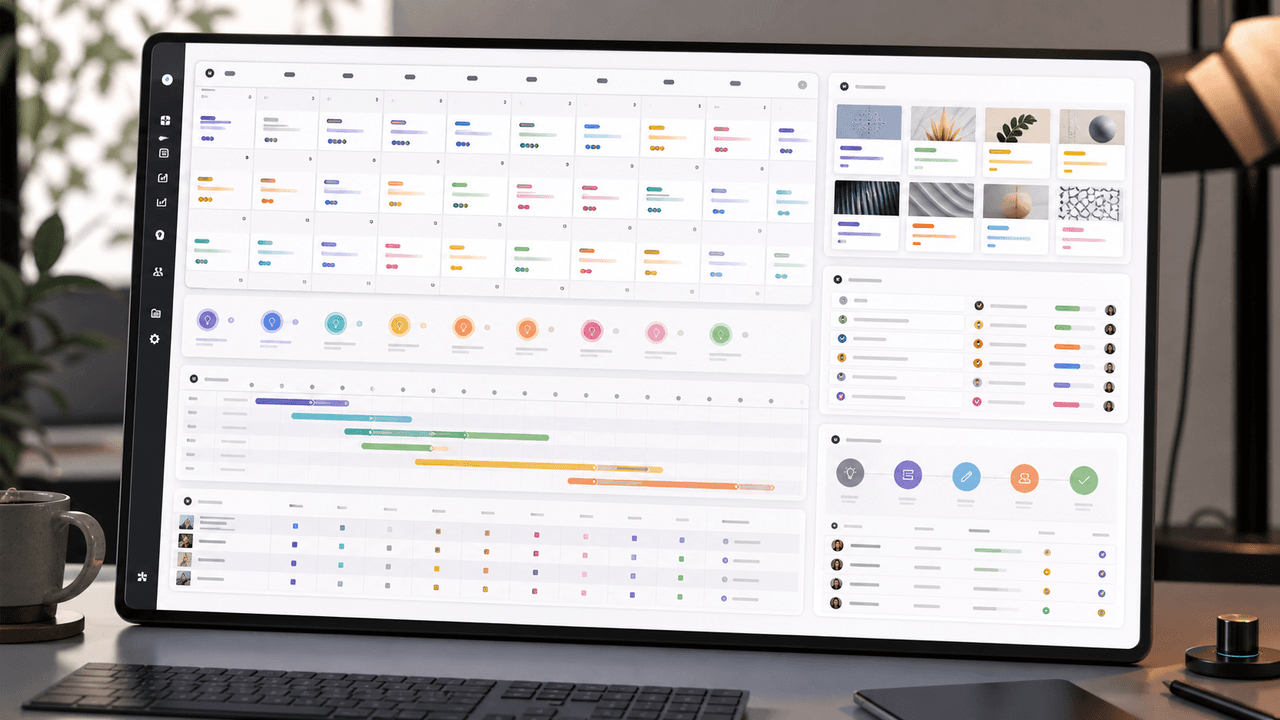
A 30-Day Calendar That Includes the Work Around Each Post
A useful monthly Instagram calendar records more than publication dates. It connects audience questions, approved sources, content pillars, owners, review gates, destinations, live URLs, listening notes, and correction decisions. The complete 30-day example below includes production and hold days so it can be adapted without implying that every account should post daily.

Choose Content Pillars Your Team Can Actually Support
An Instagram content pillar is a durable editorial promise to a defined audience, supported by evidence your team can keep producing. It is not a mandatory posting ratio, a list of formats, or an SEO topic cluster. Use the worksheet in this guide to decide which themes deserve recurring coverage and which should remain occasional.

Build Instagram carousels around a measurable next step
A carousel cannot guarantee conversion. It can make one next step clear, give the reader enough evidence to evaluate it, and produce a testable signal. This guide shows how to design and measure that system.
8-chapter read
A Hook Testing Framework for Paid Social Carousel and Slideshow Ads
Paid social hook testing works when each hook tests a clear buyer angle against the same proof, offer, audience, and destination. The goal is not to find the cleverest line. It is to learn which problem, outcome, proof, or objection earns qualified action.
10-chapter read
How to Turn YouTube Comments Into Content Ideas
YouTube comments become a content engine when you sort them by question, objection, correction, story, and request. Each group maps to a different post type and shows what the audience actually wants next.

Carousel A/B Testing: How to Systematically Improve Every Post
Most creators improve their carousels through intuition and guesswork. A systematic A/B testing framework removes the guessing and tells you exactly what works for your specific audience — one variable at a time.
Sources
- Create and Mark Quizzes With Google Forms — Google Docs Editors Help
- Design Specifications for Carousel Ads — Meta Business Help Center
- Writing Email Newsletters — Mailchimp
- Learn About Posts — YouTube Help
- URL Builders: Collect Campaign Data With Custom URLs — Google Analytics Help
Written by
AttentionClaw
Editorial Team
Editorial context
Part of the Content Planning topic cluster. Last updated June 22, 2026.