
Chapter 1
The 'I need more ideas' myth
Most creators think their content bottleneck is ideation. They believe they need 20-30 fresh ideas per month to keep posting consistently. In reality, the top-performing creators on Instagram are working with 4-5 core themes and repurposing them endlessly.
Think about it: Gary Vee has been saying 'document, don't create' for years. Alex Hormozi repeats the same business frameworks in different formats every week. Your favorite skincare creator covers the same 10 ingredients from different angles all year. Repetition is not the enemy — redundancy is. The difference is how you repackage the idea.
The system in this guide gives you a repeatable framework for taking any strong idea and splitting it into 7 distinct carousels. Each one serves a different audience moment, uses a different hook, and feels like a fresh piece of content.
Chapter 2
Step 1: Choose a source idea worth multiplying
Not every idea is worth 7 carousels. The best source ideas have three qualities: they contain a clear point of view, they include actionable steps or frameworks, and your audience actively cares about the topic.
Good source ideas often come from content that already performed well. Your most-saved carousel. Your most-commented post. A blog post that gets consistent traffic. A question your customers ask over and over. These are proven concepts that your audience wants more of.
Before you start repurposing, write down the core insight in one sentence. This is your anchor. Every derivative carousel should be traceable back to this sentence. If a variation drifts too far from the core, it becomes a new idea, not a repurpose.
High-performing past content — your audience already validated the idea
Customer questions and pain points — real problems are infinitely repurposable
Frameworks or processes you use repeatedly — these have natural multi-angle potential
Industry trends or shifts — one trend can generate opinion, how-to, myth-busting, and case-study carousels
Chapter 3
Step 2: The 7 carousel angles for any single idea
Here are the 7 repurposing angles that work for virtually any source idea.
- 1
Angle 1: The How-To
Turn the idea into a step-by-step tutorial. 'Here is how to do X in 5 steps.' This is your most straightforward educational format.
- 2
Angle 2: The Common Mistakes
Flip the idea and show what people get wrong. 'Stop doing X wrong — here are the 5 mistakes killing your results.' Same core insight, completely different emotional entry point.
- 3
Angle 3: The Myth-Buster
Take the conventional wisdom around your idea and challenge it. 'Everything you have been told about X is wrong.' This creates engagement through disagreement.
- 4
Angle 4: The Quick Tips List
Compress the idea into bite-sized tips. '7 quick tips for better X.' This works for followers who want fast value without a deep dive.
- 5
Angle 5: The Before-After
Show the transformation. 'What X looked like before vs. after applying this framework.' Visual contrast drives saves and shares.
- 6
Angle 6: The Beginner Guide
Simplify the idea for newcomers. 'X explained for absolute beginners.' This reaches a different audience segment than your advanced content.
- 7
Angle 7: The Tool or Resource List
Frame the idea around the tools or resources needed to execute it. '5 tools you need to do X properly.' Practical and highly saveable.
Chapter 4
Worked example: One idea becoming 7 carousels
Let's take a real idea and run it through all 7 angles.
Source idea: 'You should batch-create your Instagram carousels instead of making them one at a time.'
Core insight: Batching saves time and produces better content because it eliminates context-switching.
- 1
How-To: 'How to Batch 7 Carousels in 90 Minutes'
A step-by-step walkthrough of the batch session: ideas, hooks, copy, design, schedule.
- 2
Mistakes: '5 Batching Mistakes That Are Wasting Your Time'
Batch too far ahead, skip hook review, over-polish, no design system, ignore analytics.
- 3
Myth-Buster: 'Why Creating One Carousel a Day Is Actually Slower'
Challenge the assumption that daily creation is the only way. Show the math on context-switching costs.
- 4
Quick Tips: '7 Quick Tips for Faster Carousel Production'
Bite-sized production hacks: pre-write hooks, use templates, batch copy separately from design.
- 5
Before-After: 'My Content Output Before vs. After Batching'
Show the transformation: 3 carousels per week taking 6 hours vs. 10 carousels per week taking 3 hours.
- 6
Beginner: 'Carousel Batching for Beginners: Start Here'
Simplified version for people who have never batched before. Fewer steps, more encouragement.
- 7
Tools: '5 Tools That Make Carousel Batching 10x Faster'
Content bank tools, design tools, AI carousel generators like AttentionClaw, scheduling tools, analytics tools.
Chapter 5
When to publish each variation (without sounding repetitive)
Timing matters. If you publish all 7 variations in the same week, your followers will notice the repetition no matter how different the angles are. Space them out across 2-3 weeks minimum, ideally with unrelated content in between.
A practical publishing schedule: publish the how-to first (it is the most straightforward and tests whether the idea resonates). If it performs well, publish the mistakes angle 3-4 days later. Then space the remaining variations across the next two weeks.
Keep in mind that most of your followers will not see every post you publish. Instagram's algorithm shows each carousel to a fraction of your audience. So what feels repetitive to you is actually fresh content for most of your viewers.
Publish the strongest angle first to test the idea
Wait at least 3-4 days between variations of the same core idea
Mix variations with unrelated content so your feed stays diverse
Different audiences see different posts — your 'repetition' is their first exposure
Chapter 6
Beyond your own ideas: other content to repurpose into carousels
Your existing content is the richest source of carousel material, and most creators are sitting on a goldmine they ignore.
Blog posts are the most obvious source. A single 2,000-word article can generate 5-10 carousels: one per section, one for the overall framework, one for the key stats, one for the conclusion, and one myth-buster from the contrarian angles buried in the text.
Podcast episodes, YouTube videos, email newsletters, Twitter/X threads, webinar recordings, customer testimonials, and even internal documentation can all become carousels. The idea does not have to be new — the format does.
- 1
Blog posts and articles
Each section or heading becomes a potential carousel. Pull out key frameworks, stats, and step-by-step processes.
- 2
Podcast or video transcripts
Find the 2-3 minute segments where you said something genuinely insightful. Those become carousel scripts almost verbatim.
- 3
Customer questions and testimonials
Every frequently asked question is a carousel idea. Every customer result is a before-after story.
- 4
Industry news and trends
Your take on trending topics creates timely carousels that ride algorithm boosts for trending content.
Chapter 7
How to make repurposed carousels look different
Even if the core idea is the same, the visual design should feel different across variations. This prevents your feed from looking monotonous and gives each carousel its own identity.
The simplest technique: alternate between 2-3 visual styles in your design system. Use your primary brand color for how-to carousels, a darker variant for mistake-focused ones, and a lighter variant for beginner guides. Same brand, different mood.
Also vary the slide count. A how-to might be 10 slides. A quick-tips list might be 7. A myth-buster might be only 5 slides with bigger, bolder text. Different lengths feel different in the feed even if the core idea is related.
Alternate accent colors between carousel variations
Vary slide counts: 5-6 for punchy content, 8-10 for deep dives
Use different hook slide layouts: text-only vs. text-with-image vs. bold statement
Change the visual density: some carousels are text-heavy, others use more imagery
Chapter 8
Using AI to accelerate the repurposing process
The manual repurposing system works, but it is still labor-intensive. AI tools can dramatically speed up the process by handling the format conversion and design layer.
Here is how a modern AI-assisted repurposing workflow looks: you start with your source idea and core insight. You use an AI tool to generate carousel variations for each angle — the tool produces the slide copy, selects layouts, and applies your brand style. You review, tweak the hooks, and schedule.
With a tool like AttentionClaw, this entire process takes a fraction of the time compared to fully manual production. For a batch of 7 variations from one source idea, the time savings are significant — you focus on creative direction while the tool handles layout and formatting. The idea quality stays the same because you are providing the creative direction. The production speed increases because the tool handles layout, design, and formatting.
Callout
The leverage point
AI is best at the format conversion step: taking your idea and turning it into a visually complete carousel. You provide the thinking. The tool provides the execution speed.
Next step
Turn one idea into a week of branded carousels
AttentionClaw generates multiple carousel variations from a single topic — each with unique hooks and layouts that match your brand. Repurpose faster.
Common Questions
FAQ
More Reading
Keep reading
10-chapter read
How to Repurpose an Expert Roundtable Into High-Trust Social Content
An expert roundtable becomes strong social content when you separate consensus, disagreement, frameworks, proof, unanswered questions, and next-step CTAs.
10-chapter read
How to Turn an Email Sequence Into Social Content
An email sequence becomes social content when each email's job is mapped to a native asset: problem, belief shift, proof, objection, tutorial, and CTA.

How to Batch Instagram Carousels and Save 10+ Hours Every Week
Most creators spend 2-3 hours per carousel because they restart from scratch every time. A batch production system cuts that to 15 minutes per post.
A 30-Day Calendar That Includes the Work Around Each Post
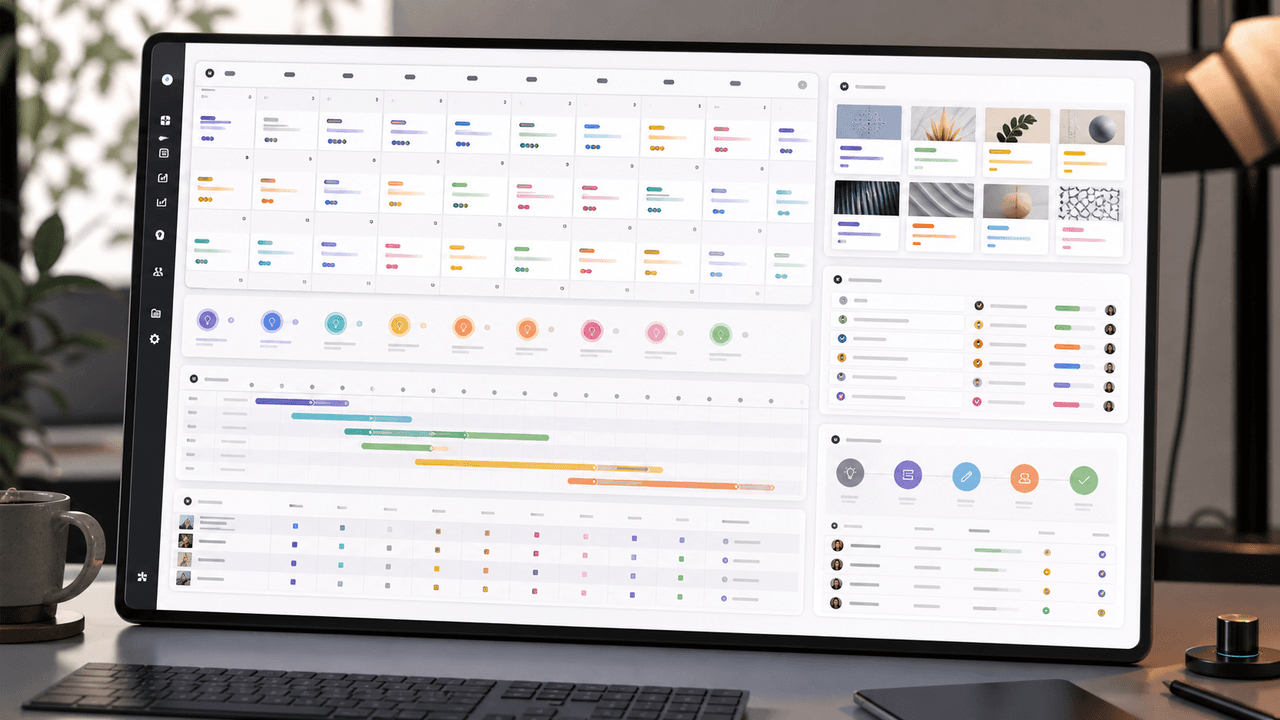
A useful monthly Instagram calendar records more than publication dates. It connects audience questions, approved sources, content pillars, owners, review gates, destinations, live URLs, listening notes, and correction decisions. The complete 30-day example below includes production and hold days so it can be adapted without implying that every account should post daily.
10-chapter read
How to Turn Podcast Show Notes Into Social Posts
Podcast show notes are a structured source for social content when you separate the episode promise, guest authority, timestamps, resources, questions, and CTA.
10-chapter read
How to Turn Any Transcript Into Short-Form Content
A transcript becomes useful short-form content when you extract claims, stories, frameworks, questions, objections, and action steps instead of pasting spoken paragraphs into social formats.
10-chapter read
How to Turn One Blog Post Into a Full Social Content System
A strong blog post can become a full social content system when you extract the direct answer, framework, examples, sources, objections, and CTA separately instead of summarizing the whole article.
Turn Product Benefits Into a Week of Social Posts
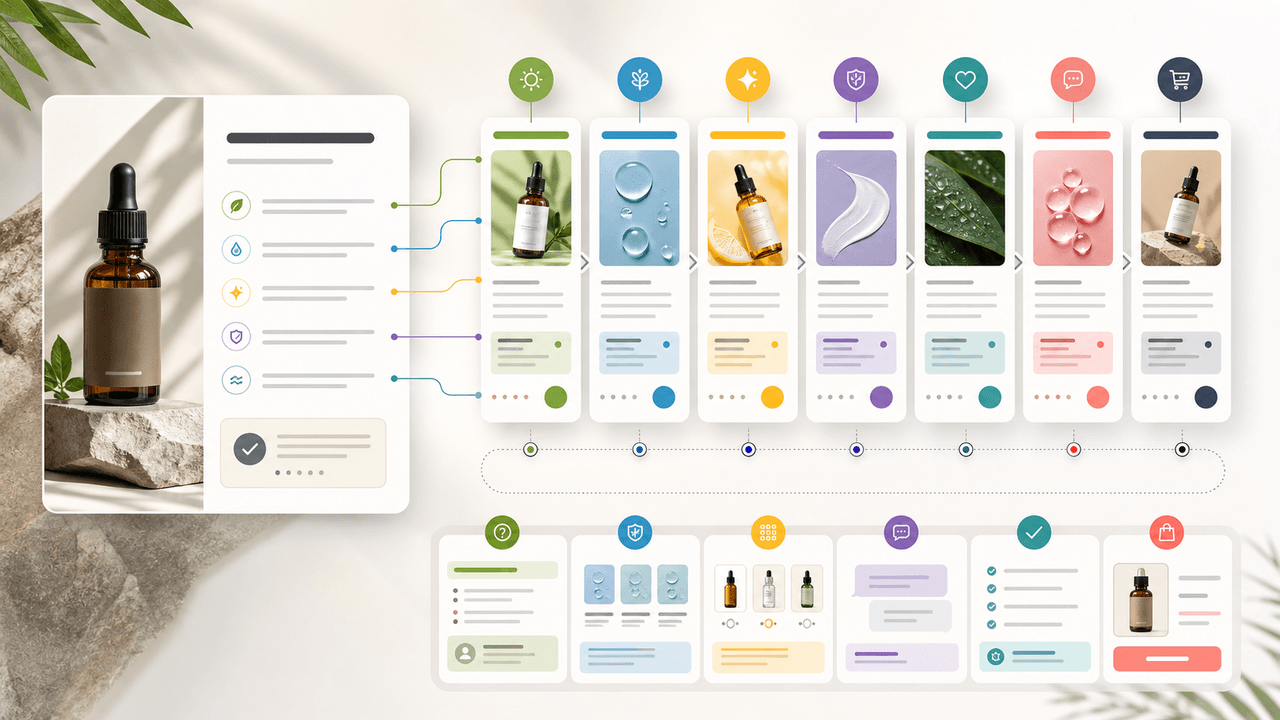
A product benefit list can become a full week of social posts when each post answers a different buyer question: what it does, who it is for, how it works, what proof supports it, what objection it answers, how to choose a variant, and what to do next.

How to Turn One Course Lesson Into Social Posts That Still Teach
One course lesson can become a full social content cluster when you extract the learning objective, misconception, demonstration, practice prompt, and transformation proof instead of summarizing the lesson.

Turn coach-owned source material into useful carousel briefs
A practical workflow for turning coach-owned long-form material into standalone carousel briefs without inventing a guaranteed output count or exposing client information.
Written by
AttentionClaw
Editorial Team
Editorial context
Part of the Repurposing topic cluster. Last updated June 22, 2026.