Chapter 1
A transcript is raw material, not finished copy
Transcripts are useful because they capture the actual language of a video, podcast, webinar, coaching call, or interview. They are also messy. Spoken language includes filler, repetition, false starts, and context that does not work in a carousel or short post.
The most common mistake is copying transcript paragraphs into captions. That produces long, meandering posts that still feel like audio. Repurposing requires translation: spoken idea to visual or written asset.
Google's people-first content guidance is relevant because the final asset should help the reader or viewer directly. A transcript-derived post should answer a real question, clarify a useful idea, or point to a relevant next step, not simply prove that the original recording exists.
Claims become opinion posts or source-backed slides.
Stories become short scripts and narrative posts.
Frameworks become carousels.
Questions become FAQs and YouTube posts.
Objections become trust-building assets.
Action steps become checklists and CTAs.
Chapter 2
Use a six-marker transcript pass
Read the transcript once for meaning, then mark it by future asset type.
- 1
Claim
Highlight strong opinions, conclusions, and direct answers. These often become short text posts or hook slides.
- 2
Story
Mark moments with before, after, conflict, mistake, decision, or result. These become short scripts and narrative newsletters.
- 3
Framework
Mark named methods, numbered steps, decision trees, and checklists. These become carousels or documents.
- 4
Question
Mark audience questions, host prompts, and implied search queries. These become FAQs, YouTube posts, and follow-up articles.
- 5
Objection
Mark hesitation, disagreement, or constraints. These become trust posts and caveat slides.
- 6
Action
Mark the exact next step someone should take. These become CTA bridges, checklists, and closing slides.
Chapter 3
Compress spoken language before formatting
A transcript segment that takes two minutes to say may need one slide, one caption paragraph, or one short script beat. Compression is the skill. Remove filler, combine repeated ideas, and move the conclusion to the front.
Do not remove necessary nuance. If the speaker gave a caveat that keeps the claim true, keep it. If the caveat is too long for a slide, use the carousel caption, newsletter, or source article to hold the nuance.
For visual assets, keep text readable. WCAG contrast guidance gives a useful baseline for text and background contrast. In practice, also use larger type, fewer lines, and plain labels because short-form assets are consumed quickly on mobile.
Callout
Compression test
If a social asset still sounds like someone talking through a full paragraph, it has not been rewritten for the format yet.
Chapter 4
Map transcript moments to native formats
Different transcript moments have different best formats. A high-energy sentence may be a clip. A careful explanation may be a carousel. A nuanced answer may be a newsletter. A repeated question may be a YouTube post or FAQ.
YouTube posts can include polls, quizzes, text, images, and video according to YouTube Help. That makes them useful for testing transcript-derived questions before investing in a larger asset.
Meta's carousel guidance is useful when the transcript includes a process. Use one slide per step and avoid turning the carousel into a wall of transcript text.
Clip: emotional or high-energy moment.
Carousel: framework, checklist, or direct answer.
Newsletter: nuanced story, reflection, or caveat.
YouTube post: question, poll, or quiz from the transcript.
CTA post: action step tied to a resource or workflow.
Chapter 5
Fact-check before publishing transcript-derived claims
Spoken content often includes remembered numbers, platform details, and broad claims. Before turning those into social assets, check whether they are accurate and still current. If you cannot verify a claim, rewrite it as experience, opinion, or remove it.
This is especially important for expert businesses and educators because the repurposed asset may outlive the original recording. A transcript can preserve old guidance that was true when recorded and wrong by the time the post goes live.
Use source notes when the final asset relies on platform rules, measurement guidance, accessibility requirements, or research. Source discipline is part of making the asset review-stage rather than a rough clip pack.
Chapter 6
The 60-minute transcript repurposing workflow
- 1
Minutes 0-10: clean the transcript
Fix speaker labels, obvious transcription errors, and missing section breaks. Do not over-edit yet.
- 2
Minutes 10-25: mark the six lanes
Highlight claims, stories, frameworks, questions, objections, and actions.
- 3
Minutes 25-40: choose top assets
Pick the strongest three to five moments. Assign each to a format based on its job.
- 4
Minutes 40-55: rewrite for format
Compress spoken language into slide copy, caption structure, newsletter outline, or short script.
- 5
Minutes 55-60: add links and tracking
Attach source URLs, internal links, and campaign labels before production.
Chapter 7
Measure transcript assets by their job
A transcript-derived clip should be measured differently from a transcript-derived carousel. Clips may drive reach. Carousels may drive saves. Newsletters may drive replies. CTA posts may drive clicks.
Google Analytics URL builder guidance explains that campaign parameters help identify referral campaigns. Use one campaign name for the source recording and content labels such as transcript_clip, transcript_carousel, transcript_newsletter, transcript_question_post, and transcript_cta.
After publishing, review which transcript lane produced the strongest response. If questions outperform clips, your audience may want more direct teaching. If stories outperform frameworks, your next source recording should collect more examples.
Chapter 8
Where AttentionClaw fits
AttentionClaw fits after the transcript has been marked. The creator chooses the meaningful moments and checks the claims. AttentionClaw can then turn those moments into branded carousel and social drafts.
This keeps the transcript workflow fast without letting raw spoken text become low-quality social content.
Callout
Turn marked transcript moments into polished social assets
Use AttentionClaw to turn marked transcript moments into polished carousels, slideshows, and post drafts that preserve the original idea.
Chapter 9
A worked example: compressing five minutes of spoken explanation into one carousel
Consider a podcast segment where a guest spends five minutes explaining how they structure their client onboarding process. The transcript is roughly 750 words of spoken language, including false starts, filler words, context-setting preambles, and conversational asides. The extractable insight is a five-step process that takes about 80 words to describe clearly.
The compression path looks like this: read the segment and identify the core claim (there is a specific sequence that reduces client churn in the first 90 days), identify the named steps the guest used (welcome call, written expectations doc, 30-day check-in, resource delivery, progress review), strip the preamble and filler, and rewrite each step as a one-sentence description in the guest's original vocabulary. The result is five carousel slides with a cover slide summarizing the framework name the guest used, and a final slide crediting the source and offering the audience a next step.
The key discipline is using the guest's vocabulary, not your own paraphrase. If the guest called it a '30-day check-in,' do not rename it 'monthly touchpoint' in the carousel. Original vocabulary preserves the integrity of the attribution and sounds more specific and authoritative than generic rewording.
Callout
The compression ratio test
If you cannot compress a spoken segment by at least 70 percent without losing the core idea, the segment may not be strong enough to become a standalone asset. Strong ideas compress cleanly. Weak or half-formed ideas resist compression because they need all of their original filler and context to make sense.
Chapter 10
Batching transcript repurposing to build a content bank efficiently
Processing one transcript at a time is inefficient for creators or teams that produce content regularly. Batching the extraction step — working through multiple transcripts in one session — and separating it from the formatting step produces more output with less decision fatigue.
A practical batching approach: dedicate one session to marking all transcripts in a given period (highlight claims, frameworks, stories, objections), then produce a master list of potential assets with the source, type, and approximate format for each. In a second separate session, turn the marked moments into actual post drafts. This separation prevents the common trap of getting stuck choosing between polishing one post and extracting the next batch.
For teams with more than one person involved in content production, the marking step can be done by a research assistant or editor while the formatting step is handled by the content lead. The handoff document is the marked transcript or the master asset list, which contains enough context for the formatter to work without going back to the original recording.
Mark transcripts in batches of three to five before producing any final content — this gives you a full content bank to draw from rather than publishing whatever you just processed
Keep a running 'evergreen bank' of framework moments that are not tied to a specific date or news cycle — these can be published any time
Date-sensitive moments (references to specific events, product launches, or limited-time contexts) should be flagged and published promptly or discarded
Review the master asset list monthly and archive moments that have become outdated rather than letting stale content enter the publishing queue
Next step
Turn transcripts into polished social assets
AttentionClaw helps convert marked transcript moments into branded carousels, slideshows, and short-form drafts.
Common Questions
FAQ
More Reading
Keep reading
7-chapter read
Give the host an approval-ready promotion packet
A podcast guest appearance needs a coordinated handoff, not just a link post. Agree on asset rights and timing, package approved quotes and visuals, make host approval easy, and keep a correction path open after launch.
10-chapter read
How to Turn an Email Sequence Into Social Content
An email sequence becomes social content when each email's job is mapped to a native asset: problem, belief shift, proof, objection, tutorial, and CTA.

How to Turn One Good Idea Into 7 Different Instagram Carousels
You do not need 30 unique ideas to post every day. You need one strong idea and a system that turns it into 7 carousels with different angles, formats, and depths.
10-chapter read
How to Turn Podcast Show Notes Into Social Posts
Podcast show notes are a structured source for social content when you separate the episode promise, guest authority, timestamps, resources, questions, and CTA.
10-chapter read
How to Turn One Blog Post Into a Full Social Content System
A strong blog post can become a full social content system when you extract the direct answer, framework, examples, sources, objections, and CTA separately instead of summarizing the whole article.
11-chapter read
How to Turn Cohort Course Feedback Into Content and Better Lessons
Cohort course feedback becomes useful content when you separate student blockers, assignment patterns, live questions, transformation moments, and curriculum gaps into safe, anonymized assets.

Podcast Interview Content Repurposing System: One Guest Conversation Into a Week of Assets
A podcast interview should become more than audiograms. Extract the guest thesis, strongest story, quotable lines, objection answers, listener questions, and resource CTA into a week of native assets.
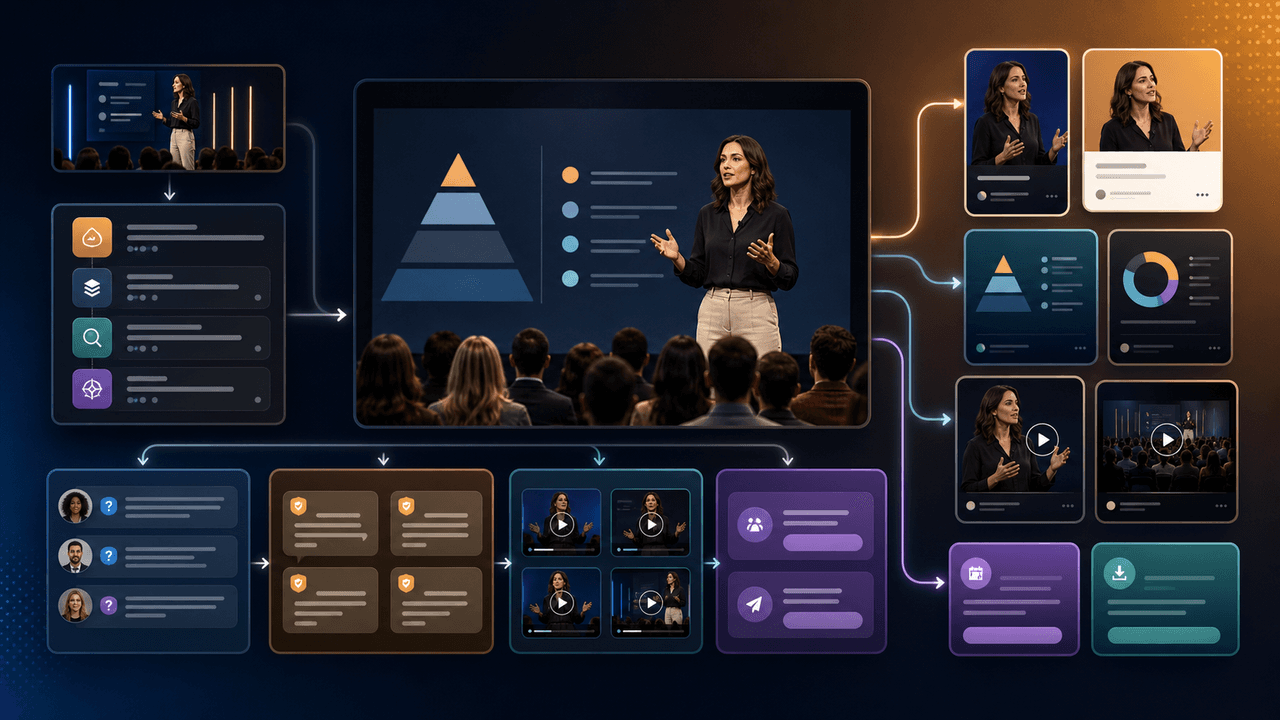
How to Repurpose a Webinar Into High-Trust Social Content
A webinar is a conversion event and a content source. Repurpose it by separating the promise, teaching framework, proof moments, audience questions, objections, and follow-up CTA into native assets.

Turn coach-owned source material into useful carousel briefs
A practical workflow for turning coach-owned long-form material into standalone carousel briefs without inventing a guaranteed output count or exposing client information.

Turn one podcast theme into a sourced carousel
A podcast carousel should preserve the episode's meaning, not compress a transcript into disconnected quotes. This workflow selects one defensible theme, traces every slide to source material, and sends the finished sequence through approval.
Sources
- Creating Helpful, Reliable, People-First Content — Google Search Central
- Learn About Posts — YouTube Help
- Design Specifications for Carousel Ads — Meta Business Help Center
- Understanding Success Criterion 1.4.3: Contrast (Minimum) — W3C Web Accessibility Initiative
- URL Builders: Collect Campaign Data With Custom URLs — Google Analytics Help
Written by
AttentionClaw
Editorial Team
Editorial context
Part of the Repurposing topic cluster. Last updated June 22, 2026.