Chapter 1
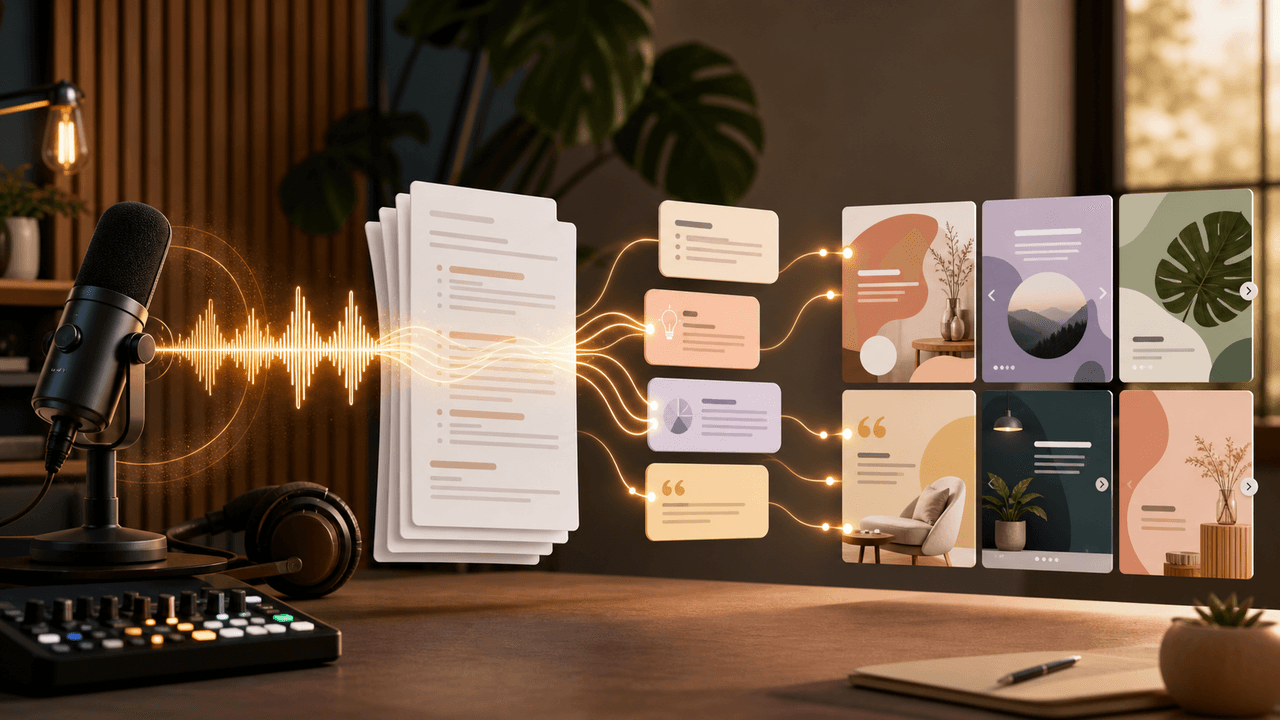
How do you repurpose a podcast episode into a carousel?
Start with the final audio and a transcript you are allowed to use. Select one theme that can stand on its own, log the supporting timestamps and speakers, outline the argument in slide roles, rewrite spoken language for reading without changing its meaning, and verify every quote against the final episode. Then complete the rights, speaker, sponsor, and factual approvals required for your show before publishing.
Transcripts are evidence aids, not automatic source truth. Apple notes that publishers may provide their own transcripts and should check spelling, punctuation, and speaker names. Whether Apple generated the transcript, a host provided it, or your team made it, listen to the final audio around each selected passage before turning it into public copy.
Callout
Editorial boundary
A clean sentence can still be an inaccurate quote. Preserve the speaker, qualification, timeframe, and context—not only the memorable words.
Chapter 2
Assemble the episode source packet
Keep the materials that allow an editor and approver to reconstruct every slide.
Do not infer permission from access to a transcript or from being the show host. Copyright ownership and usage rights can depend on agreements and circumstances. The U.S. Copyright Office says there is no fixed number of words or percentage that automatically makes a use permissible; when permission is needed, identify and contact the rights holder. This article is an editorial workflow, not a legal determination for a particular recording.
Final public audio or the approved master, including the exact episode version.
Transcript with speaker labels and timestamps, marked as generated or human-edited.
Episode title, public URL, release date, show name, host, and guest names.
Show notes and links for studies, products, or resources mentioned in the conversation.
Recorded approval requirements for host, guest, sponsor, producer, and rights holder.
A claims ledger with slide, wording, speaker, timestamp, qualification, and verification status.
Chapter 3
Choose one defensible episode theme
- 1
Find a complete idea
Select a claim, method, story, or decision that has enough context to stand alone. A catchy sentence without its qualification is not a complete idea.
- 2
Mark the evidence span
Save the start and end timestamps, not only the line you plan to quote. Include the question or setup when it changes the meaning.
- 3
Check external claims
Follow referenced statistics, studies, policies, and product behavior to an appropriate source. If the episode cannot support a claim, remove it from the carousel.
- 4
Define the reader's takeaway
Write one sentence describing what a person should understand or do after reading. If the theme needs three takeaways, split it into separate assets.
Chapter 4
Worked artifact: transcript excerpt to slide outline
The following fictional excerpt was written for this guide; it is not taken from a third-party episode.
Transcript excerpt, 18:42–19:31. Host: “We originally treated onboarding as a tour of every feature. In five interviews, new users kept asking which task to do first. We changed the first screen to recommend one sample project. That removed the choice, but it did not prove retention improved; we still needed the event data.” Producer note: the interview count and screen behavior were verified internally for the fictional example.
Evidence ledger: speaker = host; passage = 18:42–19:31; observed input = five interviews; demonstrated change = one recommended sample project; explicit qualification = no retention conclusion; approval owner = episode producer.
- 1
Slide 1 — the unresolved question
“Should onboarding explain every feature—or guide one first task?” This accurately frames the passage without promising an outcome.
- 2
Slide 2 — the original approach
“The team began with a tour of every feature.” Attribute the observation to the speaker rather than presenting it as universal practice.
- 3
Slide 3 — the evidence
“In five internal interviews, new users asked which task to do first.” Keep the sample and source visible.
- 4
Slide 4 — the interpretation
“The tour showed capability but left the first decision to the user.” Label this as the team's interpretation of those interviews.
- 5
Slide 5 — the change
“The first screen was changed to recommend one sample project.” Use the verified current screen if the carousel includes a visual.
- 6
Slide 6 — the boundary
“That removed one choice. It did not establish a retention result.” Preserve the speaker's qualification rather than cutting it for momentum.
- 7
Slide 7 — the next measurement
“The next question belongs in product-event data: did more users complete the first project?” This is a measurement proposal, not a reported result.
- 8
Slide 8 — the source action
“Hear the full onboarding discussion at 18:42.” Link to the episode or timestamp when the listening platform supports it.
Chapter 5
Adapt spoken language without rewriting the speaker
Speech contains repetition, false starts, and context supplied by tone. Remove filler and repair fragments only when the edited sentence preserves the original proposition. Use quotation marks only for words verified against the final audio. Use a paraphrase label when you compress or combine passages.
Do not combine the host's question with the guest's answer and attribute the result to one person. Do not turn “we are testing” into “we proved.” Do not remove words such as “in our interviews,” “for this customer group,” or “at that time” when they bound the claim.
Direct quote: exact checked wording, speaker, and timestamp.
Light edit: punctuation or filler removal that leaves the proposition unchanged; approval may still be required.
Paraphrase: clearly attributed summary without quotation marks.
Editorial interpretation: your conclusion, labeled separately from what the speaker said.
External claim: linked to the original source rather than relying only on the conversation.
Chapter 6
Complete the episode approval gate
Create a show-level policy rather than improvising for every episode. It should say who may approve quotes, photographs, artwork, clips, sponsor references, and the final publication date. When the contract or rights position is unclear, pause and get appropriate advice from the responsible rights or legal reviewer.
If a product, payment, gift, affiliate relationship, or other material connection appears in the content, check the applicable disclosure requirements. The FTC advises that material connections affecting an endorsement's credibility should be disclosed clearly, and platform tools do not replace every legal responsibility.
Final audio checked around every selected timestamp.
Speaker names, titles, products, and URLs verified.
Quote versus paraphrase labels checked.
Host, guest, producer, sponsor, and rights approvals recorded as applicable.
Disclosure language and platform labels reviewed when a material connection exists.
Alt text, caption credit, episode link, and publication date confirmed.
Chapter 7
Hand the verified source material into production
Give the designer or content tool only the approved theme, claims ledger, slide outline, transcript spans, brand assets, and CTA destination. Do not ask a generation system to “find the best quotes” and publish the result without source review.
AttentionClaw can help draft and format the visual sequence after an editor selects and verifies the source material. Your team reviews the copy and images and publishes the final asset. AttentionClaw does not determine ownership, obtain permission, approve quotes, or verify episode facts. For guest-owned promotion and host handoff, use the separate podcast guest appearance workflow.
Input only source-approved text and visuals.
Keep timestamps in the review copy even if they are not printed on every slide.
Review the generated sequence against the ledger, not from memory.
Send the final rendered asset through the recorded approval path.
Archive the approved copy, creative version, caption, and destination.
Next step
Format an editor-approved podcast sequence
AttentionClaw turns your verified outline and source material into branded social assets that your team can review before publishing.
Common Questions
FAQ
More Reading
Keep reading
9-chapter read
Podcast Editor Clip Repurposing TikTok Slideshows: Sell Editing With Show Moments
Podcast editor clip repurposing slideshows should turn episode moments, transcripts, hooks, guest quotes, and editing proof into social content that helps creators see the value of post-production.
7-chapter read
Give the host an approval-ready promotion packet
A podcast guest appearance needs a coordinated handoff, not just a link post. Agree on asset rights and timing, package approved quotes and visuals, make host approval easy, and keep a correction path open after launch.
10-chapter read
How to Turn Podcast Show Notes Into Social Posts
Podcast show notes are a structured source for social content when you separate the episode promise, guest authority, timestamps, resources, questions, and CTA.
10-chapter read
How to Turn Any Transcript Into Short-Form Content
A transcript becomes useful short-form content when you extract claims, stories, frameworks, questions, objections, and action steps instead of pasting spoken paragraphs into social formats.

Podcast Interview Content Repurposing System: One Guest Conversation Into a Week of Assets
A podcast interview should become more than audiograms. Extract the guest thesis, strongest story, quotable lines, objection answers, listener questions, and resource CTA into a week of native assets.
Sources
- Transcripts on Apple Podcasts — Apple Podcasts for Creators
- Fair Use FAQ — U.S. Copyright Office
- How to Obtain Permission — U.S. Copyright Office
- FTC's Endorsement Guides: What People Are Asking — Federal Trade Commission
Written by
AttentionClaw
Editorial Team
Editorial context
Part of the Repurposing topic cluster. Last updated August 13, 2026.