Chapter 1
Roundtables create richer source material than solo interviews
An expert roundtable has multiple perspectives, which means it can produce more than quote graphics. The useful content is in the overlap and tension: what everyone agrees on, where experts split, what examples support each view, and what questions remain unresolved.
The mistake is creating a generic event recap. A reader who did not attend does not need a list of participants first. They need the insight the group produced.
Google's people-first content guidance is relevant because roundtable-derived content should help the audience understand a topic more clearly. The event is source material, not the point of the article or social post.
Consensus becomes a framework post.
Disagreement becomes a discussion post.
Expert quotes become quote assets.
Examples become proof slides.
Unanswered questions become follow-up content.
CTA becomes a resource, replay, or product bridge.
Chapter 2
Extract roundtable content into six lanes
- 1
Consensus
What did multiple experts agree on? This becomes the most authoritative carousel or article section.
- 2
Disagreement
Where did experts differ? This becomes a nuanced LinkedIn post or newsletter.
- 3
Framework
Did anyone explain a repeatable model or decision tree? That becomes a saveable carousel.
- 4
Proof
Collect examples, stories, data, and screenshots used to support each view.
- 5
Question
Capture audience questions and unresolved issues. These become follow-up posts and FAQs.
- 6
Next step
Decide what the audience should read, watch, download, or try after the roundtable.
Chapter 3
Build a consensus carousel
The first carousel should usually be the consensus asset: 'What five experts agreed on about X.' This gives the audience a clear takeaway without needing to watch the whole discussion.
Meta's carousel format guidance is useful because each card should carry one idea. Use slide one for the topic, slide two for the consensus claim, slides three through six for the points, slide seven for the caveat, and slide eight for the next action.
Do not overstate agreement. If three experts agreed and two pushed back, say that. Honest nuance builds trust.
Chapter 4
Turn disagreement into thought leadership
Disagreement is often the most valuable roundtable content. It shows tradeoffs and prevents the final assets from sounding like a bland summary.
Use disagreement in newsletters, LinkedIn posts, and documents where nuance can survive. A useful format is: what expert A believes, what expert B believes, why both can be true, and how the reader should decide.
LinkedIn Document Ads guidance shows that documents can support awareness, engagement, and lead generation. Organic expert teams can use documents to package nuanced roundtable insights for professional audiences.
The editorial work is to preserve the tradeoff. If one expert argues for speed and another argues for rigor, the useful post is not a winner-takes-all verdict. It is a decision rule: choose speed when the risk is reversible, choose rigor when the cost of a wrong decision is high.
That kind of synthesis gives the audience something they can use immediately while still respecting the experts who took different positions.
Chapter 5
Create quote assets without flattening the experts
Quote assets work when the quote carries a distinct idea. They fail when every quote becomes a generic inspirational slide.
Edit quotes for clarity, but preserve meaning. Attribute the expert correctly. If the quote relies on context, include a caption or follow-up slide that explains it.
For multi-expert quote carousels, group quotes around one question. Do not mix unrelated quotes just because they came from the same event.
Chapter 6
Use YouTube posts for follow-up voting
YouTube posts can include polls, quizzes, text, images, and video. After a roundtable, use posts to ask which disagreement, framework, or unanswered question deserves a deeper follow-up.
This helps the roundtable become a content series. The event produces the first layer; audience response chooses the next layer.
For creators and educators, this is also a way to involve the audience in future programming.
Chapter 7
Measure the roundtable as a content cluster
A roundtable cluster should be measured across formats. Consensus carousels may drive saves. Disagreement posts may drive comments. Quote assets may drive shares. Documents may drive downloads. CTA assets may drive leads.
Google Analytics URL builder guidance explains that campaign parameters identify referral campaigns. Use one campaign name for the roundtable and labels such as consensus_carousel, disagreement_post, quote_asset, roundtable_document, and replay_cta.
The best roundtables create multiple future assets, not just one promotional spike.
Chapter 8
Where AttentionClaw fits
AttentionClaw fits after the roundtable has been mapped into consensus, disagreement, quote, and proof lanes. The editor chooses the insight and CTA. AttentionClaw can turn the brief into branded visual assets.
This helps expert businesses convert complex discussions into clear social content without losing nuance.
Callout
Turn expert discussions into branded social assets
Use AttentionClaw to turn expert roundtable insights into branded carousels, quote assets, and follow-up content.
Chapter 9
A decision framework for choosing which roundtable moments to prioritize
Not every moment from a roundtable deserves to become a social asset. Repurposing everything produces a content flood that dilutes the most valuable ideas. A simple decision framework helps a content team choose which moments to invest in first and which to hold for secondary publishing windows.
Prioritize in this order: moments where multiple experts agreed on something counterintuitive (high trust, high shareability), moments where two experts disagreed clearly and both positions have merit (drives comments and saves), moments where one expert named a specific framework or process the audience can use immediately (drives profile visits and follows), and moments where an expert answered a question the audience frequently asks but rarely gets answered directly (drives DMs and replies). Lower-priority moments — general affirmations, anecdotes without a transferable point, and humor that required roundtable context to land — can be left out entirely or used as filler in a 'highlights reel' caption.
Applying this filter to a two-hour roundtable typically identifies eight to twelve high-value moments. That is enough for two to three weeks of social content if published thoughtfully, or one concentrated launch week if the roundtable is tied to a product or program.
- 1
First pass: mark the counterintuitive agreements
Read or scan the transcript for moments where multiple experts converged on something that contradicts common advice in the niche. These are the most shareable assets and should be produced first.
- 2
Second pass: mark the disagreements with named positions
Find moments where two or more experts held clearly different views and each could defend their position. Format these as 'two takes' posts or debate-style carousels.
- 3
Third pass: extract named frameworks
Look for any moment where an expert said 'I always do X' or 'the way I think about this is...' These are framework moments and perform well as standalone carousel slides or caption posts.
- 4
Fourth pass: match remaining moments to format
Short, quotable moments become graphics. Process explanations become carousels. Detailed single-expert explanations become short-form video scripts or newsletter content.
Chapter 10
Maintaining expert integrity in repurposed content
Roundtable repurposing introduces a specific editorial risk: the social format may strip context from a statement that was meaningful only with that context intact. An expert who said 'this approach works well for enterprise clients' should not have that quote reformatted into a carousel slide that implies it applies universally. Preserving nuance is both ethically correct and strategically important — if an expert sees their position misrepresented, they will not promote the content.
Before publishing any expert-attributed asset, send the specific slide, graphic, or caption excerpt to the expert for review. This does not need to be a formal approval process — a DM or email with the specific content and a 48-hour window is sufficient. Experts who co-create or approve their content become co-promoters, which multiplies the organic reach of the roundtable significantly.
When disagreement is the content, be equally fair to both positions. A 'debate' carousel that presents one view with more space, evidence, or visual emphasis than the other is not a debate asset — it is an advocacy asset that uses the roundtable format as cover. Audiences notice this and it reduces trust in the host's credibility as a fair curator.
Callout
Get confirmation, earn promotion
Experts who see an accurate, well-formatted version of their contribution are far more likely to share the post to their own audiences. A brief review step before publishing turns the host's distribution into multiple expert audiences, which is the largest reach multiplier available from roundtable content.
Next step
Turn expert discussions into clear social assets
AttentionClaw helps convert roundtable consensus, disagreement, and quotes into branded content sequences.
Common Questions
FAQ
More Reading
Keep reading
10-chapter read
How to Turn an Expert Book Chapter Into Social Content
An expert book chapter can become a social content system when the author extracts the chapter promise, argument, examples, objections, diagrams, and next step instead of posting isolated quotes.
7-chapter read
Give the host an approval-ready promotion packet
A podcast guest appearance needs a coordinated handoff, not just a link post. Agree on asset rights and timing, package approved quotes and visuals, make host approval easy, and keep a correction path open after launch.
11-chapter read
How to Turn an AMA Session Into FAQ Content
An AMA session becomes durable FAQ content when you cluster repeated questions, write direct answers, add caveats and sources, and repurpose each cluster into social assets.

How to Turn One Good Idea Into 7 Different Instagram Carousels
You do not need 30 unique ideas to post every day. You need one strong idea and a system that turns it into 7 carousels with different angles, formats, and depths.
10-chapter read
How to Turn a Case Study Into Social Content That Teaches
A case study becomes social content when you separate the starting problem, constraints, intervention, proof, lesson, caveat, and next step into assets that teach rather than merely celebrate the result.
10-chapter read
How to Turn One Blog Post Into a Full Social Content System
A strong blog post can become a full social content system when you extract the direct answer, framework, examples, sources, objections, and CTA separately instead of summarizing the whole article.
10-chapter read
How to Turn a Newsletter Archive Into a Content Hub
A newsletter archive becomes a content hub when you cluster old issues by search intent, update the strongest pieces, add sources, build internal links, and convert each cluster into social assets.
10-chapter read
How to Turn Expert Interviews Into LinkedIn Newsletters
An expert interview becomes a strong LinkedIn newsletter when you turn it into an editorial brief: thesis, context, expert framework, evidence, practical takeaway, and next-step CTA.
Podcast Interview Content Repurposing System: One Guest Conversation Into a Week of Assets
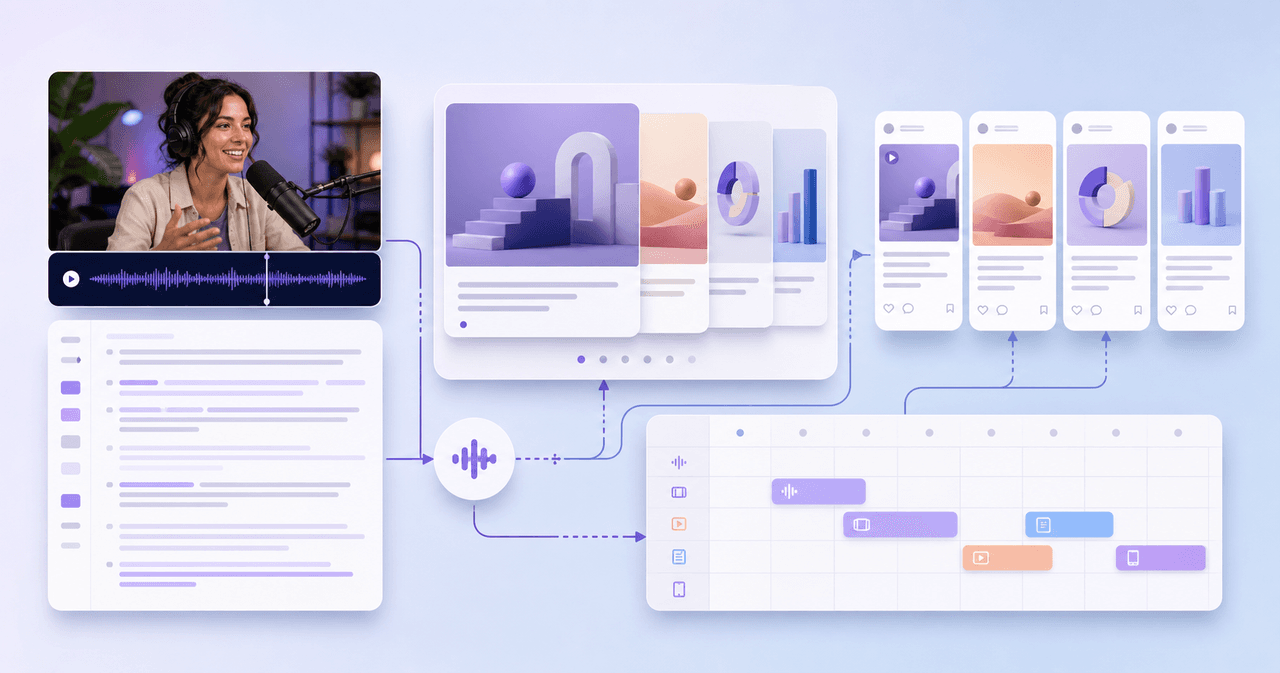
A podcast interview should become more than audiograms. Extract the guest thesis, strongest story, quotable lines, objection answers, listener questions, and resource CTA into a week of native assets.
How to Repurpose a Webinar Into High-Trust Social Content
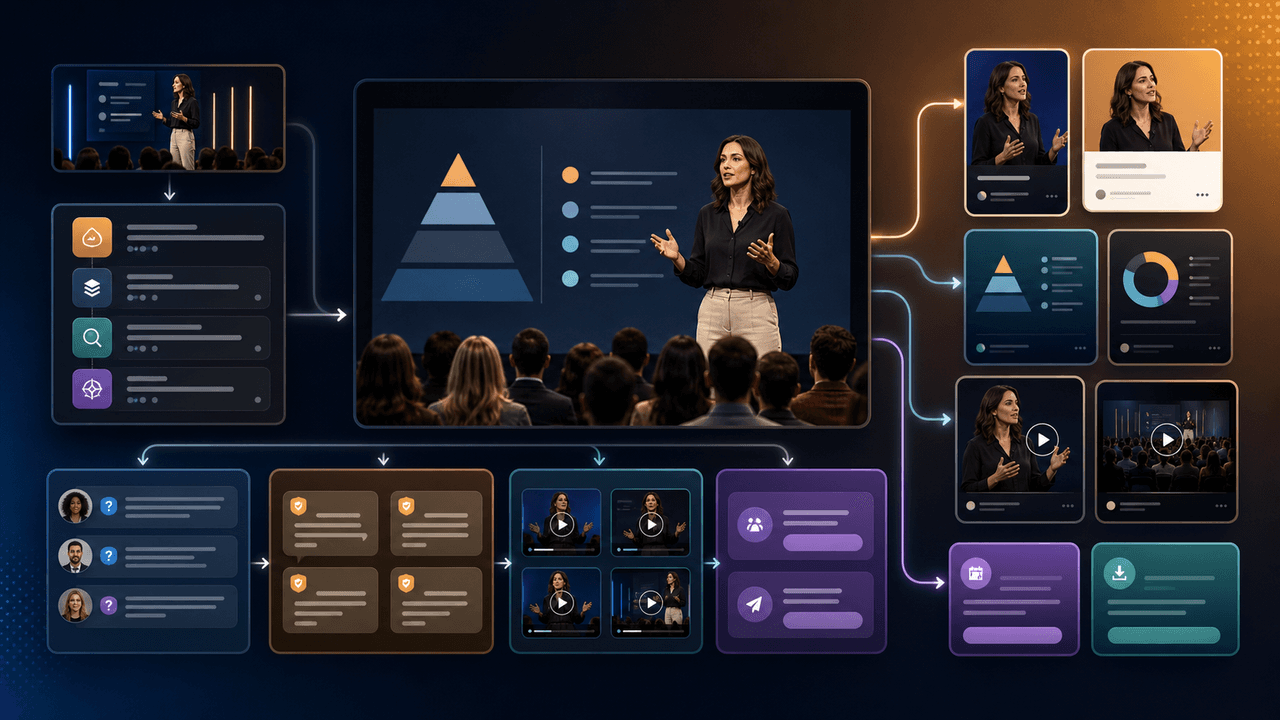
A webinar is a conversion event and a content source. Repurpose it by separating the promise, teaching framework, proof moments, audience questions, objections, and follow-up CTA into native assets.
Sources
- Creating Helpful, Reliable, People-First Content — Google Search Central
- Design Specifications for Carousel Ads — Meta Business Help Center
- Document Ads — LinkedIn Marketing Solutions
- Learn About Posts — YouTube Help
- URL Builders: Collect Campaign Data With Custom URLs — Google Analytics Help
Written by
AttentionClaw
Editorial Team
Editorial context
Part of the Repurposing topic cluster. Last updated June 22, 2026.