Chapter 2
Use a six-part editorial brief
Before writing the newsletter, reduce the interview into a clear editorial brief.
- 1
Thesis
What is the expert's main claim? Write it in one sentence. If you cannot, the interview needs more synthesis before it becomes a newsletter.
- 2
Context
Why does this claim matter now? Add market context, audience pain, platform shift, or workflow problem.
- 3
Framework
What model, checklist, or decision process does the expert use? This becomes the practical core of the issue.
- 4
Evidence
Which examples, credible sources, or observed patterns support the claim? Mark unsupported claims for fact-checking.
- 5
Caveat
Where does the advice not apply? Expert content earns trust when it names limits instead of pretending a framework works everywhere.
- 6
Action
What should the reader do next: audit, test, save, reply, watch, subscribe, or try a workflow?
Chapter 3
Add sources where the expert makes factual claims
Expert interviews often include claims about platform behavior, buyer trends, content performance, or audience habits. Some claims are the expert's opinion; others need support. Treat the newsletter like a review-stage article, not a casual recap.
Google's people-first content guidance points writers toward helpful, reliable content. For interview newsletters, reliability means distinguishing expert judgment from sourced facts. If the expert says 'LinkedIn documents work because professionals save long-form frameworks,' you can frame that as expert opinion. If the issue claims a platform feature exists or a measurement method works, cite an official source.
This is also useful for answer engines. A newsletter that clearly states the question, gives a direct answer, and cites credible sources is easier to reuse across blog, document, and FAQ formats.
Chapter 5
Repurpose the newsletter into a document and carousel
Once the newsletter brief is clear, the visual assets are straightforward. The LinkedIn document should carry the full framework with enough context to save. The carousel should carry the simplified method or contrarian lesson.
LinkedIn describes Document Ads as in-feed documents that can be viewed and downloaded. Even if the asset is organic, the format is useful for expert material because it gives the reader more room than a short post.
The carousel should be narrower than the newsletter. Use it for one framework, one checklist, or one mistake. If the newsletter is the full argument, the carousel is the memory device.
Chapter 6
Turn the caveat into discussion posts
The caveat is often the most interesting part of an expert interview. It shows where the advice breaks, who it is for, and what tradeoff the reader needs to understand.
Turn caveats into discussion posts because they invite better comments than generic takeaways. Example: 'This content repurposing system works for expert businesses with a strong source asset. It does not fix a weak point of view. Which side are you on right now: too much source content, or not enough original thinking?'
Discussion posts also reveal future newsletter topics. If the comments split around a caveat, that tension is worth a follow-up issue.
Chapter 7
Measure newsletter, document, and social assets as a cluster
An expert interview content cluster should be measured as a system. Newsletter opens and clicks show owned-audience interest. Document saves show professional utility. Carousel saves show simplified framework value. Comments show resonance or disagreement.
Use campaign parameters when linking to a full interview, report, signup, or product workflow. Google Analytics URL builder guidance explains that campaign parameters identify referral campaigns. Use one interview campaign name and separate content labels for newsletter, document, carousel, discussion, and CTA.
The best interviews become recurring assets. If one expert framework keeps driving saves and replies, it may deserve a dedicated blog article, webinar, or lead magnet.
Chapter 8
Where AttentionClaw fits
AttentionClaw fits after the editorial brief is finished. The marketer or creator decides the thesis, framework, source claims, and caveat. AttentionClaw can then generate branded carousel and slideshow drafts from the same structure.
For B2B creators, consultants, and expert businesses, this keeps the interview content coherent across newsletter, document, carousel, and discussion formats.
Callout
Turn expert interviews into a consistent social asset set
Use AttentionClaw to turn expert interviews into a consistent set of social assets after you have distilled the thesis and framework.
Chapter 9
How to select quotes that carry editorial weight
Not every strong moment in an interview belongs in a newsletter. The quotes that carry editorial weight are specific, counterintuitive, or framework-defining — they are not the moments where the expert restates conventional wisdom in a polished way. A useful screening question: if a reader encountered this quote outside of context, would they want to know more? If yes, it belongs in the newsletter. If the quote requires the surrounding context to be interesting, it is background — useful for your editorial brief but not lead material.
A practical quote-selection pass for a 60-minute interview: read the transcript and mark every moment where the expert contradicts a common assumption, names a specific failure they observed, describes their own framework in a single phrase, or gives an example that is concrete enough to be immediately applicable. These moments become your pull quotes, your subheadings, and your social excerpt material. Everything else serves as supporting context or is cut.
Next step
Turn expert interviews into a complete thought-leadership series
AttentionClaw helps you convert interview frameworks into branded carousels, documents, and social drafts for expert audiences.
Common Questions
FAQ
More Reading
Keep reading
10-chapter read
How to Turn an Expert Book Chapter Into Social Content
An expert book chapter can become a social content system when the author extracts the chapter promise, argument, examples, objections, diagrams, and next step instead of posting isolated quotes.
10-chapter read
How to Turn Newsletter Sponsorships Into Social Content
Newsletter sponsorships can become useful social content when the public assets explain the audience problem, disclose the relationship clearly, and point readers to the sponsor offer without copying the email ad verbatim.
10-chapter read
How to Repurpose an Expert Roundtable Into High-Trust Social Content
An expert roundtable becomes strong social content when you separate consensus, disagreement, frameworks, proof, unanswered questions, and next-step CTAs.
10-chapter read
How to Turn Podcast Show Notes Into Social Posts
Podcast show notes are a structured source for social content when you separate the episode promise, guest authority, timestamps, resources, questions, and CTA.
10-chapter read
How to Turn a LinkedIn Article Into a Carousel Without Losing the Argument
A LinkedIn article becomes a stronger carousel when you extract the argument, framework, evidence, caveat, and reader decision rather than shrinking the whole article into slides.

Podcast Interview Content Repurposing System: One Guest Conversation Into a Week of Assets
A podcast interview should become more than audiograms. Extract the guest thesis, strongest story, quotable lines, objection answers, listener questions, and resource CTA into a week of native assets.
How to Repurpose a Webinar Into High-Trust Social Content
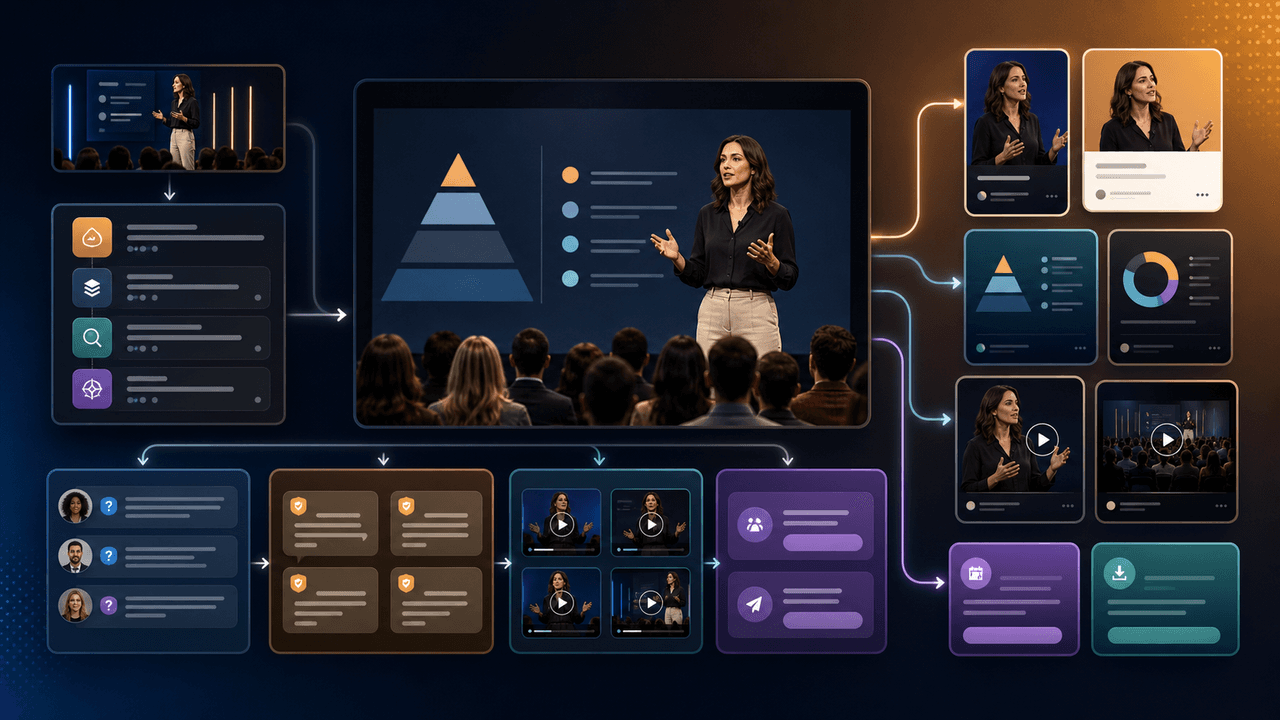
A webinar is a conversion event and a content source. Repurpose it by separating the promise, teaching framework, proof moments, audience questions, objections, and follow-up CTA into native assets.
How to Turn One Newsletter Into a Week of Social Content
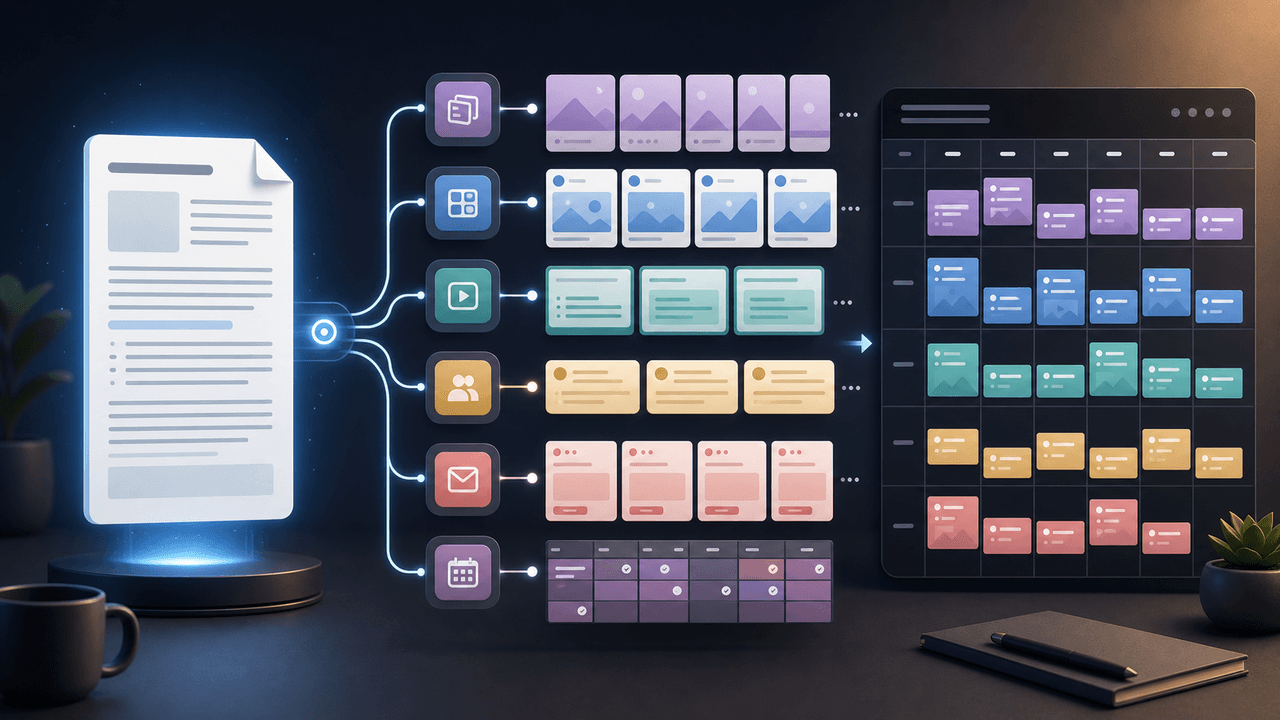
A strong newsletter is not one finished asset. It is the source file for a week of social posts, carousels, short scripts, community posts, and follow-up emails when you extract the argument, proof, examples, and reader questions separately.

Turn one SaaS decision into a useful LinkedIn document
A SaaS LinkedIn carousel strategy should treat the format as a native document post: build one useful professional argument, assemble and verify the document before upload, and measure it with LinkedIn's available post analytics rather than a promised cadence or lead formula.
Sources
- Create a Newsletter on LinkedIn — LinkedIn Help
- Creating Helpful, Reliable, People-First Content — Google Search Central
- Writing Email Newsletters — Mailchimp
- Document Ads — LinkedIn Marketing Solutions
- URL Builders: Collect Campaign Data With Custom URLs — Google Analytics Help
Written by
AttentionClaw
Editorial Team
Editorial context
Part of the Repurposing topic cluster. Last updated June 22, 2026.