Chapter 1
A newsletter archive is a tested idea bank
Most creators treat newsletters as weekly output. They send an issue, watch the replies, and move on. Over months, that creates a valuable archive: topics that got clicks, subject lines that worked, questions readers asked, and arguments that deserve a permanent home.
The archive becomes more valuable when it is reorganized by search intent. A series of scattered issues about repurposing can become a topic hub, several articles, and a set of related social assets. The creator has already done the thinking; the missing layer is structure.
Google's SEO Starter Guide frames SEO as improving a site's presence in search and helping search engines understand content. For newsletter archives, this means rewriting email-first issues into pages with clear titles, internal links, sources, and direct answers.
High-click issues show proven audience interest.
Reply-heavy issues show active confusion or demand.
Repeated themes reveal topic clusters.
Old examples reveal update opportunities.
Strong frameworks can become evergreen pages and carousels.
Chapter 2
Audit the archive by intent, not date
Chronological archives are useful for subscribers. Content hubs need topical structure.
- 1
Export or list the archive
Create a spreadsheet with issue title, date, topic, clicks, replies, links, and the main promise.
- 2
Cluster by reader problem
Group issues by the problem they solve: content extraction, newsletter growth, course marketing, YouTube repurposing, expert positioning, or client workflows.
- 3
Assign search intent
Mark each issue as how-to, strategy, checklist, template, comparison, examples, or FAQ. This decides the future URL shape.
- 4
Score update need
Flag issues with old platform details, unsupported claims, outdated examples, weak CTAs, or missing sources.
- 5
Choose hub candidates
Pick clusters with at least three strong issues and a clear business connection. These become content hubs.
Chapter 3
Rewrite email issues into search-ready pages
An email and a search page have different jobs. A newsletter can assume reader familiarity and start with a personal story. A search page needs to answer the query quickly, organize the answer, cite sources where needed, and link to related pages.
Google's people-first content guidance is a useful standard for rewriting. Keep the original voice, but make the page more complete: direct answer, practical examples, caveats, sources, FAQs, and clear next steps.
Do not publish every issue unchanged. Some issues should become sections inside a hub. Some should become standalone posts. Some should only become social assets. The archive is source material, not a migration queue.
Callout
Rewrite test
If the page only makes sense to existing subscribers, it is still an email. Add context, definitions, internal links, and examples for new readers.
Chapter 4
Build internal links before publishing the hub
A content hub works because pages support each other. The main hub should link to specific articles. Each article should link back to the hub and sideways to related workflows. This helps readers continue through the topic instead of bouncing after one answer.
Google's SEO Starter Guide discusses links and anchor text as a way to help users and search engines understand linked pages. For a newsletter archive hub, use descriptive internal links like 'newsletter-to-social-content workflow' instead of vague labels like 'read more.'
In AttentionClaw's blog structure, this means linking archive-derived articles to related repurposing posts, workflow systems, topic hubs, and the product CTA.
Hub to article: broad topic to specific answer.
Article to hub: specific answer back to parent topic.
Article to article: adjacent workflow or format.
Article to resource: template, checklist, or category page.
Article to CTA: product workflow only where the reader is ready.
Chapter 7
Measure the archive conversion like a content product
A newsletter archive hub has several success metrics: organic visits, internal link clicks, newsletter signups, social saves, replies, and product CTA clicks. Do not judge the project only by one post's performance.
Use campaign tracking when social assets point back to the hub or when the hub points to a signup or product workflow. Google Analytics URL builder guidance explains that campaign parameters identify referral campaigns. Use labels for archive_hub, archive_carousel, archive_document, archive_newsletter_cta, and archive_product_cta.
Review quarterly. Which archive clusters created durable traffic? Which social assets drove readers back to the hub? Which old issues deserve expansion into full articles?
Chapter 8
Where AttentionClaw fits
AttentionClaw fits after the archive has been clustered. The creator or marketer chooses the source issues, search intent, and internal link plan. AttentionClaw can then help turn each cluster into visual content drafts that match the hub's structure.
For newsletter creators and expert businesses, that means old thinking can become new distribution without rewriting every social asset manually.
Callout
Turn your newsletter archive into social content
Use AttentionClaw to turn newsletter archive clusters into branded carousels, documents, and social sequences that point back to your best long-form ideas.
Chapter 9
A decision framework for choosing which archive clusters to build first
Not every newsletter topic deserves to be turned into a hub cluster. The decision should be based on three factors: whether there is search demand for the topic, whether the existing issues are strong enough to rewrite into search-useful pages, and whether the creator has the authority to rank for that topic given the competition.
A practical way to prioritize is to list every theme that appears in three or more archive issues and ask two questions for each: Do people search for this topic and land somewhere unsatisfying? Does the existing content, when updated and consolidated, answer that question better than what is currently ranking? If both answers are yes, that cluster is worth building. If only one answer is yes, the cluster may be worth building for social and email use even if organic search is a lower priority.
- 1
List every recurring topic in the archive
Read subject lines and intro paragraphs for all issues. Group them by theme without worrying about exact titles — the goal is to see which topics appear repeatedly.
- 2
Identify which topics have search intent
Use a keyword tool or simply type the topic into a search engine and note what the auto-complete suggestions and top results look like. Strong search intent appears as specific questions or how-to queries.
- 3
Assess existing content quality for each candidate cluster
Read the relevant issues and ask: if these were combined and updated, would they constitute the most useful resource available on this topic? If the answer is no, the content needs significant new material before becoming a hub page.
- 4
Rank by potential impact and start with the top two or three
Building a hub cluster properly takes time. Starting with two or three strong candidates and completing them well is more effective than launching eight thin clusters simultaneously.
Chapter 10
Keeping the hub current: a practical refresh cycle
A newsletter archive hub is not a set-and-forget asset. The issues it draws from were written at a specific moment, and some of the guidance, examples, or references in those issues will become outdated. A hub page that has aged visibly — with references to things that have changed — signals to both readers and search engines that the content is not being maintained.
A light quarterly review of each hub cluster takes less time than it sounds. The review checks for: references to tools, platforms, or policies that have changed; examples that are no longer current; and new issues from the ongoing newsletter that belong in the cluster and should be linked or integrated. If a review surfaces more than minor updates, a full rewrite of the hub page may be warranted — but that review only needs to happen when the content has meaningfully drifted from current best practice.
The newsletter itself is the best early-warning system for when a hub needs updating. When the creator publishes a new issue that revisits a topic the hub covers, that is a signal to either update the hub page with the new thinking or add the new issue as a linked sub-page in the cluster. Treating new issues as potential hub updates — rather than standalone items — keeps the archive and the hub in sync over time.
Next step
Turn your archive into a reusable content system
AttentionClaw helps creators convert proven newsletter ideas into branded social assets that support long-form content hubs.
Common Questions
FAQ
More Reading
Keep reading
9-chapter read
Substack Newsletter Instagram Carousels: Turn Essays Into Subscriber Teasers
Substack newsletter carousels should turn one essay into a subscriber-focused sequence: premise, tension, key idea, proof, takeaway, and subscription CTA.
10-chapter read
How to Turn Newsletter Sponsorships Into Social Content
Newsletter sponsorships can become useful social content when the public assets explain the audience problem, disclose the relationship clearly, and point readers to the sponsor offer without copying the email ad verbatim.
10-chapter read
How to Repurpose an Expert Roundtable Into High-Trust Social Content
An expert roundtable becomes strong social content when you separate consensus, disagreement, frameworks, proof, unanswered questions, and next-step CTAs.
11-chapter read
How to Turn an AMA Session Into FAQ Content
An AMA session becomes durable FAQ content when you cluster repeated questions, write direct answers, add caveats and sources, and repurpose each cluster into social assets.

Choose Content Pillars Your Team Can Actually Support
An Instagram content pillar is a durable editorial promise to a defined audience, supported by evidence your team can keep producing. It is not a mandatory posting ratio, a list of formats, or an SEO topic cluster. Use the worksheet in this guide to decide which themes deserve recurring coverage and which should remain occasional.
10-chapter read
How to Turn Audience Survey Results Into a Content Calendar
Audience survey results become a content calendar when you sort answers by pain, desired outcome, objection, language, and next-step intent, then map each group to a useful content format.
10-chapter read
How to Turn One Blog Post Into a Full Social Content System
A strong blog post can become a full social content system when you extract the direct answer, framework, examples, sources, objections, and CTA separately instead of summarizing the whole article.

A YouTube Community Post Content System for Creators
YouTube posts work best when they are part of a source-content system. Use chapters, comments, audience questions, and video proof moments to create polls, quizzes, image posts, carousel ideas, and newsletter prompts between uploads.
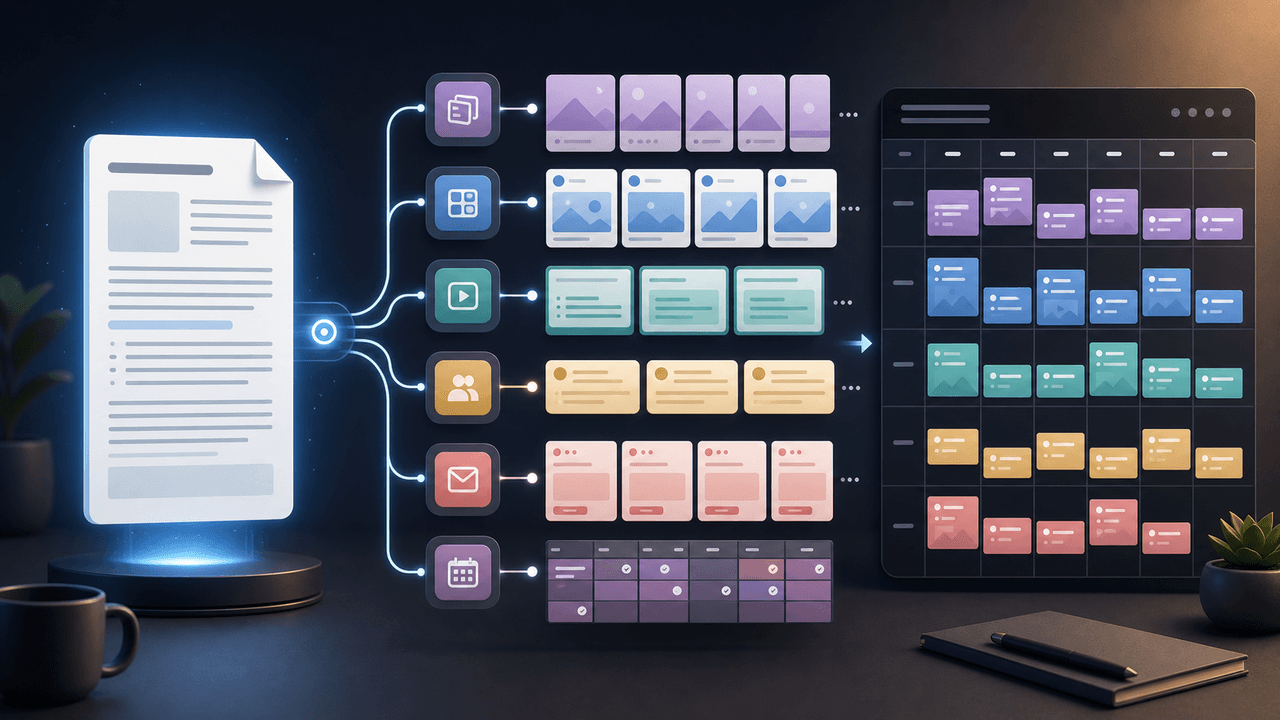
How to Turn One Newsletter Into a Week of Social Content
A strong newsletter is not one finished asset. It is the source file for a week of social posts, carousels, short scripts, community posts, and follow-up emails when you extract the argument, proof, examples, and reader questions separately.
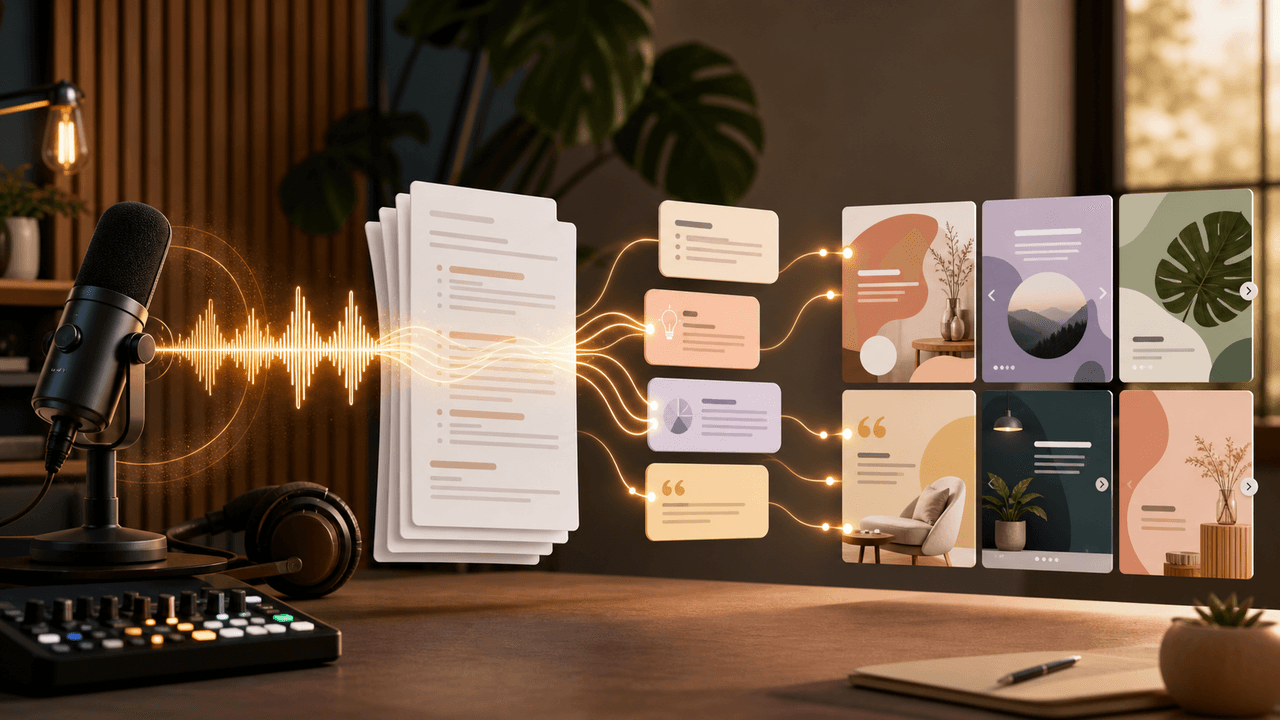
Turn one podcast theme into a sourced carousel
A podcast carousel should preserve the episode's meaning, not compress a transcript into disconnected quotes. This workflow selects one defensible theme, traces every slide to source material, and sends the finished sequence through approval.
Sources
- Search Engine Optimization Starter Guide — Google Search Central
- Creating Helpful, Reliable, People-First Content — Google Search Central
- Create a Newsletter on LinkedIn — LinkedIn Help
- Document Ads — LinkedIn Marketing Solutions
- URL Builders: Collect Campaign Data With Custom URLs — Google Analytics Help
Written by
AttentionClaw
Editorial Team
Editorial context
Part of the Repurposing topic cluster. Last updated June 22, 2026.
Chapter 5
Convert each archive cluster into a social series
Once a cluster becomes a hub, it can also become a social series. The hub holds the long-form answer. The social assets distribute the best parts: framework, mistake, example, quote, checklist, and CTA.
Meta's carousel format guidance is useful because cluster content often needs multiple cards to move through an idea. Use one carousel for the framework, one for common mistakes, one for examples, and one for the checklist. Do not cram the entire hub into one post.
For LinkedIn, a document can summarize the cluster as a field guide. LinkedIn's document format gives more room for B2B or expert-business readers who want to save a deeper asset.