Chapter 1
The short answer: order slides by buyer questions
The best ecommerce carousel ad slide order starts with the buyer's problem or desired outcome, then shows the product in context, proves the claim, handles one hesitation, explains the offer, and closes with a matched CTA. Meta carousel ads support multiple images or videos with links and calls to action, so the order should be intentional rather than a random product dump.
Different offers need different sequences. A launch needs newness and proof. A bundle needs item roles and combined value. A discount needs product desirability before price. Retargeting needs objection handling faster than cold prospecting.
Use these examples as structures, not scripts. The exact wording should come from real product facts, reviews, offer terms, and the page the ad sends traffic to.
Cold product offer: hook, context, product, proof, objection, CTA.
Bundle offer: outcome, item roles, bundle proof, value, offer, CTA.
Discount offer: buying moment, product value, proof, terms, urgency, CTA.
Retargeting offer: reminder, proof, objection, offer, guarantee, CTA.
Gift guide offer: recipient, occasion, product reason, price tier, collection CTA.
Callout
Ordering rule
If two slides can be swapped without changing the argument, one of them probably does not have a clear job.
Chapter 2
Example 1: new product launch carousel
A launch carousel should not lead with `new product available` unless the audience already wants it. Lead with the problem or occasion that makes the launch relevant.
Use the middle cards to prove the product is real, useful, and worth considering now. The final cards should explain the launch offer and destination.
Shopify's landing-page guidance focuses on getting visitors to take a specific action. For launch traffic, that action should be visible on the destination page immediately.
- 1
Slide 1: Buyer problem
Name the situation the product improves.
- 2
Slide 2: Product reveal
Show the product solving that situation.
- 3
Slide 3: Main benefit
Translate the top feature into a buyer result.
- 4
Slide 4: Detail proof
Show material, ingredient, size, construction, or compatibility.
- 5
Slide 5: Review or credibility
Use a quote, waitlist note, guarantee, or founder proof.
- 6
Slide 6: Launch offer
Explain discount, bundle, free gift, preorder, or deadline.
- 7
Slide 7: CTA
Send to the product or launch page that matches the offer.
Chapter 3
Example 2: bundle offer carousel
Bundle carousels fail when they look like a list of products. The order should explain why the items belong together and what combined outcome the buyer gets.
Start with the complete result, then show each item's role. Use one slide to show the full kit together so the buyer understands the value of buying the set.
Do not make the final CTA point to a generic collection unless the collection preselects or clearly features the bundle.
- 1
Slide 1: Complete outcome
Name the routine, kit, gift, or transformation the bundle creates.
- 2
Slides 2-4: Item roles
Each item gets one slide explaining its job in the system.
- 3
Slide 5: Bundle together
Show the full set and explain convenience or savings.
- 4
Slide 6: Objection
Answer price, use frequency, size, shipping, or compatibility.
- 5
Slide 7: Bundle CTA
Link to the exact bundle page or offer module.
Chapter 4
Example 3: discount or sale carousel
A discount is not a substitute for product value. If slide one only says `20 percent off`, the buyer may click for price but not understand why the product matters. Lead with a buying reason, then add the discount as the reason to act now.
Use proof before urgency. Buyers need to want the product before the deadline matters. This is especially true for cold audiences.
For retargeting, you can move the offer earlier because the audience has already shown interest.
Cold sale order: problem, product, proof, discount terms, urgency, CTA.
Warm sale order: product reminder, discount terms, proof, guarantee, CTA.
Cart sale order: cart reminder, shipping or returns, offer deadline, CTA.
Do not hide exclusions or thresholds until checkout.
Use UTMs to compare discount creative against non-discount proof creative.
Chapter 5
Example 4: retargeting carousel order
Retargeting order should move faster than prospecting order. A product viewer does not need the broadest problem introduction again. Start with proof, detail, or objection.
Meta and TikTok audience tools can help create warm audiences, but the creative still has to respond to why the person stopped. Product viewers, cart abandoners, and customers need different order.
Retargeting slides should also respect fatigue. Rotate proof, objection, offer, and education lanes rather than repeating the same reminder.
- 1
Slide 1: Reminder or proof
Show the product or result with a specific reason to reconsider.
- 2
Slide 2: Detail
Answer fit, size, setup, material, ingredient, or compatibility.
- 3
Slide 3: Review
Use social proof that matches the hesitation.
- 4
Slide 4: Risk reversal
Show guarantee, returns, shipping, privacy, or support.
- 5
Slide 5: CTA
Return to the exact product, bundle, checkout, or demo path.
Chapter 6
How to measure slide-order tests
A slide-order test should change order, not every asset. If you test result-first versus problem-first, keep product, offer, destination, and proof assets stable.
Use `utm_content` or creative naming to identify order: `carousel_problem_first_bundle_v1` versus `carousel_result_first_bundle_v1`. Google Analytics campaign URL guidance supports using parameters to identify campaign traffic, and those names make the result useful.
Measure downstream behavior. The order that wins on click-through rate may not win on purchase rate or average order value.
Test problem-first versus result-first.
Test proof early versus proof late.
Test offer early versus offer late.
Track add-to-cart, checkout, purchase, revenue per visitor, and average order value.
Document the winning order as a reusable template.
Chapter 7
Make the landing page continue the slide order
The destination page should not erase the sequence the carousel just built. If the carousel starts with a bundle outcome, the page should show the bundle outcome and item roles quickly. If the carousel sells a discount after proof, the page should preserve product value and make the offer terms visible. If the carousel handles a retargeting objection, the page should continue that answer.
This handoff is especially important for paid social because the ad may be the visitor's first structured explanation of the offer. A generic product page can work when the carousel is simple, but a more complex bundle, gift guide, comparison, or app-install offer usually needs a matching section near the top.
Treat the final slide as the transition to the page. The CTA wording, hero visual, and first page section should feel like the next step in the same argument.
Bundle carousel links to bundle logic, not a generic collection.
Discount carousel links to visible terms and eligible products.
Comparison carousel links to a comparison or decision section.
Retargeting carousel links near the objection it answered.
Gift guide carousel links to filtered recipient or occasion options.
Chapter 8
Use slide order as the production brief
A clear slide order turns production into a checklist. Designers know which proof image is needed. Copywriters know which claim belongs on each slide. Media buyers know what variable is being tested. Reviewers know which offer and destination must match.
For AI-assisted production, slide order is even more important. Without a sequence, generated variants can become visually polished but strategically random. With a sequence, the team can ask for five versions of the same structure and compare hook, proof, or offer without losing the campaign logic.
Save the best sequences as templates. A launch template, bundle template, discount template, and retargeting template will usually outperform starting from a blank carousel every week.
- 1
Name each slide job
Hook, context, proof, objection, offer, CTA, or handoff.
- 2
Attach required evidence
Review, screenshot, product detail, comparison, guarantee, or offer terms.
- 3
Define the test variable
Hook family, proof order, offer placement, or CTA destination.
- 4
Save the reusable structure
Turn winners into templates for the next product, bundle, or audience.
Chapter 9
Slide-order mistakes to avoid
The first mistake is treating the carousel as a catalog. Product variety can help, but the ad still needs a story.
The second mistake is putting the offer before value for cold audiences. A discount does not matter until the buyer wants the product.
The third mistake is sending the CTA to a page that does not continue the sequence. If the carousel tells a bundle story, the page should continue the bundle story.
Do not repeat the same product shot with slightly different text.
Do not save the main benefit until the final slide.
Do not overload every slide with multiple claims.
Do not use a generic CTA after a specific offer.
Do not test order without a clean naming convention.
Callout
Build ecommerce carousels with a clear slide sequence
AttentionClaw helps ecommerce teams turn product facts, proof, and offer logic into carousel slide orders that can be tested and reused.
Next step
Build ecommerce carousels with a real sequence
AttentionClaw helps ecommerce teams turn product facts, reviews, offer terms, and landing-page goals into testable carousel slide orders.
Common Questions
FAQ
More Reading
Keep reading
8-chapter read
Carousel Slide Order That Converts: Hook, Proof, Offer, CTA
A converting carousel usually follows a clear order: hook, context, problem, solution or product, proof, objection handling, offer, and CTA. The exact slide count can change, but the reader should never wonder why the next slide exists.
7-chapter read
Ecommerce Carousel Ad Creative Testing Framework
Ecommerce carousel ad testing should isolate one variable at a time: hook, proof order, product angle, offer, or CTA. Start with three hook variants using the same middle slides, then test proof and offer only after a clear signal appears.
7-chapter read
Instagram Carousel Ad Hook Formulas That Qualify Buyers
The best Instagram carousel ad hooks qualify the audience, name the buying problem, and create a reason to swipe. A hook should attract the right buyer, not just the most curious viewer.
7-chapter read
Carousel Ads Offer Testing Framework for Paid Social
Offer testing in carousel ads should compare one buying reason at a time: bundle value, trial access, launch urgency, discount, free gift, demo, or lead magnet. Keep the audience, proof, and landing page controlled enough that the result creates a real decision.

Four Product Carousel Formats Built Around Evidence
The best ecommerce carousel template depends on the buyer question and the evidence available. These four formats organize approved product details, media, comparison facts, bundle contents, and use cases into reviewable slide sequences without promising that a template will generate sales.
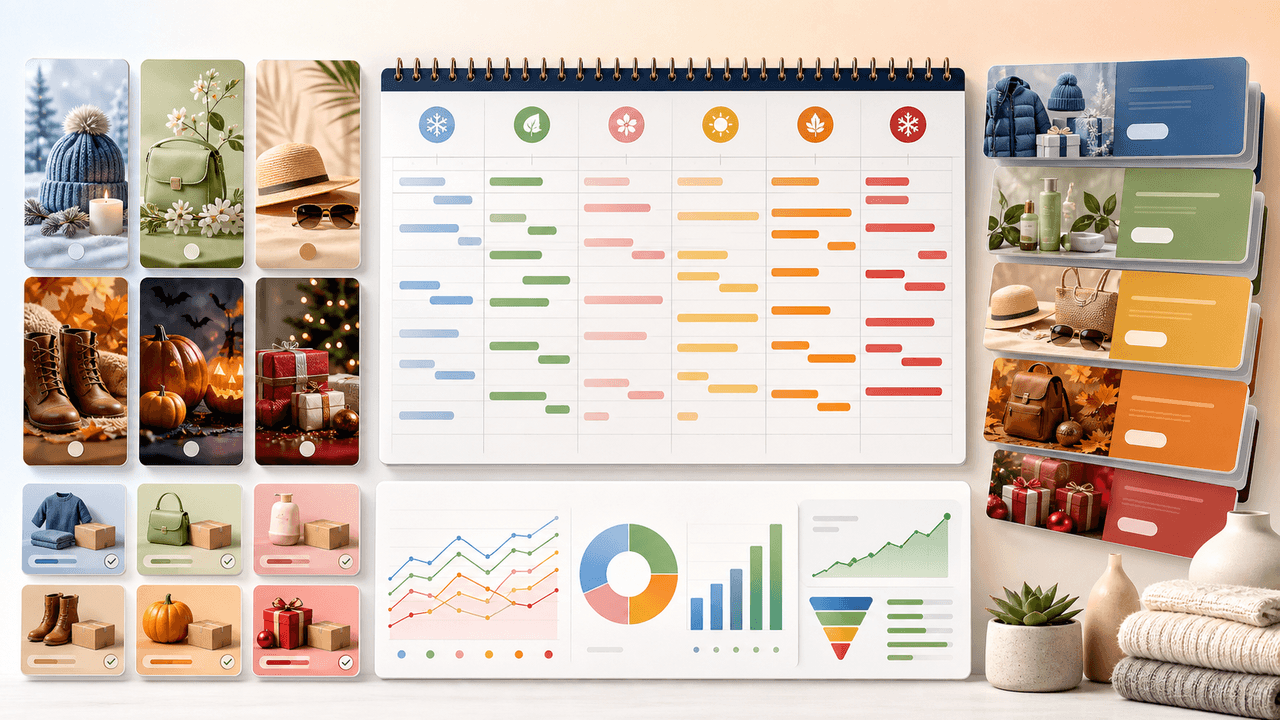
Seasonal Carousel Campaigns for E-Commerce: A Year-Round Playbook
E-commerce brands that plan seasonal carousel campaigns in advance outsell reactive competitors by a wide margin. This playbook covers every major selling season with specific carousel formats, timelines, and content strategies that drive revenue year-round.

Product Comparison Carousels: Help Shoppers Choose (And Choose You)
Comparison carousels are some of the highest-converting content in e-commerce because they meet shoppers at the exact moment they are deciding between options. Done right, they make your product the obvious choice without feeling like a biased sales pitch.

UGC Carousels for E-Commerce: Turn Customer Photos Into Your Best Sales Tool
User-generated content converts at 4-5 times the rate of brand-produced content, but most e-commerce brands either ignore UGC or use it poorly. Repurposing customer photos into structured carousel formats turns scattered social proof into your highest-performing sales asset.

Product Education Carousel Frameworks for Shopify Stores
Product education carousels work when they translate product-page facts into buyer decisions. Use a framework for each job: explain the problem, compare variants, teach use, prove quality, or build a bundle. The goal is not more slides; it is fewer unanswered buying questions.

Write carousel copy as one connected argument
Good carousel copy lets a reader understand one argument without guessing what connects the slides. This guide covers hooks, claim-proof editing, continuity, legibility, and a complete before-and-after example.
Sources
- About Carousel Ads — Meta Business Help Center
- High-Converting Landing Pages: Best Practices + Core Pillars — Shopify
- URL builders: Collect campaign data with custom URLs — Google Analytics Help
- About Carousel Ads in TikTok Ads Manager — TikTok Ads Manager
Written by
AttentionClaw
Editorial Team
Editorial context
Part of the Carousel Creation topic cluster. Last updated June 22, 2026.