Chapter 1
The short answer: use mood boards for direction and AI style systems for repeatable output
Manual mood boards are useful when a team needs to agree on taste, references, emotional tone, and visual territory. AI style systems are useful when the team needs to generate many consistent social assets from that direction. The best workflow uses both: a mood board to define the world and an AI style system to produce within it.
A mood board is usually a collection of references. An AI style system is operational: product or character identity lock, style lanes, prompt templates, composition rules, negative constraints, approved examples, and review criteria. It is built for production, not just inspiration.
For ecommerce and social campaigns, the risk of relying only on mood boards is drift. A designer or AI tool may understand the vibe but still change product color, packaging, character face, scene rules, or campaign structure. A style system makes those constraints explicit.
Mood boards answer: what should this feel like?
AI style systems answer: how do we generate this repeatedly without drift?
Mood boards are better for early concepting.
AI style systems are better for monthly production and cross-platform variation.
Use both when product accuracy, character continuity, and brand consistency matter.
Chapter 2
Where manual mood boards still win
Mood boards are fast, human, and good at taste. They help founders, marketers, designers, and clients discuss the feeling of a brand before locking rules. They are especially useful when a team is still choosing between visual directions.
A good mood board can show what words like 'premium,' 'playful,' 'clinical,' 'warm,' or 'editorial' mean in practice. It can also prevent misalignment before production starts. A team that skips this phase may build a very consistent system in the wrong style.
Mood boards also work well for editorial references, seasonal campaigns, packaging inspiration, photography direction, and competitor-adjacent visual mapping, as long as the team does not copy distinctive assets.
Best for early taste alignment.
Best for stakeholder review before production.
Best for exploring several brand directions.
Best for photography, prop, color, and mood references.
Weak for repeatable AI generation unless converted into rules.
Chapter 3
Where AI style systems win
AI style systems win when production volume matters. A content team does not need one beautiful reference; it needs a way to create twenty, fifty, or one hundred useful assets without the brand falling apart.
A style system turns subjective direction into reusable rules. It defines what can change and what cannot. Product identity may stay fixed while scene lanes vary. Character identity may stay fixed while pose and content pillar vary. Campaign color roles may stay fixed while seasonal props change.
This is where AI production becomes more than prompt guessing. The system gives the model constraints, gives the reviewer criteria, and gives the marketer confidence that the output belongs to the same campaign.
- 1
Identity lock
Defines product, character, logo, packaging, or brand asset details that cannot change.
- 2
Style lanes
Defines recurring visual worlds for education, proof, lifestyle, offer, and seasonal content.
- 3
Prompt templates
Turns brand direction into reusable instructions for each campaign job.
- 4
Review checklist
Gives the team a strict way to approve or reject outputs.
Chapter 4
Decision framework: which one should your team use?
Use a mood board when you are still deciding what the brand should feel like. Use an AI style system when you know the direction and need repeatable execution. If a product launch is two weeks away and you need thirty assets, a mood board alone is not enough.
Use both when the brand is evolving. Start with mood boards for exploration, choose one direction, then translate it into identity locks, style lanes, prompts, and review criteria.
New brand or redesign: mood board first, AI style system second.
Existing brand with messy social output: audit, then create AI style system.
Product launch: use existing style system or build a lightweight one before generating assets.
AI influencer account: character bible and style system are mandatory; mood board is only supporting context.
Agency workflow: mood board for client alignment, AI style system for production.
Chapter 5
How to convert a mood board into an AI style system
The conversion step is where most teams fail. They collect references, then paste them into a prompt as 'make it like this.' That is not a system. The team needs to extract rules from the references.
Look at the mood board and write down the repeated patterns: lighting, surfaces, color temperature, camera distance, object density, typography style, negative space, emotional tone, product placement, and recurring props. Then decide which patterns are required and which are optional.
Finally, create prompt blocks and review examples. Approved examples show the system working. Rejected examples show what drift looks like.
- 1
Extract visual rules
Turn references into explicit color, lighting, camera, composition, prop, and texture rules.
- 2
Define fixed identity
Document the product, character, or brand asset details that must not change.
- 3
Create style lanes
Group recurring scene types into repeatable campaign worlds.
- 4
Write prompt templates
Create reusable blocks for each content job: product proof, routine, bundle, offer, character scene, or educational slide.
- 5
Build review criteria
Define why an output passes or fails before the team starts approving assets.
Chapter 6
The practical recommendation for social teams
Use a mood board to pick a direction. Then stop treating it as the production tool. Build a compact AI style system that includes identity, style, prompt, and review rules. That is what lets a small team create a month of carousels, slideshows, product images, and campaign assets without reinventing the brand every day.
AttentionClaw fits the AI style-system side of the workflow. It helps turn brand rules and campaign briefs into consistent social assets, while the team keeps control over taste, truth, and approval.
Do not skip human taste alignment.
Do not stop at inspiration references.
Translate references into operational rules.
Review generated assets against rules, not vibes.
Update the system when a campaign creates new approved examples.
Callout
Move from mood board to repeatable social creative with AttentionClaw
Use AttentionClaw to turn your style system into consistent social creative for product launches, AI influencers, TikTok slideshows, and Instagram carousels.
Chapter 7
What a minimal AI style system actually contains
Most teams that try to build an AI style system either over-engineer it into a 40-page document no one reads, or under-engineer it into a vague prompt that produces inconsistent output. A useful style system for social creative sits in the middle: specific enough to constrain the output, compact enough to be used on every post.
A minimal working style system contains four elements: a color rule (the exact palette, including what is off-limits), a typography rule (typeface family, weight, hierarchy rules, and spacing norms), a photography or illustration rule (subject style, background treatment, color grading or filter consistency), and a layout rule (safe zones, text density, logo placement, slide count norms). These four elements constrain the most common visual inconsistencies without requiring a design degree to apply.
The fifth element — often overlooked — is a rejection list: visual patterns to avoid that have shown up in outputs and do not fit the brand. This is more effective than adding more rules, because AI image generation tends to fill in aesthetic gaps with popular defaults. Naming what to avoid forces those defaults out of the output range.
Color rule: exact hex codes or Pantone equivalents, plus 'not' examples.
Typography rule: family, weights in use, hierarchy (H1/H2/body), line spacing norms.
Photography rule: subject framing, background type, color grading, what not to show.
Layout rule: safe zones, text density per slide, CTA placement.
Rejection list: 2-5 specific visual patterns that have appeared in outputs and do not match the brand.
Chapter 8
The gap between a mood board and a style system — and how to close it
A mood board shows what good looks like. A style system tells a non-designer — or an AI tool — how to get there. The gap between them is instructions: the mood board is the destination, the style system is the route.
The most common failure mode is handing an AI tool a mood board image and asking it to 'match the style.' This works occasionally for obvious aesthetic attributes (color palette, rough composition style) but fails reliably for subtler elements: the density of text, the weight of negative space, the treatment of human subjects, the typeface hierarchy that makes something feel premium versus casual. These require explicit rules, not visual inference.
Closing the gap means translating each mood board element into a rule. For every inspiration image in the board, ask: what specifically makes this fit the brand? Is it the color temperature? The white space? The absence of drop shadows? The subject centered rather than cropped? Write that observation as a rule in plain language. Five clear rules derived from a mood board will outperform the mood board itself as a production guide.
Next step
Move from mood board to repeatable social creative
AttentionClaw helps teams turn brand style systems into consistent product images, AI persona posts, TikTok slideshows, and Instagram carousels.
Common Questions
FAQ
More Reading
Keep reading
7-chapter read
How to Debug AI Style Drift in Social Images
AI style drift happens when generated social images slowly stop matching the approved brand, product, character, or scene system. Debug it by isolating the drift type, comparing against baselines, tightening prompt blocks, adding references, and changing the review gate.
8-chapter read
AI Background Consistency for Product Scenes
AI product backgrounds stay consistent when you define scene lanes, surfaces, lighting, camera distance, prop rules, color temperature, and negative constraints before generation. The product identity should stay fixed while context changes only inside approved lanes.
8-chapter read
Character Reference Sheet for AI Social Campaigns
A character reference sheet keeps AI social campaigns visually consistent by documenting approved face, body, wardrobe, expressions, scenes, forbidden drift, disclosure rules, and review criteria before content generation begins.
8-chapter read
Brand Style Prompt Templates for Consistent Social Media Images
Brand style prompts work best as reusable blocks: identity lock, style lane, camera and lighting, composition, allowed variation, negative constraints, and review criteria. The template should protect the brand while leaving enough room for useful campaign variation.
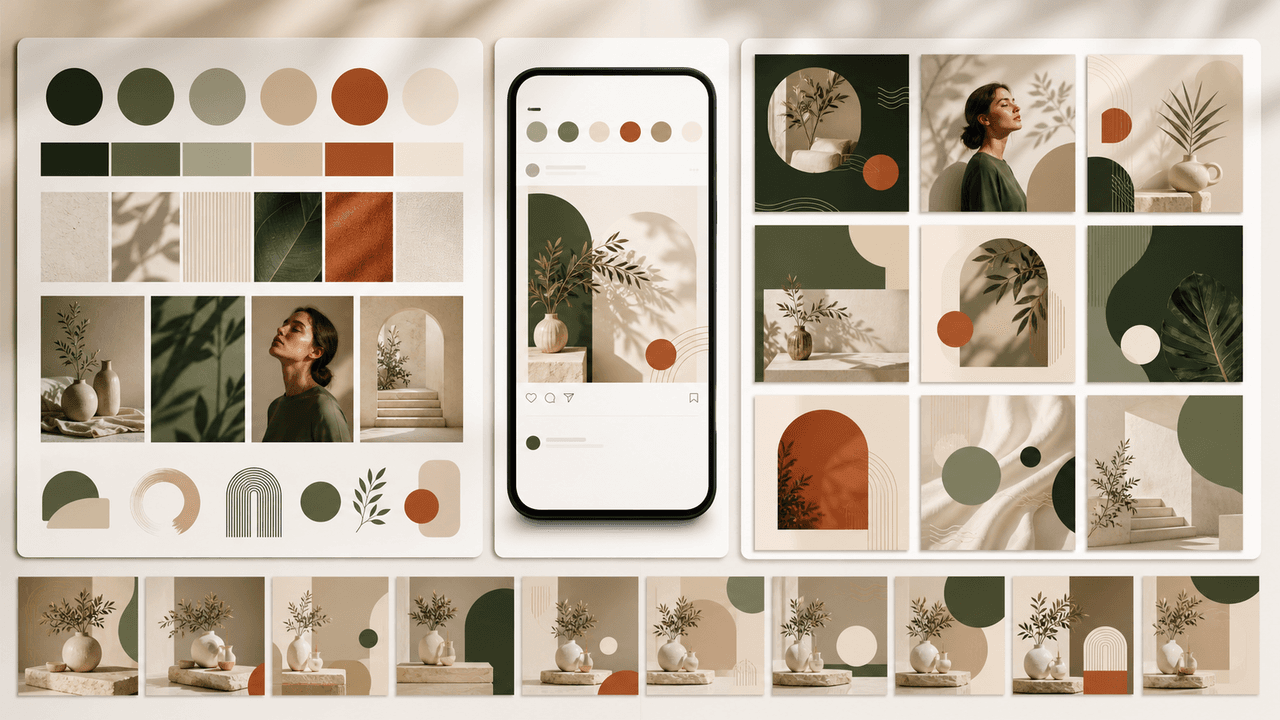
How to Build a Brand Style System for AI-Generated Social Content
A brand style system for AI-generated social content turns taste into operating rules. It defines visual identity, voice, prompt blocks, reusable scenes, text rules, source rules, and QA gates so every carousel, slideshow, infographic, and product post feels like the same brand.
8-chapter read
AI Prompt Library Template for Social Media Teams
A useful AI prompt library is not a folder of clever prompts. It is a production system with repeatable prompt families, required inputs, source rules, brand constraints, output specs, approval status, and QA notes so social teams can create faster without losing accuracy or brand control.
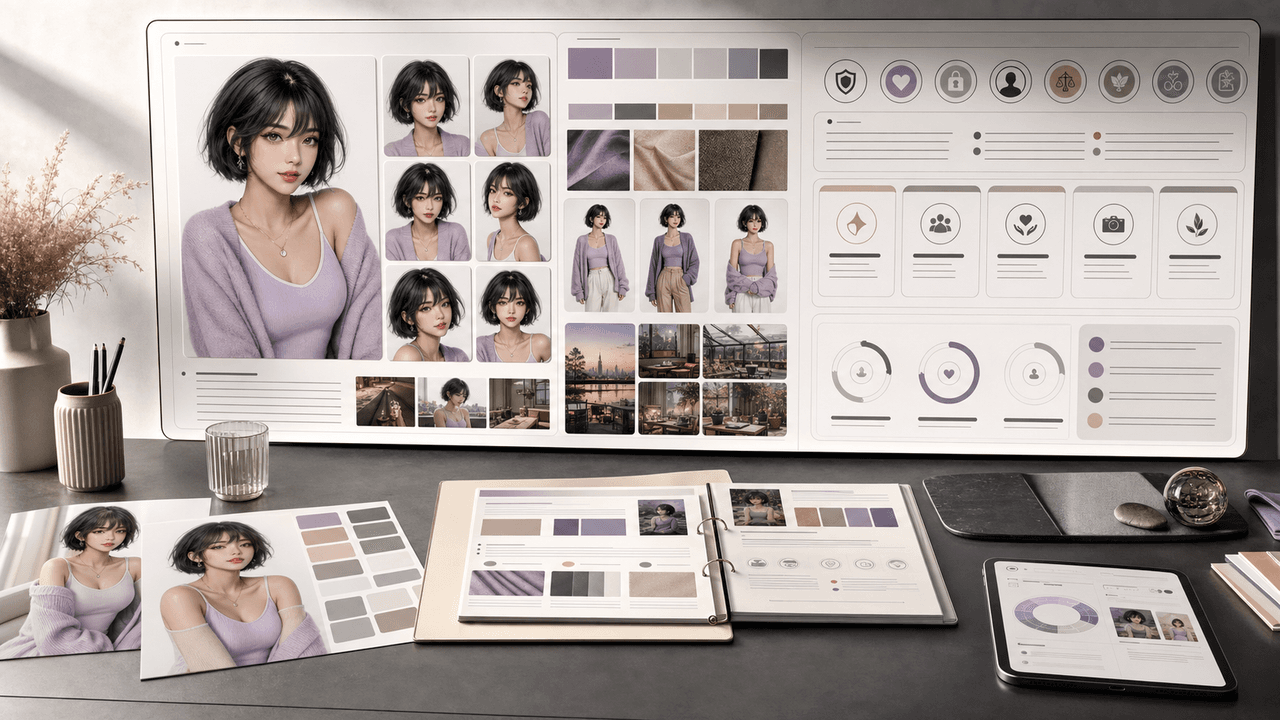
How to Build a Character Bible for an AI Influencer Account
An AI influencer character bible is the operating manual that keeps a synthetic persona recognizable, transparent, and useful across posts. It should define visual identity, voice, backstory boundaries, disclosure rules, content pillars, approved scenes, prohibited claims, and review criteria before the account starts publishing at scale.
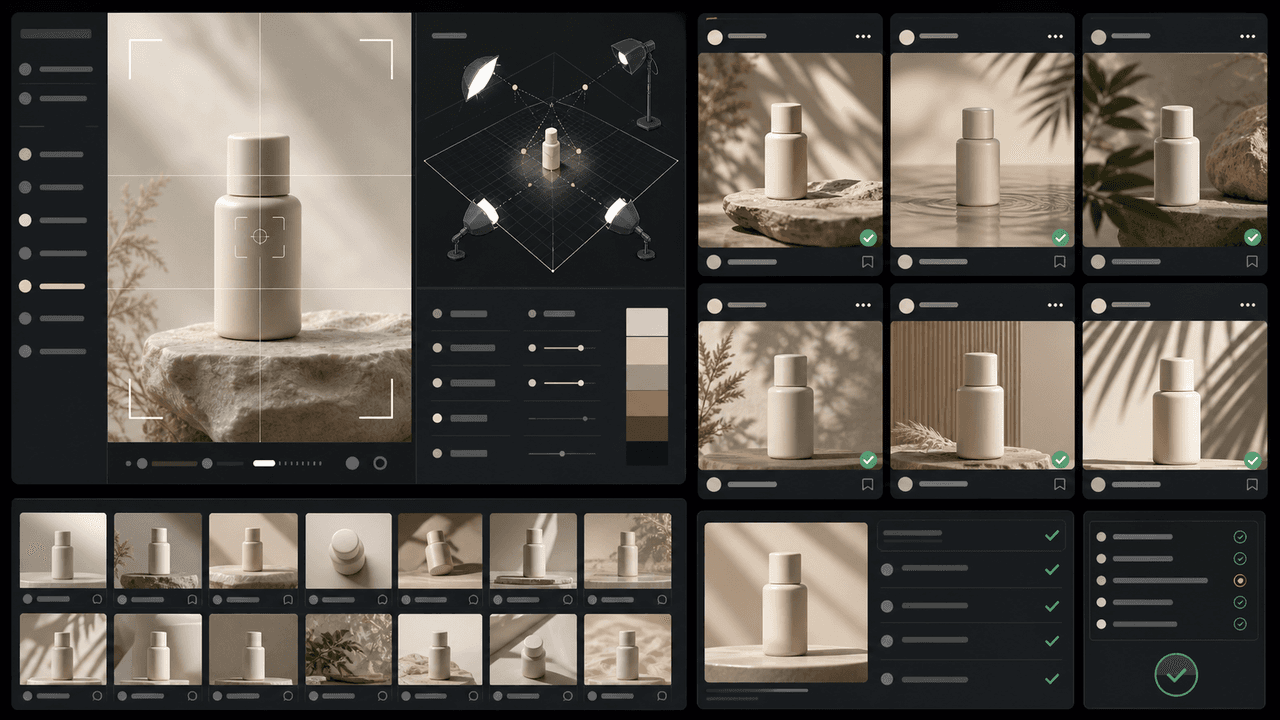
How to Keep Product Photos Consistent Across AI-Generated Social Posts
Consistent AI product images come from a system, not a lucky prompt. Lock the product reference, camera rules, lighting, background family, brand palette, allowed variations, and review checklist before generating campaign assets. Then vary context and message without changing the product identity.
Sources
- Product media — Shopify Help Center
- C2PA Technical Specification — Coalition for Content Provenance and Authenticity
- Labeling AI-Generated Images on Facebook, Instagram and Threads — Meta
- Creating helpful, reliable, people-first content — Google Search Central
Written by
AttentionClaw
Editorial Team
Editorial context
Part of the Content Planning topic cluster. Last updated June 22, 2026.