Chapter 1
The short answer: review the slideshow as a user journey
A TikTok slideshow quality checklist should review the post as a user journey: first-frame hook, reason to keep swiping, proof or explanation, objection handling, CTA, destination link, and measurement. Each slide should move the viewer toward a clearer decision.
Do not approve a slideshow only because individual images look good. The sequence may still be confusing, repetitive, unreadable, inaccurate, or disconnected from the CTA. Quality control should happen in order, at phone size, with the caption and link visible.
TikTok creative research can help teams understand native formats and trends, but QA should be stricter than trend matching. A slideshow still needs accurate product representation, clear claims, readable text, and a next step that matches what the viewer just saw.
Does the first slide make the post worth opening?
Does each slide add new information?
Can the text be read quickly on mobile?
Is the product, screenshot, or claim accurate?
Does the CTA match the promise?
Can the team measure the creative angle later?
Chapter 2
1. First-slide hook check
The first slide has one job: make the right viewer continue. It should name a situation, problem, mistake, result, comparison, or question. Vague hooks such as 'you need this' or 'game changer' usually fail because they do not tell the viewer why the slideshow matters.
A strong hook is specific enough to reject. If it could fit any product, app, coach, agency, or store, rewrite it. The hook should point to the content that follows.
- 1
Name the viewer's situation
Use a real context: launching a product, comparing skincare routines, creating app screenshots, fixing a content calendar, or choosing a bundle.
- 2
Make the promise inspectable
The viewer should know what they will learn, see, compare, or decide by the end.
- 3
Remove empty intensity
Replace hype words with concrete terms. 'This changed everything' is weaker than 'The slide order that makes a product demo easier to follow.'
Chapter 3
2. Slide sequence check
A slideshow should have a deliberate order. Common sequences include problem to solution, before to after, mistake to fix, question to checklist, product to use case, or objection to answer. If the slides can be rearranged randomly without changing the message, the sequence is probably weak.
Use one primary structure per post. Do not combine a product demo, content calendar, founder story, testimonial, and discount announcement in one slideshow unless each slide has a clear job.
Slide 1: hook.
Slide 2: context or before-state.
Slide 3: explanation, product action, or first proof point.
Slide 4: detail, step, comparison, or example.
Slide 5: objection, caveat, or decision rule.
Final slide: CTA that matches the post.
Chapter 4
3. Mobile readability check
TikTok slideshows are consumed on phones, often quickly. Review the exported slides at phone size before publishing. If text needs a pause and zoom, the slide is too dense.
Readability includes contrast, type size, line length, crop safety, and visual hierarchy. WCAG contrast guidance is not written specifically for TikTok, but it gives teams a useful baseline for avoiding low-contrast text that becomes inaccessible on small screens.
- 1
Check the hook at phone size
The first slide should be readable in under two seconds.
- 2
Check text density
Limit each slide to one primary idea. Move explanations into later slides or the caption.
- 3
Check contrast
Avoid pale text, busy image backgrounds, and decorative overlays that make the message hard to scan.
- 4
Check crop and safe area
Confirm important text, products, and screenshots are not too close to edges or platform overlays.
Chapter 5
4. Product, screenshot, and claim accuracy check
For product and app slideshows, the asset must match reality. A generated product image that changes the label, a screenshot from an old app version, or a claim that exceeds the product page can create trust problems.
Shopify product media guidance is a useful reminder that product visuals help people evaluate what they may buy. App and SaaS screenshots should be held to the same standard: current, readable, and representative of what users will actually see.
Claims need source support. If a slide mentions performance, savings, health, beauty, legal, financial, environmental, or customer results, attach an approved source or rewrite.
Product packaging and variant are correct.
App screenshots are current.
Before-after visuals do not overstate outcomes.
Testimonials are approved and attributed according to client rules.
Statistics or performance claims have sources.
The linked destination confirms the same offer.
Chapter 6
5. CTA and destination check
The CTA should feel like the next step after the slideshow, not an unrelated sales push. A checklist slideshow may ask for a save or template download. A product comparison may link to a product page or buying guide. An app demo may send users to a download page, waitlist, onboarding guide, or custom product page.
Apple's custom product page guidance is useful for app teams because it shows how campaign audiences can be sent to more relevant store experiences. Ecommerce and SaaS teams should apply the same principle with collection pages, product pages, demos, and tutorials.
- 1
Match CTA to intent
Education posts can use save, share, or learn-more CTAs. Decision posts should use shop, download, book, join, or try CTAs.
- 2
Match link to promise
Do not send a product-demo slideshow to a generic homepage if a product page, app page, or template page exists.
- 3
Check availability
Confirm product inventory, app platform availability, waitlist status, pricing, and offer deadline before publishing.
Chapter 7
6. Disclosure and commercial context check
If the slideshow uses AI-generated realistic imagery, a synthetic persona, sponsored content, affiliate links, gifted products, or paid partnership messaging, review disclosure before publishing. Platform tools and policies may change, but the principle should stay stable: the viewer should understand what they are seeing and why it is being recommended.
Instagram branded content policies and Meta's AI image labeling updates are useful reminders that social assets can carry both AI-transparency and commercial-disclosure considerations. Do not leave this review to the final caption pass.
AI-generated realistic content reviewed.
Synthetic character or AI influencer reviewed.
Paid partnership or affiliate relationship reviewed.
Gifted product or brand-owned recommendation reviewed.
Required disclaimer or eligibility language included.
Caption, visual, and platform labels do not contradict each other.
Chapter 8
7. Measurement check
A slideshow should be measurable by creative angle. If the team only tracks platform-level performance, it will not know whether the hook, topic, product benefit, or CTA created the result. Use campaign naming and UTM rules where links support them.
Google Analytics campaign URL guidance gives teams a practical way to name source, medium, campaign, and content. For TikTok slideshows, the content field can identify the hook family or creative angle.
Campaign name assigned.
Creative angle named.
Hook family tagged.
Destination link checked.
UTM parameters added where appropriate.
Primary KPI selected before publishing.
Retrospective date scheduled.
Chapter 9
The 15-point TikTok slideshow pre-publish checklist
Use this final checklist once the slideshow, caption, CTA, and link are assembled. Mark each item pass, revise, or reject. A rejected post should return to production with a specific reason, not a vague request to improve quality.
The first slide names a specific viewer situation.
The hook matches the content that follows.
Each slide adds new information.
The sequence has a clear structure.
Text is readable at phone size.
Contrast is strong enough for quick scanning.
Product visuals or screenshots are accurate.
Claims are supported or softened.
AI or commercial disclosure has been reviewed.
The CTA matches the viewer's stage.
The destination page matches the promise.
Caption reinforces the slideshow instead of repeating it.
Campaign and creative names are assigned.
The post has one primary KPI.
Reviewer status is recorded before scheduling.
Chapter 10
Use AttentionClaw to build and QA slideshow systems
AttentionClaw can help teams turn a structured brief into TikTok slideshow scripts, carousel variants, captions, and CTA options. The quality checklist should sit beside the workflow so speed does not reduce accuracy.
The strongest teams save rejected slides and winning slides. That builds a reusable quality system for future products, launches, and clients.
Callout
Fast production still needs a hard review gate
A slideshow that is easy to create should also be easy to reject when the hook, claim, product, or CTA is wrong.
Next step
Create TikTok slideshows with a built-in quality gate
AttentionClaw helps teams turn briefs into slideshow scripts, carousel variants, captions, and review-ready creative systems.
Common Questions
FAQ
More Reading
Keep reading
9-chapter read
TikTok Slideshow Limits 2026: Photo Count and Workflow-Specific Specs
TikTok's current Help Center describes up to 35 photos in a mobile photo post. Its Content Posting API separately documents up to 35 photo URLs plus API-only image restrictions. Verify the composer available to your account before export.
7-chapter read
TikTok Slideshow vs Video: Choose by Evidence, Then Test
Neither TikTok format wins universally. Use a slideshow when the evidence works as still frames and reader-controlled order; use video when motion, timing, voice, or a live demonstration is essential. Then compare matched executions against one declared outcome.
6-chapter read
The TikTok Shop Slideshow Method for Shoppable Photos
For selected sellers with Shoppable Photos access, the method is to verify the current account workflow, choose one buying question, prove the answer with accurate product media, tag the exact product, and measure the post in Seller Center.
9-chapter read
Personal Trainer Assessment TikTok Slideshows
Personal trainer assessment TikTok slideshows should explain goals, movement history, readiness, safety boundaries, program fit, and how to book a consultation without promising results.
9-chapter read
Meal Prep Service Weekly Menu TikTok Slideshows: Turn Menus Into Orders
Meal prep weekly menu slideshows should show the menu, ordering deadline, storage or pickup details, dietary tags, and clear CTA while keeping food safety and allergen language careful.
8-chapter read
TikTok Slideshow Creative Testing for Ecommerce
Ecommerce TikTok slideshow testing should change one major creative variable at a time: hook, product angle, image order, proof, offer, or destination. The test should explain why people clicked or bought, not just which slideshow got more views.
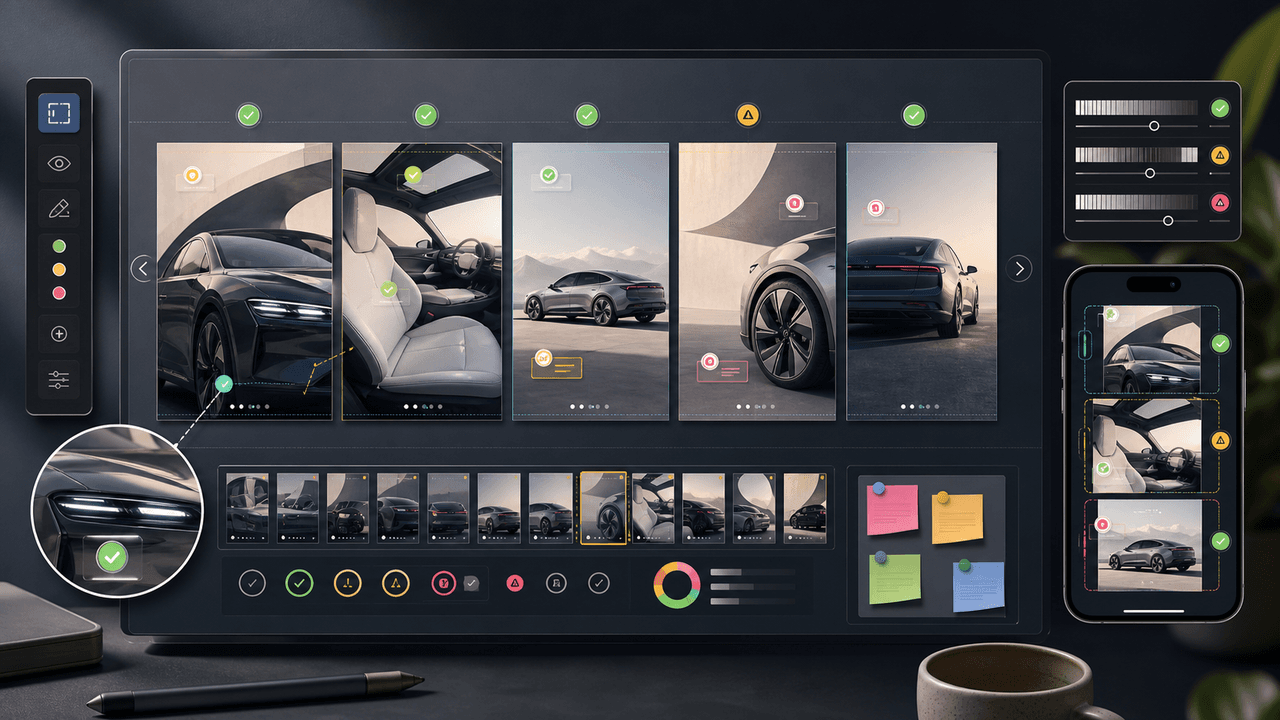
Visual QA Checklist for AI-Generated Carousels
AI-generated carousels need a QA pass that checks continuity, readability, factual claims, product or character accuracy, source support, accessibility, and CTA match before publishing.
7-chapter read
TikTok Slideshow Publishing Checklist for Small Businesses
A TikTok slideshow is ready to publish when the first slide earns attention, every slide advances one idea, the product or service proof is visible, text works on mobile, claims are supportable, the CTA is specific, and measurement is set before the post goes live.
9-chapter read
Source Citation Checklist for AI-Assisted Social Content
AI-assisted social content needs a source checklist whenever it makes factual, product, performance, legal, health, financial, environmental, platform, or customer-proof claims. The checklist should define claim risk, acceptable sources, citation notes, reviewer status, and rewrite rules before content is scheduled.
8-chapter read
Brand Safety Checklist for AI Social Images: 6 Gates
AI-generated social images should not go live because they look polished. They need a brand-safety review that checks product fidelity, claim accuracy, platform policy, accessibility, disclosure, and landing-page match before publication.
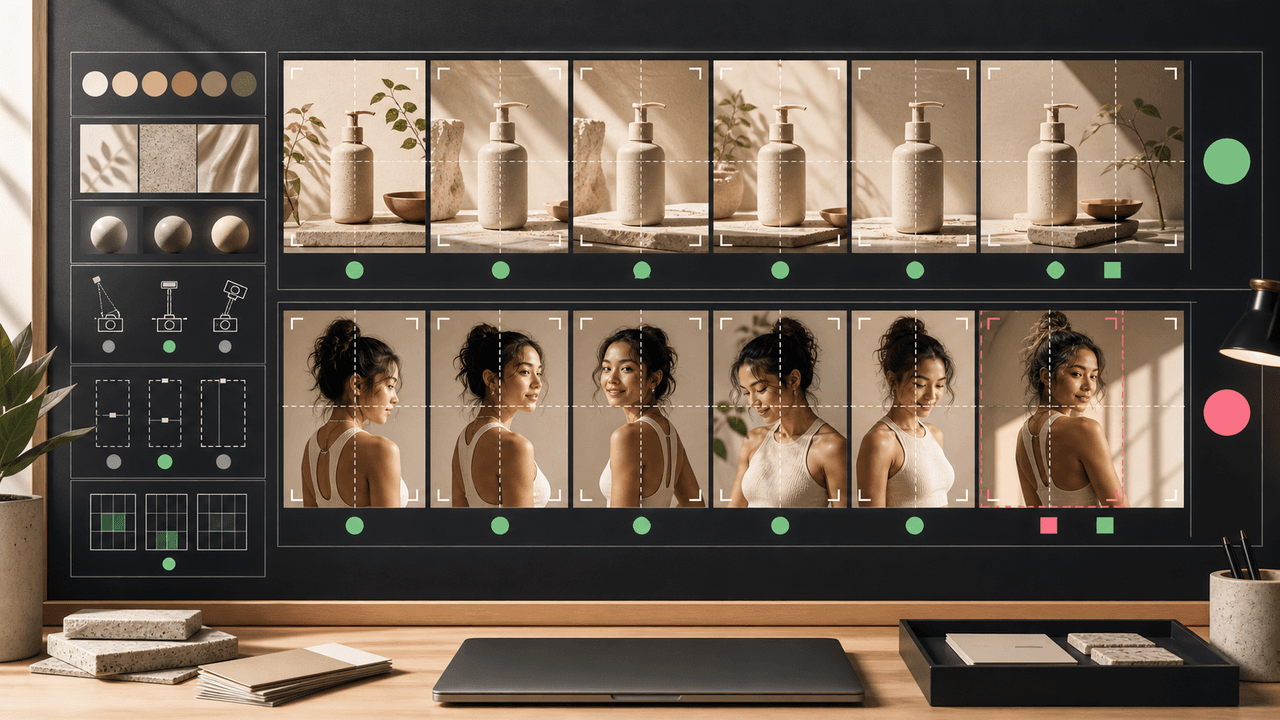
AI Image Consistency Checklist for Instagram Carousels
AI image consistency for Instagram carousels requires checks before, during, and after generation: identity lock, style lane, product accuracy, character continuity, camera rules, crop safety, text safety, disclosure, and final mobile review.
9-chapter read
Client Content Intake Checklist for Carousels and TikTok Slideshows
A strong client content intake checklist prevents generic AI posts, unsupported claims, visual drift, and approval delays. Agencies should collect the offer, audience, proof, assets, product facts, forbidden claims, platform priorities, destination links, approval owners, and measurement rules before production starts.
6-chapter read
TikTok Slideshows vs Instagram Carousels: When to Use Each
Use TikTok slideshows when the idea is visual, fast, native, and driven by product context. Use Instagram carousels when the idea needs education, comparison, saved reference value, or a clearer sequence. The strongest content systems adapt one product angle into both formats instead of copying the same asset across platforms.
Sources
- TikTok Creative Center — TikTok for Business
- Product media — Shopify Help Center
- Custom product pages — Apple Developer
- Understanding Success Criterion 1.4.3: Contrast (Minimum) — W3C Web Accessibility Initiative
- Campaign URL Builder — Google Analytics Help
Written by
AttentionClaw
Editorial Team
Editorial context
Part of the Carousel Creation topic cluster. Last updated July 11, 2026.