Chapter 1
The short answer: sell one first app outcome per carousel
TikTok carousel ads for app install campaigns should focus on one user outcome, not a feature dump. The first image names the user problem or desired result, the middle images show the app workflow, and the final image sends the viewer to the app store, custom product page, or landing page that continues the same promise.
TikTok's App Promotion objective supports app install and app retargeting use cases, while TikTok's carousel ad format supports ordered images that people can swipe through in-feed. Put those two facts together and the creative job becomes clear: use the carousel to make the install feel useful before the viewer reaches the store page.
For AttentionClaw teams, the best starting test is three first-slide hooks around the same app outcome: problem hook, outcome hook, and identity hook. Keep the screenshots, CTA, and destination stable so the test teaches which entry point attracts higher-quality installers.
Use one app outcome per carousel: organize photos, create a meal plan, track workouts, write captions, split expenses, learn vocabulary, or finish onboarding.
Show real app screens or accurate mockups that match the destination.
Avoid asking a cold TikTok viewer to understand every feature before installing.
Match the carousel promise to the App Store page, custom product page, or pre-install landing page.
Track beyond installs when possible: first open, signup, activation, subscription start, or purchase event.
Callout
Install creative rule
A TikTok app install carousel should make the first useful action obvious before the viewer taps.
Chapter 2
When TikTok carousel ads fit app install campaigns
TikTok carousel ads are strongest when the app's value can be understood through a short sequence of images. They are a good fit for productivity apps, wellness apps, education apps, finance tools, creator tools, photo utilities, shopping apps, and any product where screenshots can tell a before-and-after story.
They are weaker when the app's core value requires motion, sound, live gameplay, or a creator's personality. In those cases, video may still carry the first impression better. Carousel ads can still support retargeting, objection handling, feature education, or app-store handoff after video has created awareness.
The format is also useful for teams that do not have video production capacity yet. TikTok says carousel ads can be an alternative format when you do not have video creatives or want to reuse assets from other platforms. For an app founder, that can mean turning store screenshots, onboarding screens, review quotes, and feature images into structured install creative.
- 1
Use carousel for clear workflows
If the app helps someone complete a repeatable task, show the task from problem to first result.
- 2
Use carousel for screenshot proof
If the app interface is visually understandable, let screens carry the explanation instead of writing dense copy.
- 3
Use carousel for retargeting
If someone watched a video or visited the store but did not install, show proof, use cases, or setup simplicity in a swipeable sequence.
- 4
Avoid carousel for unclear products
If the app requires a long verbal explanation, build a sharper demo or landing page first.
Chapter 3
A 7-image TikTok app install carousel structure
A seven-image sequence is long enough to explain the app without becoming a manual. The order should move from user relevance to proof to install action. If the viewer cannot understand why the app matters by image three, the carousel is too slow.
Keep every image vertical, readable, and focused. TikTok's carousel specifications include format and image requirements, but the strategic requirement is simpler: each frame should have one job. Crowded screenshots with tiny labels will fail even if the file technically meets spec.
Use the same sequence for the first test and change only the hook image. That makes the first learning loop cleaner.
- 1
Image 1: Hook the user job
Name the moment the app fixes: `Plan your week before Monday meetings start` or `Turn screenshots into a clean study deck.`
- 2
Image 2: Show the old way
Use a simple visual of the current pain: messy notes, scattered files, missed workouts, manual budgeting, or blank content calendar.
- 3
Image 3: Show the first app screen
Show where the user starts. The app should feel immediately understandable.
- 4
Image 4: Show the key action
Highlight one action the user takes: import, choose, tap, track, generate, save, share, or complete.
- 5
Image 5: Show the result
Show the outcome inside the app: plan created, caption drafted, workout logged, lesson finished, or budget category cleaned.
- 6
Image 6: Add proof or reassurance
Use a review, setup note, privacy reassurance, free-tier note, or compatibility detail.
- 7
Image 7: CTA and destination
Close with the exact next action: download on App Store, get early access, start free, or try the workflow.
Chapter 4
Match the carousel to the app-store destination
The install handoff is where many app carousel campaigns lose momentum. If the carousel sells a meal-planning workflow and the store listing opens with generic lifestyle screenshots, the viewer has to rebuild the decision. The destination should continue the same feature, audience, and first action.
Apple's custom product pages let developers create additional App Store product page versions with different screenshots, app previews, promotional text, and unique URLs for different audiences or campaigns. Apple Ads also describes using custom product pages to create ad variations aligned with keyword themes or audiences. Even if the TikTok click does not go through Apple Ads, the principle still applies: match the creative promise to the landing experience.
For Android or web pre-install pages, use the same rule. The first screen after the tap should answer the promise from image one and show the proof from the carousel.
Problem hook carousel: destination should acknowledge the problem and show the feature solving it.
Outcome hook carousel: destination should show the outcome, screenshot, and first step.
Identity hook carousel: destination should speak to the same persona.
Retargeting carousel: destination should answer the objection, not restart broad awareness.
Install CTA: destination should minimize extra choices before store or signup action.
Chapter 5
Test hooks, screenshots, and destinations in separate rounds
The first round should test hook family. Use the same app screens and destination while testing problem, outcome, and identity hooks. The second round can test proof: review quote versus first-action demo versus before-and-after workflow. The third round can test destination: store page, custom product page, or pre-install landing page.
Do not test everything at once. If one variant uses a different hook, different screenshots, different CTA, and different destination, the result will not tell you what to build next. A small app team needs clean learning more than creative chaos.
Use UTMs or platform-supported attribution labels where available, then review downstream quality. Installs matter, but app campaigns become sustainable when install traffic turns into activation, retention, subscription, or purchase events.
- 1
Round 1: Hook
Problem versus outcome versus identity with identical screenshots and destination.
- 2
Round 2: Proof
Review quote versus screenshot walkthrough versus result example with the winning hook.
- 3
Round 3: Destination
App Store listing versus custom product page versus focused web landing page, depending on the app funnel.
- 4
Round 4: Retargeting
Proof, objection, and setup-simplicity carousels for visitors or engagers who did not install.
Chapter 6
Measure install quality, not only install volume
TikTok's app install objective is designed to drive installs by linking people to the app store page. That is a useful campaign goal, but creative teams should still ask what kind of installs each carousel attracts.
For a consumer app, review first open, account creation, first successful action, trial start, purchase, subscription start, and retention where available. For a waitlist or pre-launch app, review waitlist quality, email confirmation, survey completion, or launch-day install behavior.
A carousel that earns fewer installs but higher activation can be the better creative. The first slide might be more specific, the screenshots might qualify the right user, or the destination might match the promise more tightly. Do not optimize your creative toward cheap installs that never experience the product.
Top metric: install volume and cost per install.
Quality metric: signup, onboarding completion, first value action, or subscription event.
Creative metric: hook-to-click quality and store-page continuation.
Retargeting metric: re-engagement, install after visit, or activation after install.
Decision metric: which hook and screenshot sequence should produce the next batch.
Chapter 7
Mistakes that weaken TikTok app install carousels
The first mistake is using store screenshots as-is without a story. Store screenshots are often broad. A TikTok carousel needs a sharper sequence around one user job. Crop, annotate, and order screens so the value is understandable in-feed.
The second mistake is promising a result that the app store page does not show. If the ad says `build a budget in three taps`, the destination should show budgeting, not a generic home screen. The mismatch creates doubt at the exact moment the user decides whether to install.
The third mistake is testing only views or click-through rate. App install creative should be judged by the quality of users it attracts.
Do not turn the carousel into a full feature list.
Do not use tiny screenshots with unreadable UI.
Do not use generic TikTok hooks that attract people outside the app's audience.
Do not send every ad to one generic store page if custom destinations are available.
Do not call a carousel successful until downstream install quality has been checked.
Callout
Turn app screenshots into carousel variants
AttentionClaw helps app teams turn screenshots, hooks, reviews, and first-action demos into structured TikTok carousel variants for install and retargeting tests.
Next step
Turn app screenshots into install creative
AttentionClaw helps app teams create TikTok carousel and slideshow variants around hooks, screenshots, proof, and app-store handoff.
Common Questions
FAQ
More Reading
Keep reading
8-chapter read
SaaS Trial Activation Carousel Campaign
A SaaS trial activation carousel campaign should teach the first useful workflow, not promote every feature. Create a sequence around setup, first win, common mistake, proof, advanced tip, and next action. Measure the campaign by feature activation and trial quality, not likes.
8-chapter read
TikTok Slideshow Retargeting Creative Framework
TikTok retargeting slideshows should move warmer viewers from curiosity to decision by answering the specific concern that likely stopped them: proof, price, setup, fit, shipping, trust, or next step.
8-chapter read
TikTok Slideshow Creative Testing for Ecommerce
Ecommerce TikTok slideshow testing should change one major creative variable at a time: hook, product angle, image order, proof, offer, or destination. The test should explain why people clicked or bought, not just which slideshow got more views.
7-chapter read
Instagram Carousel Ads for App Install Campaigns
Instagram carousel ads can drive better app install intent when each card explains one user job, shows the app doing real work, and hands off to a store or landing page that repeats the same promise.
7-chapter read
TikTok Slideshow Publishing Checklist for Small Businesses
A TikTok slideshow is ready to publish when the first slide earns attention, every slide advances one idea, the product or service proof is visible, text works on mobile, claims are supportable, the CTA is specific, and measurement is set before the post goes live.
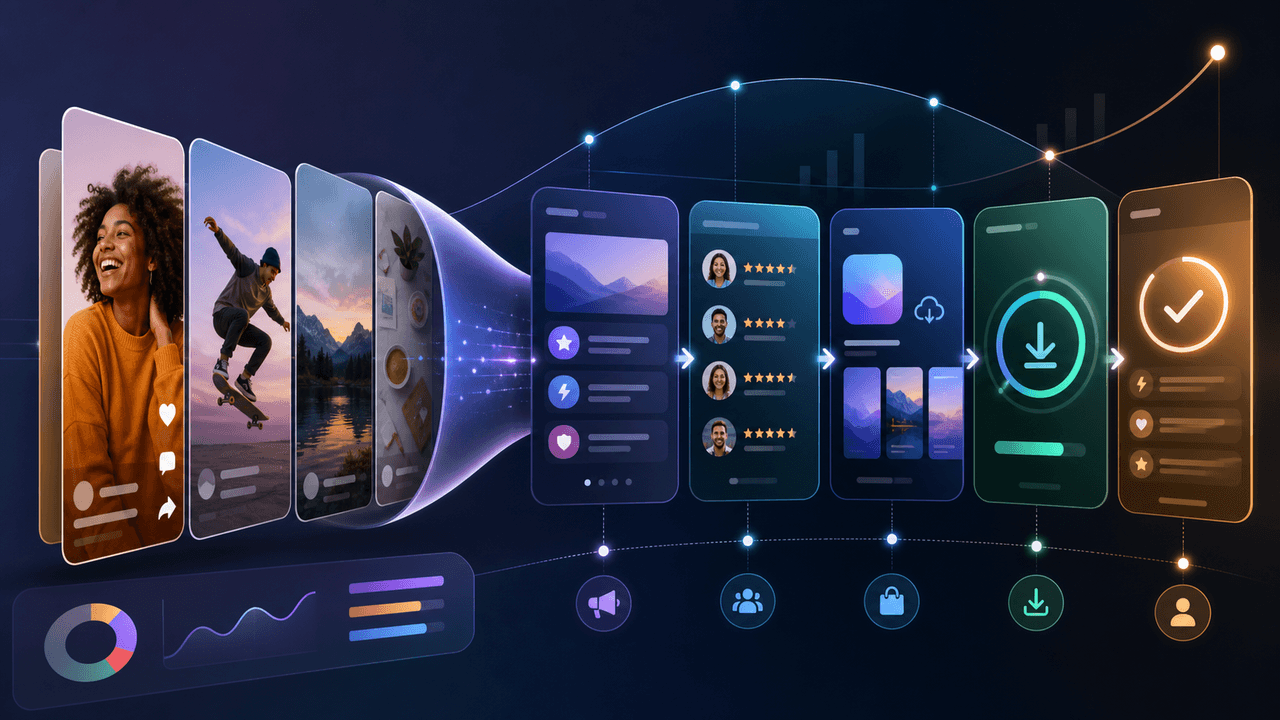
Build a Social-Media App Download Funnel You Can Measure
A social-to-download funnel is a measurement model, not a promise that followers move through fixed stages. Connect each asset to one relevant destination and campaign identifier, then interpret platform, store, and product events within their documented attribution limits.
8-chapter read
A Hook Testing Framework for Paid Social Carousel and Slideshow Ads
Paid social hook testing works when each hook tests a clear buyer angle against the same proof, offer, audience, and destination. The goal is not to find the cleverest line. It is to learn which problem, outcome, proof, or objection earns qualified action.
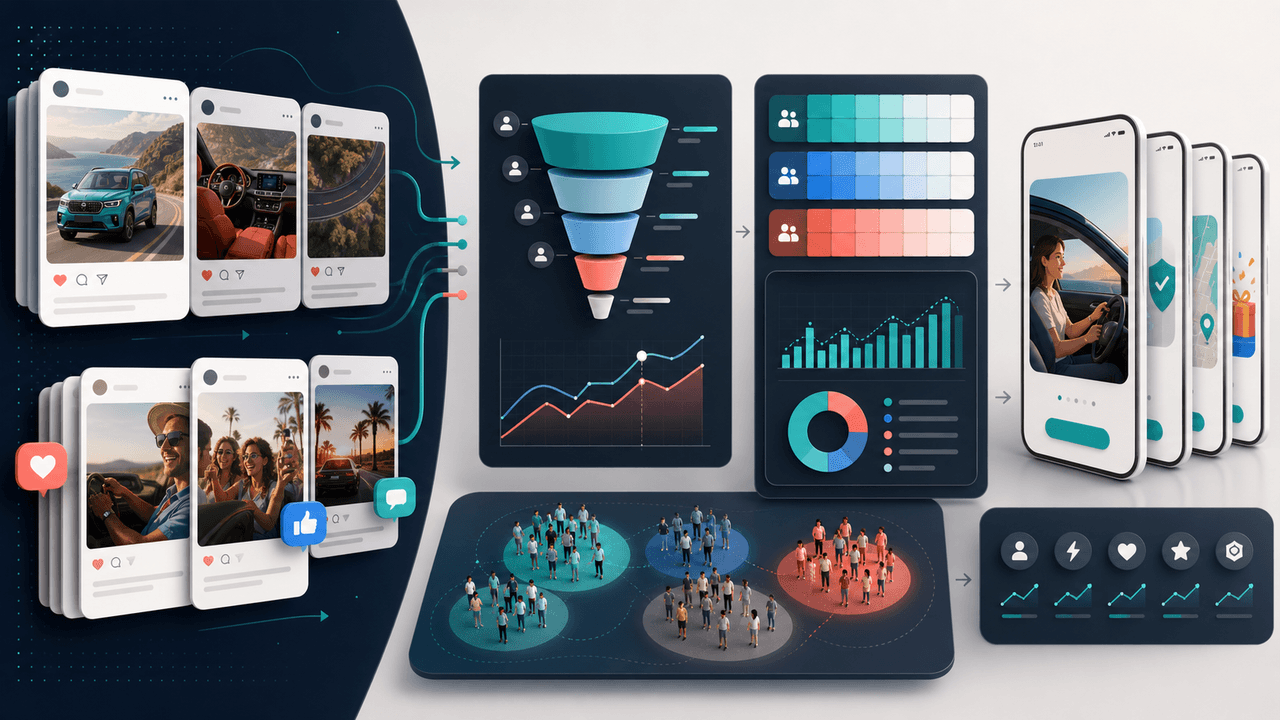
Measure the Carousel Handoff, Not an Imaginary Perfect Funnel
A carousel becomes an acquisition asset only when it routes a defined audience to a matching destination and the team can distinguish exposure, visits, store events, installs, and activation. Keep each event tied to its source system, preserve denominators, and describe attribution limits instead of claiming a perfect funnel.

Write app marketing hooks the rest of the campaign can prove
App marketing hooks should make a narrow, supportable promise that the next slides and the app-store destination can prove. This guide turns user evidence into hook variants, a complete slide sequence, and a matched measurement plan.
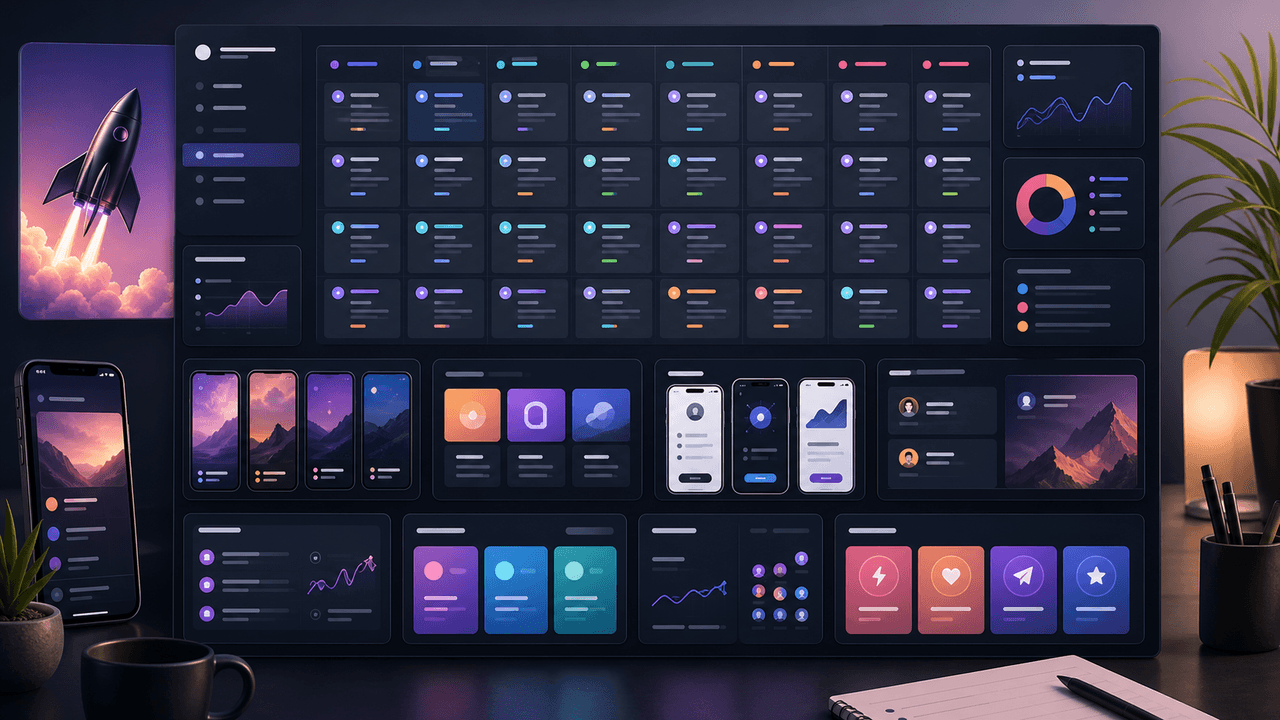
App Launch TikTok Slideshow Calendar: 30 Days of Posts
An app launch TikTok slideshow calendar should start before launch day, not on launch day. Use 30 days of posts to build problem awareness, show the product workflow, collect waitlist or download intent, teach onboarding steps, and answer objections after launch. The strongest calendar mixes hooks, demos, proof, tutorials, and reminders.
Sources
- About the App Promotion Objective — TikTok Ads Manager
- About the App Installs Objective — TikTok Ads Manager
- About Carousel Ads in TikTok Ads Manager — TikTok Ads Manager
- Custom Product Pages — Apple Developer
Written by
AttentionClaw
Editorial Team
Editorial context
Part of the Carousel Creation topic cluster. Last updated June 22, 2026.