Chapter 1
The direct answer: plan four phases, not random posts
A strong app launch TikTok slideshow calendar has four phases: problem awareness before launch, product clarity before launch, conversion on launch day, and onboarding after launch. The goal is to make the audience understand the app before you ask them to install it, then help new users reach value after they do.
For 30 days, publish one slideshow per day or at least five per week. The exact cadence matters less than the sequence. Start with the pain and the old workflow. Move into product demos and waitlist prompts. Use launch day for the clearest download message. Then spend the next week teaching setup, first use, and advanced tips.
The best posts are useful even if the viewer does not install immediately. A calendar full of 'download now' slides will fatigue the audience. A calendar that teaches the problem, shows examples, answers questions, and demonstrates progress builds trust.
Callout
Calendar principle
Every launch slideshow needs a job: earn attention, explain value, create proof, drive install, or activate the new user.
Chapter 2
Why TikTok slideshows fit app launches
App launches need more message variety than most founders expect. One product can have several angles: user pain, workflow, feature demo, behind-the-scenes build, app-store screenshots, onboarding, reviews, and objection handling. TikTok's image and carousel formats make that variety easier because the founder can reuse screenshots, UI crops, output examples, and text frames without filming a new video each time.
TikTok For Business has described image-based formats as a way for advertisers to increase volume and variety, and its image ads guidance notes that standard carousel placements can create an interactive experience with multiple images. For app founders, that means the format can carry a lightweight product narrative: problem, step, result, CTA.
The constraint is that a slideshow must still feel native to TikTok. Do not post a deck that looks like a corporate webinar. Use short text, clear contrast, direct hooks, simple screenshots, and a final slide that tells the viewer exactly what to do.
Slideshows are faster to produce than daily edited videos.
They work without sound when the slide copy carries the story.
They can reuse app screenshots and output examples across several angles.
They are easy to batch before launch day.
They help the founder test hooks before spending money on ads.
Chapter 3
Days 30 to 22: problem awareness and audience building
The first nine days should make the problem obvious. The app does not need to appear in every post. In fact, early posts often perform better when they teach the pain before presenting the solution. The audience should start recognizing their own workflow in your content.
Use mistake lists, before-and-after contrasts, small checklists, and 'signs you need this' hooks. If the app solves content planning, show what inconsistent posting costs. If it solves habit tracking, show why most streaks collapse. If it solves AI image consistency, show how visual drift damages trust.
The CTA in this phase should be soft: follow for the launch, join the waitlist, or save the checklist. The point is to build a pool of interested viewers before launch week.
- 1
Day 30: The painful before state
Show the messy workflow the app will replace. Hook: 'This is why your app launch content feels impossible to plan.'
- 2
Day 29: The hidden cost
Explain what the problem causes: missed launch momentum, inconsistent messaging, confusing onboarding, or slow content production.
- 3
Day 28: Mistake list
List five launch content mistakes. Make each mistake specific enough that the target user recognizes it.
- 4
Day 27: Old workflow breakdown
Show the manual workflow step by step. The app is only teased at the end.
- 5
Day 26: Audience poll prompt
Ask viewers which pain point is hardest. Use comments and replies as future slideshow topics.
Chapter 4
Days 21 to 11: product clarity and waitlist intent
This phase introduces the app through one workflow at a time. Do not compress the entire product into a single slideshow. If the app has five core features, that is five posts. A narrow demo is easier to understand, easier to save, and easier to connect to a CTA.
Apple's product page guidance is useful here because it emphasizes app previews, screenshots, subtitles, and descriptions that communicate the app's features and value. Your TikTok slideshows should prepare the same story before the viewer reaches the App Store or Google Play listing.
Use the waitlist CTA only when the post has created enough desire. A post that shows a real workflow can ask for waitlist signup. A post that only teases a feature should ask for a follow or save.
- 1
Day 21: First workflow demo
Show the fastest path to the app's first useful outcome. Use screenshots and a result slide.
- 2
Day 19: Feature versus outcome
Explain one feature by showing what it helps the user finish, not by naming the feature.
- 3
Day 17: Screenshot tour
Use three UI crops: start screen, action screen, output screen. Keep text minimal.
- 4
Day 15: Objection answer
Answer a real concern: setup time, reliability, pricing, privacy, learning curve, or whether the app is only for advanced users.
- 5
Day 12: Waitlist reason
Give a concrete reason to join now: early access, launch template, limited onboarding help, or first-user bonus.
Chapter 5
Days 10 to 1: countdown content that builds confidence
Countdown content should not be empty hype. Each day should remove a reason not to try the app. Show that the product is ready, the onboarding is clear, the store listing matches the promise, and the founder is listening to early feedback.
Product Hunt's preparation guidance highlights the operational reality of launch timing and preparation. Even if the launch is not on Product Hunt, the lesson applies: schedule assets before launch day so you can respond to users instead of scrambling to write posts.
Use this phase to pre-schedule the highest-stakes slideshows: one launch story, one primary demo, one social proof post, one FAQ post, one onboarding preview, and one launch-day reminder.
Day 10: 'What this app does in one sentence.'
Day 9: 'The first thing to do after installing.'
Day 8: 'What we changed after beta feedback.'
Day 7: 'App-store screenshot breakdown.'
Day 6: 'FAQ: who this is and is not for.'
Day 5: 'One-minute setup preview.'
Day 4: 'Before and after with real example output.'
Day 3: 'Founder note: why this problem matters.'
Day 2: 'Launch checklist for users.'
Day 1: 'Tomorrow: what to expect and where to download.'
Chapter 6
Launch day: use three slideshow jobs
Launch day is not the time for twelve unrelated announcements. Use three slideshow jobs: announcement, demo, and objection handling. The announcement tells people the app is live. The demo shows the highest-value workflow. The objection post answers the most likely reason someone hesitates.
The launch-day CTA should be direct. If the app is live, say download or try it. If the app is waitlist-only, say join the waitlist. Avoid clever CTAs that make the viewer infer the next step. TikTok moves quickly; the final slide should be impossible to misunderstand.
Pin or repost the best-performing launch-day slideshow if the platform behavior supports it. Use comments from the first few hours as raw material for the next day's FAQ and onboarding posts.
- 1
Morning: launch announcement
One sentence promise, three value slides, store or homepage CTA.
- 2
Midday: flagship workflow demo
Problem, screenshot sequence, output, CTA. This is the post to send to warm prospects.
- 3
Evening: objection answer
Answer the biggest hesitation seen in comments or beta feedback. Keep it factual and specific.
Chapter 7
Days 1 to 9 after launch: shift from hype to activation
After launch, the content job changes. You are no longer only convincing people to install. You are helping new users succeed. This is where many app launches waste momentum: they keep saying 'we launched' instead of teaching the first useful workflow.
Nielsen Norman Group's onboarding research warns that tutorials can interrupt users and be forgotten when they are not contextual. Social onboarding content should avoid the same mistake. Do not create generic tours. Create contextual help around the user's next action: setup, first project, first export, first schedule, first share, or first result.
Turn support questions into TikTok slideshows quickly. If three people ask how to connect an account, that is not just support work. It is a public onboarding post that can reduce friction for every new user.
Day +1: 'Do this first after installing.'
Day +2: 'Set up your first project in 60 seconds.'
Day +3: 'Common mistake new users make.'
Day +4: 'Feature most launch-day users missed.'
Day +5: 'User question answered with screenshots.'
Day +6: 'Before and after from a real workflow.'
Day +7: 'What we changed after launch feedback.'
Day +8: 'Advanced tip for users who already started.'
Day +9: 'Full first-week recap and next CTA.'
Chapter 8
Reusable TikTok slideshow templates for app launches
Templates keep the calendar from becoming a blank-page problem. A founder can reuse the same five structures across many topics: problem list, workflow demo, objection answer, onboarding tutorial, and proof post. The copy changes; the logic stays stable.
Each template should have a maximum of one idea per slide. The best launch slideshows feel fast because every slide advances the story. If a slide only repeats the previous point in a different way, cut it.
- 1
Problem list template
Slide 1 hook, slides 2-6 specific mistakes or symptoms, slide 7 pattern summary, slide 8 soft CTA.
- 2
Workflow demo template
Slide 1 outcome, slide 2 before state, slides 3-6 product steps, slide 7 output, slide 8 CTA.
- 3
Objection answer template
Slide 1 question, slide 2 short answer, slides 3-5 context, slide 6 example, slide 7 CTA.
- 4
Onboarding tutorial template
Slide 1 first win, slide 2 setup, slides 3-6 actions, slide 7 result, slide 8 save prompt.
- 5
Proof post template
Slide 1 result, slides 2-3 context, slides 4-6 what changed, slide 7 what to try, slide 8 CTA.
Chapter 9
How AttentionClaw helps build the calendar
The operational challenge is not finding one launch idea. It is turning 30 launch ideas into consistent visual posts without spending the whole launch month in a design tool. AttentionClaw helps by turning app screenshots, launch notes, onboarding steps, and content briefs into coherent Instagram carousel and TikTok slideshow assets.
For an app launch, set up a visual system first: typography, colors, screenshot treatment, CTA slide, and proof slide. Then batch the calendar by phase. Generate problem-awareness slides first, product-demo slides second, countdown slides third, and onboarding slides fourth. This keeps the campaign coherent while still allowing each post to answer a different search or social query.
The result is a launch library, not a pile of one-off graphics. After launch, the same assets can become onboarding emails, help-center visuals, app-store screenshot tests, and paid creative variants.
Callout
Batching tip
Create the final CTA slide once for each phase: waitlist, download, setup, and advanced tip. Reuse the right CTA slide across the calendar.
Next step
Build a 30-day app launch content calendar
AttentionClaw turns app launch notes, screenshots, and onboarding steps into consistent TikTok slideshows and Instagram carousels you can schedule before launch day.
Common Questions
FAQ
More Reading
Keep reading
9-chapter read
TikTok Slideshow Limits 2026: Photo Count and Workflow-Specific Specs
TikTok's current Help Center describes up to 35 photos in a mobile photo post. Its Content Posting API separately documents up to 35 photo URLs plus API-only image restrictions. Verify the composer available to your account before export.
7-chapter read
TikTok Slideshow vs Video: Choose by Evidence, Then Test
Neither TikTok format wins universally. Use a slideshow when the evidence works as still frames and reader-controlled order; use video when motion, timing, voice, or a live demonstration is essential. Then compare matched executions against one declared outcome.
6-chapter read
The TikTok Shop Slideshow Method for Shoppable Photos
For selected sellers with Shoppable Photos access, the method is to verify the current account workflow, choose one buying question, prove the answer with accurate product media, tag the exact product, and measure the post in Seller Center.
8-chapter read
App Launch FAQ Carousel Template
An app launch FAQ carousel should answer the questions that block trial or download: who the app is for, what it does, what happens first, pricing or access, privacy or AI control, and where to try it. Use one question per slide and keep answers specific enough to reduce uncertainty.
8-chapter read
Social Proof Posts for Apps With Few Reviews
Apps with few reviews can still create credible social proof by showing product proof, beta feedback, workflow evidence, founder responsiveness, changelog progress, and user questions answered. Do not fake testimonials or overstate traction. Make proof specific, modest, and connected to the user's decision.
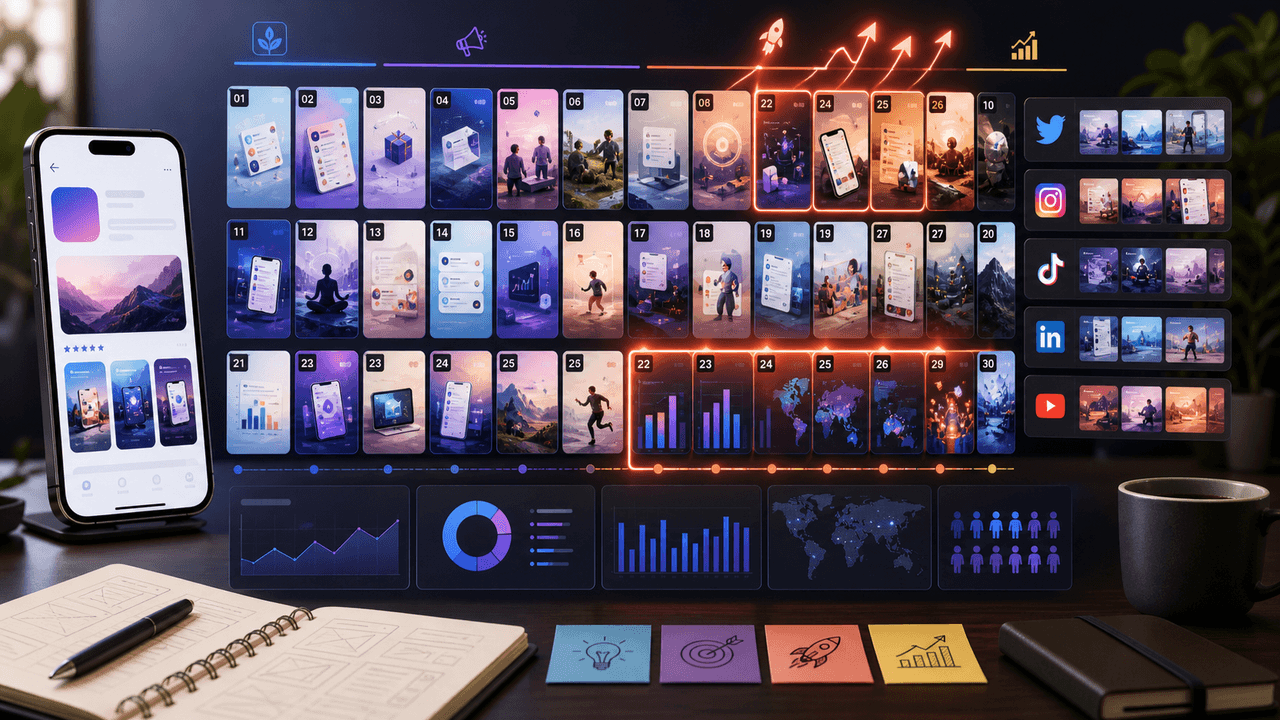
The 30-Day App Launch Carousel Campaign: Day-by-Day Plan
Most app launches fail on social media because teams post randomly instead of following a structured campaign arc. This 30-day plan maps every carousel you need — from pre-launch hype through launch week to sustained post-launch growth.
7-chapter read
TikTok Carousel Ads for App Install Campaigns
TikTok carousel ads can support app install campaigns when the image sequence explains one app outcome, shows proof through screens or workflow, and sends the tap to a store or landing page that continues the same promise.
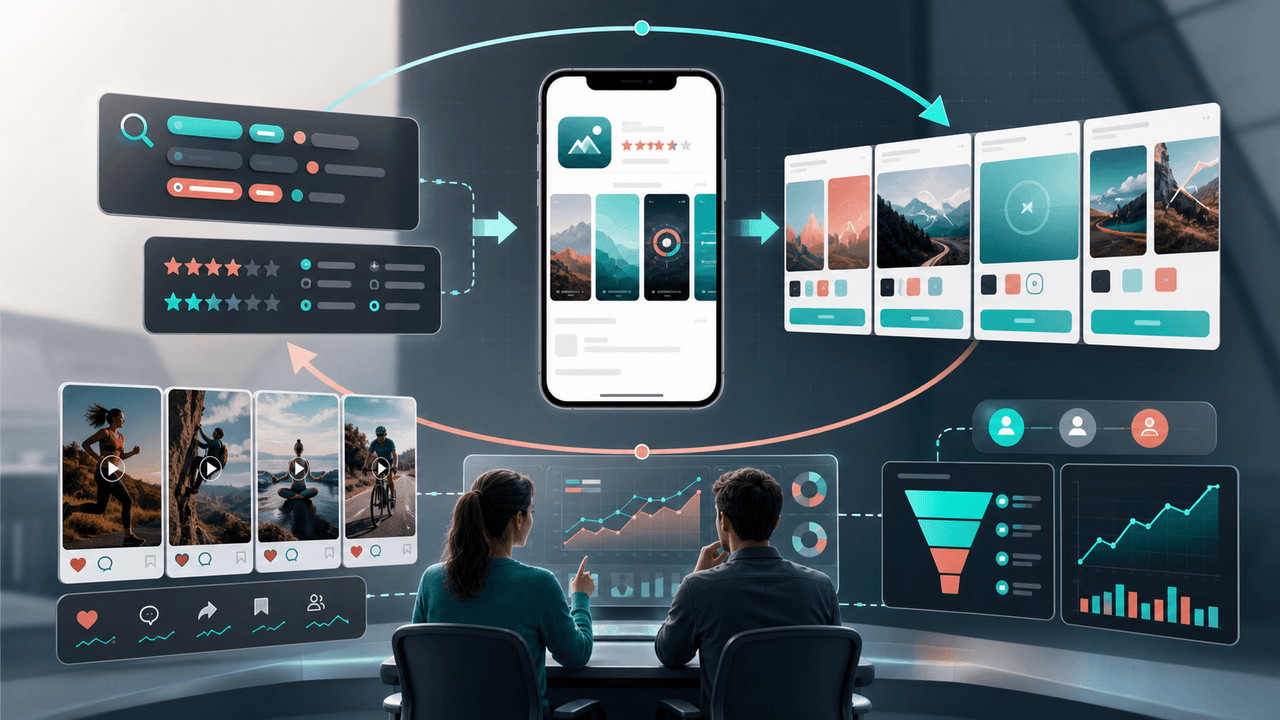
Connect ASO and Social Without Inventing a Ranking Effect
ASO and social media work together when they explain the same current product to the same audience, not when social posts are treated as a ranking shortcut. Align the message and proof, send the click to a matching store destination, and evaluate social and store outcomes in their own reporting systems.
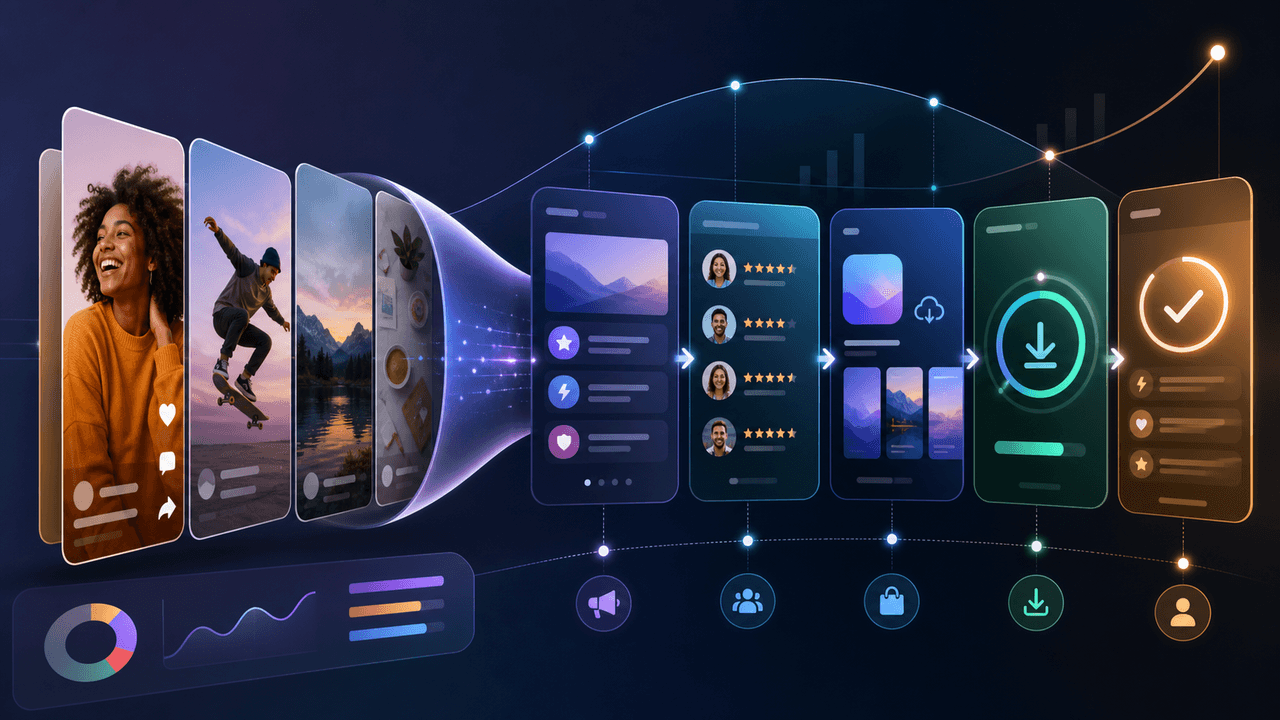
Build a Social-Media App Download Funnel You Can Measure
A social-to-download funnel is a measurement model, not a promise that followers move through fixed stages. Connect each asset to one relevant destination and campaign identifier, then interpret platform, store, and product events within their documented attribution limits.
The App Marketing Content Calendar: 30 Days of Carousel Ideas
Most app marketers stall because they run out of content ideas by week two. This 30-day calendar gives you a ready-made posting plan with specific carousel topics for every single day.
8-chapter read
TikTok Slideshow Strategy for App Marketing
A useful TikTok app slideshow starts with one audience problem, one supportable product claim, and one next action. This guide turns those inputs into a reviewable sequence and separates creative signals from app-funnel outcomes.
8-chapter read
AI App Launch Social Content Plan: From First Demo to First Users
An AI app launch needs social content that proves usefulness, not just novelty. Build the plan around the user problem, the AI-assisted workflow, the visible output, trust and safety expectations, app-store message alignment, and post-launch onboarding. Use carousels and TikTok slideshows to teach, demonstrate, and answer objections before asking for downloads.
9-chapter read
Mobile App Launch Countdown Content Calendar
A mobile app launch countdown calendar should build understanding before launch day: problem education, feature proof, onboarding previews, social proof, product page alignment, countdown assets, and post-launch activation. The goal is not daily hype; it is reducing friction before the download CTA appears.
Sources
- TikTok Image Ads: Visual Marketing Solutions to Engage Customers — TikTok For Business
- Creative Codes: 6 principles for creating on TikTok — TikTok For Business
- Creating Your Product Page — Apple Developer
- Prepare for your Product Hunt launch — Product Hunt
- Onboarding Tutorials vs. Contextual Help — Nielsen Norman Group
Written by
AttentionClaw
Editorial Team
Editorial context
Part of the App Marketing topic cluster. Last updated June 22, 2026.