Chapter 1
The direct answer: build around the first win
A SaaS trial activation carousel campaign should teach users how to reach the first meaningful result during the trial. That might be connecting an account, creating a first campaign, inviting a teammate, generating a report, reviewing AI output, or scheduling the first post. The campaign should not try to explain the entire product.
Use social and lifecycle carousels to reinforce the same activation path: setup, first win, mistake correction, proof, advanced tip, and next step. A user may see the content on LinkedIn, Instagram, email, in-app education, or retargeting. The message should stay consistent.
Nielsen Norman Group's onboarding guidance warns that generic tutorials can interrupt and be forgotten. Trial activation content should be contextual. Teach what the user needs next, not everything the product can do.
Callout
Activation rule
A carousel is successful when more trial users complete the taught workflow, not when it gets the most likes.
Chapter 2
The six-part activation campaign
A trial activation campaign works best as a sequence. Each asset answers a different question the user has during the trial. The sequence can be published publicly and reused inside onboarding emails or help docs.
- 1
Carousel 1: Start here
Show the first setup action and why it matters.
- 2
Carousel 2: First win
Walk through the shortest workflow to a visible result.
- 3
Carousel 3: Common mistake
Prevent the most common trial blocker with screenshots.
- 4
Carousel 4: Proof
Show a realistic result or user scenario connected to the first win.
- 5
Carousel 5: Advanced tip
Teach the next useful action after activation.
- 6
Carousel 6: Upgrade reason
Explain the paid value after the user understands the workflow.
Chapter 3
A first-win carousel template
The first-win carousel is the core asset. It should be short, visual, and specific. Use cropped screenshots or diagrams, not full dashboards. Every slide should move the user closer to the result.
LinkedIn's carousel guidance emphasizes narrative structure and clear next steps. That applies directly to SaaS activation content because users need a guided path, not a feature list.
Slide 1: first-win outcome.
Slide 2: why this action matters.
Slide 3: setup step.
Slide 4: main product action.
Slide 5: review or confirmation.
Slide 6: result screen.
Slide 7: next action.
Chapter 4
Measure activation, not only engagement
Trial activation campaigns should be tied to product analytics. If the content teaches account connection, measure account connection. If it teaches first campaign creation, measure first campaign creation. Social metrics are useful only when they connect to trial behavior.
A public activation carousel can also reduce support load. If support questions about setup decrease after publishing and linking the carousel, the asset is working even if it is not viral.
- 1
Choose the activation event
Pick one event that predicts trial value.
- 2
Map every carousel to the event
The content should help users complete that event or understand its value.
- 3
Compare cohorts
Compare trial users exposed to the content with baseline users when possible.
Chapter 5
How AttentionClaw helps create activation campaigns
AttentionClaw helps SaaS teams turn onboarding steps, screenshots, and support questions into a sequence of activation carousels and slideshows. The team defines the first win and proof. The tool helps package it into consistent assets.
This creates reusable product education across social, email, help docs, and retargeting. Trial users see the same path wherever they encounter the brand.
Callout
Campaign output
Build one first-win campaign and reuse it across social, lifecycle email, and help content.
Chapter 6
How to sequence the campaign across the trial window
A trial activation carousel campaign is most effective when it is timed to the user's position in the trial, not to a fixed publishing calendar. A post that teaches the initial setup step should go live on day one or two, when new users are most likely to encounter the friction it addresses. A post about an advanced workflow that requires several prior steps to be complete belongs in the second half of the trial.
For a fourteen-day trial, a workable sequencing framework is: day one or two — first-win carousel (how to reach the core value action); day four or five — common mistake post (the thing that causes users to stall); day seven — social proof or case post (showing what a workflow looks like at full use); day ten or eleven — advanced tip (a useful shortcut for users who have completed the basics); day thirteen — upgrade or next step post (what converting unlocks, without pressure). This is not a rigid schedule, but it maps content to where users are most likely to have questions.
Teams that distribute this campaign through in-app messaging, onboarding email, and social simultaneously see higher engagement on the social assets because users who have already seen the email version recognize the content and are more likely to save or share it.
Callout
Tie content timing to trial day, not publish day
If your activation carousel goes live on a Wednesday but most users start trials on Mondays, timing is already misaligned. Consider evergreen posting or in-product distribution to control the timing relative to each user's start date.
Chapter 7
Building a first-win carousel: a template walkthrough
The first-win carousel is the single most important asset in the campaign. It should teach one specific workflow that gives the user a tangible result inside the product within the first session. The workflow should be short enough to complete in ten to fifteen minutes and meaningful enough that the user notices the outcome.
A reliable structure for this carousel: slide one names the specific result the user will have by the end ('How to complete your first [core action] in under 10 minutes'); slide two shows the starting point in the product — a cropped screenshot or clean diagram of the screen the user is looking at; slides three through five show each step in sequence with one action per slide; slide six shows what the completed result looks like; slide seven answers the most common question users have after completing the step; slide eight links to the next logical action in the product or a deeper help resource.
Keeping the steps to three or four per carousel is important. When a tutorial requires eight or nine steps, the user often abandons it midway or feels that the product is more complicated than expected. If the actual workflow has more steps, break it into two carousels: 'Part 1: Setup' and 'Part 2: Your first run.'
- 1
Slide 1: Name the specific outcome
State clearly what the user will accomplish and how long it takes. Avoid vague hooks like 'Get the most out of your trial' — name the actual workflow.
- 2
Slides 2-5: One action per slide
Show the interface state before the action, describe the action in one sentence, and show the result. Use cropped screenshots rather than full-screen captures — the relevant element should fill the slide.
- 3
Slide 6: Show the completed result
A screenshot or diagram of what the product looks like after the workflow is complete confirms that the user did it correctly and creates a reference point.
- 4
Slide 7: Answer the first follow-up question
Look at support tickets and onboarding chat logs — what do users ask immediately after completing this step? Answer that question proactively.
- 5
Slide 8: Bridge to the next action
Point to the next step in the product journey. This keeps the user moving rather than leaving the product after one completed workflow.
Chapter 8
Why activation campaigns fail and how to avoid it
The most common failure mode is building the campaign around features rather than outcomes. A carousel titled 'Five powerful features in your trial' is product marketing, not activation content. Trial users do not yet know which features matter to them. They need to be shown the path from their current state to a result they care about. Features become interesting after the user has experienced value — not before.
Another frequent problem is presenting workflows that require data or configuration the user does not yet have. A carousel teaching a reporting workflow that only works once the user has imported thirty days of data will not land in week one of the trial. Build activation content around the minimum viable data set — the steps a user can complete with the account they created today.
Finally, activation campaigns that do not connect to product analytics have no feedback loop. If the carousel teaches account connection, measure account connection completion rates before and after the campaign goes live. Without that data, the team cannot tell whether the content is working or whether it is teaching the right thing to the right users.
Next step
Turn trial onboarding into reusable carousel campaigns
AttentionClaw helps SaaS teams convert activation steps, screenshots, and support questions into carousels and slideshows.
Common Questions
FAQ
More Reading
Keep reading
9-chapter read
AI App Pricing Announcement Social Content
AI app pricing announcements need more explanation than a price card. Social content should connect pricing to user value, explain limits or credits plainly, compare plans by use case, answer trust questions, and show what a user can accomplish before asking them to upgrade.
9-chapter read
Turn SaaS Onboarding Emails Into Carousel Content
SaaS onboarding emails can become strong carousel content when each email is translated into one public lesson: first setup, first win, feature discovery, mistake correction, or advanced tip. Do not paste email copy into slides. Rewrite it as a visual workflow with one action per frame.
8-chapter read
Carousel Slide Order That Converts: Hook, Proof, Offer, CTA
A converting carousel usually follows a clear order: hook, context, problem, solution or product, proof, objection handling, offer, and CTA. The exact slide count can change, but the reader should never wonder why the next slide exists.

App Onboarding Carousels: Turn New Users Into Power Users With Instagram Content
Most apps lose 75% of new users within the first week because users never discover the features that would make them stay. Onboarding carousels published on Instagram solve this by teaching new users how to get value from your app in a format they are already consuming daily.
7-chapter read
TikTok Carousel Ads for App Install Campaigns
TikTok carousel ads can support app install campaigns when the image sequence explains one app outcome, shows proof through screens or workflow, and sends the tap to a store or landing page that continues the same promise.
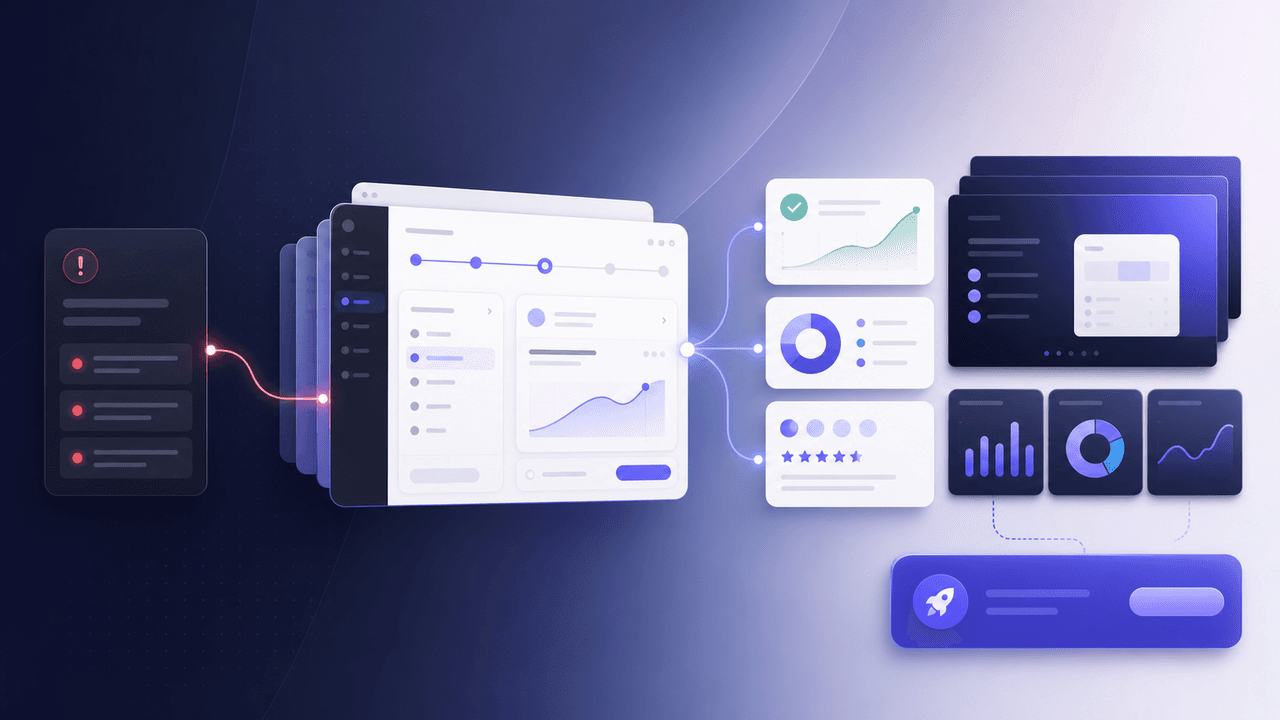
SaaS Demo Carousels: Turn Product Workflows Into Social Content
A SaaS demo carousel should show one buyer problem, one workflow, one visible result, and one next action. It is not a feature tour. The best SaaS demo carousels translate product screens into a short buyer story: before state, decision point, guided workflow, proof of outcome, and CTA.
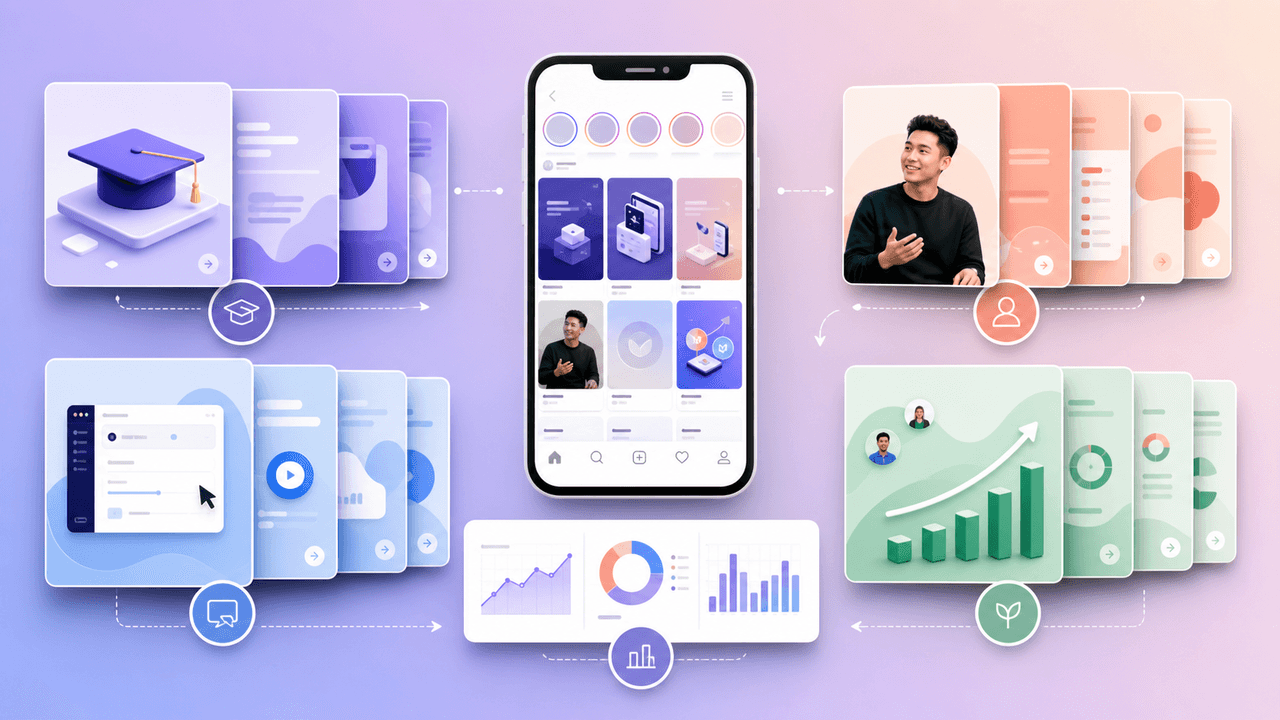
Build SaaS carousels from evidence, not a posting formula
A useful SaaS Instagram strategy turns product knowledge and customer evidence into focused carousel series, then evaluates each series with the metrics available in that account instead of relying on universal posting formulas.

SaaS Social Proof Carousels: Turn Metrics and Testimonials Into Sign-Ups
Testimonials buried on your website convert nobody. The same testimonials reformatted as carousels and distributed on social media can become your highest-converting content type. This playbook shows you how.
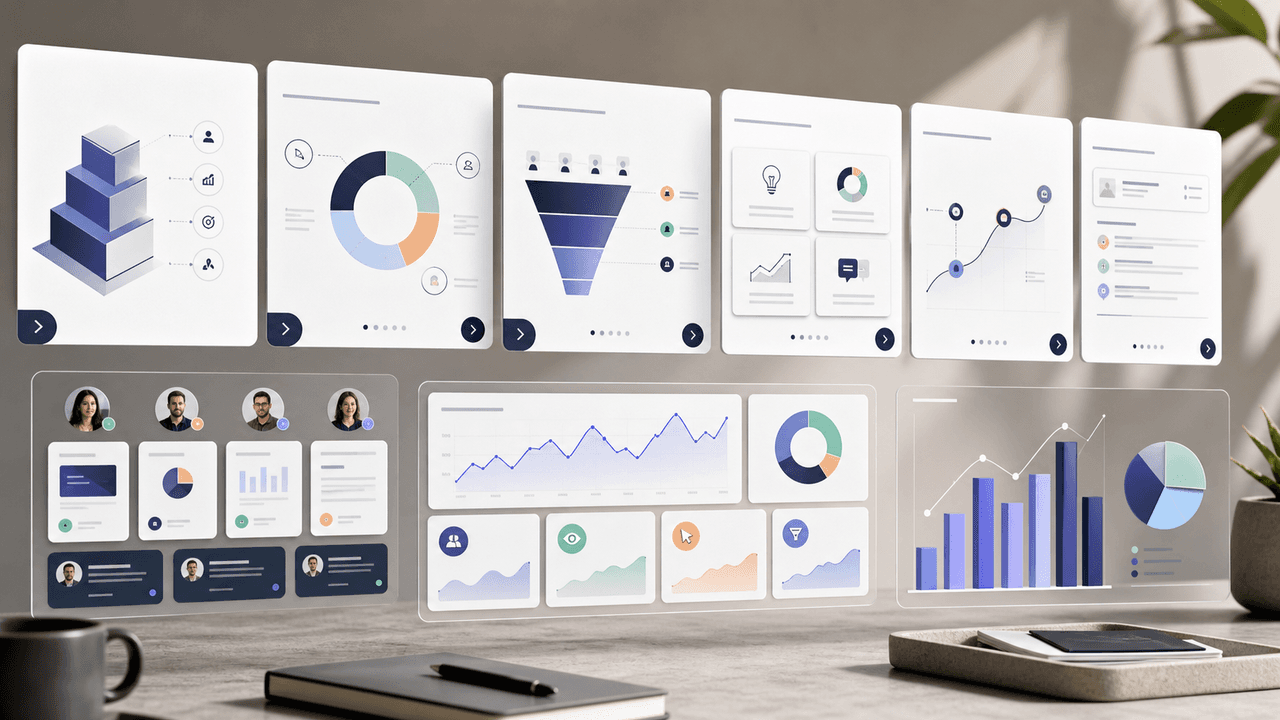
Turn one SaaS decision into a useful LinkedIn document
A SaaS LinkedIn carousel strategy should treat the format as a native document post: build one useful professional argument, assemble and verify the document before upload, and measure it with LinkedIn's available post analytics rather than a promised cadence or lead formula.

High-Ticket Offer Funnels Using Instagram Carousels: From Free Value to $5K Clients
High-ticket clients do not buy from a single post. They buy after experiencing a sequence of content that builds belief, addresses objections, and makes the investment feel inevitable. This guide shows you how to engineer that sequence using Instagram carousels.
Sources
- Onboarding Tutorials vs. Contextual Help — Nielsen Norman Group
- A B2B Marketer's Guide to Every LinkedIn Ad Type — LinkedIn Marketing Solutions
- Creating helpful, reliable, people-first content — Google Search Central
Written by
AttentionClaw
Editorial Team
Editorial context
Part of the Carousel Creation topic cluster. Last updated June 22, 2026.