Chapter 1
Office hours reveal the implementation layer
Courses and communities often teach the official framework in lessons, but office hours reveal what happens when real people try to apply it. That makes replays valuable source material.
A replay contains questions, partial attempts, confusion, examples, and corrections. Those are more useful than generic content prompts because they show where the audience actually gets stuck.
The same trust rules apply as coaching calls and paid communities: extract patterns, anonymize details, and get permission before using specific stories or screenshots.
Repeated questions become public FAQs.
Implementation blockers become checklists.
Example reviews become anonymized teardowns.
Corrections become lesson updates.
Action steps become social CTAs.
Chapter 2
Capture replays with a five-lane review
- 1
Question
What did participants ask? Keep the original wording until you have extracted the audience language.
- 2
Blocker
What prevented action? Sequence, confidence, tool setup, strategy, time, or missing examples?
- 3
Example
What real attempt or scenario made the lesson concrete? Anonymize before it enters public content.
- 4
Correction
What did the instructor correct or clarify? These often become high-value posts because they prevent common mistakes.
- 5
Action step
What was the next action after the answer? This becomes the CTA or checklist ending.
Chapter 3
Separate public content from member-only value
Office hours are often part of a paid offer. Public repurposing should not leak the full experience. It should teach generalized patterns and invite the right people into the deeper environment.
Public assets can include anonymized FAQs, mistake carousels, and high-level checklists. Member-only assets can include full replay chapters, specific feedback, templates, and detailed teardown examples.
Google's people-first content guidance is useful because the public version should still help. The boundary is depth, personalization, and access to the full replay.
Chapter 4
Turn replay questions into FAQs and carousels
A repeated office-hours question is a strong FAQ candidate. Write the direct answer first, then add the common mistake, example, and next step.
For carousels, use one question cluster per asset. Meta's carousel format guidance is a useful constraint: question, short answer, mistake, steps, example, caveat, next action.
This turns a live support moment into an evergreen teaching asset without exposing the participant.
Chapter 6
Use replay patterns to improve the course or community
Some office-hours insights should become product improvements before public posts. If the same question appears repeatedly, the lesson, worksheet, onboarding, or template may need revision.
This creates a strong loop: office hours reveal blockers, the product improves, and public content teaches the now-clearer lesson.
Do not let the content calendar steal the lesson from product improvement. A better course or community is often the highest-value output.
A useful operating rule is to tag every replay insight twice: once for audience-facing content and once for product action. If the same blocker appears in three sessions, publish a public explanation only after the internal lesson or template has been clarified.
This protects the business from using confusion as endless content. The healthier loop is to answer the question publicly, reduce the support burden privately, and make the next cohort easier to serve.
Chapter 7
Measure replay-derived assets and support burden
Measure public content with saves, replies, clicks, and signups. Measure internal impact by whether repeated questions decrease after you publish or update the lesson.
Google Analytics URL builder guidance explains how campaign parameters identify referral campaigns. Use labels such as office_hours_faq, office_hours_carousel, office_hours_newsletter, office_hours_update, and office_hours_cta.
If a public FAQ reduces repeated support questions or improves onboarding, it is doing more than marketing.
Chapter 8
Where AttentionClaw fits
AttentionClaw fits after replay insights have been anonymized and sorted. The educator or community operator decides what is public and what stays private. AttentionClaw can turn public-safe patterns into branded carousels and social drafts.
This turns office hours into durable teaching assets while respecting the value of live support.
Callout
Turn anonymized office-hours questions into polished social teaching assets
Use AttentionClaw to turn anonymized office-hours questions and blockers into polished social teaching assets.
Chapter 9
A practical anonymization framework before any question goes public
Every office hours question that becomes public content requires a judgment call about attribution and anonymization. The safe default is to strip all identifying details before any content is drafted: no names, no company names, no geographic specifics, no industry details narrow enough to identify the person, and no combinations of details that together make someone identifiable even if each detail alone seems generic.
A workable framework: for every question you plan to repurpose, ask whether a member of your community who knows that person would recognize them from the repurposed version. If the answer is yes, abstract one level further. 'A student in my membership asked...' is better than 'someone in [City] running a [niche business type] asked...' even if you never named them directly.
When in doubt, ask. A quick message to the member — 'I'd love to turn your question into an FAQ post, would that be okay if I don't name you?' — almost always results in a yes, and it builds goodwill. Some members will actually prefer to be credited, which opens a different kind of content opportunity.
Chapter 10
Turning a cluster of related questions into a single carousel
Office hours sessions rarely surface perfectly isolated questions. More often, three or four questions in the same session circle the same underlying confusion from different angles. Recognizing that pattern and treating it as a single topic — rather than four separate posts — produces more useful, comprehensive content.
The workflow: after reviewing a replay, group questions thematically rather than chronologically. A session might have questions about onboarding, one about pricing conversations, two about client communication, and one about scope creep. The scope-creep and pricing questions are related — they probably come from the same underlying anxiety about boundary-setting. That is one carousel, not two separate posts.
A carousel built from a question cluster has a natural structure: slide one is the underlying problem ('Why do scope creep and pricing conversations feel connected? Because they are.'), slides two through five address the specific questions in order of most-to-least common, and the final slide is the action step or decision principle that connects them. This format tends to perform well because it reflects the reality of how implementation questions work — messy, interconnected, and specific.
- 1
Group replay questions by underlying problem
After your five-lane review, sort questions into thematic clusters before deciding on post formats. Aim for clusters of two to five related questions that share a root cause.
- 2
Identify the root confusion
Before writing a single slide, write one sentence that names what the cluster of questions is really about. That sentence becomes the hook for your carousel cover or opening slide.
- 3
Write the direct answer first
Answer the most common version of the question plainly, without setup. Then add the nuances, variations, and follow-up points as subsequent slides.
- 4
End with a generalizable principle
The last slide should give a framework or rule of thumb the reader can apply on their own, not just a restatement of the answer. This is what gets saved.
Next step
Turn office-hours questions into durable teaching assets
AttentionClaw helps convert anonymized replay patterns into branded carousels, FAQs, and social posts.
Common Questions
FAQ
More Reading
Keep reading
10-chapter read
How to Turn Paid Workshop Recordings Into Social Content
Paid workshop recordings can become public social content when the creator extracts general lessons, anonymized patterns, approved clips, and implementation prompts without leaking the paid experience.
10-chapter read
How to Repurpose Paid Community Content Without Breaking Trust
Paid community content becomes public social content when you extract patterns, anonymize member context, and turn recurring questions into useful public assets without leaking exclusive value.
10-chapter read
How to Turn a Workshop Workbook Into Social Content
A workshop workbook becomes social content when prompts, exercises, checklists, examples, and reflection questions are converted into useful standalone assets.
11-chapter read
How to Turn an AMA Session Into FAQ Content
An AMA session becomes durable FAQ content when you cluster repeated questions, write direct answers, add caveats and sources, and repurpose each cluster into social assets.
11-chapter read
How to Turn Cohort Course Feedback Into Content and Better Lessons
Cohort course feedback becomes useful content when you separate student blockers, assignment patterns, live questions, transformation moments, and curriculum gaps into safe, anonymized assets.
10-chapter read
How to Repurpose Coaching Calls Without Violating Client Trust
Coaching calls can create excellent content when you extract patterns, anonymize details, and turn recurring client questions into teaching assets without exposing private information.
8-chapter read
How to Turn Workshop Q&A Into a Month of Social Content
Workshop Q&A is one of the highest-intent sources for content ideas. Sort questions into beginner confusion, implementation blockers, objections, examples, and next-step requests to build a month of posts.
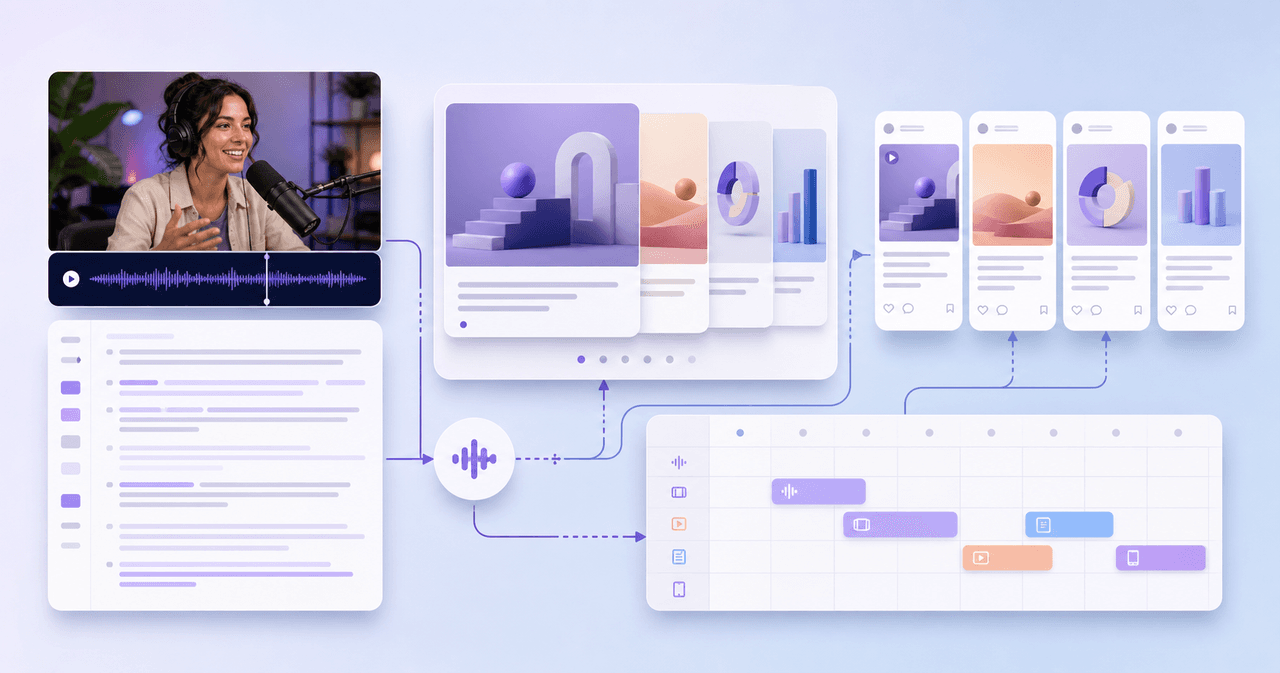
Podcast Interview Content Repurposing System: One Guest Conversation Into a Week of Assets
A podcast interview should become more than audiograms. Extract the guest thesis, strongest story, quotable lines, objection answers, listener questions, and resource CTA into a week of native assets.
Sources
- Creating Helpful, Reliable, People-First Content — Google Search Central
- Design Specifications for Carousel Ads — Meta Business Help Center
- LinkedIn Newsletters Best Practices — LinkedIn Help
- URL Builders: Collect Campaign Data With Custom URLs — Google Analytics Help
- Understanding Success Criterion 1.4.3: Contrast (Minimum) — W3C Web Accessibility Initiative
Written by
AttentionClaw
Editorial Team
Editorial context
Part of the Repurposing topic cluster. Last updated June 22, 2026.