Chapter 1
The direct answer: sell the stay decision behind the amenity
The best hotel amenity Instagram carousel shows one booking decision at a time: whether the room supports sleep, whether the location saves time, whether breakfast changes the morning, whether the workspace fits a business trip, or whether accessibility details are clear enough to ask the next question.
Meta's carousel format lets a marketer show multiple images or videos in one unit, each with its own sequence. Hotels should use that sequence to move from guest problem to amenity proof to booking action, not just display a random property gallery.
A useful hotel carousel has one promise, one guest type, and one next step. 'A better work trip in six slides' is stronger than 'our amenities.' The reader can imagine their stay and knows whether to book, save, call, or ask the front desk.
Callout
Hotel carousel rule
Do not list amenities. Translate each amenity into a guest outcome: arrive easier, sleep better, work comfortably, bring the family, host the group, or explore the neighborhood.
Chapter 2
Map amenities to booking intent
Hotels usually have more content than they realize, but it is organized around operations instead of guest decisions. The marketing job is to remap the property into trip moments.
A business traveler cares about Wi-Fi, desk space, late check-in, breakfast timing, parking, and commute. A family cares about room layout, pool hours, breakfast, nearby activities, and laundry. A wedding guest cares about room blocks, shuttles, lobby meetups, and late-night food.
Create one carousel per trip intent so the post can rank and convert for a narrow searcher. The same hotel can publish separate carousels for work trips, weekend breaks, conference guests, accessible stay planning, family weekends, and local event nights.
Business trip carousel: desk, outlets, Wi-Fi, breakfast window, late arrival, receipt workflow.
Family stay carousel: room type, pool, breakfast, parking, nearby activities, crib or cot request path.
Event weekend carousel: room block, shuttle, lobby bar, late check-in, group breakfast, contact person.
Accessible stay carousel: verified room details, route clarity, service animal policy, contact path.
Local getaway carousel: spa, restaurant, walkable area, parking, flexible checkout, direct-book perk.
Chapter 3
Use a seven-slide amenity carousel structure
A hotel carousel should be easy to approve. Use a fixed structure so sales, front desk, and operations know what information is needed before creative work starts.
Keep the headline specific and guest-centered. Instead of 'Amenities,' use 'What a one-night business stay looks like here' or 'A family weekend without morning chaos.' Specificity helps the post feel like a planning tool rather than a brochure.
The final slide should not always push an immediate booking. For complex stays, the right CTA may be 'ask about accessible room details,' 'request a group block,' or 'save this for your conference weekend.'
- 1
Slide 1: guest situation
Name the trip type and problem, such as early meeting, wedding weekend, family stopover, or accessible room planning.
- 2
Slide 2: primary amenity proof
Show the strongest photo that proves the hotel fits that situation.
- 3
Slide 3: practical detail
Add timing, location, request path, room type, or availability caveat.
- 4
Slide 4: supporting amenity
Show the second feature that removes friction from the trip.
- 5
Slide 5: guest use case
Explain how a real guest would use the amenity during the stay.
- 6
Slide 6: trust detail
Clarify policy, accessibility, parking, cancellation, pet, or group-booking detail when relevant.
- 7
Slide 7: CTA
Book direct, check dates, call the hotel, request a room block, or ask the front desk a specific question.
Chapter 4
Build a property photo system before writing captions
Google Business Profile guidance says photos and videos can show storefronts, products, and services so customers understand the business. For hotels, social content should use the same discipline: exterior arrival, room types, lobby, amenities, meeting areas, food, and neighborhood access.
A carousel will underperform if the photo set is inconsistent. Shoot the same amenity from three distances: wide orientation, guest-use detail, and proof detail. For example, a breakfast carousel needs room context, a plate or station detail, and a timing or signage shot.
Do not over-polish photos until they feel unreal. Guests want to know what they will actually encounter. Show accurate rooms, current furniture, real signage, and current policies.
Arrival proof: exterior, parking entrance, lobby desk, shuttle pickup, or wayfinding.
Room proof: bed, desk, bathroom, view, storage, outlet placement, and seating.
Amenity proof: pool, breakfast, gym, spa, meeting room, laundry, or pet area.
Trust proof: accessibility details, front desk contact, guest policy signage, and local map context.
Conversion proof: booking page screenshot, package card, phone number graphic, or group inquiry form.
Chapter 5
Keep claims precise, especially accessibility and guest reviews
Hotel social content needs operational review. If a carousel says the pool is open until 10 p.m., the front desk must be comfortable with that. If it shows breakfast items, the food and beverage team should confirm whether those items are typical, seasonal, or package-specific.
The ADA lodging guide notes that hotels and other places of lodging must provide equal opportunity to enjoy services and facilities. Social content should not make vague accessibility promises; it should route guests to verified details and a trained contact path.
FTC endorsement guidance matters when hotels reuse influencer posts, guest reviews, or creator stays. Endorsements should be honest, and material connections need disclosure. A hosted stay carousel should be handled differently from an organic guest quote.
Confirm amenity hours before publishing.
Use current room photos and avoid showing unavailable room types as standard.
Route accessibility questions to verified property information.
Disclose hosted creator stays and material connections.
Do not turn one exceptional guest quote into a guaranteed outcome.
Chapter 6
How AttentionClaw turns hotel assets into carousel campaigns
AttentionClaw helps a hotel turn room photos, amenity notes, package details, and front desk FAQs into a repeatable carousel system. The property team supplies current information; the content system packages it into guest-specific sequences.
A practical monthly workflow is to choose four stay intents, gather approved photos, confirm policies, generate carousel variants, and schedule one Instagram carousel plus one TikTok slideshow per intent.
The most useful output is not one pretty post. It is a property content library: business trip, family weekend, accessible stay planning, event blocks, pet-friendly stays, local getaway, and seasonal package posts.
Callout
Hotel production loop
Pick guest intent, confirm amenity facts, select photos, generate carousel, review policy details, publish, then record booking questions for the next post.
Chapter 7
Measure saves, direct booking clicks, calls, and better questions
Hotel carousel metrics should be tied to booking behavior. Saves suggest planning intent. Profile clicks, website taps, direct booking clicks, room-block inquiries, and calls show stronger commercial value.
Track which amenity post changes guest questions. If callers ask fewer parking questions after a parking carousel, the content is doing front-desk work. If accessible-room questions increase but are better qualified, the post may be helping guests find the right contact path.
Use carousel results to improve the property website too. A high-save breakfast or parking post may deserve a clearer page section, not just another social post.
Track direct booking clicks from carousel campaigns.
Track phone and email inquiries by amenity theme.
Track saves on planning posts.
Track room-block and event inquiries from group-stay content.
Track recurring questions that should become future posts or website FAQs.
Next step
Turn hotel amenities into booking content
AttentionClaw helps hospitality teams package room photos, amenity details, local guides, and guest FAQs into Instagram carousels and TikTok slideshows that support booking decisions.
Common Questions
FAQ
More Reading
Keep reading
11-chapter read
Honeymoon Travel Advisor Instagram Carousels
Honeymoon travel advisor carousels should help couples compare destinations, timing, passports, travel advisories, health preparation, budget, and consultation CTAs without promising risk-free travel.
9-chapter read
Hotel Wedding Room Block Instagram Carousels: Help Couples and Guests Book Correctly
Hotel wedding room block carousels should explain block codes, cutoff dates, stay dates, room types, guest logistics, and support contacts without oversimplifying contracts or fees.
9-chapter read
Hotel Group Room Block Instagram Carousels: Explain Blocks, Cutoffs, and Guest Questions
Hotel group room block carousels should explain what a room block is, what guests need to book, when cutoff dates matter, and which questions belong with the planner or hotel sales team.
9-chapter read
Hotel Weekend Package TikTok Slideshows: Sell the Itinerary, Not Just the Room
Hotel weekend package slideshows work when they sell a short itinerary: arrival, room, food, local activity, amenity, and booking action. The package should feel easy to imagine and easy to book.
8-chapter read
Restaurant Private Dining Room Social Content: Posts That Book Events
Private dining social content should help guests imagine the room, understand event capacity, see menu options, know how booking works, and contact the restaurant with confidence. Strong posts combine room visuals, event use cases, food safety-aware menu language, FAQs, and a direct inquiry CTA.
8-chapter read
Carousel Slide Order That Converts: Hook, Proof, Offer, CTA
A converting carousel usually follows a clear order: hook, context, problem, solution or product, proof, objection handling, offer, and CTA. The exact slide count can change, but the reader should never wonder why the next slide exists.
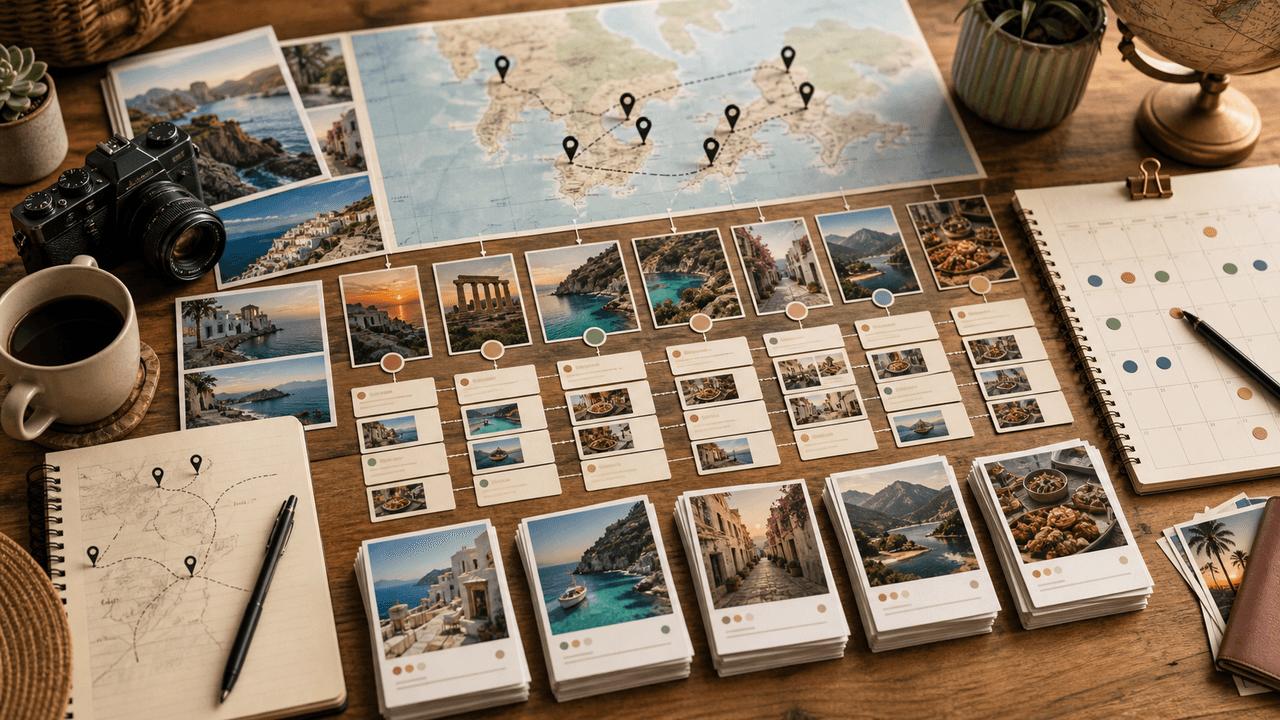
Travel Content Carousel System: Turn Every Trip Into 30 Instagram Posts
Most travel creators come home from a trip with hundreds of photos and post five of them. A content repurposing system turns every trip into 30 or more carousels covering itineraries, tips, photo essays, and guides — extending the content value of each journey for weeks.

Carousel Design Principles: The Visual Rules That Get More Swipes
Great carousel design is not about being a graphic designer. It is about following a set of visual rules that make your content readable, recognizable, and swipeable. This guide breaks down each rule with concrete specifications you can apply immediately.
Sources
- About Carousel Ads — Meta Business Help Center
- Manage your Business Profile photos & videos — Google Business Profile Help
- ADA Guide for Places of Lodging — ADA.gov
- FTC's Endorsement Guides: What People Are Asking — Federal Trade Commission
Written by
AttentionClaw
Editorial Team
Editorial context
Part of the Carousel Creation topic cluster. Last updated June 22, 2026.