Chapter 1
The direct answer: explain the booking path and cutoff
A hotel wedding room block Instagram carousel should explain the couple's event name, stay dates, booking code or link, cutoff date, room types, parking or shuttle details, and the correct contact for reservation changes.
It should not promise that rooms, rates, upgrades, early check-in, or welcome bag delivery are available unless the hotel has confirmed those details.
FTC fee guidance is relevant when hotels discuss rates and charges, and ADA service-animal guidance is relevant when guests ask accessibility-related questions. Keep both topics in approved support channels.
Callout
Wedding block rule
Make guest booking simple while keeping contract, fee, and accessibility language accurate.
Chapter 2
Answer the guest questions that create reservation calls
Guests ask whether the block is mandatory, whether they can extend the stay, whether a room type is guaranteed, what happens after the cutoff, and where the shuttle leaves.
Couples ask different questions: how many rooms to block, what the cutoff means, whether unbooked rooms create obligations, and what details belong on the wedding website.
A hotel can build separate couple-facing and guest-facing carousel versions, using sales-approved wording for each.
Wedding name and stay dates.
Booking link, code, or phone instructions.
Cutoff date and what to do after it passes.
Confirmed parking, shuttle, or breakfast details.
Accessibility and service-animal support routing.
Reservation-change contact.
Chapter 3
Use a seven-slide wedding room block carousel
For Instagram, keep the details legible and avoid trying to fit the full contract into the slides.
Use property photos, room images, venue-adjacent maps, and wedding-weekend logistics visuals.
- 1
Slide 1: wedding guest hook
Open with the couple name or event and a lodging reminder.
- 2
Slide 2: dates
Show arrival and departure dates tied to the wedding weekend.
- 3
Slide 3: booking method
Give the booking link, code, phone number, or website instruction.
- 4
Slide 4: cutoff
Explain the deadline and what guests should do after it passes.
- 5
Slide 5: logistics
Add confirmed shuttle, parking, breakfast, venue distance, or check-in notes.
- 6
Slide 6: support
Route accessibility, service animal, and reservation-change questions.
- 7
Slide 7: CTA
Book the room before the cutoff or contact the hotel wedding sales team.
Chapter 4
Set fee, contract, and accessibility guardrails
Wedding block content can accidentally imply guaranteed discounts or hidden perks. Use only confirmed sales language.
FTC unfair or deceptive fee guidance underscores the need for clear pricing communication. If a fee is mandatory and known, the public booking path should not obscure it.
ADA service-animal questions should be answered from approved hotel policy and legal guidance, not improvised in comments.
No unconfirmed upgrade or rate claims.
No hidden mandatory-fee language.
No public discussion of guest reservation details.
No casual ADA answers in comments.
Keep attrition or contract terms sales-approved.
Chapter 5
How AttentionClaw helps hotels create wedding block content
AttentionClaw can turn wedding sales packets, approved booking instructions, guest FAQs, and hotel photos into Instagram carousels for couples and guests.
Hotels can create templates for courtesy blocks, contracted blocks, destination weddings, rehearsal dinners, shuttle logistics, and post-wedding brunch stays.
Sales and guest services own the terms. AttentionClaw keeps the communication clear and reusable.
Callout
Hotel workflow
Confirm block details, draft guest-facing slides, review rate and policy language, publish with the booking CTA.
Chapter 6
Measure block pickup and fewer guest questions
Measure bookings from the post, planner shares, guest saves, calls about cutoff dates, and block pickup before the deadline.
If guests still call with the same question, the carousel needs clearer booking instructions or a simpler final slide.
Wedding block booking clicks.
Rooms booked before cutoff.
Planner and couple shares.
Guest support questions.
Reservation-change routing quality.
Chapter 7
What a Couple Needs Confirmed Before Sharing a Room Block Post
A wedding room block carousel posted before the booking details are finalized creates guest confusion and support calls. Before your hotel creates or shares this content, confirm with the event contact: the exact booking code or link is active and tested, the cutoff date is accurate in the post, the stay dates reflect the actual block nights (not just the wedding night), and the room types listed are actually available and not already at capacity.
One slide that causes repeated guest calls — 'I tried the code and it didn't work' — creates more negative impression than no post at all. Treat the block post as a booking asset, not just a promotional one, and hold it until the operational details are clean.
A useful internal checklist before publishing: test the booking link on a mobile device, confirm the quoted price matches what the link resolves to, and verify the cutoff date has not already been moved. These are the three most common mismatch points between what a block post says and what the guest experiences.
Callout
One test every hotel should run before posting a room block carousel
Have someone outside the sales team use the booking link from a mobile browser with no hotel loyalty account logged in. If they encounter an error, a loyalty-required gate, or a rate that differs from the post, fix it before the carousel goes live.
Chapter 8
How to Handle a Nearly Full or Sold-Out Block in Your Content
Room blocks sell out, especially for popular dates. A hotel that has planned a post sequence for a wedding block should also plan a 'nearly full' post and a 'block is now full' post. The 'nearly full' version creates urgency without pressure tactics: 'A few rooms remain in the Smith-Johnson wedding block — cutoff is June 14. Use code SMITH24.' The 'full' version prevents unnecessary calls: 'The Smith-Johnson block has reached capacity. For same-weekend availability at our standard rate, visit [link].'
The 'full' post is often overlooked. Without it, guests who see the original carousel will continue calling, clicking the code, and getting confused or frustrated. A brief follow-up post or Story update takes minutes to create and prevents a significant volume of misdirected contact.
Both posts reinforce your hotel's reliability to the couple. They are watching how their guests experience the booking process, and seeing the hotel actively managing communication throughout the block lifecycle builds the kind of trust that leads to referrals to other engaged couples.
Chapter 9
Accessibility and Room Type Transparency in Wedding Block Carousels
Wedding guests include people with mobility needs, guests traveling with infants, and guests with other accessibility requirements. A room block carousel that mentions accessible room availability, the process for requesting an accessible room with the booking code, and who to contact if the standard booking path doesn't accommodate their needs prevents the specific situation where a guest shows up expecting an accessible room that was not reserved.
You do not need to give a legal compliance rundown in a carousel slide. A single slide or caption note covering 'accessible rooms are available in this block — use [code] and note your request, or call our front desk directly at [number]' is sufficient. This shows the couple that you thought about all their guests, not just the guests who fit the standard booking path.
Room type transparency matters for guest budgeting as well. If the block includes both standard king rooms and suites at different price points, make that clear in the carousel rather than forcing guests to discover the price variance at checkout. Guests who book the wrong room type and then call to downgrade create front-desk workload that is entirely avoidable with one clear slide.
Next step
Turn wedding block questions into guest-ready carousels
AttentionClaw helps hotels turn approved group sales details, guest FAQs, and property visuals into Instagram carousels that reduce booking confusion.
Common Questions
FAQ
More Reading
Keep reading
8-chapter read
Wedding Venue Accessibility Instagram Carousels
Wedding venue accessibility carousels should show ceremony and reception access details, guest questions, service-animal boundaries, parking, restrooms, and tour CTAs without overclaiming compliance.
9-chapter read
Wedding Venue Tour Instagram Carousels
Wedding venue tour carousels should help couples understand spaces, dates, guest count, catering, weather plans, contract questions, and how to inquire without hiding key logistics.
9-chapter read
Event Vendor Collaboration Instagram Carousels: Sell the Full Experience
Event vendor collaboration carousels should show the full event experience, credit partners accurately, protect client privacy, and route viewers to the right booking CTA.
9-chapter read
Hotel Group Room Block Instagram Carousels: Explain Blocks, Cutoffs, and Guest Questions
Hotel group room block carousels should explain what a room block is, what guests need to book, when cutoff dates matter, and which questions belong with the planner or hotel sales team.
8-chapter read
Event Ticket Sales Social Content: Posts That Answer Before Guests Buy
Event ticket sales posts should answer timing, price, access, refund, schedule, age, food, accessibility, and arrival questions before guests buy. The best campaigns reduce uncertainty and make the ticket CTA obvious.
8-chapter read
Florist Wedding Consultation TikTok Slideshows: Turn Inspiration Into Inquiries
Wedding florist slideshows should help couples move from inspiration to inquiry by explaining style, seasonality, budget factors, consultation prep, and the exact details the florist needs before quoting.
9-chapter read
Hotel Weekend Package TikTok Slideshows: Sell the Itinerary, Not Just the Room
Hotel weekend package slideshows work when they sell a short itinerary: arrival, room, food, local activity, amenity, and booking action. The package should feel easy to imagine and easy to book.
7-chapter read
Hotel Amenity Instagram Carousel Content: Turn Features Into Bookings
Hotel amenity carousels work when they translate features into trip decisions: sleep quality, convenience, accessibility, local access, group needs, and booking confidence. The post should answer what the guest can expect and why it matters for this stay.
8-chapter read
Event Vendor Collaboration Social Content: Grow Reach With Partner Posts
Event vendor collaboration content helps venues, planners, caterers, florists, photographers, and rental teams share audiences without confusing credit, logistics, or disclosure. Use partner previews, setup stories, accessibility-aware event details, and clear CTAs.
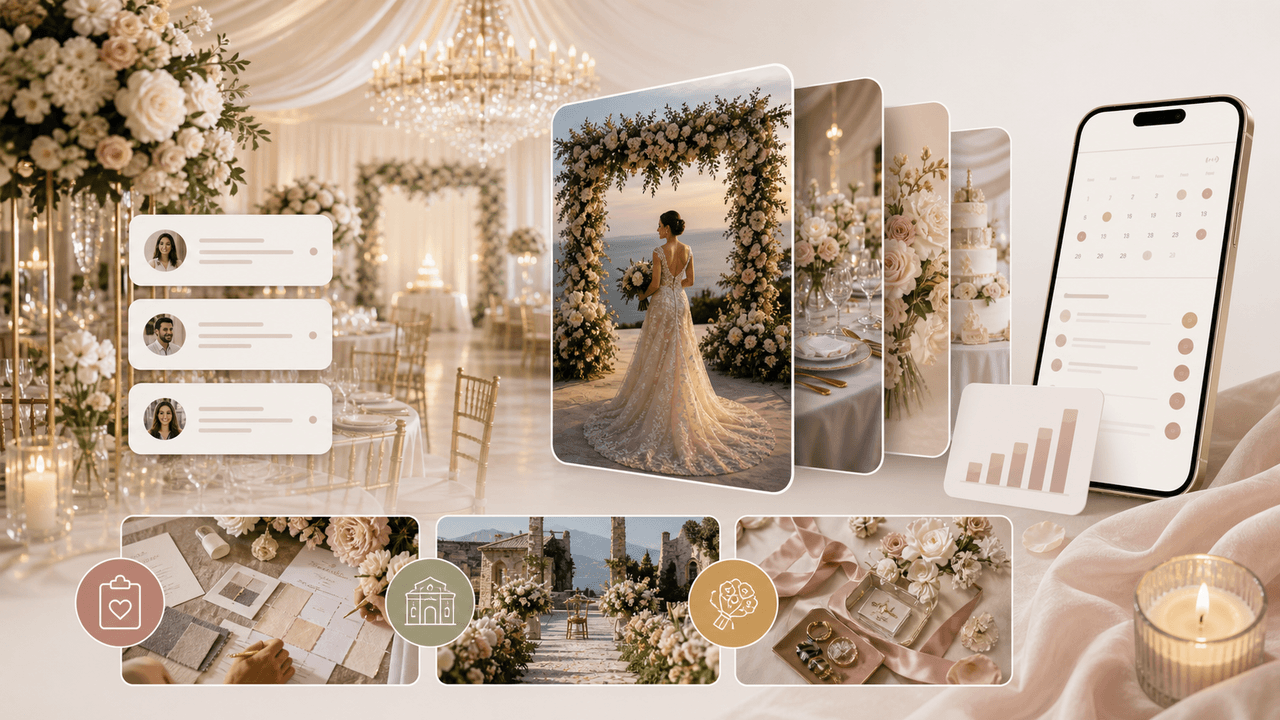
Wedding Business Carousel Marketing: The Instagram Strategy for Venues and Planners
Couples planning a wedding save hundreds of Instagram posts before contacting a single vendor. Wedding businesses that create saveable, shareable carousels position themselves at the top of that consideration list months before the inquiry arrives.
Sources
- The Rule on Unfair or Deceptive Fees: Frequently Asked Questions — Federal Trade Commission
- ADA Requirements: Service Animals — ADA.gov
- About AHLA — American Hotel & Lodging Association
- About Carousel Ads — Meta Business Help Center
Written by
AttentionClaw
Editorial Team
Editorial context
Part of the Carousel Creation topic cluster. Last updated June 22, 2026.