Chapter 1
The repurposing mindset: one trip, unlimited angles
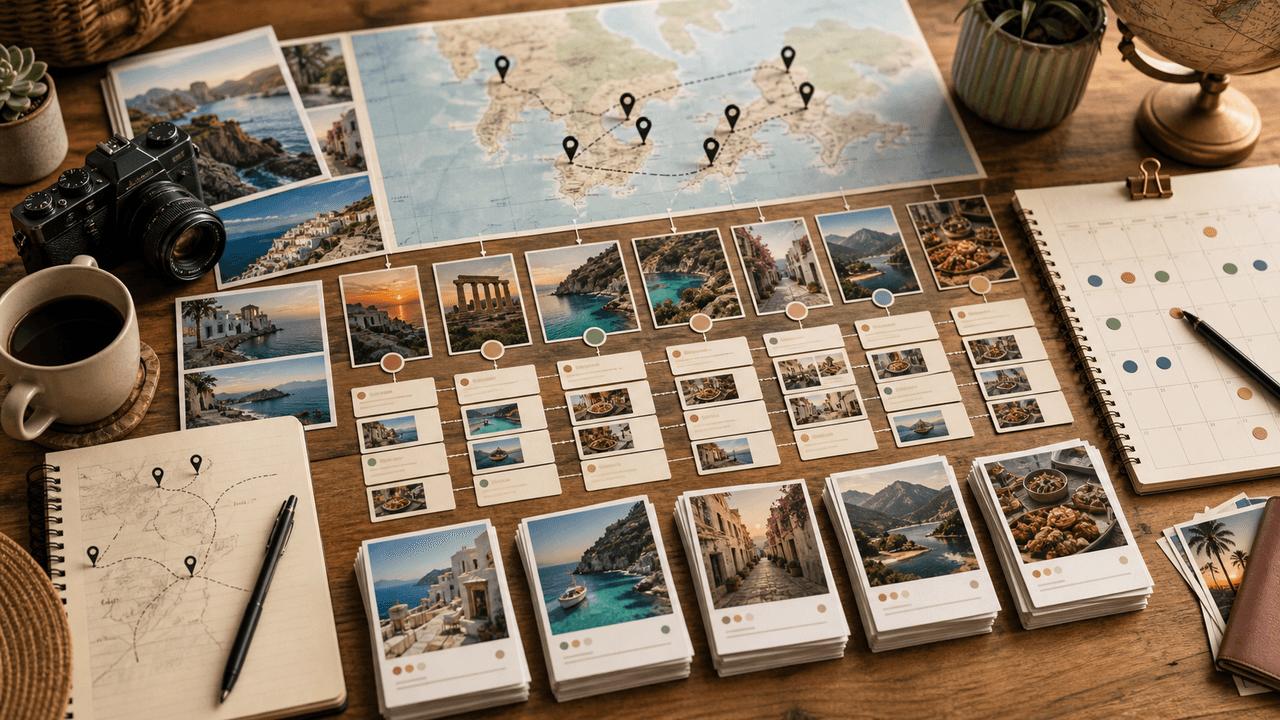
Most travel creators think in terms of 'one experience, one post.' That mindset caps your content output at the number of photogenic moments you encounter. A repurposing mindset flips this: every experience is raw material that can be sliced into multiple carousel formats, each serving a different audience need.
A single restaurant meal can become a food carousel, a neighborhood guide entry, a 'what to order in Lisbon' tip, a budgeting breakdown, and a travel mistake story. The experience is the same. The framing is different. And each framing attracts a different segment of your travel-curious audience.
The goal is not to post the same content five different ways. It is to recognize that one experience contains five genuinely different pieces of useful information, each of which deserves its own carousel because each one will resonate with a different reader at a different stage of their travel planning.
A museum visit becomes a culture carousel, a photography tips carousel, and a budget breakdown
A hotel stay becomes a review carousel, a packing tips carousel, and a luxury-vs-budget comparison
A hiking day becomes a trail guide carousel, a fitness travel carousel, and a photography location guide
A food market visit becomes a street food carousel, a price guide, and a vendor recommendation list
A transportation experience becomes a navigation tips carousel, a cost comparison, and a mistakes-to-avoid post
Chapter 2
The on-trip capture system: shoot for carousels, not single shots
The carousel content you can create after a trip is limited by what you capture during the trip.
Before you leave, make a shot list organized by carousel types, not by locations. You need: establishing shots for destination overviews, detail shots for tip carousels, sequence shots for storytelling carousels, and data shots (menus, signs, maps, receipts) for practical guide carousels.
During the trip, shoot in sets rather than singles. When you find a beautiful viewpoint, take the wide shot, the detail, the selfie-in-context, and the scene-setting shot. This gives you four slides from one stop instead of one hero image you already used as a Reel.
Keep a running note on your phone with carousel ideas as they occur. 'Five things I wish I knew before visiting Sintra.' 'The exact Lisbon itinerary we followed.' 'What 50 euros buys you at Time Out Market.' These notes are worth more than the photos themselves because they give you the editorial angle that turns photos into carousels.
- 1
Create a pre-trip shot list by carousel type
List five to eight carousel concepts you want to produce. For each one, note the specific shots you need. An itinerary carousel needs a highlight photo from each day. A food guide needs individual dish photos with restaurant context shots.
- 2
Shoot sequences at every stop
At every notable location, shoot: the approach, the wide establishing shot, two to three detail shots, one action or human-in-scene shot, and one context shot showing surroundings. This gives you enough material for multiple carousel types.
- 3
Log carousel ideas in real time
Keep a running notes file on your phone. Every observation, surprise, tip, or mistake is a potential carousel angle. Write it down immediately because you will not remember the nuance later.
- 4
Capture data and receipts
Photograph menus, price boards, transit maps, and receipts. These mundane shots become the foundation of your most practical and saveable carousels — budget breakdowns, price guides, and transportation how-tos.
Chapter 3
Ten carousel formats every travel creator should produce per trip
Not all travel carousels are created equal. Some drive followers, some drive saves, some drive brand deals. A complete content system uses all ten of these formats to serve different audience needs and attract different types of engagement.
- 1
The destination overview
Eight to ten slides covering the highlights of the entire trip. Hook with the most stunning photo, walk through the key experiences, close with a 'save for your trip' CTA. This is your broadest-reach format.
- 2
The day-by-day itinerary
One slide per day showing what you did, where you ate, and what it cost. Hyper-practical and extremely saveable. This format consistently generates the highest save rates for travel creators.
- 3
The food guide
Five to eight restaurants or food experiences with one photo and a mini-review each. Tag locations and include price range. Food content travels beyond the travel niche into foodie audiences.
- 4
The budget breakdown
Exact costs for flights, accommodation, food, activities, and transport. Real numbers attract audiences planning similar trips. Include both the budget and luxury options when possible.
- 5
The mistakes carousel
Five to seven things you got wrong or wish you knew before going. Negative framing hooks perform exceptionally well because everyone wants to avoid mistakes. Honest, specific mistakes build credibility.
- 6
The photo essay
Your eight to ten best photos from the trip, curated for visual storytelling rather than information. Minimal text. Let the images convey mood and place. This format attracts photography-focused followers.
- 7
The hidden gems carousel
Off-the-beaten-path spots that most tourists miss. This format positions you as a knowledgeable insider rather than a surface-level tourist. It also differentiates your content from the thousands of generic destination posts.
- 8
The packing guide
What you actually packed and what you wish you had brought. Practical, personal, and universally relevant. Include climate-specific and activity-specific recommendations.
Chapter 4
The post-trip content production workflow
You have the photos, the notes, and the carousel concepts. Now you need a system to turn raw material into finished carousels efficiently, without spending more time editing than you spent traveling.
The key principle is batch processing by stage, not by carousel. Sort all photos first. Write all copy second. Design all carousels third. This assembly-line approach is dramatically faster than completing one carousel at a time because you stay in one mental mode instead of constantly switching between photo editing, writing, and design.
A well-executed post-trip production session should produce fifteen to twenty carousels in a single day. Spread across three to four weeks of posting, that is a full month of content from one trip.
- 1
Day one: Sort and organize photos by carousel concept
Create folders for each planned carousel. Drag photos into the corresponding folder. Identify gaps where you need to substitute or combine. This sorting session usually reveals additional carousel ideas you did not plan.
- 2
Day two: Write all carousel copy in a single session
Using your trip notes and carousel outlines, write hooks, slide text, and captions for every carousel. Do not open any design tools. Stay in writing mode for the entire session.
- 3
Day three: Produce all visual carousels
Apply your design templates to every carousel. Drop in photos, add text overlays, adjust layouts. Since your brand design system is already set, this is assembly, not creation.
- 4
Day four: Schedule the entire posting calendar
Map out your posting schedule for the next three to four weeks. Space carousel types so you are not posting three itineraries in a row. Front-load your highest-impact content while the trip is still timely.
Callout
Compress your production timeline
AttentionClaw turns your sorted trip photos into brand-consistent carousels in minutes. Instead of a four-day production cycle, generate a month of travel carousels in a single afternoon session.
Chapter 5
Balancing timely posts with evergreen carousel content
Not all travel carousels have the same shelf life. A photo essay from last week's trip has a narrow window of relevance, but a budget breakdown for visiting Tokyo is useful for years. Understanding this distinction lets you prioritize timely content first while building an evergreen library that generates traffic long after the trip.
Post your destination overviews, photo essays, and personal stories within the first two weeks of returning. These have the strongest impact while the trip is fresh in your memory and your audience has seen your Stories about it. Save practical content — itineraries, budget guides, packing lists — for later because they perform on search and saves regardless of when you post them.
Your evergreen carousels should be optimized for Instagram search. Use clear, searchable titles like 'Tokyo 5-Day Itinerary' or 'Bali Budget Breakdown' rather than clever but vague hook lines. These carousels will be discovered by people searching for destination-specific content months and years later.
Post within two weeks: photo essays, destination overviews, personal stories, real-time tips
Post anytime: itineraries, budget breakdowns, packing guides, food guides, mistakes carousels
Optimize evergreen carousels for search with clear, descriptive titles
Update evergreen carousels with current prices and information when you revisit destinations
Pin your three best evergreen carousels to your profile grid for continuous discovery
Chapter 6
Building carousel series that keep followers coming back
Single carousels get engagement. Series get followers. When you establish a recurring carousel format — a consistent series with a recognizable name and visual style — you create appointment content that people follow you specifically to see.
Effective travel carousel series include: a city-specific guide series with a consistent format across destinations, a budget challenge series that explores places for a fixed daily amount, a 'locals told me' series featuring insider tips from residents, and a comparison series contrasting two destinations or experiences.
Each installment in a series should work as a standalone carousel while also creating the desire to see more. Reference previous installments naturally and use consistent visual branding so followers instantly recognize the series in their feed.
- 1
Choose a series format that scales across destinations
The best travel series work for any destination. '48 Hours In [City]' can run indefinitely. 'What $50 Buys You In [Country]' works globally. Choose a format you can sustain for twenty or more installments.
- 2
Create a consistent visual template for the series
Same layout, same typography, same hook slide format for every installment. The visual consistency makes the series immediately recognizable in a crowded feed and builds brand recall.
- 3
Cross-reference installments in captions and slides
At the end of each installment, mention related entries: 'If you liked this Lisbon guide, check out our Porto edition.' This drives traffic to older posts and increases overall profile engagement.
Chapter 7
Monetizing travel carousels beyond brand deals
Carousels are the format most preferred by travel brands for sponsored content because they allow for natural product integration across multiple slides. But relying solely on brand deals is volatile. A diversified carousel strategy builds multiple revenue streams.
Affiliate carousels recommending specific hotels, gear, or booking platforms convert well because the carousel format lets you make a genuine case across slides rather than dropping a single link. Structure these like honest reviews: what you liked, what you did not, who it is best for, and the price point.
Digital product carousels — promoting your travel guides, presets, or itinerary templates — convert your free carousel value into paid products. If someone saves ten of your free itinerary carousels, they are highly likely to pay for a comprehensive guide that consolidates everything into one resource.
Sponsored carousels: integrate brand products naturally across the story arc
Affiliate carousels: honest gear and booking recommendations with trackable links
Digital product promotion: sell detailed guides, presets, and planning templates
Coaching and consulting: attract aspiring travel creators with behind-the-scenes content carousels
Print and licensing: use carousel engagement data to identify your most commercially valuable photos
Chapter 8
Repurposing Instagram carousels into TikTok slideshows
TikTok's photo slideshow format is essentially a carousel with music, and travel content performs exceptionally well on the platform. Repurposing your Instagram carousels for TikTok doubles your distribution without doubling your production effort.
The adaptation is straightforward but not a direct copy-paste. TikTok audiences expect faster pacing, text overlay integration, and trending audio. Remove the detailed text slides from your Instagram version and let the images tell the story with brief text overlays. Keep it to five to seven slides instead of ten.
The same carousel content serves two audiences: Instagram users who save and study your carousels for trip planning, and TikTok users who discover your content through sound and visual trends. Both platforms feed followers into your content ecosystem, but they do it differently.
- 1
Adapt the slide count for TikTok
TikTok slideshows work best at five to seven slides versus Instagram's eight to ten. Cut your least essential slides and combine information where possible.
- 2
Add trending audio to your slideshow
Choose travel-appropriate trending sounds. The audio drives discovery on TikTok in a way that does not exist on Instagram. Check the trending sounds weekly and save ones that fit your content style.
- 3
Adjust text overlays for TikTok formatting
TikTok displays interface elements at the bottom and right side of the screen. Keep critical text in the center and upper portions of each slide.
Callout
One carousel, two platforms
AttentionClaw generates both Instagram carousels and TikTok slideshows from the same content. Produce once, publish everywhere, and keep your brand consistent across platforms.
Chapter 9
What to post between trips: keeping the carousel engine running
The biggest content gap for travel creators is the downtime between trips. You cannot post destination carousels if you are home for six weeks. But you can repurpose existing content, create planning-focused carousels, and build series that do not require fresh travel.
Compilation carousels work well between trips: 'The Five Best Coffee Shops From Every Country I Visited This Year,' 'Ranking Every Hostel I Stayed In,' 'Budget Breakdown: 6 Months of Travel in Numbers.' These repackage existing content into new formats that feel fresh.
Planning and preparation carousels also bridge the gap. Packing system carousels, booking strategy guides, travel hack compilations, and gear review roundups all serve your audience's needs without requiring you to be on location.
Compilation carousels: best-of lists across multiple past trips
Planning guides: how to book flights, choose accommodation, plan itineraries
Gear and packing: detailed reviews and systems you actually use
Throwback deep-dives: detailed guides from past trips using unused photos
Community carousels: follower-submitted tips and photos from their travels
Behind-the-scenes: your content creation process, editing workflow, planning method
Next step
Turn every trip into a month of content
AttentionClaw generates brand-consistent Instagram carousels and TikTok slideshows from your travel photos. Define your visual style once, then produce destination guides, itineraries, and tip carousels at scale.
Common Questions
FAQ
More Reading
Keep reading
11-chapter read
Honeymoon Travel Advisor Instagram Carousels
Honeymoon travel advisor carousels should help couples compare destinations, timing, passports, travel advisories, health preparation, budget, and consultation CTAs without promising risk-free travel.
9-chapter read
Boat Rental Safety Checklist Carousels: Turn Trip Questions Into Bookings
Boat rental safety checklist carousels should explain booking prep, operator requirements, weather, life jackets, route limits, and arrival instructions without replacing local safety rules.
7-chapter read
Hotel Amenity Instagram Carousel Content: Turn Features Into Bookings
Hotel amenity carousels work when they translate features into trip decisions: sleep quality, convenience, accessibility, local access, group needs, and booking confidence. The post should answer what the guest can expect and why it matters for this stay.

How to Turn One Good Idea Into 7 Different Instagram Carousels
You do not need 30 unique ideas to post every day. You need one strong idea and a system that turns it into 7 carousels with different angles, formats, and depths.
A 30-Day Calendar That Includes the Work Around Each Post
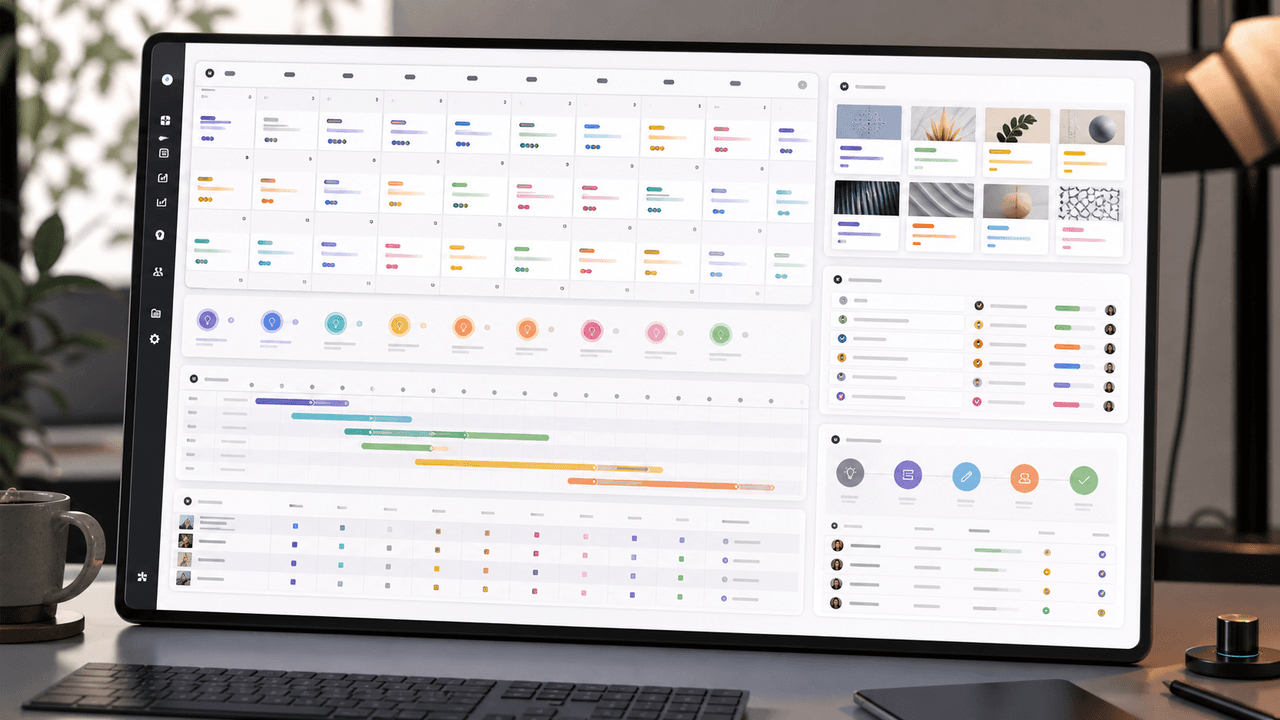
A useful monthly Instagram calendar records more than publication dates. It connects audience questions, approved sources, content pillars, owners, review gates, destinations, live URLs, listening notes, and correction decisions. The complete 30-day example below includes production and hold days so it can be adapted without implying that every account should post daily.
Build Instagram carousels around a measurable next step
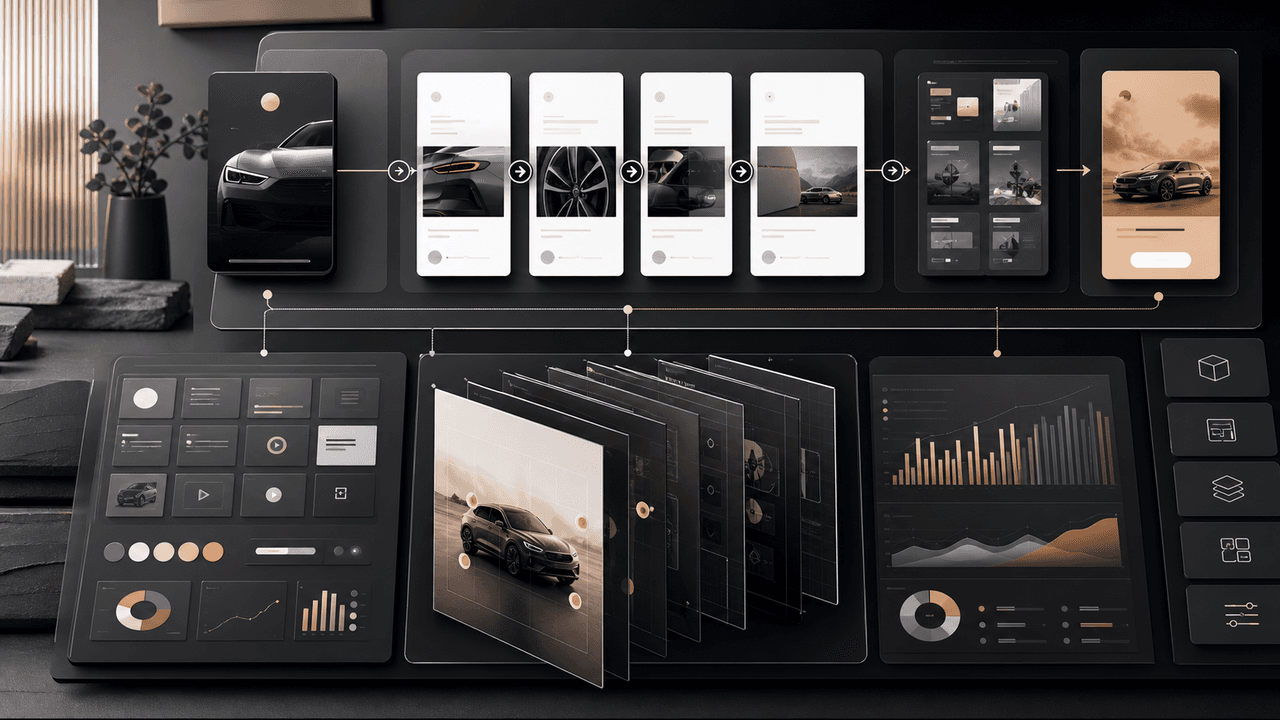
A carousel cannot guarantee conversion. It can make one next step clear, give the reader enough evidence to evaluate it, and produce a testable signal. This guide shows how to design and measure that system.
10-chapter read
How to Turn One Blog Post Into a Full Social Content System
A strong blog post can become a full social content system when you extract the direct answer, framework, examples, sources, objections, and CTA separately instead of summarizing the whole article.

Optimize the post you can observe—not a secret algorithm
There is no defensible universal weight chart for Instagram carousel distribution. Check recommendation eligibility, make the content useful and original, and use a controlled ledger to learn from the metrics available in your professional account.

Carousel Design Principles: The Visual Rules That Get More Swipes
Great carousel design is not about being a graphic designer. It is about following a set of visual rules that make your content readable, recognizable, and swipeable. This guide breaks down each rule with concrete specifications you can apply immediately.

From YouTube Transcript to a Reviewable Carousel Brief
Repurposing a YouTube video into an Instagram carousel is an editorial adaptation, not a transcript export. Work from video material you are authorized to reuse, preserve the source meaning, score candidate excerpts for fit, assign each slide a job, and complete a platform and rights review before publishing.
Written by
AttentionClaw
Editorial Team
Editorial context
Part of the Repurposing topic cluster. Last updated June 22, 2026.