Chapter 1
The direct answer: explain the challenge and the support system
A franchise gym challenge TikTok slideshow should explain who the challenge is for, how long it runs, what workouts or habits are included, how coaching works, what new members should bring, and how to claim a trial or challenge spot.
HHS physical activity guidelines and CDC physical activity resources support general movement benefits, but marketing should avoid unrealistic body-change claims. FTC endorsement guidance also matters when using member testimonials or before-after content.
The post should not promise weight loss, medical results, or identical outcomes for all members.
Callout
Gym challenge content rule
Sell structure, coaching, and community; do not sell guaranteed transformations.
Chapter 2
Build slideshows around challenge objections
Prospects ask whether they are fit enough, what the schedule is, whether coaching is included, how nutrition is handled, what equipment is needed, and what happens after the challenge.
Each slideshow should answer one objection. A beginner-fit post should not also become a full transformation proof, pricing page, and nutrition plan.
Use local class photos with permission, coaches, check-in boards, equipment, schedule cards, and member-safe community images.
Challenge schedule overview.
Beginner-friendly challenge explainer.
What to bring to day one.
Coach support and check-ins.
How trial signups work.
Member story with realistic context.
What happens after the challenge.
How to invite a friend.
Chapter 3
Use an eight-slide challenge launch slideshow
The sequence makes the challenge feel structured and approachable.
Review brand, franchise, health, testimonial, and offer language before publishing.
- 1
Slide 1: local challenge hook
Name the challenge and start date.
- 2
Slide 2: who it fits
Explain beginner, returning, or performance focus.
- 3
Slide 3: schedule
Show class times, length, and check-in cadence.
- 4
Slide 4: support
Show coaches, form help, and accountability.
- 5
Slide 5: what to bring
List water, shoes, towel, app, or arrival time.
- 6
Slide 6: safety and expectations
Encourage appropriate modifications and health-aware decisions.
- 7
Slide 7: local proof
Show permissioned community or testimonial context.
- 8
Slide 8: CTA
Claim a trial, join the challenge, or ask a coach.
Chapter 4
Avoid risky transformation and health claims
Fitness challenge marketing can easily overpromise. Focus on schedule, coaching, habits, and community rather than guaranteed weight loss or medical outcomes.
Before-after photos and member testimonials require permission and accurate context.
If a prospect has health concerns, route them to appropriate professional guidance and coach intake rather than comments.
No guaranteed weight loss claims.
No medical outcome promises.
Permissioned member images only.
Franchise brand rules reviewed.
Clear trial or challenge CTA.
Chapter 5
How AttentionClaw helps gyms package challenges
AttentionClaw helps gym teams turn challenge schedules, coach scripts, class photos, member FAQs, and offer details into TikTok slideshows and Instagram carousels.
Templates can cover launch announcements, beginner objections, day-one prep, member stories, coach intros, and last-chance signup reminders.
Callout
Gym workflow
Choose challenge angle, add schedule and support, select permissioned visuals, generate slideshow, review claims, publish with trial CTA.
Chapter 6
Measure trial signups and challenge attendance
Track trial claims, challenge signups, first-class attendance, saves, coach questions, and which objections drive replies.
If prospects arrive knowing the schedule and what to bring, the content is making signups easier.
Track challenge signup clicks.
Track trial pass claims.
Track first-class attendance.
Track saves on day-one prep.
Track coach questions by topic.
Chapter 7
A logistics-first slide template that reduces pre-signup confusion
The questions that keep people from signing up for a gym challenge are almost always logistical: when does it start, what time are the classes, do I need to come every day, what happens if I miss a session, and is this included in my membership. A slideshow that answers these before they become DMs removes the friction between interest and signup.
Build a logistics-first slide sequence that treats the challenge like an onboarding document. Cover the start date, session frequency, class duration, what equipment or gear is needed, whether coaching is included in the challenge price, and what the cancellation policy looks like. Prospective members who see a clear format are more likely to trust that the gym is organized and will deliver on its promises.
This kind of content also helps the front desk staff. When a slideshow is pinned to the gym's profile and sent to prospects who inquire, it reduces the volume of repetitive questions and lets staff focus on conversations with members who are ready to sign up.
- 1
Slide 1 — Challenge name and dates
State the challenge name, start date, end date, and total duration clearly. Avoid vague phrases like 'starting soon.'
- 2
Slide 2 — Who this is for
Describe the fitness level, goal, or member type the challenge is designed for. Be honest about effort expectations.
- 3
Slide 3 — Weekly schedule
Show the actual class days and times. If the challenge uses existing class slots, say so.
- 4
Slide 4 — Coaching and support
Explain what coaching or check-ins are included. Mention any app, group chat, or accountability system.
- 5
Slide 5 — Nutrition guidance scope
Be specific about what nutrition support is and is not included. Avoid making dietary claims or prescriptions.
- 6
Slide 6 — Cost and what is included
State the price or whether it is member-included. List what the signup gets: sessions, a kickoff, resources.
- 7
Slide 7 — How to sign up
Give the exact next step: link in bio, front desk, or DM. Include a deadline if spots are limited.
Chapter 8
Common mistakes franchise gyms make in challenge slideshows
The most common mistake is leading with a before-and-after transformation promise. Even when the intent is motivational, phrases like 'lose up to X pounds in 28 days' or 'total body transformation' create legal exposure and attract people whose expectations the gym cannot meet. If a challenge participant does not see dramatic results, they may feel misled.
A second mistake is building the slideshow around the prize rather than the process. Challenges that lead with cash prizes, giveaways, or leaderboard rankings attract a different kind of participant than challenges focused on habit formation and community. Decide which outcome the gym wants — sustainable memberships or short-term signups — and build the content accordingly.
A third mistake is launching the challenge slideshow the day the challenge opens. Challenge signups benefit from a runway of at least two weeks. Post readiness content, FAQ content, and coach introductions before the signup deadline so that prospects have time to evaluate, ask questions, and make a decision.
Chapter 9
How to localize challenge content within franchise brand guidelines
Franchise gyms often face a tension between brand consistency and local relevance. Corporate-level challenge graphics may not reflect the actual coaches, classes, or community at a specific location. Local social content that shows real members and real staff performs better than polished but generic brand assets.
Within whatever brand guidelines the franchise sets, look for space to add local proof: a short intro from the location's head coach, a testimonial from a member who completed the last challenge, a time-lapse of the gym floor during a morning session. These additions do not require breaking brand rules — they add texture within the existing format.
If the franchise provides a challenge slideshow template, use it as the base and customize the coach name, class schedule, location-specific pricing, and local signup link. Prospects want to know the details specific to the location they will actually attend, not a regional average.
Next step
Turn gym challenges into signup-ready slideshows
AttentionClaw helps gyms package challenge schedules, coach proof, and trial CTAs into TikTok slideshows and Instagram carousels.
Common Questions
FAQ
More Reading
Keep reading
9-chapter read
Personal Trainer Assessment TikTok Slideshows
Personal trainer assessment TikTok slideshows should explain goals, movement history, readiness, safety boundaries, program fit, and how to book a consultation without promising results.
9-chapter read
Gym Intro Offer TikTok Slideshows: Sell Trial Weeks Without Overpromising Results
Gym intro-offer TikTok slideshows should explain who the trial is for, what happens during the first week, how coaches scale workouts, and how to join without promising body transformations.
9-chapter read
Personal Training Lead Social Content: Posts That Turn Fitness Interest Into Consults
Personal training lead content should help prospects understand assessment, goals, safety, consistency, coaching fit, and how to book a consultation. The best posts are specific, realistic, evidence-aware, and careful with transformation claims.
9-chapter read
Yoga Studio Class Pass TikTok Slideshows: Sell the First Visit
Yoga studio slideshows should reduce first-visit anxiety: what class to choose, what to bring, who teaches it, what the room feels like, and how the intro pass works. The right content sells comfort and clarity, not just poses.
7-chapter read
Gym Challenge Launch Social Content: Fill Signups Without Overpromising Results
Gym challenge content should sell structure, community, and consistency rather than guaranteed transformation. Use readiness posts, weekly prompts, safety-aware guidance, honest testimonials, and clear signup CTAs to fill challenges with better-fit participants.
8-chapter read
Carousel Slide Order That Converts: Hook, Proof, Offer, CTA
A converting carousel usually follows a clear order: hook, context, problem, solution or product, proof, objection handling, offer, and CTA. The exact slide count can change, but the reader should never wonder why the next slide exists.
8-chapter read
Social Proof Posts for Apps With Few Reviews
Apps with few reviews can still create credible social proof by showing product proof, beta feedback, workflow evidence, founder responsiveness, changelog progress, and user questions answered. Do not fake testimonials or overstate traction. Make proof specific, modest, and connected to the user's decision.
8-chapter read
Gym Class Social Content Calendar: Fill Classes With Local Posts
A gym class content calendar should sell confidence before it sells intensity. Use class previews, beginner guidance, trainer education, member proof, seasonal challenges, and local booking reminders to turn social attention into trial classes and repeat attendance.
Fitness Trainer Instagram Carousels: The Content Guide That Fills Your Classes
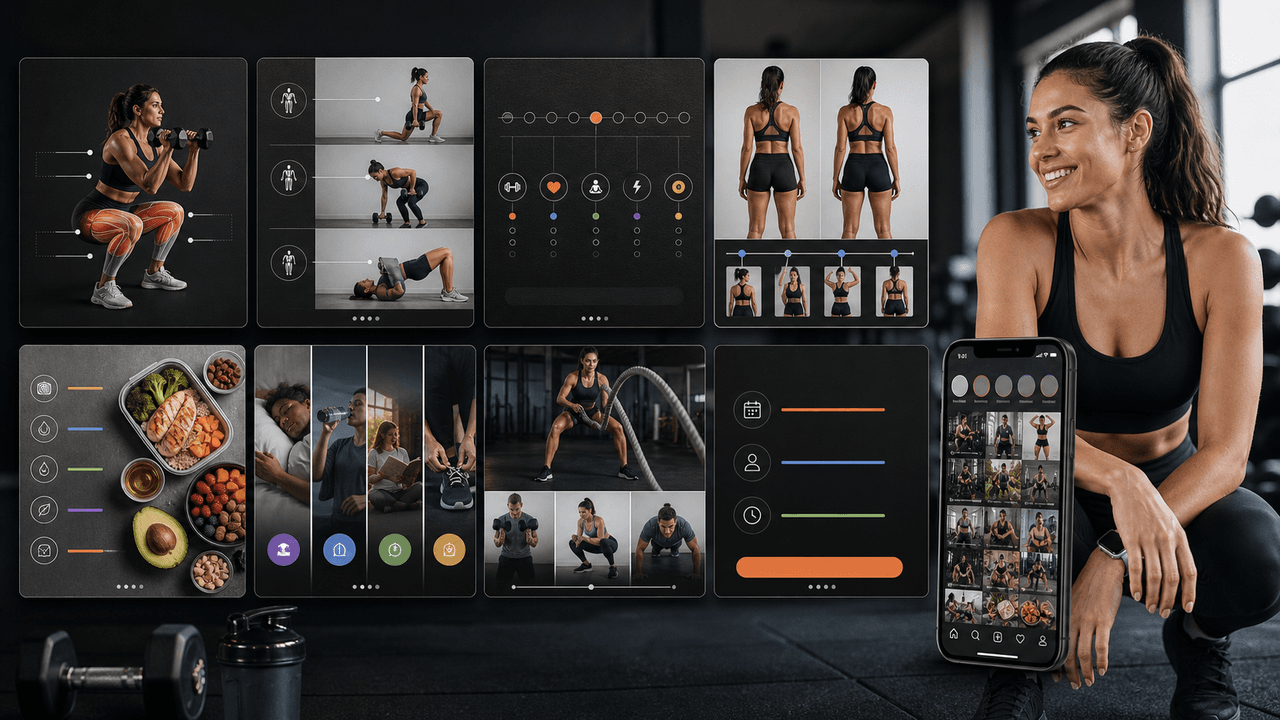
Fitness trainers have the most visual, action-oriented content on Instagram, but most of them are posting the wrong types of carousels. This guide shows you the content mix, carousel structures, and posting strategy that actually fills classes and books clients.

Local Business Instagram Carousels: Drive Foot Traffic Without Paid Ads
Local businesses do not need viral content. They need carousels that reach the right 5,000 people within a ten-mile radius. A local carousel strategy turns your expertise, your team, and your community presence into foot traffic without spending a dollar on ads.
Sources
- Physical Activity Guidelines for Americans — Office of Disease Prevention and Health Promotion
- Physical Activity Basics — Centers for Disease Control and Prevention
- FTC's Endorsement Guides: What People Are Asking — Federal Trade Commission
- TikTok Image Ads: Visual Marketing Solutions to Engage Customers — TikTok For Business
Written by
AttentionClaw
Editorial Team
Editorial context
Part of the Carousel Creation topic cluster. Last updated June 22, 2026.