Chapter 1
The direct answer: who, how, and what
Use an identity reference when a recurring person or character must remain recognizable. Use a moodboard or style example when the goal is to guide lighting, composition, texture, color, and overall visual character. Use a product shot or interface reference when the product itself must be depicted or checked against reality.
Those jobs are not interchangeable. A stylish portrait does not prove the shape of a product. A clean product screenshot does not define an entire campaign's visual taste. A moodboard featuring a person does not give permission to reproduce that person's identity or guarantee that a generated subject will remain consistent.
This guide uses the three terms as an editorial routing system. In AttentionClaw, product visuals and saved style direction can inform a slideshow draft, while creator-identity workflows depend on the configured profile and a compatible image setup. In every case, the generated image still needs human review.
Callout
One sentence to remember
Identity answers who. A moodboard answers how it should look. A product reference answers what must be represented.
Chapter 2
The reference-routing matrix
Write the preservation target beside every uploaded image.
The matrix below is the smallest useful artifact for a visual brief. It separates the intended job, the details that deserve review, the details the image must not silently control, and the condition that should cause rejection.
A single source image may appear in more than one row only when the rights, intended uses, and preservation targets are explicit. Separate files are usually easier to review.
Identity reference → Preserve: recognizable facial structure, hair, build, and other approved identity cues. Do not infer: brand palette, product geometry, endorsement, or permission beyond the approved use. Reject when: the generated subject is not recognizably the approved person or the selected setup cannot handle identity references.
Moodboard or style example → Preserve: visual language such as lighting, crop, color relationships, material feel, and composition. Do not infer: ownership of depicted people or products, exact copy, factual interface details, or a license to imitate one protected work. Reject when: the draft copies incidental content while missing the intended visual principles.
Product shot or interface reference → Preserve: the approved product variant, shape, color, logo placement, packaging, screen state, or workflow evidence that matters to the claim. Do not infer: guaranteed pixel-perfect regeneration, customer results, or features outside the supplied state. Reject when: the output changes a material detail or invents a capability.
Logo or CTA asset → Preserve: approved mark, lockup, and destination-specific action. Do not infer: the rest of the visual style. Reject when: the mark is redrawn, misspelled, distorted, or paired with the wrong destination.
Chapter 3
Use identity references only when identity is part of the story
A reference pack for a recurring creator should be intentionally boring: clear views, current appearance, neutral lighting, and explicit permission. Its job is recognition, not art direction. Add style separately so a dramatic moodboard does not become the only evidence of what the person looks like.
Not every app carousel needs a creator. If the story is about an interface workflow, adding a person can create unnecessary identity risk and consume visual attention that should belong to the product. Write “no identity reference needed” in the brief rather than leaving the field ambiguous.
Reference handling depends on the selected image configuration. If the configured workflow cannot use the required identity inputs, stop and choose a compatible setup or change the concept. Do not continue with a generic substitute and present it as the approved person.
Use only images the team has the right and consent to use for the intended generation workflow.
Keep the identity pack separate from campaign inspiration and product evidence.
Name which frames need the person; do not attach identity references to every frame by default.
Compare the draft with the approved pack, not with memory or a flattering first impression.
Chapter 4
Use a moodboard to describe taste, not truth
A useful moodboard contains a coherent visual argument. Label the features that matter: soft side light, restrained indigo and cream, one coral accent, quiet workspace surfaces, generous negative space, and close phone framing. Without those labels, reviewers may disagree about whether the intended reference was color, camera angle, wardrobe, or subject matter.
Moodboards should not carry unsupported product claims. A screenshot, testimonial, price, certification, or recognizable person that happens to appear in inspiration should not migrate into the draft. Describe the visual principle and remove incidental material that the campaign is not authorized to reproduce.
AttentionClaw's public maker workflow describes saved brand direction as part of the draft. That direction still needs a human-owned style definition and review. A moodboard can help communicate taste; it cannot approve itself.
- 1
Name the repeated visual rule
Write what should recur across the sequence, such as quiet daylight, tight product crops, and one warm accent.
- 2
Name the allowed variation
State what may change from slide to slide, such as setting, hand position, or background object.
- 3
Name the forbidden borrowing
Exclude recognizable people, logos, copy, products, and distinctive compositions the campaign is not authorized to reproduce.
Chapter 5
Use product references as evidence, then review material details
For an app, product evidence may be a current screenshot, a generic interface reference, or a documented workflow. For a physical item, it may be a neutral product shot plus detail views. Label the asset with the variant, screen state, date, and detail the draft is allowed to explain.
A product reference is not a guarantee of exact reproduction. If exact screen copy, pricing, controls, label text, packaging, or regulated detail matters, the reviewer should compare against the original and use the original asset in the final composition when regeneration would make the evidence less trustworthy.
The public AttentionClaw examples make this boundary visible. They identify generic interface references and fictional apps, then list the claims removed in review. That is a stronger pattern than presenting attractive demonstration art as proof of a live product or campaign result.
Label the source as current screenshot, generic reference, real product photograph, mockup, or fictional demo.
List the product details that must not change, including variant, color, text, and feature state.
List the details the draft may simplify, such as an unimportant background or nonfunctional decorative element.
Reject any output that introduces a feature, certification, price, result, or customer evidence absent from the approved source.
Chapter 6
Worked artifact: route the Focus Flow references before drafting
The fictional Focus Flow worked artifact below supplies a generic timer-interface reference and an indigo, cream, and coral visual direction. It does not need a recurring person. The correct routing therefore leaves the identity row empty instead of forcing every reference type into the project.
The completed worksheet below shows what each input can and cannot authorize.
Identity reference → Input: none. Reason: the four-frame story explains a timer workflow without a recurring creator. Review consequence: reject any generated person presented as a founder, customer, or endorser.
Moodboard or style example → Input: indigo, cream, and coral direction with a calm workspace feel. Preservation target: restrained palette, readable contrast, and quiet setting. It does not authorize a productivity claim.
Product or interface reference → Input: a generic timer interface. Preservation target: communicate an adjustable focus block and following break. It does not prove a real app, an exact screen, speed, or measured outcome.
CTA asset → Input: no logo-dependent install card. Preservation target: a specific lower-pressure action—try one short focus block—because the fictional demo has no real store destination.
Final review → Removed statement: “improves productivity.” Reason: neither the interface reference nor the style direction supplies evidence for that outcome.
Callout
The omission is part of the artifact
Leaving identity blank is a deliberate production decision. Fewer, better-labeled references make the draft easier to constrain and review.
Chapter 7
A seven-question visual-reference preflight
Run this checklist before generation and again before approval. If the answer to any required question is unknown, stop and resolve the source pack rather than hoping the generated image will clarify it.
What single job is assigned to each reference: identity, style, product, logo, CTA, or other context?
Does the team have the rights and consent needed for that intended use?
Which frames are allowed to use the reference?
Which details must remain recognizable or exact?
Which incidental details must not be copied or treated as factual?
Can the selected generation setup handle every required reference role?
Who will compare the completed draft with the original source and reject material drift?
Chapter 8
Where AttentionClaw helps—and where the reference owner remains responsible
AttentionClaw can combine product context, product visuals, a brief, and saved brand direction into a reviewable slideshow or carousel draft. Its fictional examples expose the supplied inputs and human edits so the reader can inspect the production logic rather than infer campaign results.
The product does not grant rights to a reference, turn a moodboard into product proof, guarantee identity or product fidelity, or approve the final asset. The team must label every source, choose a compatible setup, review the generated result against the original, and use the current platform publisher as the final authority for the post.
Callout
Draft, brand, review
Let the tool draft within labeled references. Let the brand system guide the look. Let a human source owner decide whether the result is faithful enough to use.
Next step
Build a reviewable visual draft from clearer inputs
See how AttentionClaw uses app context and product visuals to draft branded slides while keeping final product and claim review with your team.
Common Questions
FAQ
More Reading
Keep reading
7-chapter read
From an App Brief to a Slideshow Draft You Can Inspect
AttentionClaw turns a focused app brief plus the selected profile's product and style context into a draft slide sequence. The useful workflow separates verified facts from creative direction, then ends with product, brand, and platform review.
9-chapter read
One App Brief, Two Native Drafts: TikTok Slideshow and Instagram Carousel
Reuse the verified product truth, audience problem, evidence, boundary, and destination—not the finished slides. This worked example turns one fictional app brief into two deliberately different drafts and shows which details must stay identical in review.

Visual QA Checklist for AI-Generated Carousels
AI-generated carousels need a QA pass that checks continuity, readability, factual claims, product or character accuracy, source support, accessibility, and CTA match before publishing.
7-chapter read
How to Keep a Product the Same in AI Lifestyle Images
To keep a product the same in AI lifestyle images, start from real product references, lock every visible detail, define allowed scene variation, composite final text when needed, and review each image against the product page before publishing.
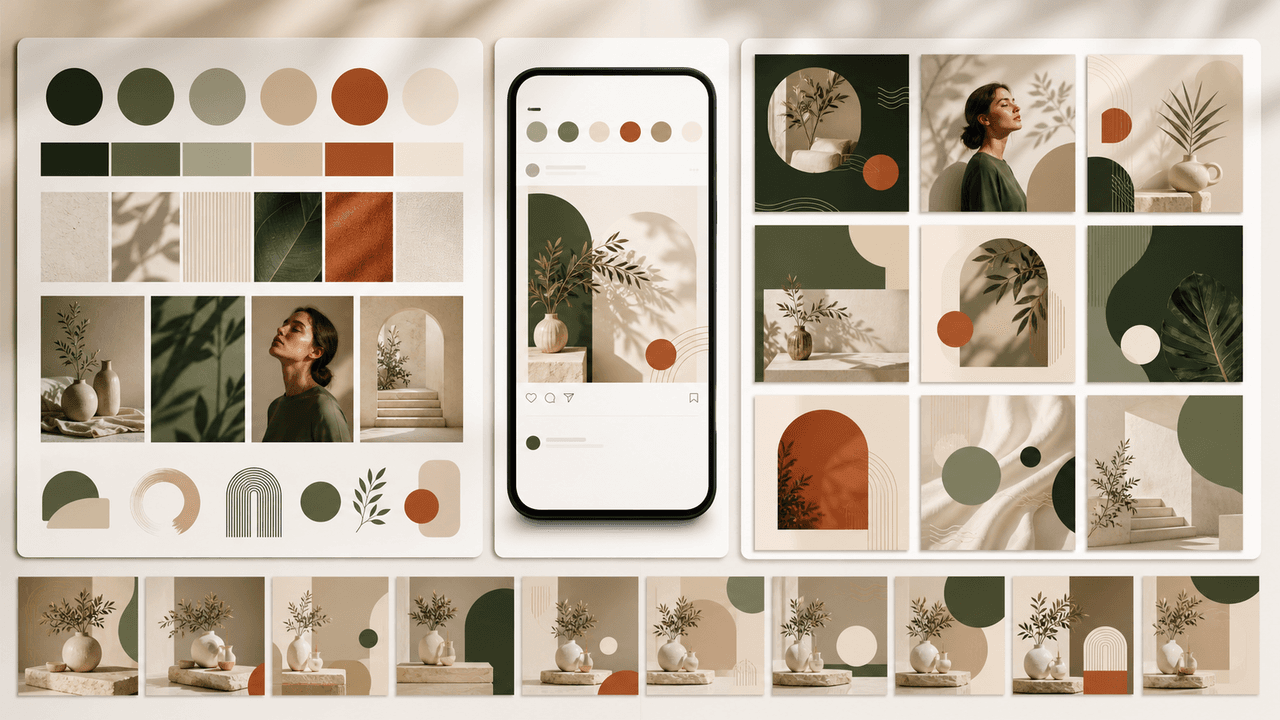
How to Build a Brand Style System for AI-Generated Social Content
A brand style system for AI-generated social content turns taste into operating rules. It defines visual identity, voice, prompt blocks, reusable scenes, text rules, source rules, and QA gates so every carousel, slideshow, infographic, and product post feels like the same brand.
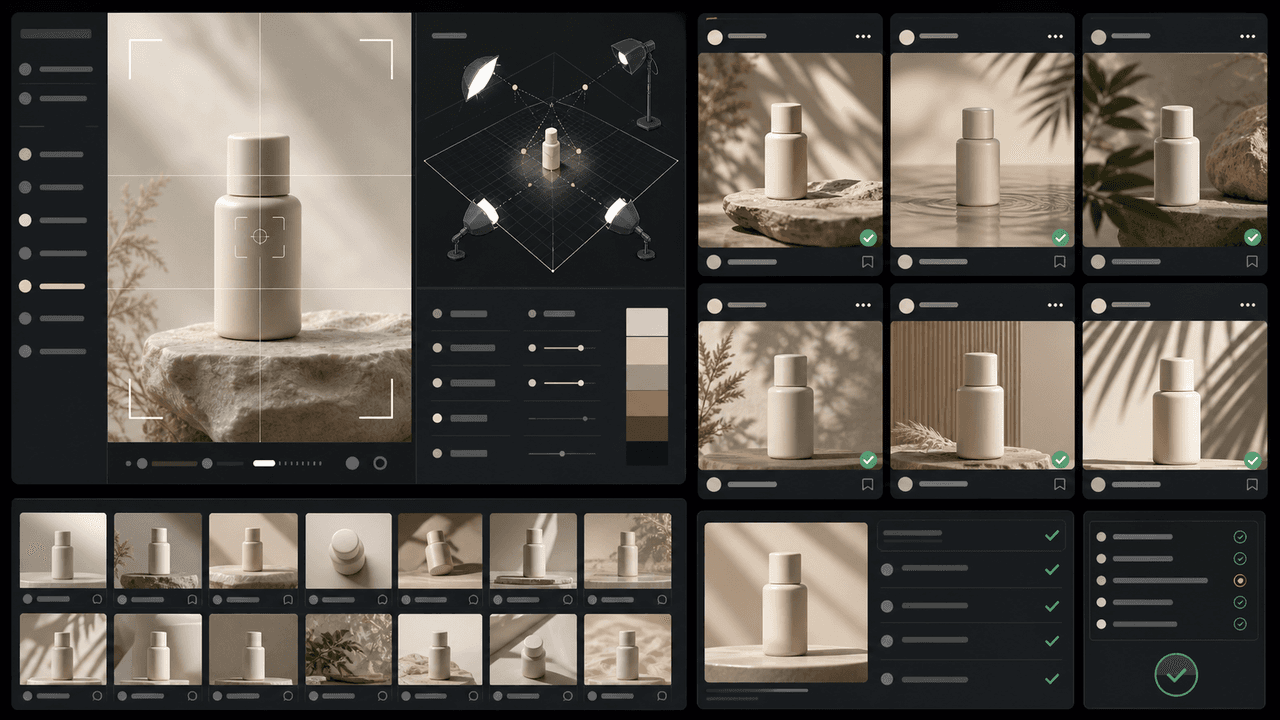
How to Keep Product Photos Consistent Across AI-Generated Social Posts
Consistent AI product images come from a system, not a lucky prompt. Lock the product reference, camera rules, lighting, background family, brand palette, allowed variations, and review checklist before generating campaign assets. Then vary context and message without changing the product identity.
Sources
- AttentionClaw — AttentionClaw
- Guidance for using generative AI content — Google Search Central
- Creating helpful, reliable, people-first content — Google Search Central
Written by
AttentionClaw
Editorial Team
Editorial context
Part of the Content Planning topic cluster. Last updated August 13, 2026.