Chapter 1
The direct answer: reuse the truth, not the export
To adapt one app brief for TikTok and Instagram, lock the facts that must remain true across both drafts: audience, problem, product capability, evidence, product boundary, and destination. Then create a separate frame plan for the TikTok photo post and the Instagram carousel instead of resizing one finished asset and calling it complete.
This is an editorial workflow, not a claim that one format universally performs better. The TikTok version in the worked example chooses a short, scenario-first sequence. The Instagram version chooses a longer explanatory sequence. Those are decisions for this specific brief, not platform-wide laws.
TikTok and Instagram remain the sources of truth for their current composers, limits, crop behavior, disclosures, and account-specific controls. Check the live publisher after exporting and before posting.
Callout
Invariant versus adaptation
Invariant: what the app does and does not do. Adaptation: the order, amount of explanation, visual rhythm, and platform handoff used to teach it.
Chapter 2
1. Create one source-of-truth app brief
The source brief should be format-neutral. It is not a TikTok script or an Instagram outline. It is the small approved record from which both executions are derived. If product truth changes, update this record first and recheck both drafts.
The completed source brief below uses Shared Tab, a fictional demonstration app created for this article. No customer, performance, payment, or install outcome is implied.
Fictional app: Shared Tab.
Audience: friends and housemates who settle shared purchases manually.
Situation: a group bill arrives and people are reconstructing who ordered what.
Allowed workflow: create one shared tab, add the people, and assign items while the purchase is still fresh.
Evidence: a generic split-expense interface reference and a friendly teal-and-cream visual direction.
Boundary: in this demonstration, the app records a split; it does not move money automatically.
Objective: make the first-use workflow understandable without implying debt collection or guaranteed settlement.
Next action: use the demo workflow for the next shared bill.
Chapter 3
2. Complete the cross-format adaptation table
The table makes changes auditable. Each row names the source fact, the TikTok execution chosen for this example, and the Instagram execution chosen for this example. A reviewer can see where the drafts differ without losing the common truth.
Opening situation → TikTok: begin inside the awkward bill-arrival moment. Instagram: promise a small repeatable checklist for recording a group bill before details disappear.
Product workflow → TikTok: show one action per frame across create, assign, and review. Instagram: separate setup, adding people, assigning items, and checking the recorded split so each step can carry a short explanation.
Evidence → TikTok: use a tight, vertical product-context visual on the action frames. Instagram: use a consistent interface crop plus labels that make the sequence useful as a saved reference.
Boundary → TikTok: state the non-payment boundary in the final action frame or caption where it cannot be mistaken for automated settlement. Instagram: give the boundary its own slide before the CTA.
CTA → TikTok: ask for one immediate, specific trial of the workflow. Instagram: end with a compact checklist and the same destination, not a broader product promise.
Measurement plan → Both: use separate creative identifiers and judge each post against its assigned job; do not compare unlike platform metrics as if they were one universal score.
Callout
Why this is not copy-paste repurposing
The claim, evidence, boundary, and destination stay fixed. The teaching structure is rebuilt for each draft.
Chapter 4
Worked TikTok artifact: a four-frame scenario-first slideshow
In the final TikTok review, check that the first frame works without the caption, every interface state remains generic and fictional, the payment boundary is visible, and the CTA does not jump from recording a bill to promising collection.
- 1
Frame 1 — The moment
“The bill arrives. Nobody remembers who ordered what.” Show the table and receipt context without a financial outcome claim.
- 2
Frame 2 — Start one record
“Create one shared tab for the meal.” Show the named group and the people included.
- 3
Frame 3 — Assign while it is fresh
“Match each item before everyone leaves.” Use the generic interface reference to make the workflow visible.
- 4
Frame 4 — Review and act
“Check the recorded split, then use the demo flow next time.” Add the explicit boundary that this fictional workflow records the split and does not move money.
Chapter 5
Worked Instagram artifact: a six-slide explanatory carousel
In the final Instagram review, confirm that the selected orientation works for the complete carousel, the first slide remains the intended cover, interface crops are legible, and the one caption supports the sequence without changing the product boundary.
- 1
Slide 1 — The promise
“How to record a group bill before the details disappear.” The title promises a process, not payment.
- 2
Slide 2 — The failure point
Show why reconstructing the order later creates confusion: the group has lost the item-level context.
- 3
Slide 3 — Create the tab
Name the meal or purchase and add the friends or housemates involved.
- 4
Slide 4 — Assign the items
Match each item while the receipt and people are still together.
- 5
Slide 5 — State the boundary
“This demo records the split. It does not move money automatically.” Give the limitation the same visual weight as the workflow.
- 6
Slide 6 — Checklist and action
Create tab, add people, assign items, review the record. Invite the reader to inspect the fictional demo workflow.
Chapter 6
3. Produce two drafts from the approved source in AttentionClaw
Keep the approved source brief as the common record, then write two execution briefs: one naming the four-frame TikTok sequence and one naming the six-slide Instagram sequence. Select the relevant format and generate each as its own draft. This avoids implying that a single export is automatically optimized for both platforms.
AttentionClaw's public maker pages describe a workflow that combines app context and product visuals with drafted copy, imagery, layout, and saved brand direction. Use that capability to reduce blank-canvas work, then compare both drafts with the same source record before making platform-specific edits.
If the generator strengthens the claim in one version, correct the source conflict rather than accepting inconsistent truth across channels. The Instagram boundary slide and the TikTok boundary sentence must describe the same fictional product behavior.
- 1
Lock the common record
Approve the audience, product workflow, evidence, boundary, destination, and reference labels once.
- 2
Write the TikTok execution brief
Specify the four frame jobs, vertical visual priority, short copy, explicit boundary, and final platform handoff.
- 3
Write the Instagram execution brief
Specify the six slide jobs, explanatory labels, cover, boundary slide, checklist, and final platform handoff.
- 4
Generate and review separately
Treat each result as an editable draft while checking both against the common product record.
Chapter 7
4. Run the cross-format QA checklist
Review the two drafts side by side before opening either publisher. The point is not to make them identical. The point is to find accidental contradictions and make every intentional difference visible.
Audience invariant: both drafts address friends or housemates handling one shared purchase.
Capability invariant: both drafts show creating a tab and assigning items; neither invents payment movement.
Evidence invariant: both use a generic interface reference and remain labeled as a fictional demonstration.
Boundary invariant: both explicitly say the demo records the split and does not move money automatically.
Destination invariant: both point to the same relevant example or approved product destination.
Intentional TikTok difference: a shorter, scenario-first four-frame sequence for this execution.
Intentional Instagram difference: a six-slide process reference with the boundary isolated before the CTA.
Final check: no copy, crop, disclosure, sound, tag, or account setting is assumed until it appears in the current publisher.
Chapter 8
5. Finish in each current platform publisher
The export is not the published post. TikTok's current Help Center documents its photo-post flow, while Instagram's current Help Centre documents sharing multiple photos or videos as one Feed carousel. Controls and availability can change, and the publishing account may expose different options.
Open each current composer, inspect order and crop, add the correct caption and disclosures, confirm the audience and account settings, and preview the complete sequence. After posting, inspect the live result and destination. Save the final source sequence and URL so the team knows which approved version went live.
Callout
Platform source of truth
AttentionClaw supplies reviewable creative drafts. TikTok and Instagram control their publishers, and the person posting owns the final settings, disclosures, and live verification.
Chapter 9
What AttentionClaw motivates without turning the guide into a sales pitch
The practical product value is consistency between drafts: one verified source record, a saved brand direction, and two complete sequences that can be reviewed together. That is more useful than a generic promise to make cross-platform content faster because the reader can inspect exactly which facts stay fixed and which creative decisions change.
AttentionClaw does not guarantee reach, clicks, installs, or conversion; it does not replace product or brand approval; and it does not make TikTok and Instagram identical. Use it for draft, brand, and review work. Use each current publisher for the final post.
Next step
Turn one approved brief into reviewable drafts
See how AttentionClaw uses app context and visuals to draft branded slides that remain subject to human review before publishing.
Common Questions
FAQ
More Reading
Keep reading
7-chapter read
From an App Brief to a Slideshow Draft You Can Inspect
AttentionClaw turns a focused app brief plus the selected profile's product and style context into a draft slide sequence. The useful workflow separates verified facts from creative direction, then ends with product, brand, and platform review.
8-chapter read
Identity Reference, Moodboard, or Product Shot? Give Each Image One Job
Identity references, moodboards, and product shots answer different questions: who must stay recognizable, how the scene should feel, and what product must be shown truthfully. A clean visual brief labels each input by job instead of asking one image to do all three.
9-chapter read
AI Social Content Review Checklist for App Founders
App founders should review AI-generated social content for accuracy, product truth, screenshot correctness, brand consistency, claim support, accessibility, CTA fit, and publishing risk before scheduling. AI can speed up production, but the founder still owns the promise the content makes.
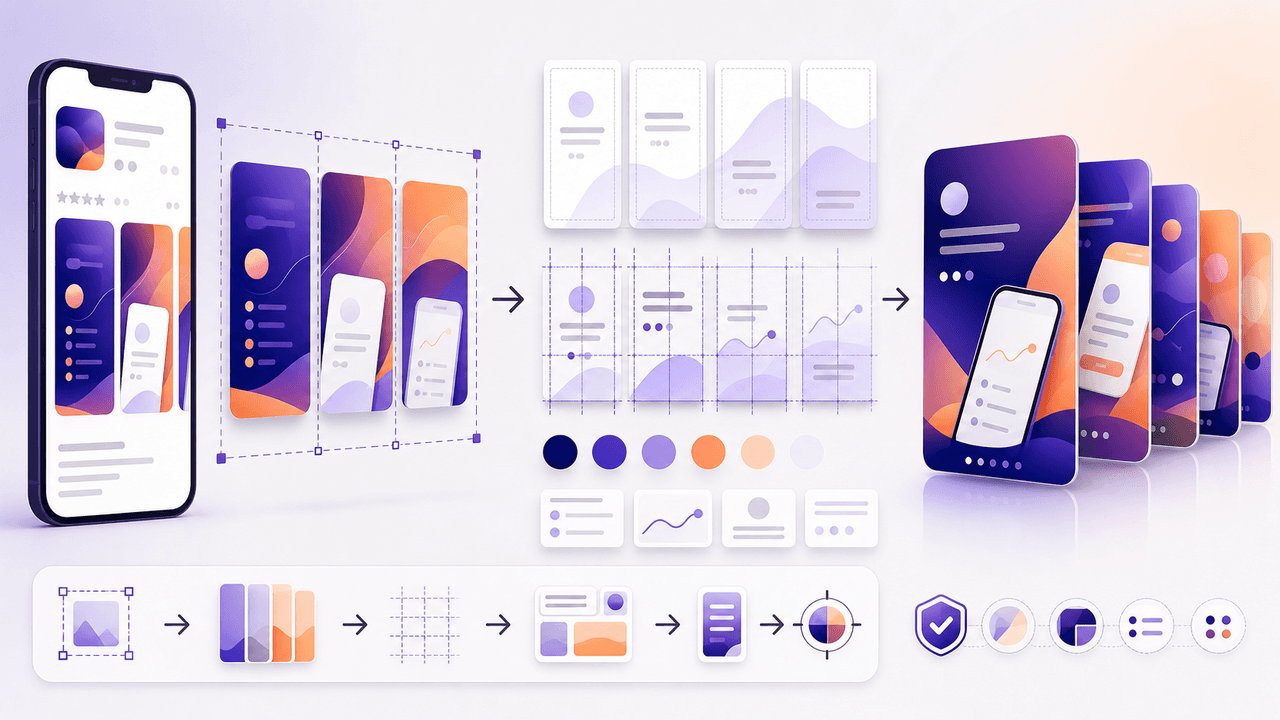
Turn Your App Store Screenshots Into Instagram Carousels
You already have polished app screenshots sitting in your App Store listing. Repurposing them into Instagram carousels takes a fraction of the time of creating from scratch, and the visual consistency between your store listing and social content reinforces brand trust.

Build Instagram carousels around a measurable next step
A carousel cannot guarantee conversion. It can make one next step clear, give the reader enough evidence to evaluate it, and produce a testable signal. This guide shows how to design and measure that system.
8-chapter read
TikTok Slideshow Strategy for App Marketing
A useful TikTok app slideshow starts with one audience problem, one supportable product claim, and one next action. This guide turns those inputs into a reviewable sequence and separates creative signals from app-funnel outcomes.
6-chapter read
TikTok Slideshows vs Instagram Carousels: When to Use Each
Use TikTok slideshows when the idea is visual, fast, native, and driven by product context. Use Instagram carousels when the idea needs education, comparison, saved reference value, or a clearer sequence. The strongest content systems adapt one product angle into both formats instead of copying the same asset across platforms.
Sources
- AttentionClaw — AttentionClaw
- Making a post — TikTok Help Center
- Share a post with multiple photos or videos on Instagram — Instagram Help Centre
Written by
AttentionClaw
Editorial Team
Editorial context
Part of the App Marketing topic cluster. Last updated August 13, 2026.