Chapter 1
The direct answer: make every partner's role clear
Event vendor collaboration social content should explain who contributed what, what the client can book, what the event or setup looked like, and what the next step is. The post should credit partners accurately and avoid making the client guess which business handles which service.
Collaboration posts work because every vendor has a different audience: venues, planners, florists, photographers, caterers, rental companies, DJs, makeup artists, and AV teams. A strong carousel or slideshow lets each partner repost the same story while still sending prospects to the right booking path.
FTC endorsement guidance matters when a collaboration includes paid promotion, gifted services, affiliate relationships, or material connections. Accessibility matters too: temporary events should be planned so people with disabilities can participate, and event content should help attendees understand logistics where relevant.
Callout
Collaboration rule
Credit every partner, clarify every role, disclose material connections where needed, and give the viewer one clear next step.
Chapter 2
Six collaboration content types for event businesses
A collaboration strategy should not rely only on final gallery posts. The strongest vendor content covers preview, setup, transformation, education, testimonial, and recap.
Preview content introduces the vendor lineup before an open house, styled shoot, wedding showcase, or event. Setup content shows the work behind the finished room. Transformation content shows empty space to completed event. Education content teaches what each vendor handles. Testimonial content captures client or partner feedback. Recap content gives everyone a shareable portfolio asset.
Use the content type that matches the business goal. If the goal is RSVP, preview and logistics matter. If the goal is bookings after the event, recap and proof matter.
Vendor lineup preview.
Behind-the-scenes setup story.
Empty room to finished event transformation.
Vendor role explainer carousel.
Client or partner quote post.
Post-event recap with credits and inquiry CTA.
Chapter 3
A vendor feature carousel structure
A vendor feature carousel should not become a messy tag list. Give the viewer context first, then introduce each partner by role and contribution.
For example, a wedding venue might create a carousel from an open house: venue, planner, florist, caterer, rentals, photographer, entertainment, and CTA. Each slide explains what attendees saw and who provided it.
Give partners a repost packet: approved caption, tags, image order, CTA, and disclosure language where needed. That makes collaboration easier and reduces credit mistakes.
- 1
Slide 1: event or setup hook
Name the event, theme, or client problem the collaboration solved.
- 2
Slide 2: venue or planning context
Explain where the event happened and what the overall goal was.
- 3
Slides 3 to 7: partner roles
One partner or category per slide, with clear contribution and tag.
- 4
Slide 8: logistics or accessibility note
Include event details, tour path, parking, access, or inquiry info where relevant.
- 5
Slide 9: CTA and credit block
Tell viewers how to book, RSVP, request a proposal, or contact the lead vendor.
Chapter 4
Handle disclosure, credits, and accessibility details
Collaboration posts can blur marketing relationships. If a vendor paid to be featured, exchanged services, provided a gifted product, or has a material connection that would affect how viewers evaluate the recommendation, disclosure may be needed. FTC social media disclosure guidance emphasizes clear relationship disclosure.
Credits should be accurate and complete. Event vendors rely on referrals and portfolio value. Missing credits create friction and reduce future collaboration.
For public events, accessibility details can be part of useful content. The ADA National Network's temporary event planning guide is a reminder that temporary events should encourage participation by all people. A social post can point attendees to access routes, parking, seating, restrooms, or a contact for accommodation questions.
Disclose material connections when required.
Tag vendors by role, not only by handle.
Confirm photo usage with photographer and client permissions.
List event access or logistics when the post promotes attendance.
Use one source of truth for RSVP or inquiry links.
Chapter 5
How AttentionClaw helps event teams coordinate partner content
AttentionClaw helps event businesses turn a vendor list, event photos, and approved credits into a coordinated content packet: feature carousel, TikTok slideshow, story frames, partner repost captions, and recap post.
This saves time because the lead vendor can create one coherent package instead of asking every partner to design their own post from scratch. It also keeps credits, CTA, and event facts consistent.
Start with a collaboration brief: event name, partners, roles, image permissions, disclosure notes, accessibility details, and CTA. Generate the assets from that brief after review.
Callout
Collaboration workflow
Collect partner roles, verify credits and permissions, add disclosure/access notes, generate assets in AttentionClaw, share repost packet, and track inquiries.
Chapter 6
Measure collaboration by shared reach and qualified inquiries
Collaboration content should be measured by partner reposts, profile visits, RSVP clicks, inquiry forms, tagged saves, and referrals. Reach matters, but only if the content helps the right prospects understand who to contact.
Track which partner categories drive the most useful inquiries. A florist feature may attract couples. A planner feature may attract corporate clients. A venue transformation may attract both.
After each collaboration, save the best-performing structure. Future open houses, styled shoots, wedding showcases, and vendor nights can reuse the same content system.
Track partner reposts and story shares.
Track RSVP or inquiry clicks from the collaboration post.
Track DMs by vendor category.
Track referrals created by partner tags.
Review which credit format partners repost most reliably.
Chapter 7
Build a shared content calendar across your vendor team
Collaboration content performs best when it is coordinated rather than spontaneous. A shared content calendar — even a basic shared spreadsheet — lets each vendor know when the lead post goes live, when they are expected to repost or reference it, and which additional posts are planned in the weeks following. Without this, partners often post at different times, reducing the amplification effect that simultaneous posting creates.
A practical four-week post-event content calendar for a collaboration team: week one, the venue or lead vendor posts the full event recap carousel and all partners repost to Stories within 48 hours; week two, one partner posts a focused vendor feature carousel spotlighting a specific service element; week three, a second partner posts a behind-the-scenes or setup slideshow; week four, a third partner posts a client testimonial or quote graphic that credits the full team. This cadence keeps the event visible for a full month without any one post feeling repetitive.
Chapter 8
Choosing the right content type for your collaboration goal
Not every collaboration post should be a full event recap. Different collaboration goals call for different content types. If the goal is referral reach, a vendor feature carousel that spotlights a specific partner works better than a full gallery — it gives the featured partner a strong reason to share and positions you as a connector in the event community. If the goal is converting prospects who already follow you, a behind-the-scenes setup video or slideshow builds trust through process transparency. If the goal is SEO and searchability on the platforms, a text-forward carousel explaining the collaboration's concept performs better than a photo-only post.
Map each post in your collaboration calendar to a specific goal before deciding the format. A calendar built around this discipline avoids the common outcome of repeating the same gallery-style post every event and watching engagement plateau.
Callout
Vendor feature carousels earn more saves than full event recaps
A focused post — 'here is how the floral design for this event came together, from brief to installation' — gives the audience something to learn. Full gallery recaps look beautiful but teach nothing, which reduces save rates significantly.
Next step
Turn vendor collaborations into coordinated social campaigns
AttentionClaw helps event teams package vendor lists, credits, photos, and logistics into polished collaboration carousels, slideshows, and repost kits.
Common Questions
FAQ
More Reading
Keep reading
11-chapter read
Nonprofit Volunteer Recruitment Instagram Carousels
Nonprofit volunteer recruitment carousels should explain role fit, time commitment, training, screening, impact, privacy, and signup CTAs without making vague or misleading service claims.
11-chapter read
Restaurant Holiday Party Instagram Carousels
Restaurant holiday party carousels should explain private dining fit, group menus, event timing, allergen questions, food-safety expectations, and booking CTAs.
9-chapter read
Wedding Venue Tour Instagram Carousels
Wedding venue tour carousels should help couples understand spaces, dates, guest count, catering, weather plans, contract questions, and how to inquire without hiding key logistics.
9-chapter read
Event Vendor Collaboration Instagram Carousels: Sell the Full Experience
Event vendor collaboration carousels should show the full event experience, credit partners accurately, protect client privacy, and route viewers to the right booking CTA.
9-chapter read
Hotel Wedding Room Block Instagram Carousels: Help Couples and Guests Book Correctly
Hotel wedding room block carousels should explain block codes, cutoff dates, stay dates, room types, guest logistics, and support contacts without oversimplifying contracts or fees.
8-chapter read
Event Ticket Sales Social Content: Posts That Answer Before Guests Buy
Event ticket sales posts should answer timing, price, access, refund, schedule, age, food, accessibility, and arrival questions before guests buy. The best campaigns reduce uncertainty and make the ticket CTA obvious.
8-chapter read
Florist Wedding Consultation TikTok Slideshows: Turn Inspiration Into Inquiries
Wedding florist slideshows should help couples move from inspiration to inquiry by explaining style, seasonality, budget factors, consultation prep, and the exact details the florist needs before quoting.
7-chapter read
Event Venue Open House Social Content: Fill Tours, Showcases, and Booking Nights
Event venue open-house content should show the space, explain who the event is for, answer logistics questions, highlight vendor partners, and drive RSVPs or tour bookings. The best sequence combines visual proof, accessibility-aware details, and a clear registration path.
7-chapter read
Photography Mini Session Social Content Plan: Fill Seasonal Booking Slots
Mini session content should sell a limited booking window with clear dates, visual examples, package details, location context, preparation guidance, and a smooth booking path. The best plan launches the offer as a sequence, not a single availability post.
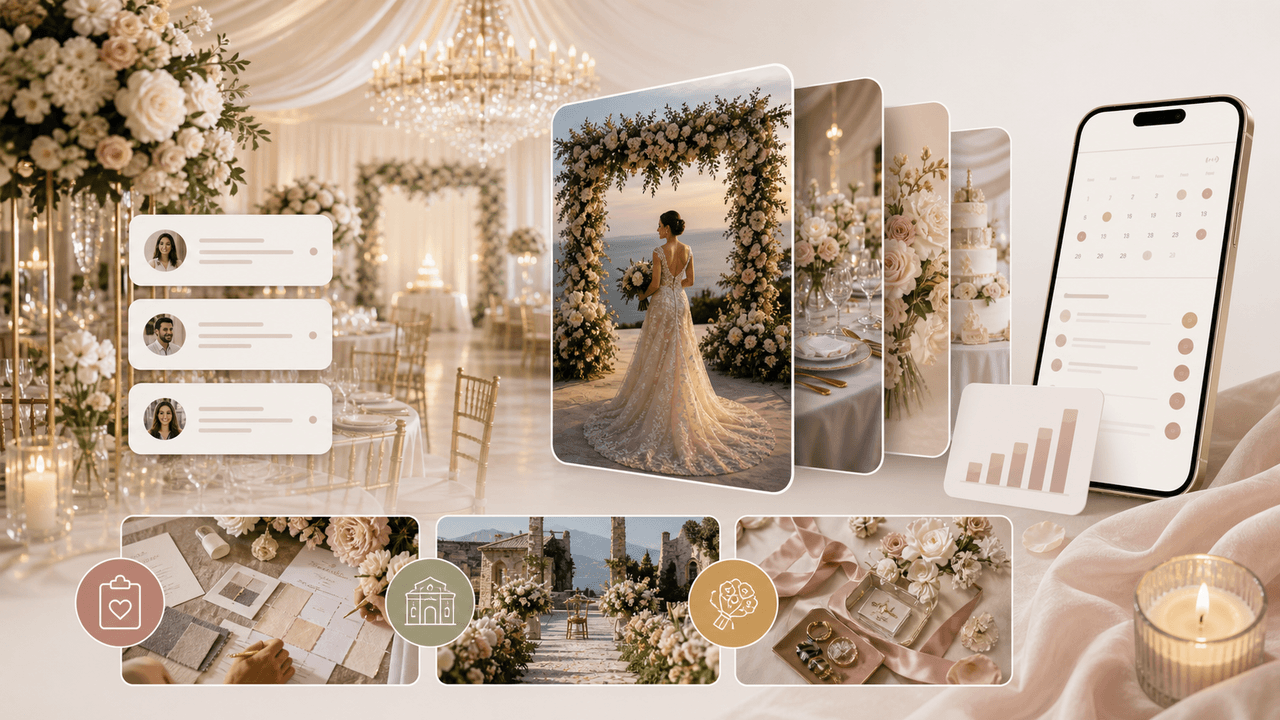
Wedding Business Carousel Marketing: The Instagram Strategy for Venues and Planners
Couples planning a wedding save hundreds of Instagram posts before contacting a single vendor. Wedding businesses that create saveable, shareable carousels position themselves at the top of that consideration list months before the inquiry arrives.
Sources
- Create & manage posts on your Business Profile — Google Business Profile Help
- FTC's Endorsement Guides: What People Are Asking — Federal Trade Commission
- Disclosures 101 for Social Media Influencers — Federal Trade Commission
- A Planning Guide for Making Temporary Events Accessible to People With Disabilities — ADA National Network
- ADA Accessibility Standards — U.S. Access Board
Written by
AttentionClaw
Editorial Team
Editorial context
Part of the Content Planning topic cluster. Last updated June 22, 2026.