Chapter 1
The direct answer: promote the experience and the logistics together
Event venue open-house social content should include a save-the-date post, space tour carousel, vendor preview, setup example, logistics FAQ, accessibility and parking details, RSVP reminder, and recap post. The goal is to turn vague venue interest into a scheduled visit or registration.
A venue can lose potential bookings when the content shows only beautiful rooms. Planners also need capacity context, location, parking, accessibility, vendor fit, date, time, RSVP path, and what they will experience at the event. The post sequence should answer those questions before the sales team has to.
Google Business Profile posts can share updates and event details directly on Search and Maps. For venues, that makes open houses, tasting nights, wedding showcases, corporate tour days, and holiday booking events good candidates for local updates alongside Instagram and TikTok content.
Callout
Venue content rule
Do not sell only the room. Sell the visit: what attendees will see, who will be there, how to arrive, and what to do next.
Chapter 2
A four-week open-house content sequence
An event venue open house needs more lead time than a normal social post because attendees may coordinate with partners, teams, clients, families, or vendor schedules. A four-week sequence gives the venue enough time to build awareness, explain value, and remind people to register.
The first week should announce the event and audience. The second week should show the space and setup options. The third week should feature vendors, food, tours, or programming. The final week should answer logistics and push RSVP urgency.
If the venue is promoting a wedding showcase, include couple-specific questions. If it is promoting a corporate open house, include meeting layouts, AV, catering, parking, and accessibility. The offer changes, but the content sequence stays stable.
- 1
Week 4: save the date
Announce the event, audience, date, time, RSVP path, and why someone should attend.
- 2
Week 3: space tour
Show ceremony, reception, breakout, lobby, patio, green room, or meeting areas in a carousel or slideshow.
- 3
Week 2: vendor and experience preview
Feature catering, florals, rentals, AV, entertainment, planner partners, or sample setups.
- 4
Week 1: logistics and final reminder
Answer parking, entry, accessibility, RSVP deadline, timing, and what attendees should bring or expect.
Chapter 3
Use tour content formats that match planner questions
A venue tour post should not be a random gallery. It should follow the way an attendee experiences the property: arrival, entry, main room, secondary spaces, restrooms, vendor access, outdoor areas, and final CTA.
For weddings, emphasize ceremony flow, cocktail hour, reception layout, getting-ready spaces, photo locations, and rain plan. For corporate events, emphasize check-in, presentation space, breakout rooms, catering, signage, Wi-Fi or AV questions, and parking.
TikTok slideshows are useful because they can show the venue in several configurations without a polished video shoot. A single room can be shown as ceremony, dinner, classroom, cocktail, and brand activation across five slides.
Room transformation slideshow: empty room to fully styled event.
Arrival walkthrough: parking, entrance, lobby, registration, main room.
Capacity explainer: same space in seated, cocktail, theater, and classroom layouts.
Vendor preview: caterer, florist, rental, DJ, AV, photographer, planner.
Rain plan carousel: outdoor dream, indoor backup, transition process.
Accessibility FAQ: entrance, paths, restrooms, seating, parking, contact for requests.
Corporate buyer post: AV, breakout rooms, catering, signage, load-in.
Wedding buyer post: ceremony flow, getting-ready rooms, photo spots, vendor team.
Chapter 4
Include accessibility and arrival details in useful ways
Open-house content should make attendance easier. Accessibility information, parking, public transit, entrance location, elevator access, and restroom location may not feel glamorous, but they affect whether people can attend confidently.
The ADA National Network's temporary event planning guide emphasizes accessible participation for temporary events, and university accessibility checklists often highlight paths, entrances, restrooms, seating, parking, and route clarity. A venue's social content should not replace official accessibility documentation, but it can point attendees to the right information and contact path.
A simple logistics carousel can prevent dozens of DMs. Show where to park, which entrance to use, when tours start, whether registration is required, and who to contact for accessibility questions.
- 1
Show arrival
Use photos or a short map-style slide for parking, entrance, lobby, and registration.
- 2
Name accessibility contact
Tell attendees how to ask about access needs before the event.
- 3
Explain timing
State whether tours are timed, open-house style, guided, or appointment-based.
- 4
Keep claims current
Have venue operations review accessibility, parking, and capacity details before publishing.
Chapter 5
Use vendor partners to multiply reach
Event venue open houses usually involve partners: caterers, florists, AV teams, photographers, planners, DJs, rental companies, bartenders, and decorators. Each partner can help expand reach if the content makes them easy to share.
Create a vendor feature carousel before the event. Give each partner one slide with what attendees can experience: tasting, table design, lighting demo, photo booth, floral installation, or planning consultation. Tag partners and give them approved copy to repost.
After the open house, publish a recap that credits every partner. This is not only polite; it creates a durable portfolio post for the venue and the vendor network.
Partner preview carousel one to two weeks before the event.
Story templates partners can repost.
Day-of slideshow showing each activation.
Recap carousel with partner credits.
Follow-up post for attendees who missed the event.
Vendor quote post where endorsements are accurate and disclosed where needed.
Chapter 6
How AttentionClaw helps venues produce open-house campaigns
AttentionClaw helps event venues turn one open-house plan into a complete content sequence: save-the-date, tour carousel, vendor preview, logistics FAQ, accessibility reminder, RSVP final call, and recap.
This is useful because venues often have strong photos but scattered event details. AttentionClaw can keep the campaign visually consistent while the venue team controls capacity, logistics, partner credits, and RSVP language.
The best workflow starts with an event fact sheet. Include date, time, RSVP link, audience, spaces shown, partner list, parking, accessibility contact, capacity notes, and tour structure. Every social asset should pull from that sheet.
Callout
Venue production workflow
Create the event fact sheet, collect venue and vendor photos, generate campaign assets, operations-review logistics, partner-review credits, schedule, and track RSVPs.
Chapter 7
Measure registrations, tours, and booking conversations
Open-house social content should be judged by RSVPs, tour bookings, qualified inquiries, partner shares, attendance, follow-up meetings, and eventual bookings. Reach matters, but it is not the final metric.
Track content by stage. The save-the-date post may build awareness. The tour carousel may drive saves. The logistics post may reduce questions. The final reminder may drive registrations. The recap may generate inquiries after the event.
After the event, compare registrations to attendance and bookings. If many people registered but did not attend, the reminder path may need work. If attendees came but did not book tours, the event offer or follow-up content may need to be clearer.
Track RSVP clicks from each post.
Track partner reposts and referral traffic.
Track DMs about parking, access, capacity, and pricing.
Track tours booked during or after the open house.
Track which venue images appear in later inquiry conversations.
Next step
Turn venue open houses into a full RSVP campaign
AttentionClaw helps venues transform event fact sheets, room photos, vendor previews, and logistics notes into cohesive carousels, TikTok slideshows, and reminder posts.
Common Questions
FAQ
More Reading
Keep reading
8-chapter read
Bookstore Author Event Instagram Carousels
Bookstore author event carousels should explain the book, author, event format, accessibility notes, RSVP details, signing rules, and review/testimonial boundaries.
9-chapter read
Wedding Venue Tour Instagram Carousels
Wedding venue tour carousels should help couples understand spaces, dates, guest count, catering, weather plans, contract questions, and how to inquire without hiding key logistics.
12-chapter read
Private School Open House Instagram Carousels: Help Families Decide to Visit
Private school open house carousels should answer family questions about programs, daily life, admissions, student support, privacy, and tour registration without making unsupported outcome claims.
9-chapter read
Event Vendor Collaboration Instagram Carousels: Sell the Full Experience
Event vendor collaboration carousels should show the full event experience, credit partners accurately, protect client privacy, and route viewers to the right booking CTA.
9-chapter read
Hotel Wedding Room Block Instagram Carousels: Help Couples and Guests Book Correctly
Hotel wedding room block carousels should explain block codes, cutoff dates, stay dates, room types, guest logistics, and support contacts without oversimplifying contracts or fees.
8-chapter read
Event Ticket Sales Social Content: Posts That Answer Before Guests Buy
Event ticket sales posts should answer timing, price, access, refund, schedule, age, food, accessibility, and arrival questions before guests buy. The best campaigns reduce uncertainty and make the ticket CTA obvious.
9-chapter read
Event Planner Accessibility Social Content: Show Guests What to Expect
Event accessibility content should help attendees understand arrival, routes, seating, communication, food, service animals, accommodations, and contact paths before they arrive. Good posts support inclusion while routing specific accommodation needs to the event team.
8-chapter read
Restaurant Private Dining Room Social Content: Posts That Book Events
Private dining social content should help guests imagine the room, understand event capacity, see menu options, know how booking works, and contact the restaurant with confidence. Strong posts combine room visuals, event use cases, food safety-aware menu language, FAQs, and a direct inquiry CTA.
8-chapter read
Event Vendor Collaboration Social Content: Grow Reach With Partner Posts
Event vendor collaboration content helps venues, planners, caterers, florists, photographers, and rental teams share audiences without confusing credit, logistics, or disclosure. Use partner previews, setup stories, accessibility-aware event details, and clear CTAs.
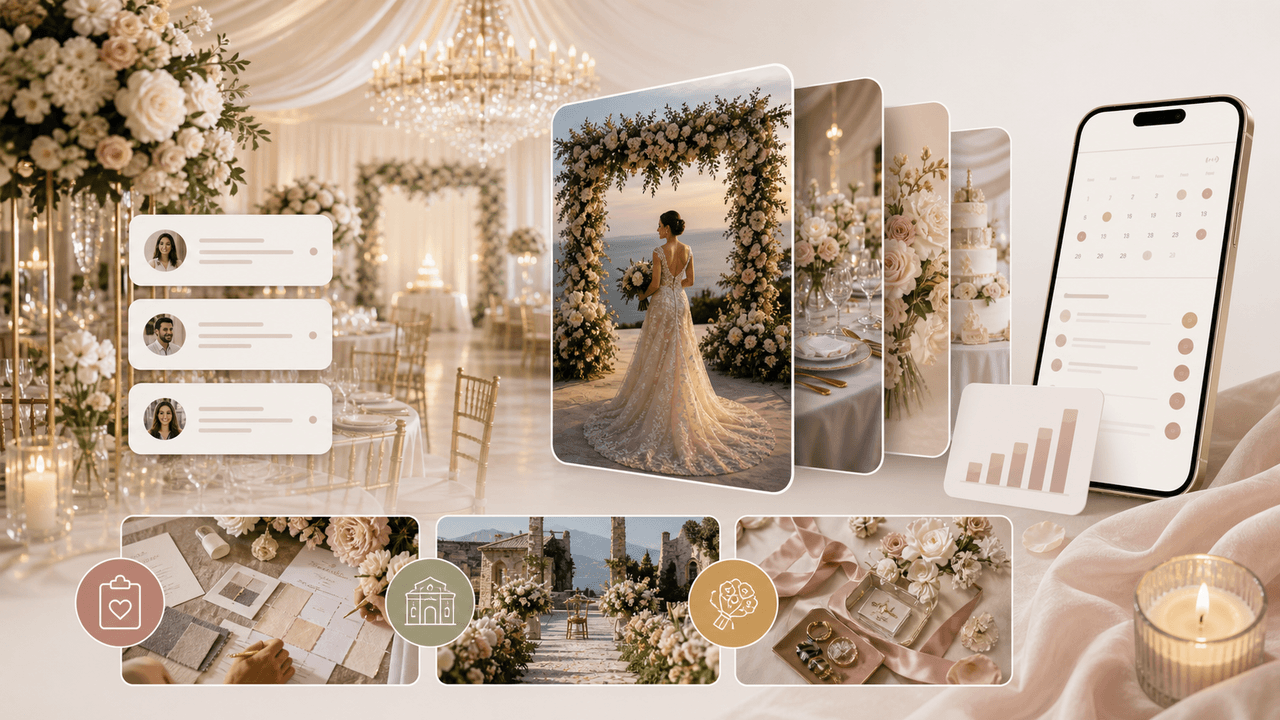
Wedding Business Carousel Marketing: The Instagram Strategy for Venues and Planners
Couples planning a wedding save hundreds of Instagram posts before contacting a single vendor. Wedding businesses that create saveable, shareable carousels position themselves at the top of that consideration list months before the inquiry arrives.
Sources
- Create & manage posts on your Business Profile — Google Business Profile Help
- Guidelines for representing your business on Google — Google Business Profile Help
- A Planning Guide for Making Temporary Events Accessible to People With Disabilities — ADA National Network
- Best Practice Guidelines for Planning an Accessible Event — University of Kansas
- TikTok Image Ads: Visual Marketing Solutions to Engage Customers — TikTok For Business
Written by
AttentionClaw
Editorial Team
Editorial context
Part of the Content Planning topic cluster. Last updated June 22, 2026.