Chapter 1
The short answer: use the countdown to pre-teach the app
A mobile app launch countdown content calendar should use the 30 days before launch to pre-teach the product. The content should explain the problem, show the core workflow, preview onboarding, build proof, answer objections, and prepare the audience for the launch CTA.
Do not make the whole countdown a daily reminder that the app is coming. That burns attention without increasing understanding. Each post should reduce one piece of friction: why the app exists, who it is for, what the first action is, how it differs from alternatives, what data or permission is needed, and what result users can reasonably expect.
Apple's App Store marketing tools, custom product pages, and app analytics encourage teams to connect campaign traffic to relevant product-page experiences. Social launch content should follow that logic: every countdown asset should match the destination it sends people to.
Days 30-22: teach the problem and audience.
Days 21-15: show the workflow and first success.
Days 14-8: build proof and answer objections.
Days 7-1: convert attention into waitlist, preorder, or launch-day action.
Days 0-7 after launch: shift from hype to activation and retention.
Chapter 2
Prepare the launch assets before the countdown starts
The countdown will stall if the team starts creating screenshots, landing pages, app store copy, demo clips, and campaign links on the fly. Prepare the launch asset kit first: app store URL or placeholder, waitlist page, screenshots, feature descriptions, onboarding flow, approved claims, privacy or permission explanation, and campaign naming plan.
For apps, screenshots are not decoration. They often carry the first concrete proof that the product exists and solves a real problem. Use clean, current screens that match the workflow shown in the social posts.
If custom product pages or campaign links are part of the plan, decide which audience each destination serves before social posts are produced. A creator-focused hook should not send people to a generic enterprise page.
- 1
Create the screen library
Capture the core workflow, onboarding, first success, settings or permissions, and result screens. Keep UI current.
- 2
Create the claim sheet
Document what the app can claim, what must be softened, and what needs evidence or legal review.
- 3
Create the destination map
Map social segments to landing pages, app store product pages, custom product pages, or waitlist pages.
- 4
Create the tracking plan
Use campaign names and UTM conventions where links leave social platforms. Track creative angle, channel, and launch phase.
Chapter 3
Days 30-22: problem education
The first phase should make the audience feel seen before the product asks for attention. Explain the problem, why existing workflows are frustrating, what mistakes people make, and what a better outcome would look like.
This phase is especially useful for new categories or unfamiliar app ideas. If people do not understand the problem, they will not care that the app is launching.
- 1
Post 1: problem carousel
Hook: 'The reason [task] still feels harder than it should.' Slides: pain, why it happens, cost, current workaround, better workflow, waitlist CTA.
- 2
Post 2: mistake slideshow
Hook: 'Most people try to fix [problem] by doing more manual work.' Slides: mistake, consequence, alternative principle, app teaser.
- 3
Post 3: audience definition
Hook: 'This app is for people who [specific repeated behavior].' Explain who should care and who should not.
- 4
Post 4: founder or product thesis
Explain why the app exists without making the build story the whole message.
Chapter 4
Days 21-15: workflow preview
The second phase should show how the app works. Use screenshots, short screen sequences, and carousel walkthroughs. The viewer should understand the first successful action before launch day.
Do not show every feature. Show the path from problem to first value. If the app needs permissions, imports, account setup, or user choices, explain them before launch so they do not surprise new users.
- 1
Post 5: first-success walkthrough
Show the shortest path from opening the app to getting a useful result.
- 2
Post 6: feature spotlight
Choose one feature and explain the user job it supports. Avoid dumping a feature list.
- 3
Post 7: onboarding preview
Show what users will choose, connect, upload, or customize first.
- 4
Post 8: workflow comparison
Compare the old manual workflow with the app-assisted workflow without making unsupported time-saving claims.
Chapter 5
Days 14-8: proof and objection handling
The third phase should make the launch feel credible. Use beta feedback, product screenshots, use-case examples, founder notes, support answers, or privacy explanations. If the app is early and has limited proof, be transparent about that and focus on specific use cases.
Objections are content opportunities. People may wonder whether the app is for them, whether setup is hard, whether their data is safe, whether it works with their workflow, whether the free tier is enough, or whether they should wait.
Beta quote or user scenario.
Privacy or permission explanation.
Who the app is not for.
Common setup concern.
Comparison with a manual workflow.
What will be available on launch day and what is coming later.
Chapter 6
Days 7-1: countdown and conversion
The final pre-launch week should be direct, but not empty. Every countdown post should include a reason to act now: early access, launch reminder, bonus template, limited beta window, product page, preorder, or a specific first action.
Use the same CTA language across platforms so the audience recognizes the launch action. If there are multiple segments, keep each CTA tied to its destination page.
- 1
Day 7: launch week announcement
Summarize the problem, audience, and launch date in one carousel.
- 2
Day 5: first action reminder
Show what the user should do first after downloading.
- 3
Day 3: objection close
Answer the biggest hesitation before launch day.
- 4
Day 1: tomorrow post
Use a clear CTA and destination. Avoid adding new complexity the day before launch.
Chapter 7
Launch day: make the CTA painfully clear
Launch day content should not be clever at the expense of clarity. The viewer needs to know what launched, who it is for, what it helps them do, where to get it, and what to do first.
If the app has multiple platforms or waitlist states, be precise. 'Download on iOS,' 'join Android waitlist,' 'try the web beta,' and 'watch the setup guide' are clearer than 'link in bio.'
Product Hunt, app store, waitlist, and social audiences may need different assets. Do not send every audience through the same caption if the next action differs.
One launch announcement carousel.
One screen-based first-success slideshow.
One founder or product thesis post.
One FAQ or objection post.
One direct CTA story or short-form post.
Chapter 8
Days 1-7 after launch: shift from launch to activation
The week after launch should help users succeed. Many teams stop posting after launch day, but this is when new users need onboarding reminders, setup guidance, examples, troubleshooting, and social proof.
Post-launch content should answer: what should I do first, what should I try next, what common mistake should I avoid, what result can I share, and where do I send feedback?
- 1
Activation tutorial
Show the first useful workflow again with fewer launch-day distractions.
- 2
User question post
Turn early replies, support questions, or app store feedback into helpful content.
- 3
Proof update
Share early usage, feedback, or product learnings without manufacturing hype.
- 4
Retention prompt
Give users a reason to return: template, challenge, saved workflow, or next feature education.
Chapter 9
Use AttentionClaw to build the countdown assets from one launch brief
AttentionClaw can turn a launch brief into countdown carousels, TikTok slideshow scripts, onboarding education posts, and CTA variants. The brief should include audience, problem, app screens, first-success action, objections, destination links, and launch dates.
The output still needs editorial review. Launch content often carries product claims, availability details, pricing, and platform links that must stay accurate.
Callout
Launch content should make the first session easier
If a countdown post gets attention but does not help the user understand what to do after download, it is only hype.
Next step
Build your app launch countdown from one structured brief
AttentionClaw helps app teams turn screens, use cases, objections, and launch dates into social carousels, TikTok slideshows, and activation posts.
Common Questions
FAQ
More Reading
Keep reading
9-chapter read
Mobile App Permission Onboarding Carousels: Explain Data Requests Before Users Bounce
Mobile app permission onboarding carousels should explain why the app asks for data or device access, what value the user gets, and where privacy details live before the prompt appears.
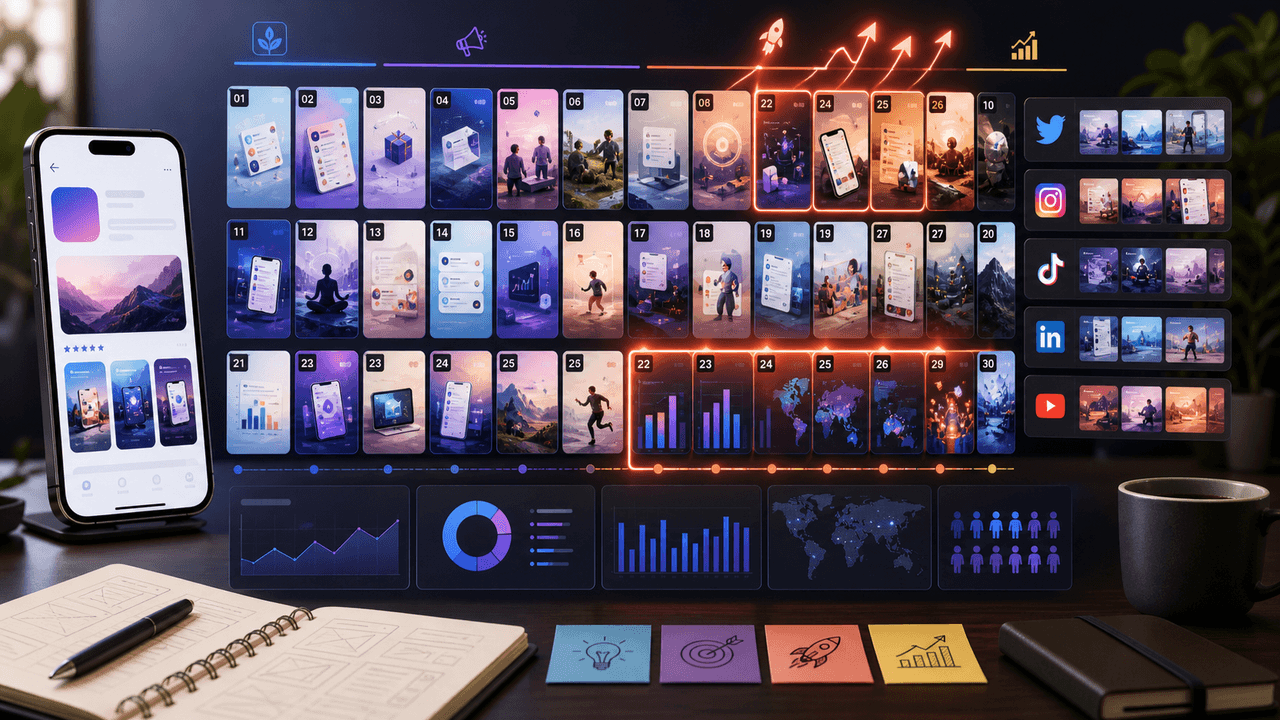
The 30-Day App Launch Carousel Campaign: Day-by-Day Plan
Most app launches fail on social media because teams post randomly instead of following a structured campaign arc. This 30-day plan maps every carousel you need — from pre-launch hype through launch week to sustained post-launch growth.
8-chapter read
Social Launch Checklist for Indie App Founders
An indie app social launch checklist should cover more than announcement posts. Prepare the user promise, proof screenshots, launch-day assets, TikTok slideshows, Instagram carousels, app-store message match, FAQ answers, tracking links, and post-launch onboarding content before the app goes live.
7-chapter read
Social Content Strategy for Waitlist Growth
Waitlist social content works when it gives people a reason to join before the product is fully available. Teach the problem, show proof of the workflow, preview the first user experience, explain what early members get, and keep the launch sequence specific. A waitlist is not a CTA by itself; it needs a promise.
A Zero-Budget App Marketing Plan Built for Learning
Zero-budget app marketing is a constrained learning system, not a promise of free growth. Pick one audience problem, publish useful assets from evidence you already own, route each post to one trackable destination, and use four weeks of comparable data to decide what to repeat.
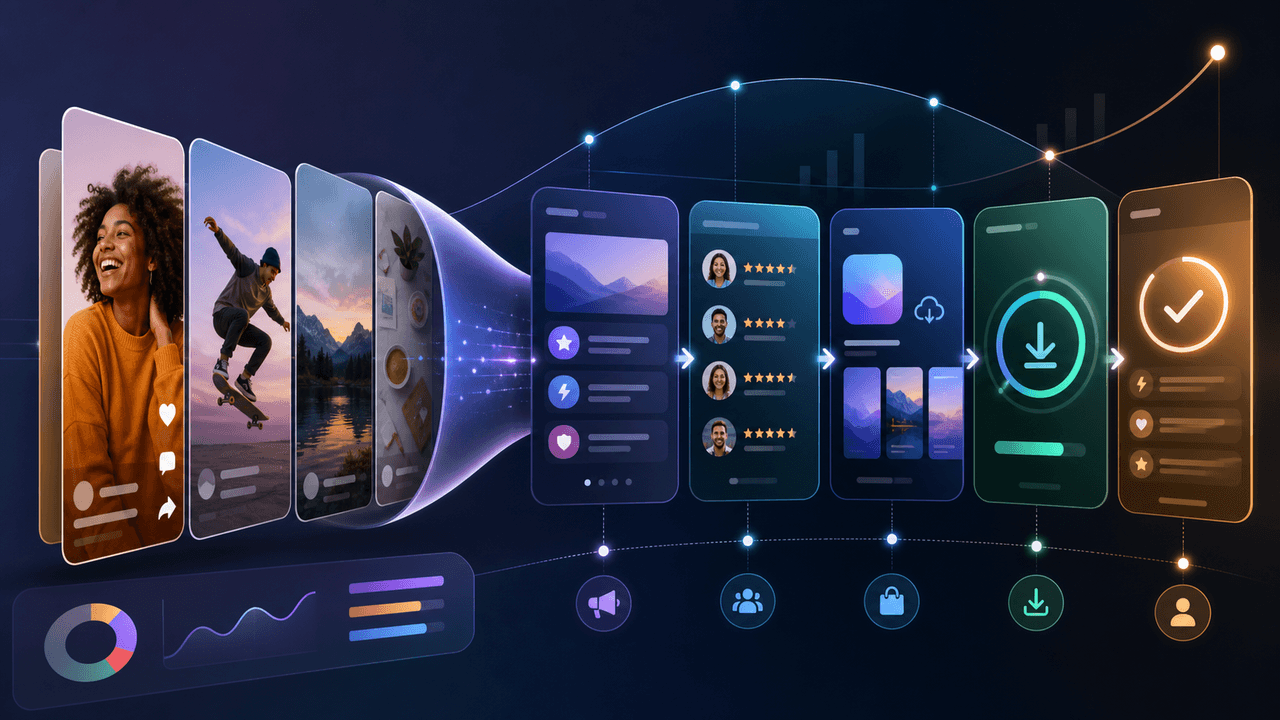
Build a Social-Media App Download Funnel You Can Measure
A social-to-download funnel is a measurement model, not a promise that followers move through fixed stages. Connect each asset to one relevant destination and campaign identifier, then interpret platform, store, and product events within their documented attribution limits.
8-chapter read
TikTok Slideshow Strategy for App Marketing
A useful TikTok app slideshow starts with one audience problem, one supportable product claim, and one next action. This guide turns those inputs into a reviewable sequence and separates creative signals from app-funnel outcomes.
8-chapter read
AI App Launch Social Content Plan: From First Demo to First Users
An AI app launch needs social content that proves usefulness, not just novelty. Build the plan around the user problem, the AI-assisted workflow, the visible output, trust and safety expectations, app-store message alignment, and post-launch onboarding. Use carousels and TikTok slideshows to teach, demonstrate, and answer objections before asking for downloads.
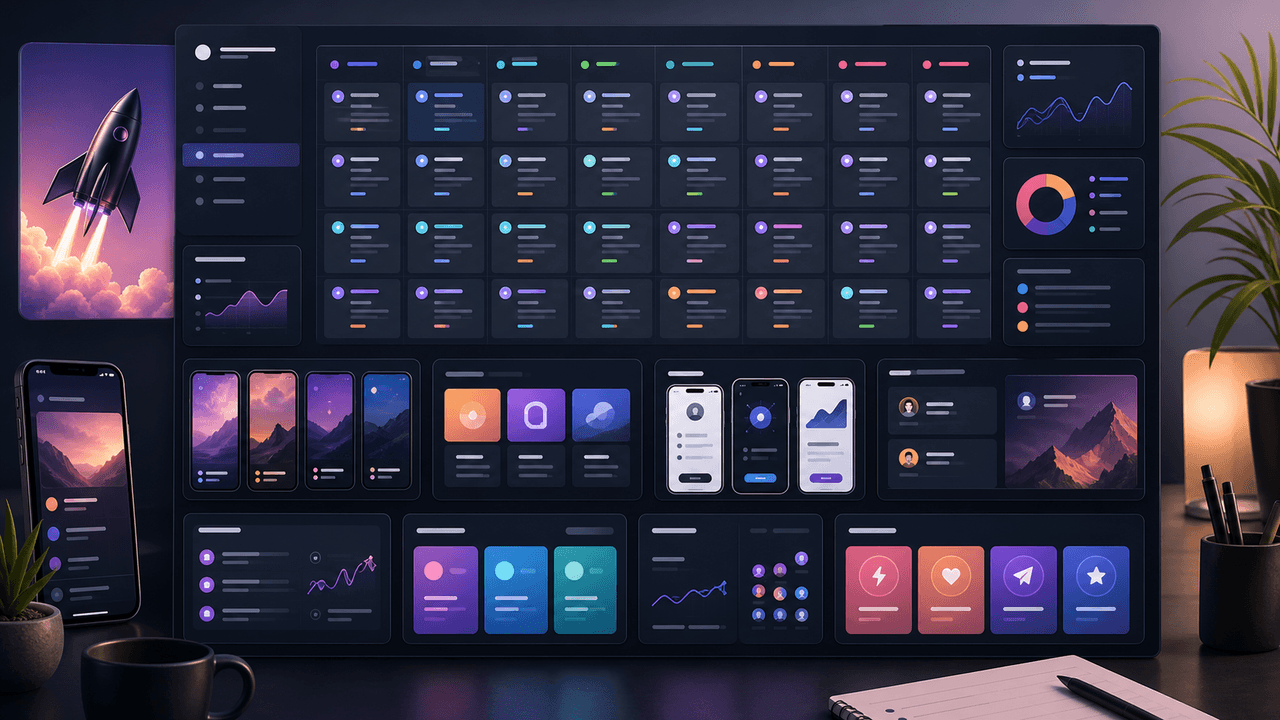
App Launch TikTok Slideshow Calendar: 30 Days of Posts
An app launch TikTok slideshow calendar should start before launch day, not on launch day. Use 30 days of posts to build problem awareness, show the product workflow, collect waitlist or download intent, teach onboarding steps, and answer objections after launch. The strongest calendar mixes hooks, demos, proof, tutorials, and reminders.
Sources
- Custom product pages — Apple Developer
- App Analytics — Apple Developer
- Campaign URL Builder — Google Analytics Help
- TikTok Creative Center — TikTok for Business
Written by
AttentionClaw
Editorial Team
Editorial context
Part of the App Marketing topic cluster. Last updated June 22, 2026.