Chapter 1
Why a content calendar changes everything for app marketing
Content creation without a calendar is like coding without a spec. You might produce something, but you will waste enormous energy on decisions that should have been made in advance. A calendar removes daily decision fatigue and ensures your content mix is strategically balanced.
For app marketers specifically, a calendar ensures you hit all four stages of the download funnel every week: awareness, education, trust-building, and conversion. Without a plan, most developers default to product screenshots and feature announcements, which only serve the bottom of the funnel and bore everyone who is not already considering your app.
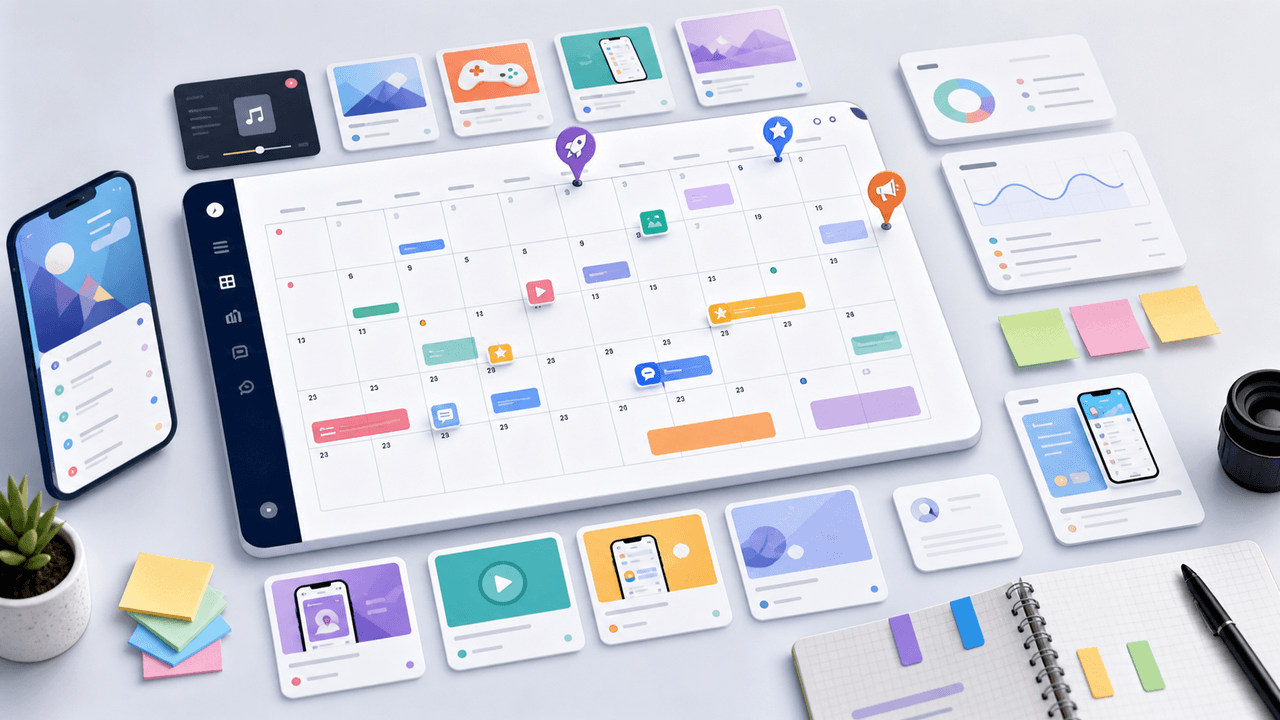
The calendar below follows a 4-pillar system: Problem Awareness posts that attract your target audience, Solution Education posts that demonstrate your app's value, Social Proof posts that build trust, and Behind the Scenes posts that create emotional connection. Each week contains a strategic mix of all four.
A content calendar eliminates the daily 'what should I post' decision entirely
Balanced pillar distribution ensures you serve every stage of the download funnel
Planned content is consistently higher quality than improvised content
Calendars make batch production possible, cutting total production time significantly compared to improvised posting
You can spot content gaps and repetition before publishing, not after
Chapter 2
Week 1: Foundation — Establishing your presence and voice
The first week sets the tone. Your goal is to publish consistently and start training the algorithm on your niche.
- 1
Day 1 — Problem Awareness: The daily frustration carousel
Create a 7-slide carousel that names and validates a common frustration your app solves. Hook: 'If [frustrating situation], you are not alone.' Walk through 4-5 specific pain points your audience experiences. No mention of your app. Pure empathy and validation.
- 2
Day 2 — Solution Education: The 'how I do it' walkthrough
A step-by-step carousel showing a workflow or process related to your app's domain. Feature your app as one step in the process, not the entire focus. Hook: 'My exact process for [achieving result].'
- 3
Day 3 — Behind the Scenes: Why we built this app
Share the origin story of your app in 6-8 slides. What problem drove you to build it? What was your 'aha' moment? This carousel humanizes your brand and performs well as one of your first posts because it explains who you are.
- 4
Day 5 — Problem Awareness: The myth-busting carousel
Take 5 common misconceptions in your app's domain and debunk them one per slide. Hook: '5 things everyone gets wrong about [topic].' Position yourself as the informed voice in the space.
- 5
Day 7 — Solution Education: The tip list
Share 6-7 actionable tips related to your app's value proposition. Make tip number 5 or 6 naturally reference your app. Hook: '[Number] things every [audience] should know about [topic].'
Chapter 3
Week 2: Education — Building authority in your niche
Week 2 shifts toward demonstrating expertise. Your audience should start seeing you as the go-to resource in your category.
- 1
Day 8 — Solution Education: The comparison carousel
Compare two approaches to solving a problem your app addresses. Show the old way vs. the new way, or the manual way vs. the automated way. Let your app be the obvious better option without being preachy about it.
- 2
Day 9 — Problem Awareness: The cost-of-inaction carousel
Quantify what the problem your app solves is actually costing people. Time wasted, money lost, opportunities missed. Hook: 'This is what [problem] is really costing you.' Use specific numbers and scenarios.
- 3
Day 10 — Social Proof: The review compilation
Compile 6-8 of your best user reviews or testimonials, one per slide. If you do not have reviews yet, use beta tester feedback, emails from early users, or social media mentions. Hook: 'What [number] users are saying about [app name].'
- 4
Day 12 — Solution Education: The feature deep-dive
Pick your app's most compelling feature and show it in action across 8 slides. Focus on the outcome, not the feature. Instead of 'Our AI filter,' show 'How to find any document in 2 seconds.'
- 5
Day 14 — Behind the Scenes: A development update
Share what you are currently building or improving. Show design mockups, code snippets, or before-and-after UI comparisons. Hook: 'Sneak peek at what is coming to [app name].' This builds anticipation and loyalty.
Chapter 4
Week 3: Trust — Proving your app delivers results
By week 3, followers are familiar with your brand. Now you convert that familiarity into trust through proof and deeper education.
- 1
Day 15 — Social Proof: The before-and-after transformation
Show a real user's situation before and after using your app. Use screenshots, metrics, or lifestyle comparisons. If you cannot share user data, use your own experience or create a realistic scenario.
- 2
Day 16 — Problem Awareness: The industry trends carousel
Share 5-6 trends or statistics relevant to your app's category. Position these as reasons why the problem your app solves is becoming more urgent. Hook: '[Number] trends that will change [domain] in 2026.'
- 3
Day 17 — Solution Education: The complete guide
Create a comprehensive 10-slide carousel that covers your app's domain end-to-end. This is your pillar content — the post you want people to save and return to. Hook: 'The complete guide to [topic] — save this.'
- 4
Day 19 — Social Proof: The milestone celebration
Share a download milestone, user count, or positive metric. Even small milestones work: 'We just hit 1,000 downloads — here is what we learned.' Include 4-5 lessons from your journey so far.
- 5
Day 21 — Solution Education: The mistake list
Share 5-7 common mistakes people make in your app's domain. Position your app as the tool that prevents or fixes these mistakes. Hook: 'Stop making these [number] mistakes with your [domain].'
Chapter 5
Week 4: Conversion — Driving downloads with every post
In week 4, you have built enough trust to increase the conversion pressure. More direct CTAs, more app mentions, stronger social proof.
- 1
Day 22 — Solution Education: The full app walkthrough
A complete tour of your app in 8-10 slides. Show the user journey from opening the app to achieving the core outcome. This is a product demo disguised as educational content. Hook: 'A complete walkthrough of [app name] in 8 slides.'
- 2
Day 23 — Social Proof: The user story carousel
Tell one user's story in depth across 7-8 slides. Their problem, how they found your app, what changed, and their result. This is more compelling than a review because it follows a narrative arc.
- 3
Day 24 — Problem Awareness: The 'what if' carousel
Paint a picture of life after solving the problem your app addresses. Hook: 'Imagine if you never had to [pain point] again.' Walk through the better future your app enables, then reveal the app on the final slides.
- 4
Day 26 — Behind the Scenes: The roadmap preview
Share your upcoming feature roadmap across 6 slides. Ask for feedback in the caption. This builds investment and gives followers a reason to download now and grow with the app.
- 5
Day 28 — Solution Education: The power-user tips carousel
Share 6-7 advanced tips for getting more value from your app. This targets users who have already downloaded and encourages non-users to download so they can apply the tips. Hook: '[Number] [app name] tips most users do not know.'
Chapter 6
Using flex days for trends and reactive content
You will notice the calendar has intentional gaps — days 4, 6, 11, 13, 18, 20, 25, 27, 29, and 30 are not assigned. These are your flex days, and they serve a critical strategic purpose.
Flex days are reserved for reactive content: a trending audio you want to use, a news event in your industry, a competitor move you can respond to, or a user comment that inspires a carousel. This kind of timely content often outperforms planned content because it taps into existing momentum.
If no trends or events are worth responding to, use flex days for rest. Posting 5 days per week is plenty. The flex day system prevents you from forcing mediocre content just to fill a slot, which protects your average content quality and keeps the algorithm working in your favor.
Keep 2-3 days per week unplanned for reactive and trending content
Monitor your niche's trends, news, and conversations for flex day topics
If nothing compelling emerges, take the day off without guilt
Flex days are perfect for reposting or re-angling your top-performing carousel from the week
Use flex days to test new formats or content styles without disrupting your core calendar
Chapter 7
How to batch-produce an entire week from this calendar
Having the calendar is step one. Executing it efficiently is step two. Here is how to turn each week into a single production session.
Every Sunday or Monday, look at the coming week's calendar assignments. You already know the topic, format, and pillar for each post. All you need to do is write the hooks and slide copy, then produce the visuals.
Start with hooks. Write the first-slide text for all five carousels in one sitting. This takes 15-20 minutes when you are in a creative flow state. Then fill in the body slides for each carousel, working through them sequentially. Total copywriting time: 45-60 minutes for five carousels.
For visual production, use AttentionClaw to generate all five carousels from your copy and brand style. Upload, review, tweak any slides that need adjustment, and schedule for the week. The entire production session — ideation through scheduling — should take under two hours.
- 1
Sunday: Review and plan
Look at the calendar's assigned topics for the week. Jot down specific angles for each one. If a topic does not feel fresh, swap it with a flex day idea.
- 2
Monday: Write all hooks and copy
Write first-slide hooks for all carousels, then fill in body slides. Work in one focused session. Do not open any design tools yet.
- 3
Tuesday: Produce and schedule
Generate visual slides using your templates or an AI tool. Review each carousel by swiping through it. Schedule all posts for the week with captions and hashtags.
Chapter 8
Adapting this calendar to your specific app category
This calendar is a framework, not a rigid prescription. The pillar distribution and posting rhythm work universally, but the specific topics should reflect your app's category and audience.
- 1
Productivity apps
Lean into Problem Awareness and Solution Education pillars. Your audience wants workflows, time-saving tips, and efficiency comparisons. Feature specific use cases like email management, task tracking, or meeting notes. Social proof should focus on time saved and productivity gains.
- 2
Health and fitness apps
Behind the Scenes content performs exceptionally well — users want to trust the science and methodology behind your app. Problem Awareness posts should address specific frustrations like inconsistent routines, confusing nutrition, or plateaus. Use before-and-after formats heavily.
- 3
Creative tools
Solution Education is your strongest pillar. Show what users can create with your app through tutorials, showcases, and workflow breakdowns. Behind the Scenes posts showing your design process resonate with creative audiences. Feature user-generated content in your Social Proof posts.
- 4
Finance and budgeting apps
Problem Awareness posts about money stress, hidden fees, and financial mistakes drive high engagement. Solution Education should demystify complex topics. Social Proof should focus on measurable outcomes: money saved, debt reduced, goals reached.
Chapter 9
Measuring your calendar's performance and iterating
A content calendar is only as good as its ability to improve over time. At the end of each 30-day cycle, you need a structured review to understand what worked, what fell flat, and how to adjust the next month's plan.
Pull these metrics for every carousel you posted: impressions, saves, profile visits, and link clicks. Sort by link clicks, because that is the metric most correlated with app downloads. Identify the top 5 posts and look for patterns. Was there a specific pillar, format, or hook style that dominated?
Use these insights to weight your next month's calendar. If Solution Education carousels drove the most link clicks, increase their share from 30% to 40%. If tip lists outperformed step-by-step guides, shift your format mix. The calendar should evolve every month based on real data, not assumptions.
Review all carousel metrics at the end of each 30-day cycle
Sort by link clicks — the metric most correlated with downloads
Identify which pillar, format, and hook style drove the most conversion actions
Adjust next month's pillar distribution based on what performed best
Repurpose your top 3 performing carousels with fresh hooks and updated content
Chapter 10
What happens after day 30: Building your perpetual content engine
The first 30 days are the hardest because everything is new. You are building habits, learning your audience, and developing your creative voice. But once you complete the first cycle, every subsequent month gets easier and more effective.
Month 2 starts with data. You know which pillars drive downloads, which formats your audience prefers, and which hooks get the most traction. You also have 15-20 published carousels that can be repurposed — update the hooks, refresh the data, try a different visual style, and publish them again.
By month 3, you should have a running content bank of 50+ ideas drawn from audience comments, competitor analysis, and your own expertise. At this point, filling the calendar each week takes 10 minutes because the ideas are already there. You are spending your time on production and optimization, not ideation. That is the perpetual content engine that turns Instagram into a reliable app download channel.
Callout
The production shortcut
AttentionClaw lets you turn your monthly content calendar into publish-ready carousels in a single session. Define your brand once, feed in the topics, and generate an entire month of on-brand slides without opening a design tool.
Next step
Turn your content calendar into carousels in minutes
AttentionClaw generates brand-consistent Instagram carousels and TikTok slideshows from your content plan. Stop spending hours on design and start publishing at scale.
Common Questions
FAQ
More Reading
Keep reading
10-chapter read
How to Turn an Educator Syllabus Into a Content Calendar
An educator syllabus can become a content calendar when each week is mapped to the learner question, misconception, example, practice prompt, proof asset, and next-step CTA.
9-chapter read
Founder-Led AI App Marketing Without Becoming a Build Diary
Founder-led AI app marketing works when the founder uses their voice to clarify the user problem, show the product workflow, build trust, and teach first use. It fails when the account becomes only a build diary. Balance founder context with demos, proof, onboarding education, and user outcomes.

The 30-Day App Launch Carousel Campaign: Day-by-Day Plan
Most app launches fail on social media because teams post randomly instead of following a structured campaign arc. This 30-day plan maps every carousel you need — from pre-launch hype through launch week to sustained post-launch growth.
Turn Your App Store Screenshots Into Instagram Carousels
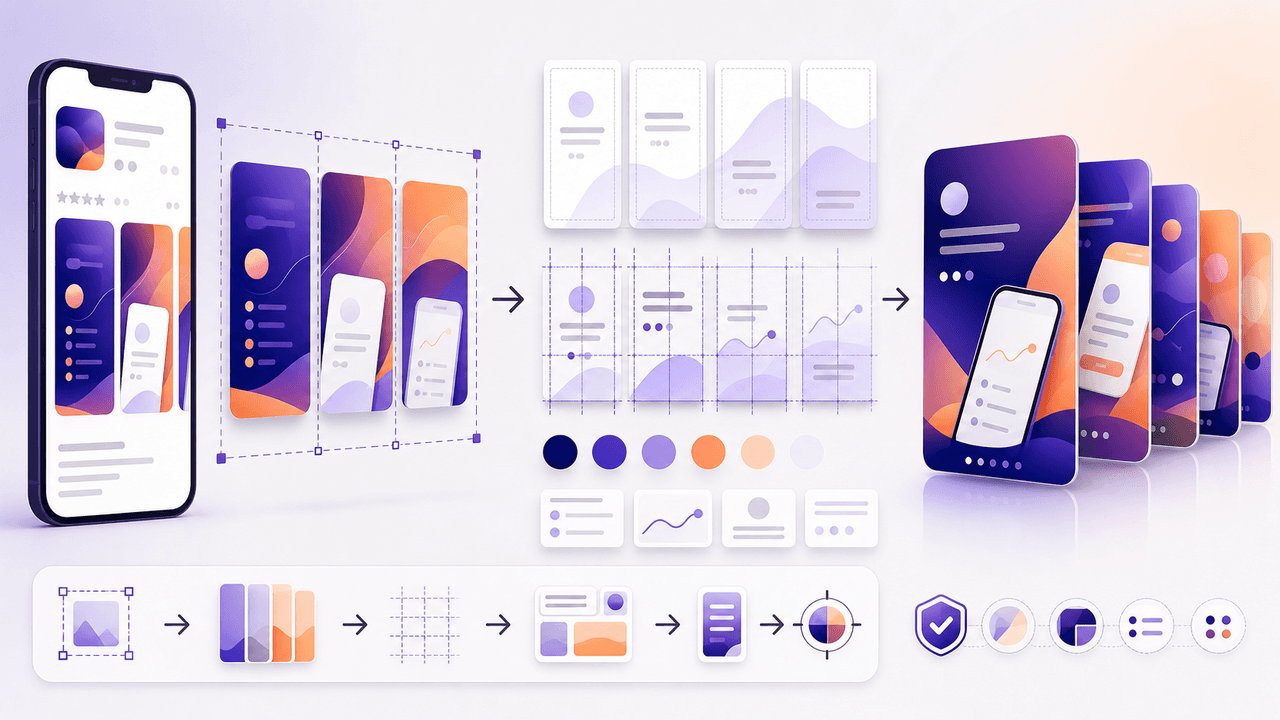
You already have polished app screenshots sitting in your App Store listing. Repurposing them into Instagram carousels takes a fraction of the time of creating from scratch, and the visual consistency between your store listing and social content reinforces brand trust.
A 30-Day Calendar That Includes the Work Around Each Post
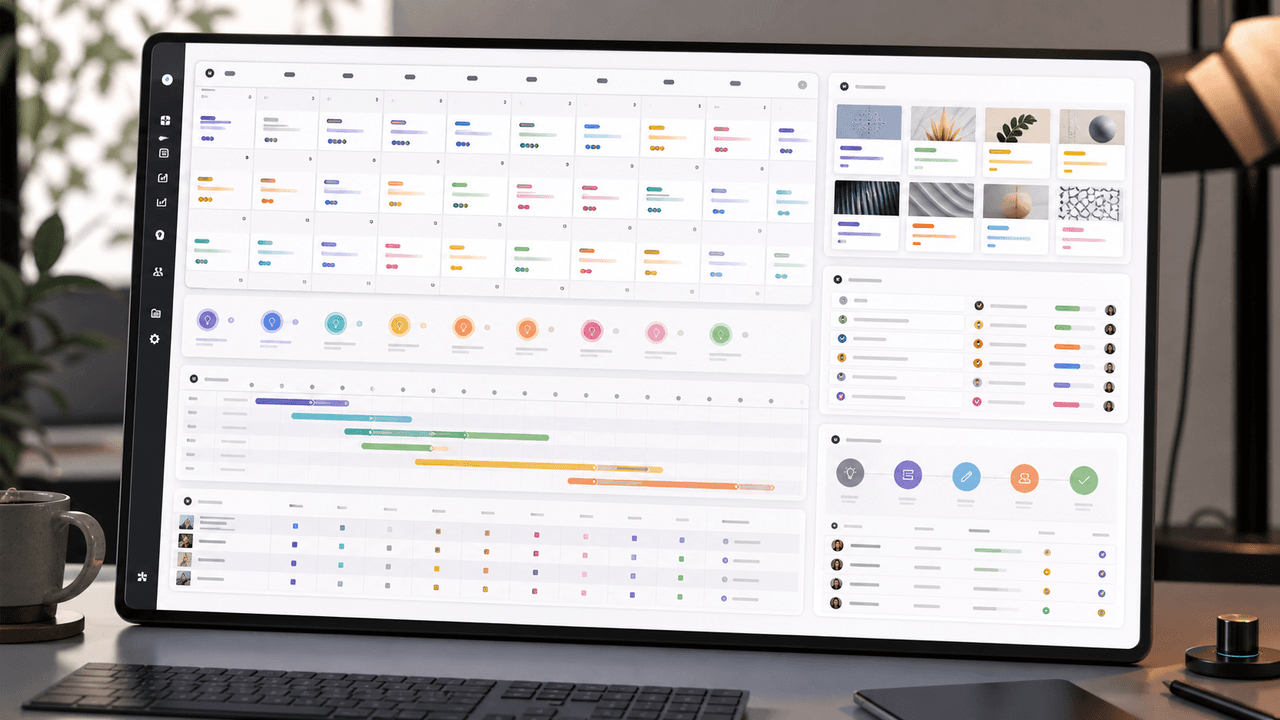
A useful monthly Instagram calendar records more than publication dates. It connects audience questions, approved sources, content pillars, owners, review gates, destinations, live URLs, listening notes, and correction decisions. The complete 30-day example below includes production and hold days so it can be adapted without implying that every account should post daily.
7-chapter read
Social Content Strategy for Waitlist Growth
Waitlist social content works when it gives people a reason to join before the product is fully available. Teach the problem, show proof of the workflow, preview the first user experience, explain what early members get, and keep the launch sequence specific. A waitlist is not a CTA by itself; it needs a promise.

A 12-Week Instagram Strategy That Produces Evidence
An Instagram strategy for an app developer should connect useful, evidence-backed posts to a matching store or product destination and preserve the identifiers needed to inspect what happened. This 12-week plan is built to learn which audience problem and proof deserve another iteration, not to promise a follower or download target.
7-chapter read
App Store Custom Product Pages for Social Campaigns
Custom product pages and custom store listings let app teams continue a social campaign's message inside the app-store experience. Use them when TikTok, Instagram, or paid social promotes a specific feature, persona, season, or offer. The social post, screenshots, preview text, and first in-app destination should all answer the same intent.

Write app marketing hooks the rest of the campaign can prove
App marketing hooks should make a narrow, supportable promise that the next slides and the app-store destination can prove. This guide turns user evidence into hook variants, a complete slide sequence, and a matched measurement plan.
App Launch TikTok Slideshow Calendar: 30 Days of Posts
An app launch TikTok slideshow calendar should start before launch day, not on launch day. Use 30 days of posts to build problem awareness, show the product workflow, collect waitlist or download intent, teach onboarding steps, and answer objections after launch. The strongest calendar mixes hooks, demos, proof, tutorials, and reminders.
Written by
AttentionClaw
Editorial Team
Editorial context
Part of the Content Planning topic cluster. Last updated June 22, 2026.