Chapter 1
The three phases of an app launch carousel campaign
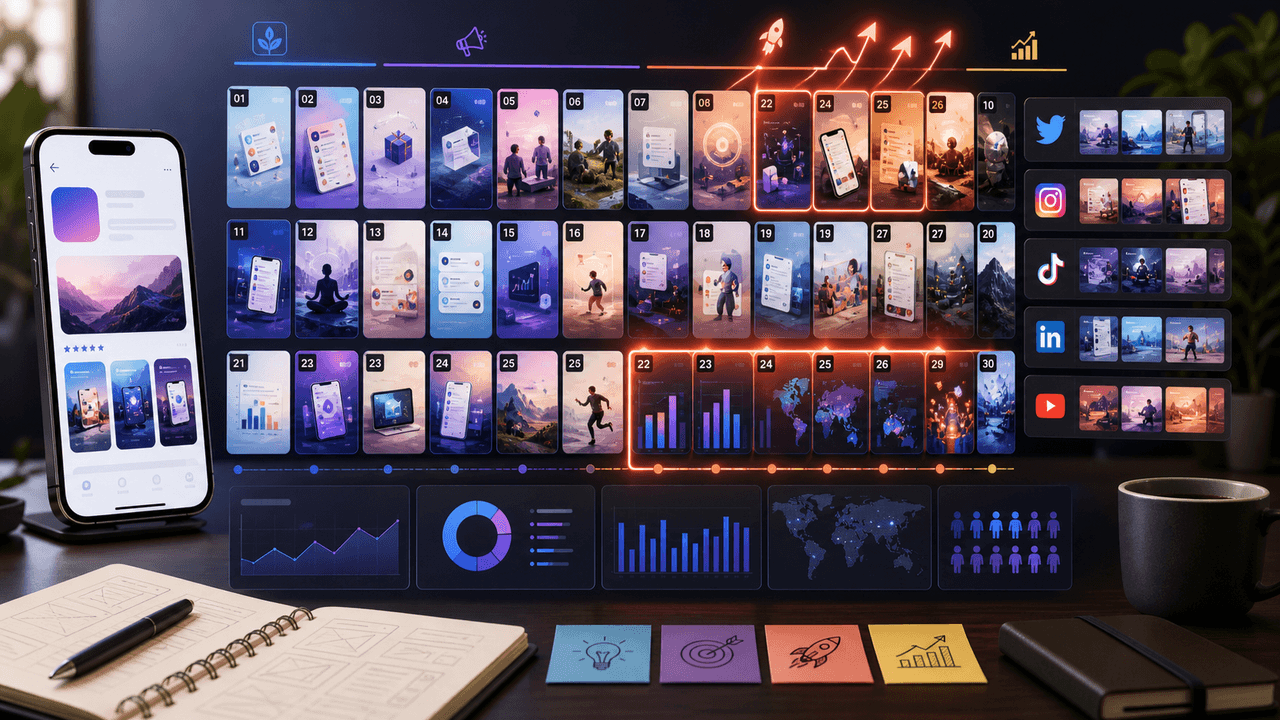
An effective launch campaign is not 30 days of the same message. It is three distinct phases, each with a different goal, audience, and carousel format. Phase 1 (Days 1-10) builds anticipation with your existing audience. Phase 2 (Days 11-17) is the launch week blitz targeting maximum reach. Phase 3 (Days 18-30) sustains momentum and converts latecomers.
Each phase requires different carousel types. Pre-launch favors problem-awareness and behind-the-scenes content. Launch week favors feature showcases and social proof. Post-launch favors tutorials and user-generated content. Mapping this in advance prevents the most common launch mistake: posting the same 'We just launched!' message for two weeks straight.
The content volume also shifts across phases. Pre-launch runs at 3-4 carousels per week. Launch week ramps to daily posts. Post-launch settles back to 4-5 per week. Planning this cadence upfront lets you batch-produce the entire campaign before day one, so execution is just scheduling.
Phase 1 (Days 1-10): Build anticipation — 3-4 carousels per week, problem-focused content
Phase 2 (Days 11-17): Launch blitz — daily carousels, feature showcases and social proof
Phase 3 (Days 18-30): Sustain momentum — 4-5 carousels per week, tutorials and user content
Total carousels needed: 22-28 across the full 30 days
Batch-produce the entire campaign before Day 1 so you never scramble during launch week
Chapter 2
Days 1-10: Pre-launch anticipation carousels
The pre-launch phase warms your audience to the problem your app solves before you ever mention the app itself.
- 1
Days 1-2: The problem carousel
Create a carousel that vividly describes the frustration your app eliminates. No product mention. No hint that a solution is coming. Just validate the pain. Example: '7 things every [audience] is tired of dealing with.' This primes your audience to care about the solution you will reveal later.
- 2
Days 3-4: The industry insight carousel
Share a surprising statistic or trend related to your app's space. Position yourself as an authority. 'We analyzed 500 [workflows/habits/tools] and found this' — educational content that builds trust before the ask.
- 3
Days 5-6: The behind-the-scenes carousel
Show your team, your process, or a glimpse of the product in development. People invest in stories before they invest in products. 'We spent 8 months building something because [problem] drove us crazy' — humanizes the launch.
- 4
Days 7-8: The teaser carousel
Reveal that something is coming without showing the full product. Blurred screenshots, partial UI reveals, or a countdown. 'Something is changing on [launch date]' — creates anticipation that makes the launch post hit harder.
- 5
Days 9-10: The waitlist or early access carousel
If you are collecting pre-launch signups, this carousel drives them. Show just enough of the product to create desire but withhold enough to maintain curiosity. 'Join 2,000+ people who already have early access' — social proof accelerates signups.
Chapter 3
Days 11-17: Launch week carousel blitz
Launch week is about maximum frequency and variety. Every carousel serves a different objection or audience segment.
- 1
Day 11 (Launch Day): The hero carousel
Your flagship post. 10 slides: hook with the outcome your app delivers, reveal the product, walk through 4-5 key features with screenshots, show one testimonial from beta, close with download CTA. This carousel should be your best work — allocate extra time to nail every slide.
- 2
Day 12: The feature deep-dive carousel
Pick your single most impressive feature and dedicate a full carousel to it. Show the workflow step by step with real screenshots. 'Here is exactly how [feature] works in 60 seconds' — removes the abstraction and lets viewers experience the app before downloading.
- 3
Day 13: The social proof carousel
Compile early reviews, beta tester quotes, and download milestones. 'What our first 1,000 users are saying' — validates the launch momentum and converts skeptics who saw your launch post but did not act.
- 4
Day 14: The comparison carousel
Show how your app stacks up against the old way of doing things or against competitors. Be specific: 'What used to take 20 minutes now takes 2.' Comparative content works on people who are in evaluation mode.
- 5
Day 15-17: Audience-specific carousels
Create one carousel per audience segment. If your app serves freelancers, small businesses, and teams, make a dedicated carousel for each showing their specific use case. 'Built for freelancers who...' — specificity converts better than generic messaging.
Chapter 4
Days 18-30: Post-launch momentum carousels
The biggest mistake after a successful launch week is going silent. Your audience's attention is at its peak, and new followers are evaluating whether to stay. Post-launch content should shift from announcement to education and community-building.
Tutorial carousels become your primary format in this phase. Walk users through specific workflows, show hidden features, and teach advanced use cases. This content serves double duty: it helps existing users get more value from the app (reducing churn) while showing potential downloaders what the app can actually do.
User-generated content starts flowing in during this phase if your launch went well. Repurpose the best user reviews, screenshot shares, and success stories into carousels. Nothing converts like seeing someone similar to you getting results from an app.
- 1
Days 18-21: Tutorial carousels (3-4 posts)
One carousel per major use case. 'How to set up [app] for [specific goal] in 5 minutes.' Use real screenshots with numbered steps. These rank well in Explore because they deliver immediate, searchable value.
- 2
Days 22-25: User spotlight carousels (2-3 posts)
Feature real users and their results. Quote them directly, show their setup or output, and tag them. This creates a flywheel: featured users share the carousel, their audience discovers your app, new users want to be featured.
- 3
Days 26-28: What's next carousel (1-2 posts)
Share your roadmap or upcoming features. 'Here is what we are building next based on your feedback.' This keeps existing users excited and gives potential users a reason to invest in an app that is actively improving.
- 4
Days 29-30: Milestone and gratitude carousel (1 post)
Share download numbers, user counts, or engagement milestones from the first month. Thank your early adopters. This emotional close sets the tone for ongoing community and makes users feel like they are part of something.
Chapter 5
How to batch-produce the entire 30-day campaign before launch
The worst time to create content is during launch week when you are also handling press, bugs, customer support, and a dozen other fires. The entire 30-day carousel campaign should be produced and scheduled before Day 1.
Block two full production days, roughly 12-14 hours total. Day one covers ideation, hook writing, and slide copy for all 22-28 carousels. Day two covers design production, review, and scheduling. If that sounds like a lot, remember that you are front-loading a month of content into two days — the alternative is scrambling every morning during the most critical period of your app's life.
Tools like AttentionClaw cut this production time dramatically. Define your app's brand style once — colors, fonts, visual aesthetic — and generate carousel designs from your copy and screenshots. What would take the bulk of a day manually can compress to a fraction of that time when the design step is automated.
Callout
Pre-production checklist
Before your production days: finalize all app screenshots, collect beta tester quotes, write your app's core value proposition in one sentence, define your 3 target audience segments, and list your 5 strongest features ranked by user impact. Having these inputs ready eliminates the research time that slows production.
Chapter 6
Caption frameworks for each campaign phase
Captions during a launch campaign serve different purposes depending on the phase. Pre-launch captions should spark conversation and curiosity. Launch week captions should drive action. Post-launch captions should build community.
The structural formula stays consistent: open with one sentence that adds context the carousel did not cover, add 2-3 sentences of supporting narrative, close with a specific CTA. But the CTA changes by phase.
Pre-launch CTA: 'What is the one thing you wish [category] apps did better? Tell us below.' — generates engagement and market research
Launch day CTA: 'Download free today — link in bio takes you straight to the App Store.' — direct and frictionless
Launch week CTA: 'Tag someone who needs this in their life.' — leverages social sharing for reach
Post-launch CTA: 'Show us how you are using [app] — DM us your screenshot for a feature.' — builds UGC pipeline
Keep captions under 150 words during launch week — people are in action mode, not reading mode
Always include one relevant hashtag that matches the carousel's topic, never a block of 30
Chapter 7
Extending your carousel campaign to TikTok and LinkedIn
Your Instagram carousel campaign should not live on Instagram alone. TikTok slideshows and LinkedIn carousels (PDF format) reach entirely different audiences with minimal additional production effort. The core content — your slides, copy, and narrative structure — stays the same. Only the format and posting cadence change.
For TikTok, convert your best-performing Instagram carousels into vertical slideshows with trending audio. TikTok's algorithm is less follower-dependent than Instagram's, which means a single viral slideshow during launch week can drive more downloads than a week of Instagram posts. Prioritize your problem-solution and comparison carousels for TikTok — they perform best in the discovery-oriented feed.
For LinkedIn, focus on the behind-the-scenes and industry insight carousels from your pre-launch phase. LinkedIn audiences respond to the founder journey and market analysis more than feature showcases. Post the PDF carousel version and pair it with a personal narrative caption about why you built the app.
TikTok: repurpose 2-3 Instagram carousels per week as slideshows with trending audio
LinkedIn: repurpose pre-launch and milestone carousels with founder-narrative captions
Twitter/X: extract individual slides as standalone images with punchy commentary
Cross-platform posting adds 15-20 minutes per platform per week — minimal effort for major reach expansion
Chapter 8
Tracking campaign performance: the metrics that matter at each phase
Different phases call for different success metrics. Measuring the wrong metric at the wrong time leads to bad decisions. Pre-launch is about audience growth and engagement. Launch week is about reach and conversion actions. Post-launch is about retention signals and referral momentum.
- 1
Pre-launch metrics (Days 1-10)
Track follower growth rate, carousel engagement rate, and waitlist signups. You want to see engagement climbing as you approach launch day. If your problem carousels are getting high saves, you are resonating with the right audience.
- 2
Launch week metrics (Days 11-17)
Track reach, profile visits, link-in-bio clicks, and App Store impressions. This is the conversion phase. Compare daily download numbers against your carousel posting schedule to identify which carousel types drove the most installs.
- 3
Post-launch metrics (Days 18-30)
Track saves-to-reach ratio, share rate, and DMs received. High save rates on tutorial content indicate your audience finds lasting value. Shares indicate organic referral potential. DMs signal community building.
Callout
The one number that matters most
Link-in-bio clicks per carousel is your north star metric for the entire campaign. It directly correlates with download intent. A carousel that gets 500 likes but 3 link clicks is entertainment. A carousel that gets 100 likes and 40 link clicks is a growth engine.
Chapter 9
What to do when the campaign is not working
No campaign survives contact with reality perfectly. You need contingency playbooks for the three most common launch scenarios: underperformance, unexpected virality, and mid-campaign pivots.
If your pre-launch carousels are getting low engagement, the problem is usually the hook, not the content. Swap your first slides and repost. If launch week carousels are getting engagement but no link clicks, your CTA is too weak or too buried — move it to slide 7 instead of slide 10 and make it more specific.
If one carousel goes unexpectedly viral, drop everything and create a follow-up carousel within 24 hours while the algorithm is boosting your account. A viral moment is a window — walk through it with more content in the same format and angle that triggered the spike.
Low engagement: test new hooks on the same content — swap slides 1-2 and repost after 48 hours
High engagement, low clicks: strengthen the CTA, move it earlier in the carousel, add urgency
Viral carousel: create a 'Part 2' within 24 hours using the same format and hook style
Negative feedback: address it in a transparent carousel that shows you are listening — this often converts critics into advocates
Algorithm shift: if reach drops mid-campaign, increase Reels and Stories to maintain visibility while carousels recover
Next step
Launch your app with carousels that convert
AttentionClaw generates brand-consistent Instagram carousels and TikTok slideshows from your app's features and brand style. Batch your entire launch campaign in hours, not weeks.
Common Questions
FAQ
More Reading
Keep reading
9-chapter read
AI App Pricing Announcement Social Content
AI app pricing announcements need more explanation than a price card. Social content should connect pricing to user value, explain limits or credits plainly, compare plans by use case, answer trust questions, and show what a user can accomplish before asking them to upgrade.
8-chapter read
Carousel Slide Order That Converts: Hook, Proof, Offer, CTA
A converting carousel usually follows a clear order: hook, context, problem, solution or product, proof, objection handling, offer, and CTA. The exact slide count can change, but the reader should never wonder why the next slide exists.
Show One App Feature Without Inventing the Outcome
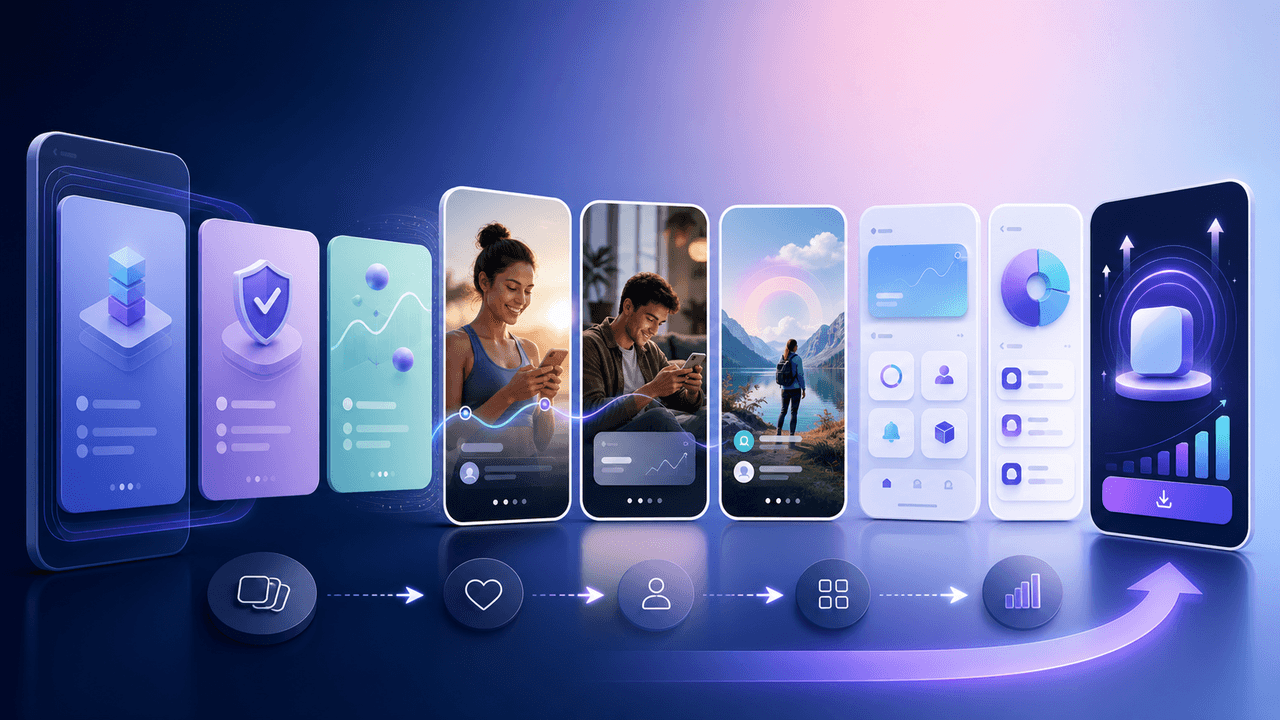
A useful app feature showcase carousel demonstrates one real workflow with current screens, names the audience situation it addresses, and routes the reader to a destination that continues the same promise. A feature-evidence ledger keeps the copy inside what the product can actually prove.
7-chapter read
Social Content Strategy for Waitlist Growth
Waitlist social content works when it gives people a reason to join before the product is fully available. Teach the problem, show proof of the workflow, preview the first user experience, explain what early members get, and keep the launch sequence specific. A waitlist is not a CTA by itself; it needs a promise.
The App Marketing Content Calendar: 30 Days of Carousel Ideas
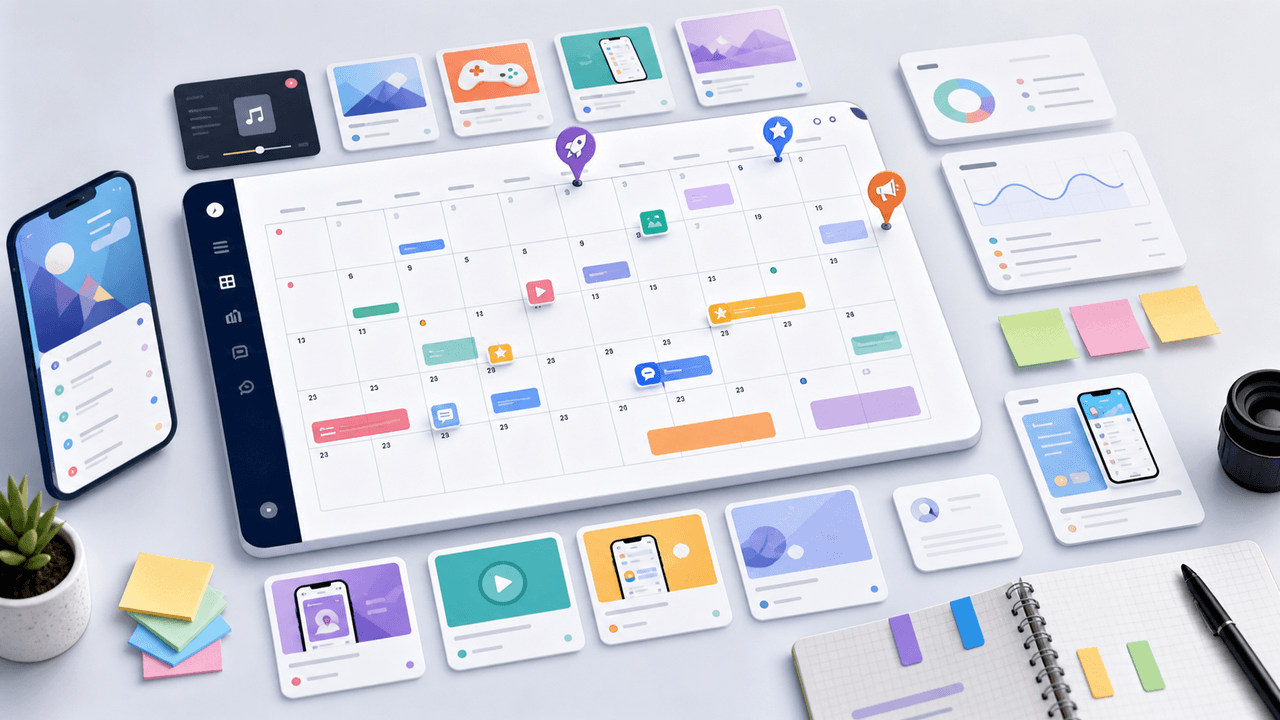
Most app marketers stall because they run out of content ideas by week two. This 30-day calendar gives you a ready-made posting plan with specific carousel topics for every single day.

A 12-Week Instagram Strategy That Produces Evidence
An Instagram strategy for an app developer should connect useful, evidence-backed posts to a matching store or product destination and preserve the identifiers needed to inspect what happened. This 12-week plan is built to learn which audience problem and proof deserve another iteration, not to promise a follower or download target.
7-chapter read
App Store Custom Product Pages for Social Campaigns
Custom product pages and custom store listings let app teams continue a social campaign's message inside the app-store experience. Use them when TikTok, Instagram, or paid social promotes a specific feature, persona, season, or offer. The social post, screenshots, preview text, and first in-app destination should all answer the same intent.
8-chapter read
AI App Launch Social Content Plan: From First Demo to First Users
An AI app launch needs social content that proves usefulness, not just novelty. Build the plan around the user problem, the AI-assisted workflow, the visible output, trust and safety expectations, app-store message alignment, and post-launch onboarding. Use carousels and TikTok slideshows to teach, demonstrate, and answer objections before asking for downloads.
App Launch TikTok Slideshow Calendar: 30 Days of Posts
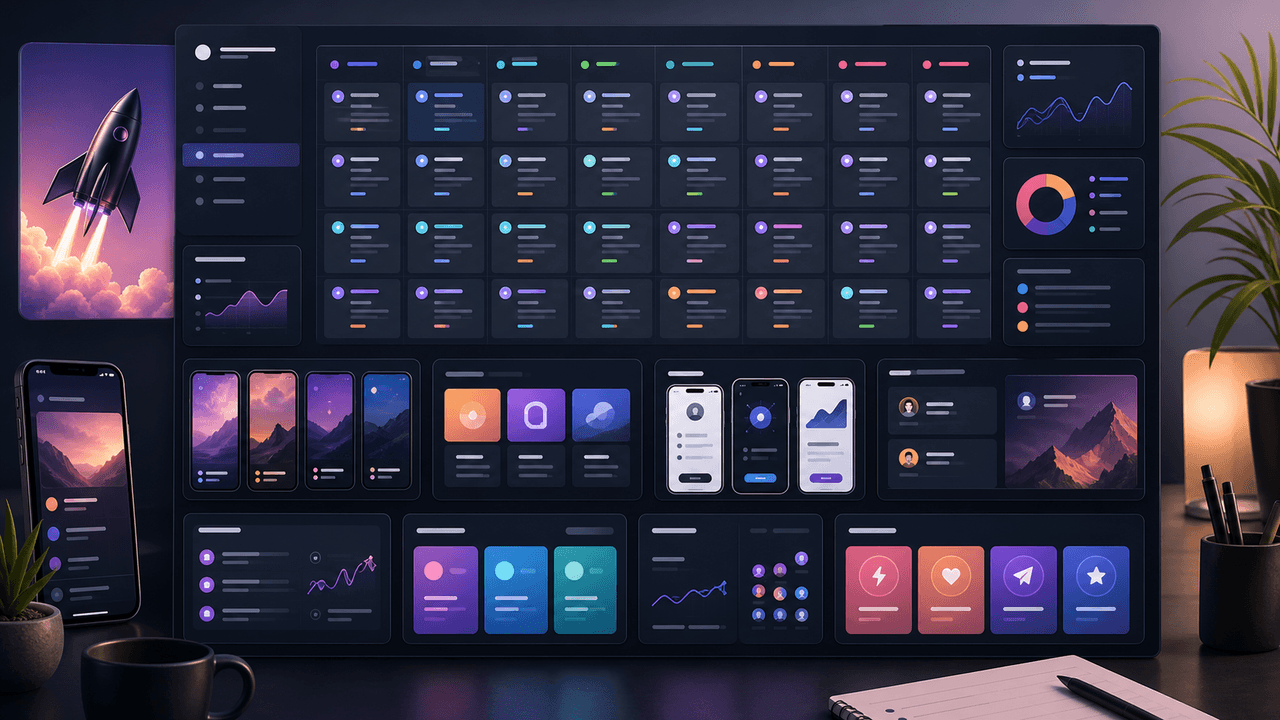
An app launch TikTok slideshow calendar should start before launch day, not on launch day. Use 30 days of posts to build problem awareness, show the product workflow, collect waitlist or download intent, teach onboarding steps, and answer objections after launch. The strongest calendar mixes hooks, demos, proof, tutorials, and reminders.

Carousel Analytics: The Metrics That Actually Matter (And How to Track Them)
Most creators obsess over likes and follower count while ignoring the carousel-specific metrics that actually predict growth. This guide breaks down the numbers worth tracking and the benchmarks that separate average from exceptional.
Written by
AttentionClaw
Editorial Team
Editorial context
Part of the Content Planning topic cluster. Last updated June 22, 2026.