Chapter 1
The direct answer: prepare the story before the announcement
A social launch checklist for an indie app should start with the user promise, not the posting schedule. Before launch day, the founder should know who the app is for, what first outcome it delivers, which screenshots prove it, which objections need answers, and where every social CTA sends the user.
The minimum content stack is one problem post, one product demo, one app-store screenshot breakdown, one FAQ post, one launch announcement, one first-use tutorial, and one post-launch update. That is enough to make the launch understandable across TikTok, Instagram, LinkedIn, and founder channels without creating filler.
Product Hunt's launch preparation guidance is a useful operational reminder: launch assets should be ready before launch day. A founder should not spend the launch window writing carousels while comments, support questions, and store traffic are happening live.
Callout
Launch principle
If a stranger cannot understand the app from your social assets before opening the store page, the launch story is not ready.
Chapter 2
Positioning checklist: one user, one job, one proof path
Indie apps often have flexible use cases, but launch content needs a narrow entry point. Pick one user and one job for the first campaign. A broad claim like 'better productivity' is hard to show. A narrow claim like 'turn a messy changelog into five launch posts' can become a carousel, slideshow, store screenshot, and onboarding tutorial.
Write the positioning in three sentences: this is for, it helps them, and the first useful result is. If those sentences feel generic, make them more concrete before designing assets.
Target user: name the situation, not only the demographic.
Core job: describe what the user is trying to finish.
First result: show what they can create, understand, or schedule quickly.
Main objection: name the reason they might hesitate.
Proof asset: choose the screenshot, output, quote, or walkthrough that makes the promise believable.
Chapter 3
Asset checklist: what to create before launch day
Launch assets should be prepared in reusable layers. The same screenshots can support TikTok slideshows, Instagram carousels, app-store screenshots, email, and product documentation. The same FAQ answers can support social comments, landing page copy, and onboarding messages.
Apple's app product page guidance emphasizes screenshots, previews, and concise descriptions that communicate value. Social launch assets should prepare that same story before the user reaches the store.
- 1
Proof screenshots
Capture the first workflow, the output, and one trust or control state. Do not rely only on a dashboard hero shot.
- 2
Format variants
Create an Instagram carousel, TikTok slideshow, LinkedIn or founder-channel post, story reminder, and app-store screenshot explanation.
- 3
FAQ answers
Prepare short answers for who it is for, what it does, pricing or access, privacy or reliability, and what to try first.
- 4
CTA destinations
Confirm every link works and sends users to the most relevant homepage, app-store page, waitlist, or launch page.
Chapter 4
Launch-day checklist: post with purpose
Launch day should not be a stream of identical announcements. Use a small set of purposeful posts: announcement, demo, proof, objection answer, and recap. Each post should give the audience new information or a new reason to act.
TikTok slideshows are useful for the demo because they can show the workflow without requiring polished video. Instagram carousels are useful for education and FAQs. LinkedIn is useful when the app solves a professional or SaaS workflow.
Morning: publish the clearest announcement with one-sentence promise.
Midday: publish a workflow demo or TikTok slideshow.
Afternoon: publish proof, comment answers, or a user quote if available.
Evening: publish the strongest objection answer from the day.
End of day: publish a recap with what changed, what users asked, and what to try next.
Chapter 5
Tracking checklist: know what the launch actually did
An indie founder does not need enterprise attribution to learn from launch content, but they do need clean signals. Track which post drove profile visits, store clicks, downloads, waitlist signups, and first-use completion. A post that gets fewer likes but more completed first actions is the better launch asset.
If using App Store custom product pages or Google Play custom store listings, keep the social message and store assets aligned. Both platforms support campaign-specific listing approaches that can help show whether a specific launch angle converts better than the default listing.
- 1
Track social intent
Record saves, shares, comments with questions, profile visits, and link clicks.
- 2
Track store movement
Record store page views, conversion rate, downloads, and campaign-specific listing results when available.
- 3
Track first action
Record whether new users complete the workflow promised in the launch content.
Chapter 6
How AttentionClaw helps indie founders prepare the launch
AttentionClaw helps indie founders turn one launch brief into a practical content stack: problem carousels, demo slideshows, FAQ posts, app-store screenshot breakdowns, and onboarding tutorials. This is especially useful when the founder is also shipping the product and cannot spend launch week rebuilding assets manually.
Start with the promise, screenshots, proof, objections, and CTA. Then generate format-specific assets while keeping the same visual style and message sequence. The result is not just more posts. It is a launch story that stays coherent across channels.
Callout
Practical next step
Use AttentionClaw to create the launch content stack before launch day so the founder can spend launch day responding to users.
Chapter 7
The pre-launch dry run: test your content before launch day
One of the most overlooked items on any launch checklist is a content dry run one to two weeks before the actual launch date. The dry run serves three purposes: it tests whether your positioning language lands with real people outside your immediate network, it surfaces technical gaps (broken links, missing screenshots, captions that reference features not yet in the app), and it builds a small amount of organic reach before you need it.
The dry run format is simple: post one piece of launch content — the problem slide, a feature demo, or the user story — under the premise of 'building in public' or 'coming soon.' Measure the response. If comments and DMs are asking the questions you hoped they'd ask ('what platform is this?' 'when does it launch?' 'is there a waitlist?'), your positioning is working. If comments are asking the questions you didn't anticipate ('wait, what does this actually do?'), you've identified a clarity gap before launch day — when fixing it would cost you momentum.
Dry run content also creates a pre-launch audience. People who engage with the coming-soon post become the audience you notify on launch day. A DM to everyone who commented or saved the dry run post — 'it's live today, here's the link' — is one of the highest-converting launch day tactics available to an indie founder with a small following.
Chapter 8
What to do when the launch post doesn't perform as expected
Most indie app launches do not go viral. Preparing for a quiet launch is not pessimism — it's a strategy that prevents the founder from misreading a normal result as a failure and abandoning the content plan. The first forty-eight hours of launch content rarely reflect long-term performance because algorithms take time to distribute new content and early audiences are small.
If launch day posts have low reach and engagement, the next step is not to repost the same content. Instead, shift to depth content: post one specific user problem the app solves, in detail, with a concrete before-and-after scenario. This type of content reaches a narrower but more qualified audience than a broad announcement. Depth content also accumulates algorithmic reach over time — a problem-focused post from week one can still be bringing in users in week six.
Build a two-week post-launch content bridge: three to five posts that go deeper on different aspects of the app rather than repeating the launch announcement. Each post should stand alone as useful content for someone who has never heard of the app, not just as follow-up for people who saw the launch. This transforms a launch event into a launch campaign.
Day 1–2: Launch announcement + demo (reach-focused)
Day 3–5: One specific user problem solved in detail (depth-focused)
Day 6–8: Social proof or early user reaction if available
Day 9–11: Feature or use case the announcement didn't cover
Day 12–14: Review request or community building post
Next step
Create your indie app launch content stack
AttentionClaw helps founders turn app screenshots, positioning, FAQs, and launch notes into carousels, TikTok slideshows, and onboarding posts.
Common Questions
FAQ
More Reading
Keep reading
9-chapter read
AI App Pricing Announcement Social Content
AI app pricing announcements need more explanation than a price card. Social content should connect pricing to user value, explain limits or credits plainly, compare plans by use case, answer trust questions, and show what a user can accomplish before asking them to upgrade.
8-chapter read
App Launch FAQ Carousel Template
An app launch FAQ carousel should answer the questions that block trial or download: who the app is for, what it does, what happens first, pricing or access, privacy or AI control, and where to try it. Use one question per slide and keep answers specific enough to reduce uncertainty.
9-chapter read
Founder-Led AI App Marketing Without Becoming a Build Diary
Founder-led AI app marketing works when the founder uses their voice to clarify the user problem, show the product workflow, build trust, and teach first use. It fails when the account becomes only a build diary. Balance founder context with demos, proof, onboarding education, and user outcomes.
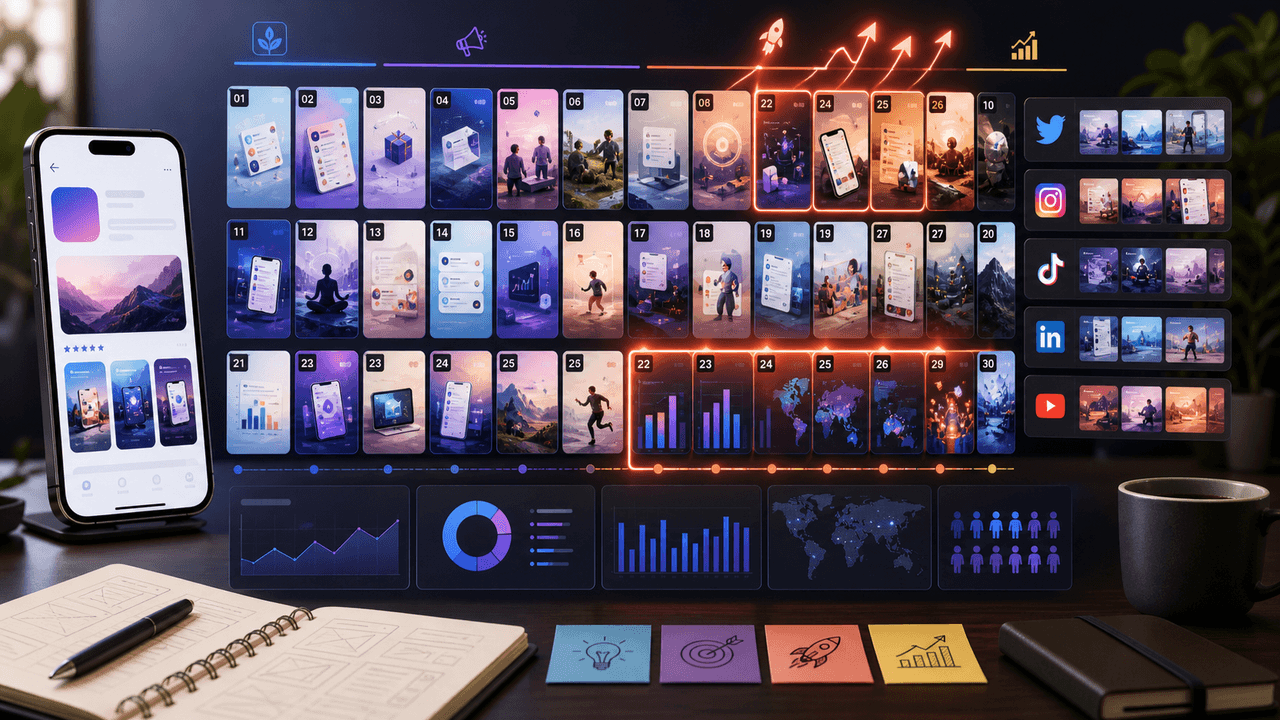
The 30-Day App Launch Carousel Campaign: Day-by-Day Plan
Most app launches fail on social media because teams post randomly instead of following a structured campaign arc. This 30-day plan maps every carousel you need — from pre-launch hype through launch week to sustained post-launch growth.
7-chapter read
How to Turn a Product Hunt Launch Into Social Posts
A Product Hunt launch can become a full social content system if you plan before launch day. Create pre-launch problem posts, launch-day announcement and demo assets, hourly reminders with real updates, objection-answer posts from comments, and post-launch onboarding content for people who discovered the product during the launch.
A Zero-Budget App Marketing Plan Built for Learning
Zero-budget app marketing is a constrained learning system, not a promise of free growth. Pick one audience problem, publish useful assets from evidence you already own, route each post to one trackable destination, and use four weeks of comparable data to decide what to repeat.
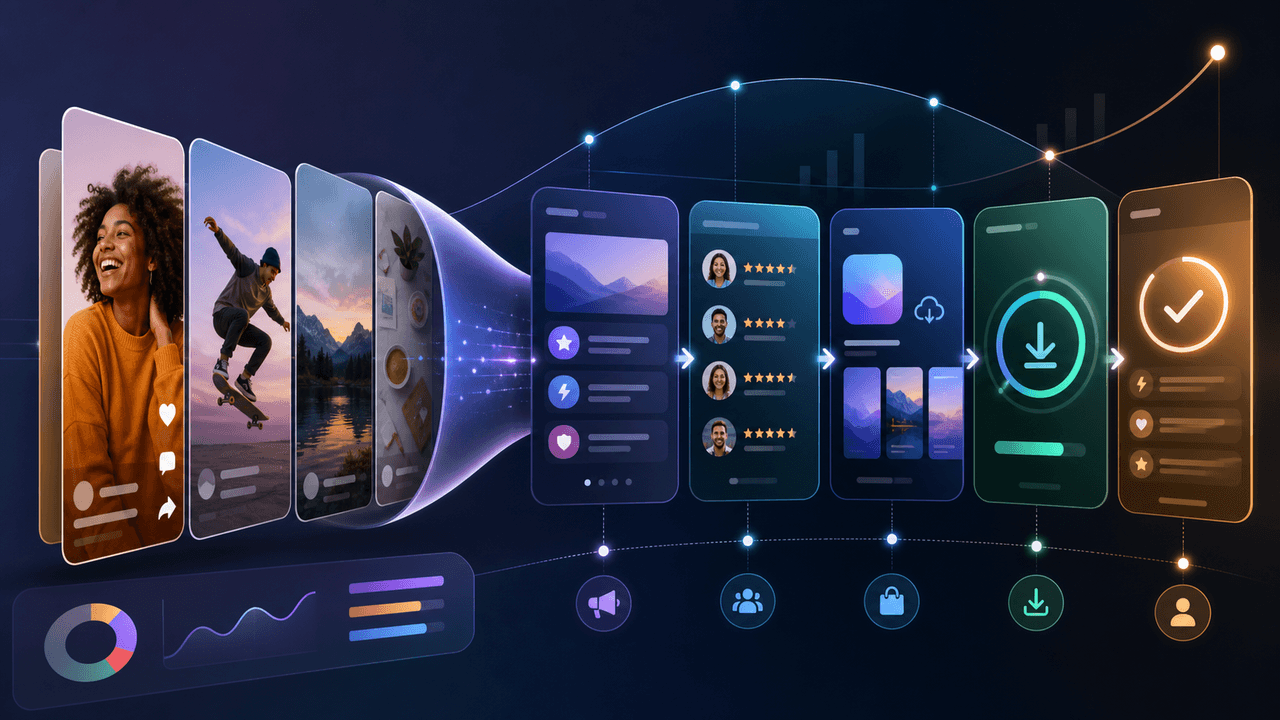
Build a Social-Media App Download Funnel You Can Measure
A social-to-download funnel is a measurement model, not a promise that followers move through fixed stages. Connect each asset to one relevant destination and campaign identifier, then interpret platform, store, and product events within their documented attribution limits.

Write app marketing hooks the rest of the campaign can prove
App marketing hooks should make a narrow, supportable promise that the next slides and the app-store destination can prove. This guide turns user evidence into hook variants, a complete slide sequence, and a matched measurement plan.
8-chapter read
AI App Launch Social Content Plan: From First Demo to First Users
An AI app launch needs social content that proves usefulness, not just novelty. Build the plan around the user problem, the AI-assisted workflow, the visible output, trust and safety expectations, app-store message alignment, and post-launch onboarding. Use carousels and TikTok slideshows to teach, demonstrate, and answer objections before asking for downloads.
9-chapter read
Mobile App Launch Countdown Content Calendar
A mobile app launch countdown calendar should build understanding before launch day: problem education, feature proof, onboarding previews, social proof, product page alignment, countdown assets, and post-launch activation. The goal is not daily hype; it is reducing friction before the download CTA appears.
Sources
- Prepare for your Product Hunt launch — Product Hunt
- Creating Your Product Page — Apple Developer
- Custom Product Pages on the App Store — Apple Developer
- Custom store listings — Google Play Console
- Creating helpful, reliable, people-first content — Google Search Central
Written by
AttentionClaw
Editorial Team
Editorial context
Part of the App Marketing topic cluster. Last updated June 22, 2026.